
Modrinth · Fabric, Forge, NeoForge, Quilt
[Let's Do] Beachparty on your Minecraft server
[Let's Do] Beachparty runs on Minecraft servers with Fabric or Forge or NeoForge or Quilt. Order your server, set the loader in the panel and install the mod with one click in the mod browser.
Get your Suncream out! We're going to the beach.
- Downloads
- 8.7M
- Author
- satisfyu
- Loader
- Fabric, Forge, NeoForge, Quilt
- Minecraft
- 1.19.2 – 1.21.1
- Updated
- –
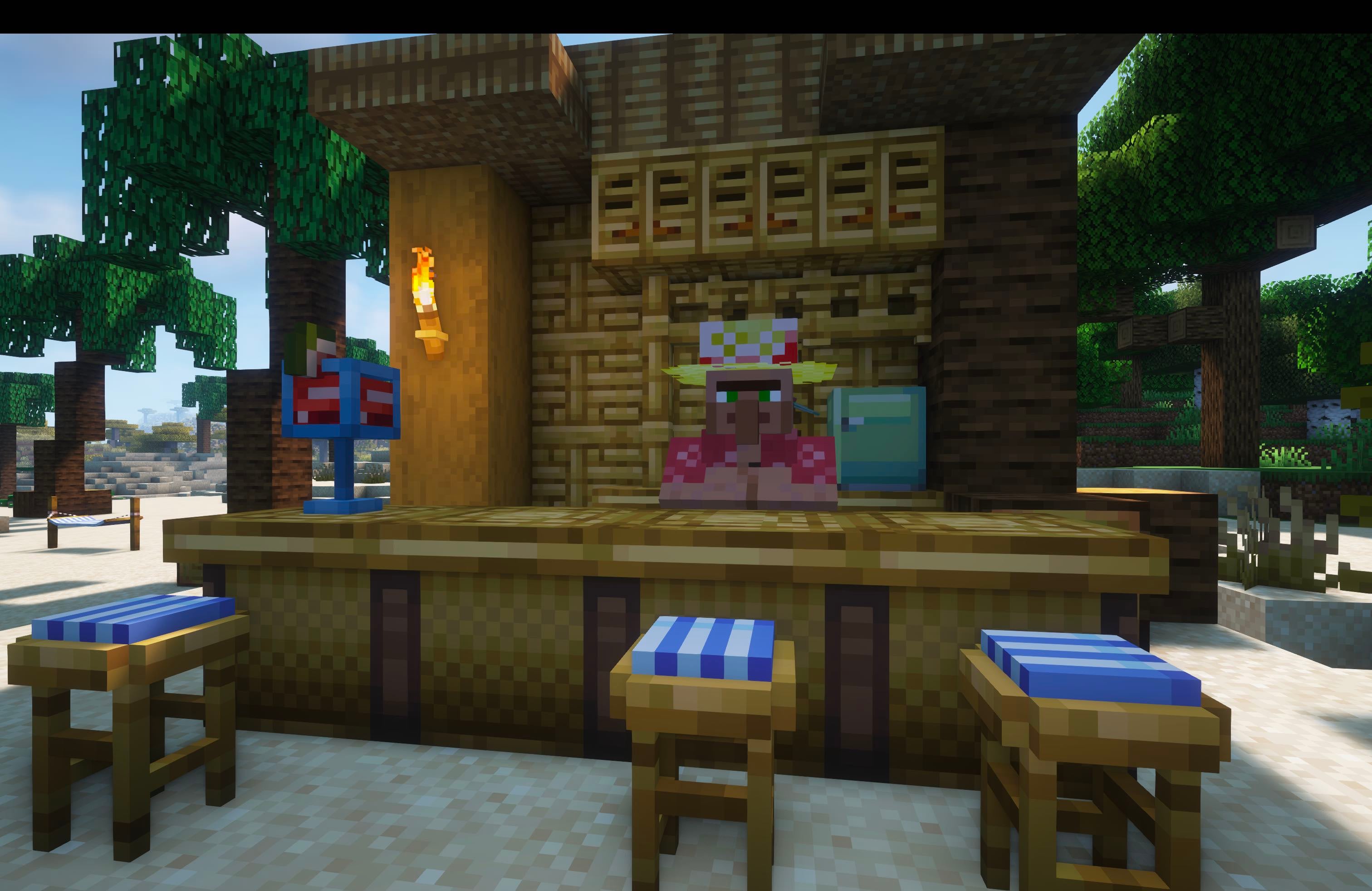
Screenshots
What [Let's Do] Beachparty looks like


Images: [Let's Do] Beachparty on Modrinth, published by the project team.
Setup
Install [Let's Do] Beachparty on your server
The server and players need the same loader and Minecraft version. Back up the world before adding or updating mods.
- 01
Configure
6 GB of RAM is preselected. You choose the term and add-ons and pay by credit card or PayPal.
- 02
Set the loader
In the panel, set the server software to Fabric or Forge or NeoForge or Quilt and choose the matching Minecraft version, for example 1.21.1.
- 03
Install the mod
Search the mod browser for “[Let's Do] Beachparty” and install the release for your loader. Alternatively, upload the .jar to the mods folder via SFTP. Required dependencies are listed on the project page.
- 04
Connect
Every player installs the same [Let's Do] Beachparty release locally and connects using the server address from the panel.
- On the server
- Required
- On the client
- Required
- Loader
- Fabric, Forge, NeoForge, Quilt
- Minecraft
- 1.21.1, 1.20.1, 1.19.2
- License
- LicenseRef-custom
The panel
Install mods, find errors.
Real screenshots from the Mado panel. Both come with every Minecraft server.
Mod browser
Modrinth and CurseForge, right in the panel.
The browser filters by your Minecraft version. Install mods with one click, without uploading .jar files.

AI crash analysis
When a mod crashes, the analyzer reads the log.
Mods often fail on a wrong loader version, Java version or missing dependency. The analyzer names a likely cause and suggests a fix.

Releases
Published releases
Pick the file that matches your server’s loader and Minecraft version. The server and players need the same release.
[Let's Do] Beachparty · Modrinth- beachparty-2.1.5 [1.21.1-fabric]September 19, 2026Minecraft 1.21.1 · Fabric
- beachparty-2.1.5 [1.21.1-neoforge]September 19, 2026Minecraft 1.21.1 · NeoForge
- [Let's Do] Beachparty 2.0.3August 5, 2025Minecraft 1.20.1 · Fabric, Quilt
- [Let's Do] Beachparty 2.0.3August 5, 2025Minecraft 1.20.1 · Forge, NeoForge
- Let's Do: Beachparty 1.0.12August 11, 2023Minecraft 1.19.2 · Fabric
Original description by the project author

Sunny Shores & Tropical Vibes
The laid-back chapter of the Let's Do collection
"Catch the sun. Feel the breeze."
Get your suncream out, we're going to the beach.
Beachparty turns your coastline into a vibrant summer escape. Collect stylish trinkets, mix refreshing drinks and build the ultimate seaside hangout.
Relax. Unwind. Let the tide roll in.
Beach Essentials
- Trunks, bikinis, sunglasses and more collectibles
- Many items grant small bonuses to enhance beach life
- Wear your summer style with confidence
Sun out. Shades on.
Build the Perfect Spot
- Beach chairs in various styles
- Tables, palm bar and tropical decor
- Perfect building palette for bamboo and coastal builds
Design your own shoreline retreat.
Drinks & Tunes
- Craft refreshing cocktails
- Enjoy laid-back beach vibes
- A radio that now works seamlessly without disconnecting everyone
Turn up the volume. Watch the sunset.
Step into the sand.
Raise your glass.
Stay for the sunset.
I wish you lots of fun with this cute little mod.
Dedicated to MissLilitu
The Let’s Do Collection

Support & Community
Let’s Do grows through its community.
[Let's Do] Beachparty server crashes on startup – what to do?
Common causes: the loader or Minecraft version does not match the mod file, a dependency is missing, or RAM is too low. Check the log (latest.log) for “OutOfMemoryError”, “Mixin” or missing mods. At Mado, the AI crash analysis reads the log and suggests a cause. You can change the loader and version in the panel.
Which loader does [Let's Do] Beachparty run on?
According to Modrinth, [Let's Do] Beachparty supports Fabric, Forge, NeoForge, Quilt for Minecraft 1.21.1, 1.20.1, 1.19.2. Forge and Fabric files are not interchangeable: pick one loader for the server and clients.
How much RAM does a server with [Let's Do] Beachparty need?
As guidance, 4–6 GB for a server with this mod. This is an estimate, not a measured minimum. More mods, many players and long view distances need more. The spark profiler shows whether a mod is costing tick time.
Similar mods
Popular mods in the same category
 Server-ready

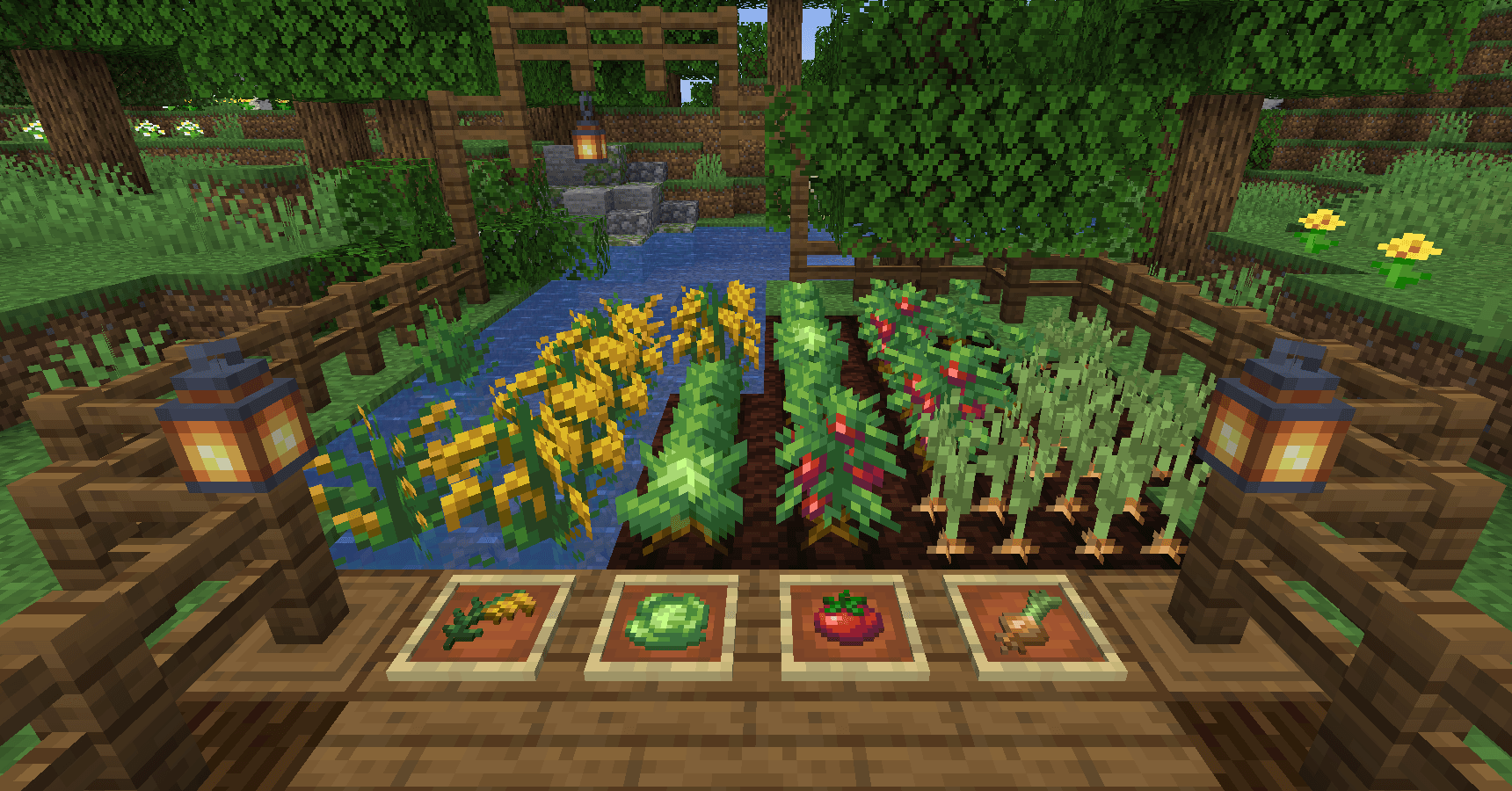
AppleSkin
by squeek502
Food/hunger-related HUD improvements
 Server-ready

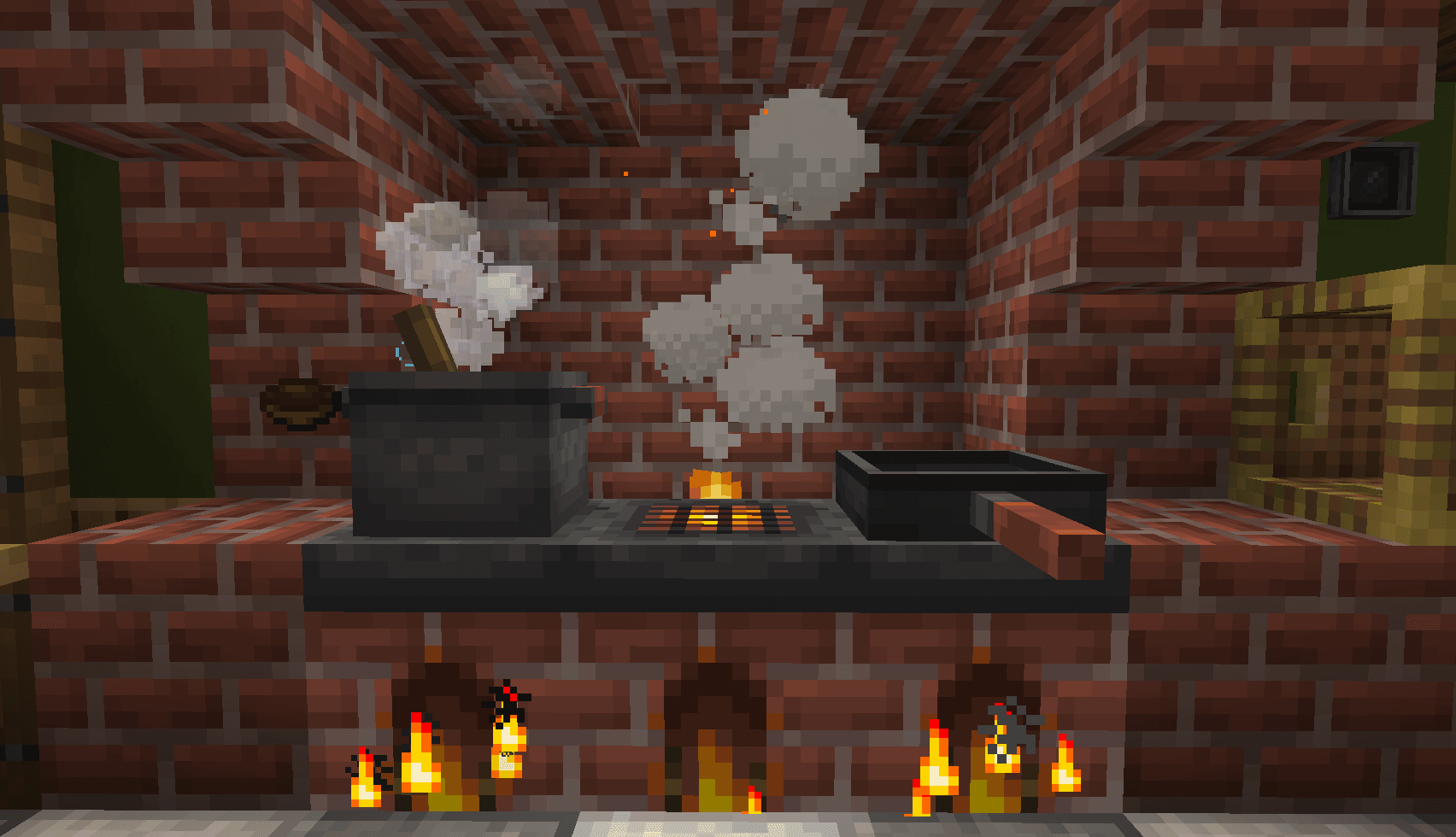
Farmer's Delight
by vectorwing
A cozy expansion to farming and cooking!
 Server-ready

Farmer's Delight Refabricated
by Cassian
Modern Fabric port of the cooking and farming mod, "Farmer's Delight"
 Server-ready

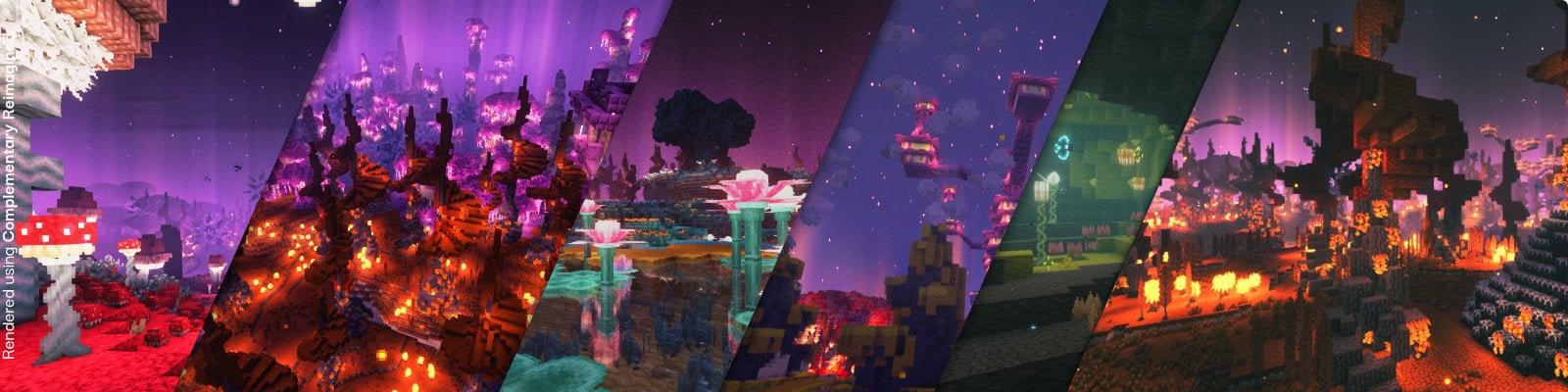
BetterEnd
by quiqueck
New Biomes, mysterious rituals and Mobs for your End
Ready for your server with [Let's Do] Beachparty?
6 GB of RAM from €12.00 per month. 35% off your first month with MADO35.