
Create: Linear Bearing
This mod adds a working linear bearing for Create Aeronautics.
Screenshots
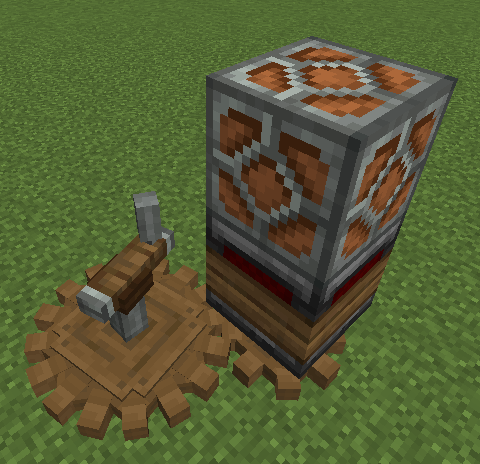
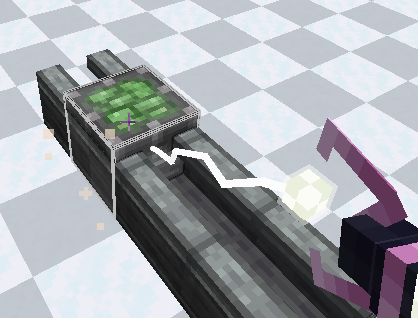
About this Mod
Create: Linear Bearing — True Physics-Based Sliders!
Hey everyone! If you are playing with Create Aeronautics, you already know how awesome it is to build moving vehicles and airships. But there was always one missing piece: a reliable way to make stable, physics-based linear sliders, cranes, and elevators that hook directly into the world physics.
Create: Linear Bearing solves this perfectly for NeoForge 1.21.1. It allows you to transform any glued block structure into a fully physics-driven sliding mechanism using the power of the Sable engine!
Mod fix
They made a fix for my mod, thank you, Mr-Zombii!
I'm too lazy to implement this in the mod, I'm sorry.
https://modrinth.com/mod/linear-bearings-fix
What does this mod do?
Blocks:
Linear Bearing

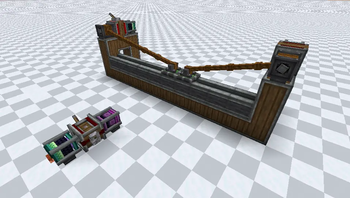
A linear bearing is something like an swivel bearing from Aeronautics, when pressed, it gathers the structure above it and transforms itself into a sliding structure on the casing.
Linear Casing

Well, it's just a case for linear bearings.
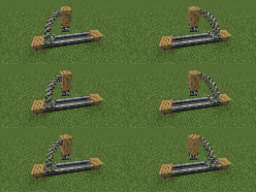
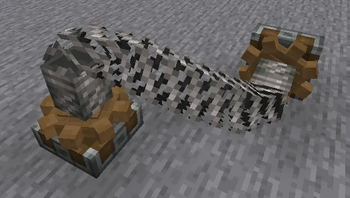
Torsional Anchor

A torsional anchor is a block with a cogwheel that transmits rotation through springs. You just put it on and put a spring on its "head" and the other end of the spring on the other anchor and they both rotate.
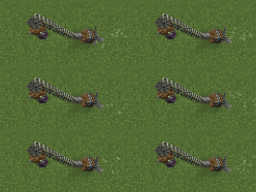
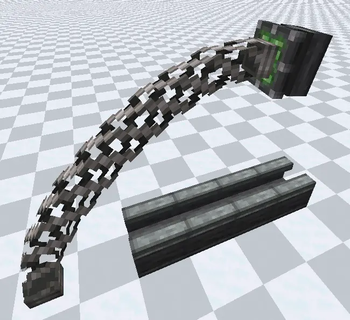
Magnetic Port

A magnetic port is a device that transmits rotation over a distance, and it works the same way in Sable physical structures.

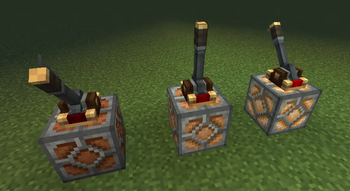
Andesite Lamp

The andesite lamp shines depending on the strength of the redstone signal
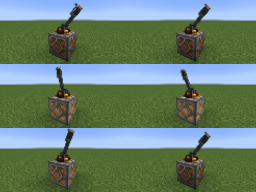
Redstone Converter

The redstone converter converts the rotation speed to redstone, more specifically, one redstone signal level is added every 8 RPM.
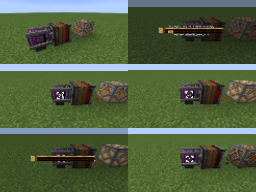
Gyroscopic Gearbox

The gyroscopic gearbox aligns the mechanisms connected to it by rotating in opposition to the rotation of the Sable sub-level on which it is located.
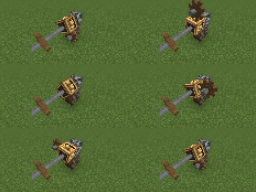
Slippery Copycat

It's just a slippery copycat.

Bubble Gum Block

This block is quite sticky.
Required mod
- Create
- Create Aeronautics
- Sable
Special thanks to DiamondMan10570, Yarik265
Available Versions
How to Install Create: Linear Bearing on Your Server
Order Server
Order a Minecraft Java server with at least 4 GB RAM (6 GB recommended).
Set neoforge Loader
In the panel under "Egg", select the neoforge loader and matching Minecraft version (1.21.1).
Install Mod
Open the mod browser in the dashboard and search for "Create: Linear Bearing". Click "Install" – done! Alternatively, upload the .jar via SFTP to the /mods folder.
Compatibility
Mod Loaders
Minecraft Versions
1.21.1
Server-side
✓ RequiredRecommended RAM
6 GB(min. 4 GB)Frequently Asked Questions
Create: Linear Bearing server crashes on startup – what to do?
Most common cause: wrong neoforge version or insufficient RAM. Check the server log (latest.log) for "OutOfMemoryError" or "Mixin" errors. With Mado Hosting: ensure at least 4 GB RAM is allocated and the loader matches the mod version (1.21.1). You can switch loaders with one click in the panel.
Is Create: Linear Bearing compatible with neoforge?
Create: Linear Bearing officially supports neoforge for Minecraft 1.21.1. The Mado dashboard automatically detects incompatible loader combinations.
Server lagging with Create: Linear Bearing – how to optimize performance?
Recommended RAM: 6 GB (per 5 players). Use /spark profiler to check if Create: Linear Bearing consumes the most tick time. Common fixes: reduce server view-distance to 8-10, install "performant" or "starlight" as supplementary mods on Forge. With Mado Hosting, your server runs on NVMe SSDs with dedicated CPU cores for minimal latency.
Similar Mods




Rent Modded Server
Install Create: Linear Bearing with just one click on your server.