Loot & Explore
Explore and loot new structures and fight new dangerous foes!
Screenshots

About this Mod
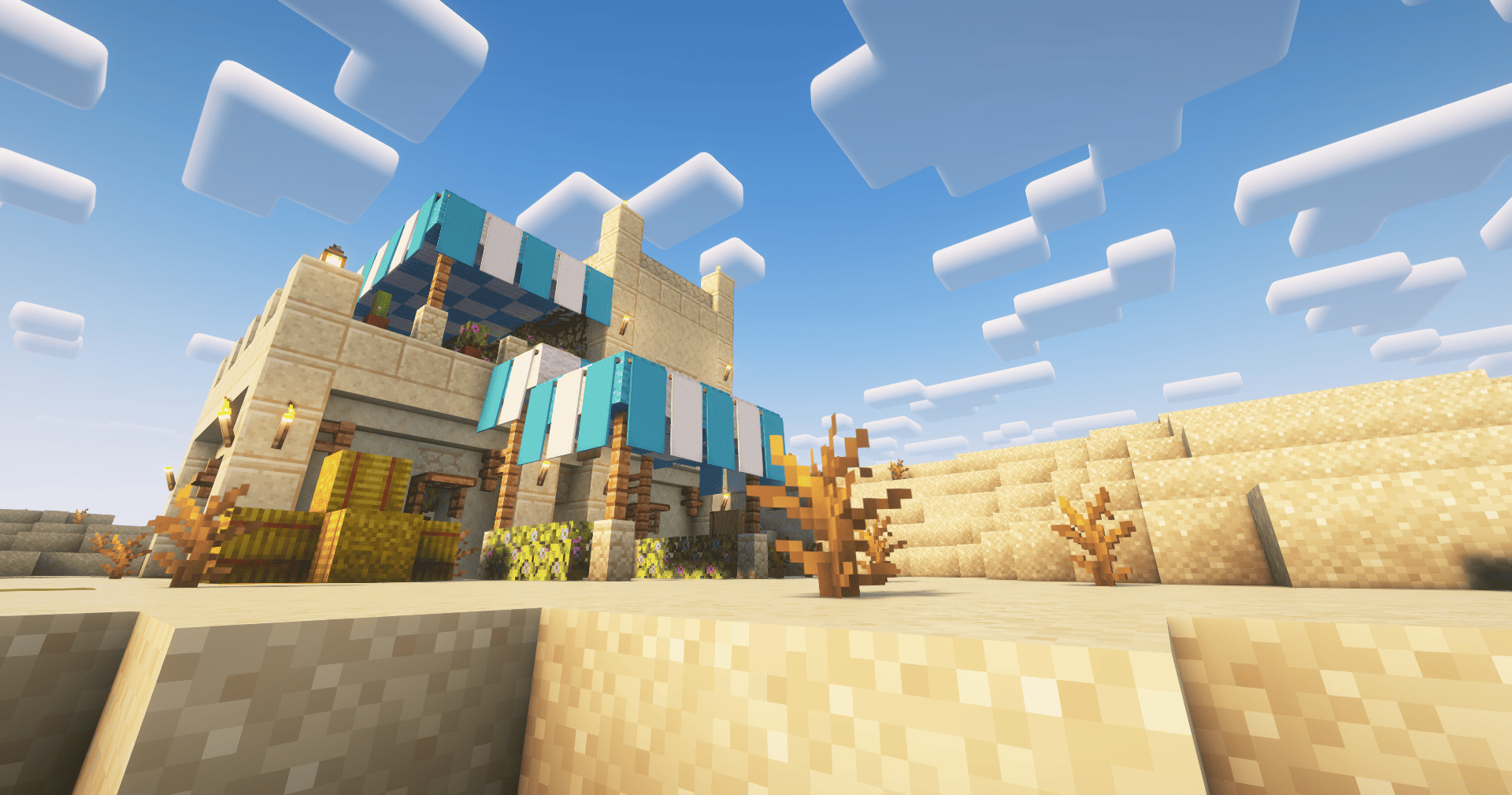
Loot & Explore (BETA)💎🏘️





📂 Installation
🚨Required Mods
🤝Integrated Compatibility
🕹️ Features
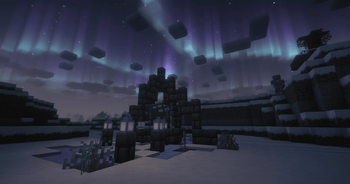
🏚️Structures
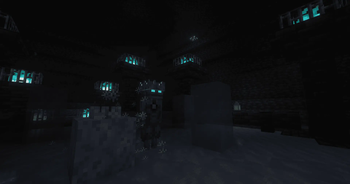
- Explore dangerous structures with new enemies, to fight against
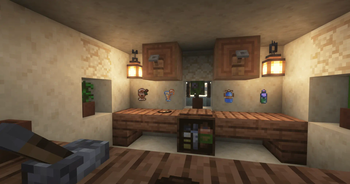
- Find a Inn in a village or in the Overworld
- You´ll find usefull stuff there for your adventure if you trade with the Innkeeper 🍻
💀Monster
Spoiler
1.0.0 Frozen Depths - Release Version
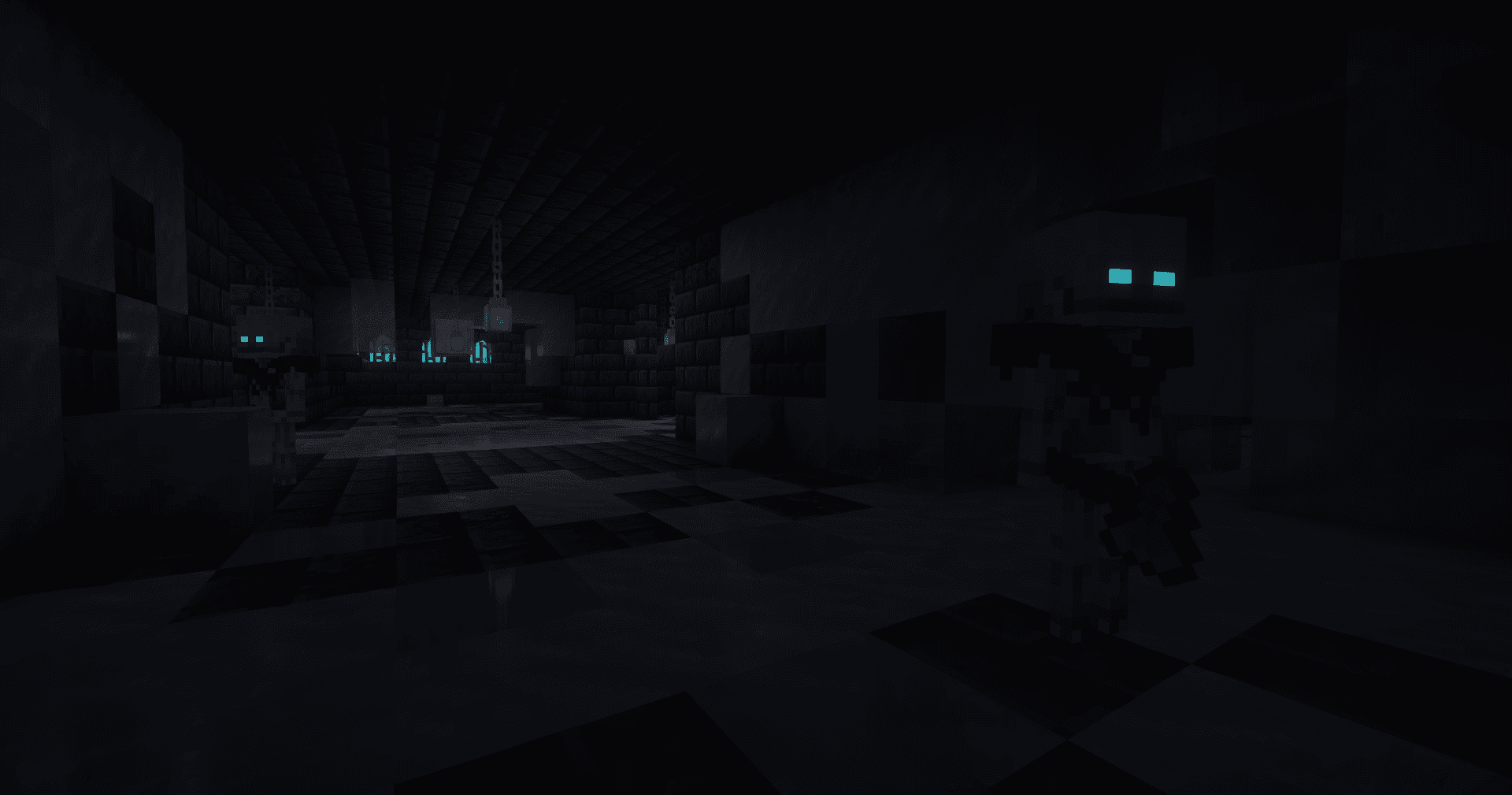
Frosthaunt
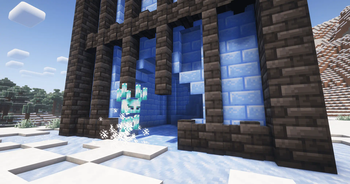
A frozen skeleton with a axe, that freezes you with each hit you can find it in Glacial Tombs.
Glaze
Icy "Blaze" Variant, spawns a frosthail above you and spawns a freezing wind if you come to close, spawns in the Glaze Tower structure.
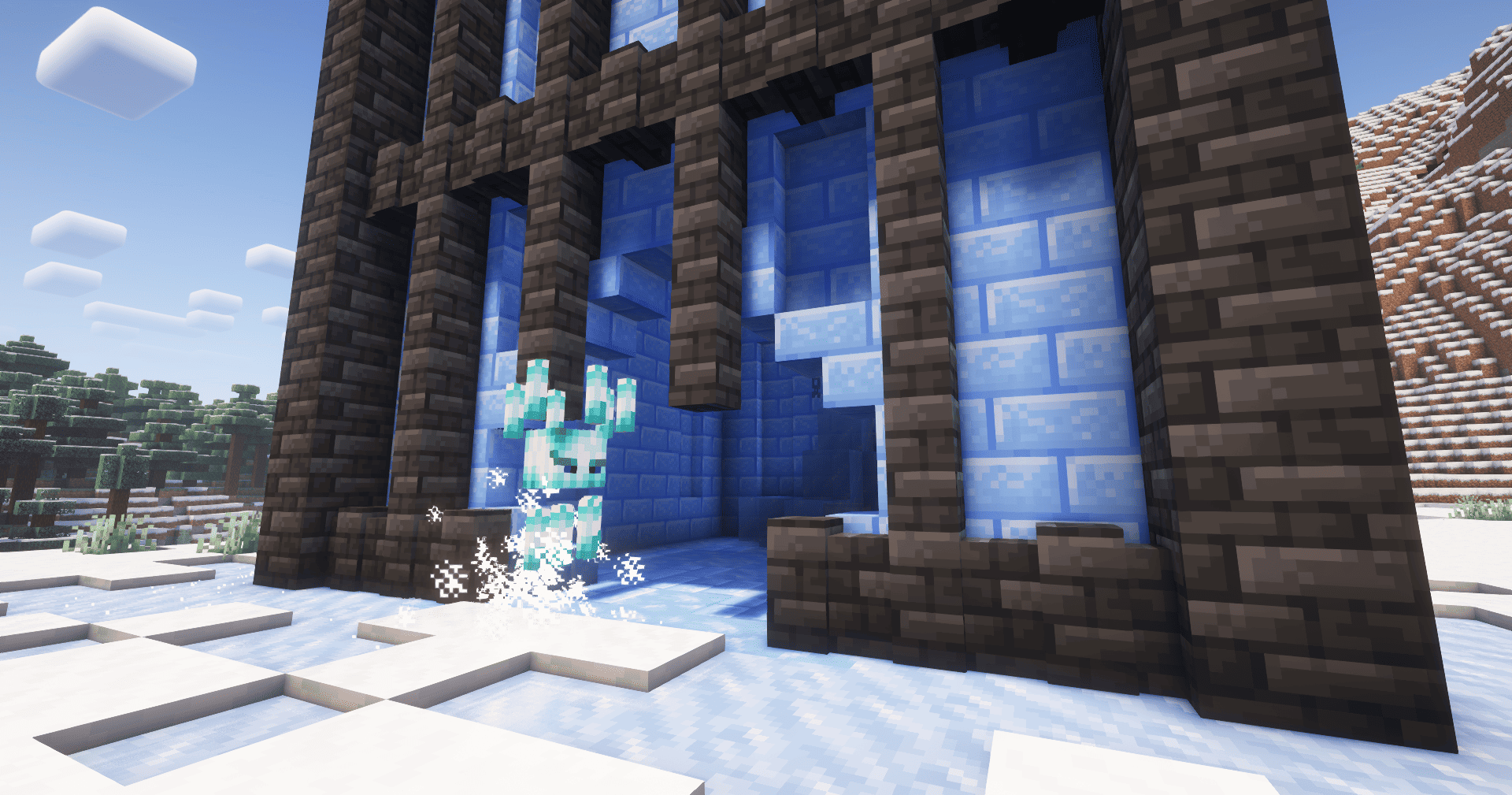
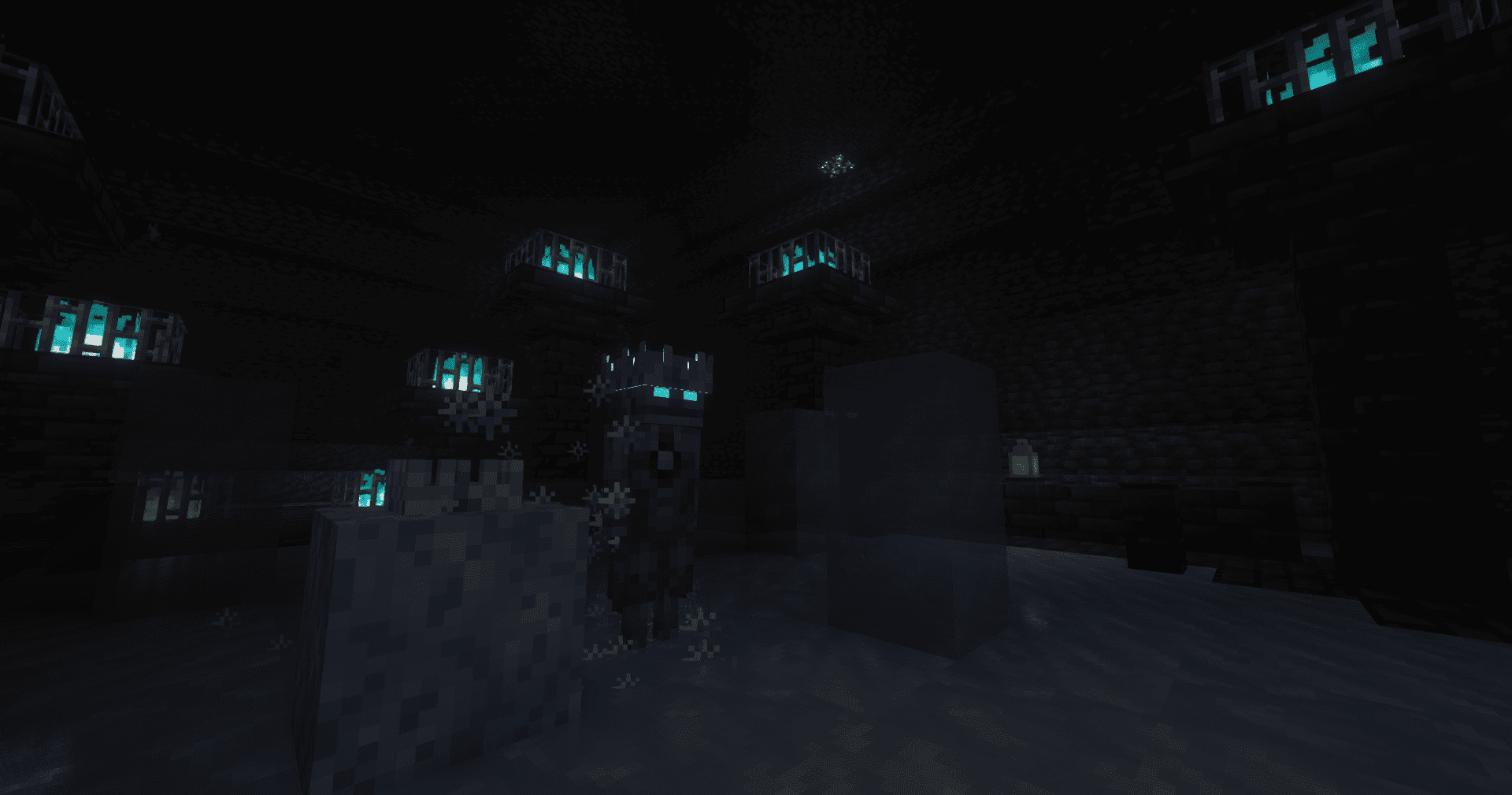
Frost Monarch (Boss)
Can be spawned if you place the Monarchs Crown on the Frozen Souls Block in the Frost Monarch Temple Structure.
The Monarchs Crown can be found in Glaze Tower & Glacial Tombs Loot Chests!
Can summon his servants and perform a range screech attack. Immune to Fire, melee and arrow attacks are reduced.
He also has several freezing attacks & mechanics, stay warm during the fight!
⚔️Equipment
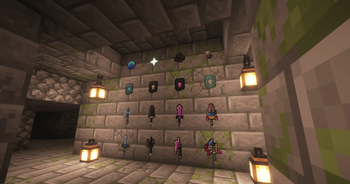
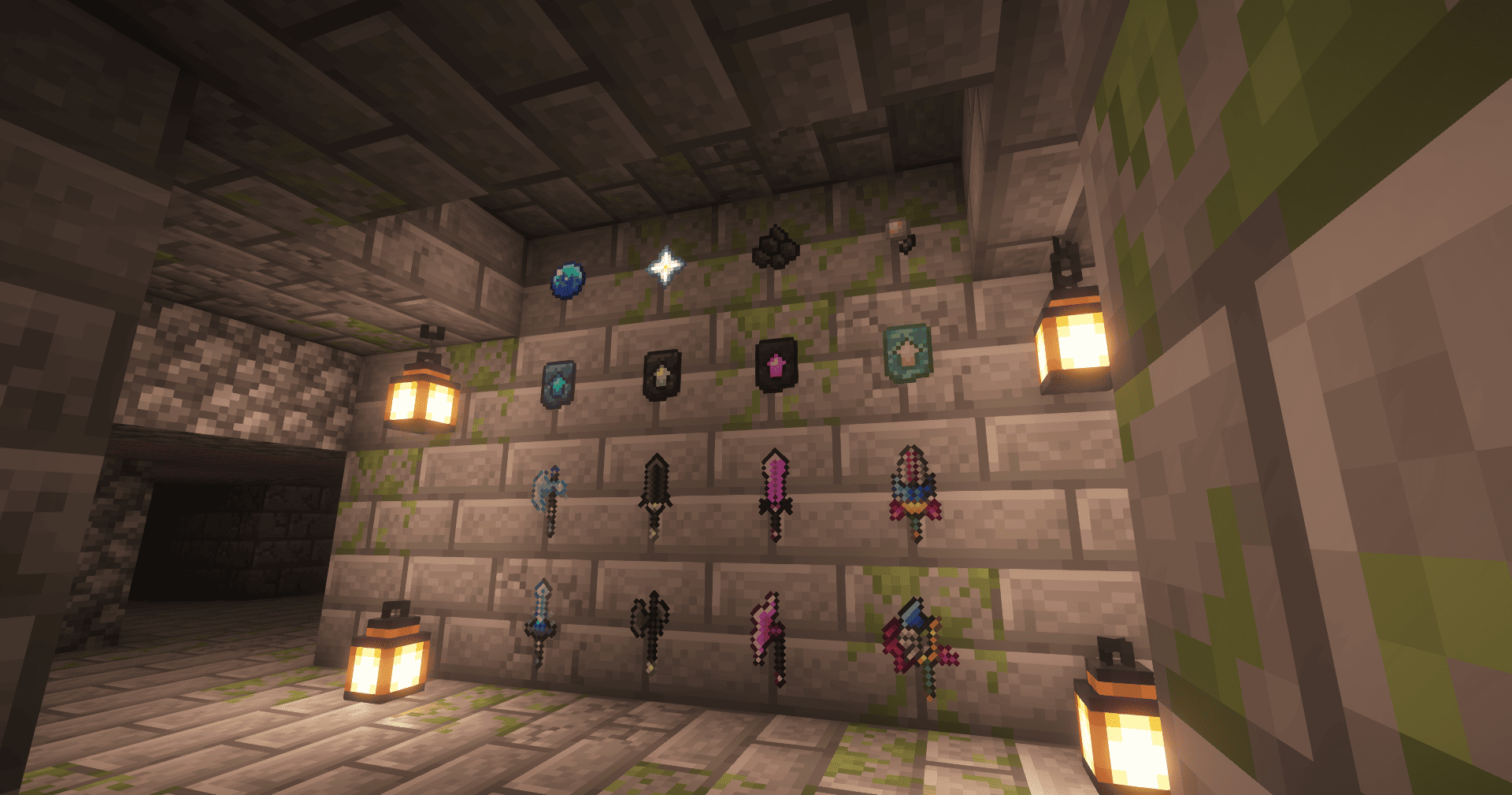
- Special Weapons can be crafted with new Smithing Template Upgrades!
- You can find them in structure loot chests and the material for the upgrade can be dropped from existing and new Boss-Monsters.
- Each weapon type has their special ability & Passive spell (Only if Spell Engine is installed)
🎥 Showcases
🙌Credits
- Deadelus for creating the amazing Structure Pool API
- CD Project Red for creating Witcher 3 and inspiring the Innkeeper Villager
- Emil for creating the cute Mod Icon's
Feel free to use this Mod in your Modpack, Video etc. If you want to give feedback about the mod or report bugs, feel free to join my Discord Server! :)
Available Versions
How to Install Loot & Explore on Your Server
Order Server
Order a Minecraft Java server with at least 3 GB RAM (4 GB recommended).
Set fabric Loader
In the panel under "Egg", select the fabric loader and matching Minecraft version (1.21.1).
Install Mod
Open the mod browser in the dashboard and search for "Loot & Explore". Click "Install" – done! Alternatively, upload the .jar via SFTP to the /mods folder.
Compatibility
Mod Loaders
Minecraft Versions
1.21.1, 1.21, 1.20.1
Server-side
✓ RequiredRecommended RAM
4 GB(min. 3 GB)Frequently Asked Questions
Loot & Explore server crashes on startup – what to do?
Most common cause: wrong fabric version or insufficient RAM. Check the server log (latest.log) for "OutOfMemoryError" or "Mixin" errors. With Mado Hosting: ensure at least 3 GB RAM is allocated and the loader matches the mod version (1.21.1). You can switch loaders with one click in the panel.
Is Loot & Explore compatible with fabric?
Loot & Explore officially supports fabric for Minecraft 1.21.1, 1.21, 1.20.1. The Mado dashboard automatically detects incompatible loader combinations.
Server lagging with Loot & Explore – how to optimize performance?
Recommended RAM: 4 GB (per 8 players). Use /spark profiler to check if Loot & Explore consumes the most tick time. Common fixes: reduce server view-distance to 8-10, install "performant" or "starlight" as supplementary mods on Forge. With Mado Hosting, your server runs on NVMe SSDs with dedicated CPU cores for minimal latency.
Similar Mods




Rent Modded Server
Install Loot & Explore with just one click on your server.