

Modrinth · Fabric, NeoForge
Loot Table Modifier on your Minecraft server
Loot Table Modifier runs on Minecraft servers with Fabric or NeoForge. Order your server, set the loader in the panel and install the mod with one click in the mod browser.
Allows datapacks and mods to modify loot tables instead of replacing them. Loot modification is applied at data loading, so there's no performance impact during gameplay.
- Downloads
- 300.6K
- Author
- OffsetMonkey538
- Loader
- Fabric, NeoForge
- Minecraft
- 1.20.1 – 26.3
- Updated
- –
Setup
Install Loot Table Modifier on your server
The server and players need the same loader and Minecraft version. Back up the world before adding or updating mods.
- 01
Configure
4 GB of RAM is preselected. You choose the term and add-ons and pay by credit card or PayPal.
- 02
Set the loader
In the panel, set the server software to Fabric or NeoForge and choose the matching Minecraft version, for example 26w14a.
- 03
Install the mod
Search the mod browser for “Loot Table Modifier” and install the release for your loader. Alternatively, upload the .jar to the mods folder via SFTP. Required dependencies are listed on the project page.
- 04
Connect
Loot Table Modifier is not needed on the client. Players connect using the server address from the panel.
- On the server
- Required
- On the client
- Not needed
- Loader
- Fabric, NeoForge
- Minecraft
- 26w14a, 26.3-snapshot-9, 26.3-snapshot-8 +119 more
- License
- MIT License
The panel
Install mods, find errors.
Real screenshots from the Mado panel. Both come with every Minecraft server.
Mod browser
Modrinth and CurseForge, right in the panel.
The browser filters by your Minecraft version. Install mods with one click, without uploading .jar files.

AI crash analysis
When a mod crashes, the analyzer reads the log.
Mods often fail on a wrong loader version, Java version or missing dependency. The analyzer names a likely cause and suggests a fix.

Releases
Published releases
Pick the file that matches your server’s loader and Minecraft version. The server and players need the same release.
Loot Table Modifier · Modrinth- 2.5.0October 20, 2026Minecraft 26.3 · Fabric
- 2.5.0October 20, 2026Minecraft 26.3 · NeoForge
- 2.5.0October 20, 2026Minecraft 26.1, 26.1.1, 26.1.2, 26.2 · Fabric
- 2.5.0October 20, 2026Minecraft 26.1, 26.1.1, 26.1.2, 26.2 · NeoForge
- 2.1.0 for 1.21.1-.11October 20, 2026Minecraft 1.21.10, 1.21.2, 1.21.3, 1.21.4, 1.21.5, 1.21.6, 1.21.7, 1.21.8, 1.21.9 · Fabric
Original description by the project author
Loot Table Modifier





Why?
Vanilla datapacks can only replace existing loot tables, which is not good for being compatible with other datapacks that also try to replace the same table.
This mod fixes that by implementing a system of loot modifiers, which do just that, modify loot (tables)!
Unlike some other mods (ahem KubeJS) which work by running code at runtime to intercept and change drops, Loot Table Modifier modifies the loot tables as they're loaded from datapacks.
This means that the mod will only hurt performance during data loading, but has no performance impact during gameplay!¹
¹ Except when you make zombies drop a bajillion stacks of diamonds or something crazy like that, but that's really not the mod's fault 😅
Usage
Players
This mod does nothing when installed on its own. There needs to be some sort of datapack present that uses loot modifiers.
If you are using some mod or datapack which depends on Loot Table Modifier, just download the latest version for the Minecraft version you use from the versions page and add it to your mods folder.
List of projects utilizing Loot Table Modifier:
- Withered Bone Meal
- Ultimate Mob Farms
- I don't know of any more yet 😅 Please do hit me up on discord, make an issue/pr on the repository or something if you wanna add your project here :D
Mod, Modpack or Datapack developers
Follow the documentation available here.
This mod is of course allowed to be used in Modrinth modpacks.
Loot Table Modifier server crashes on startup – what to do?
Common causes: the loader or Minecraft version does not match the mod file, a dependency is missing, or RAM is too low. Check the log (latest.log) for “OutOfMemoryError”, “Mixin” or missing mods. At Mado, the AI crash analysis reads the log and suggests a cause. You can change the loader and version in the panel.
Which loader does Loot Table Modifier run on?
According to Modrinth, Loot Table Modifier supports Fabric, NeoForge for Minecraft 26w14a, 26.3-snapshot-9, 26.3-snapshot-8.
How much RAM does a server with Loot Table Modifier need?
As guidance, 3–4 GB for a server with this mod. This is an estimate, not a measured minimum. More mods, many players and long view distances need more. The spark profiler shows whether a mod is costing tick time.
Similar mods
Popular mods in the same category
 Server-ready
Fabric API
by modmuss50
Lightweight and modular API providing common hooks and intercompatibility measures utilized by mods using the Fabric toolchain.
 Server-ready

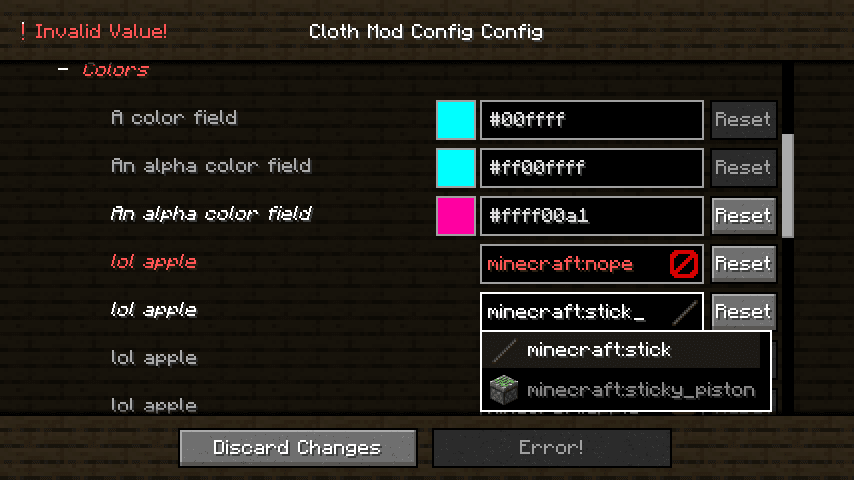
Cloth Config API
by shedaniel
Configuration Library for Minecraft Mods
 Server-ready

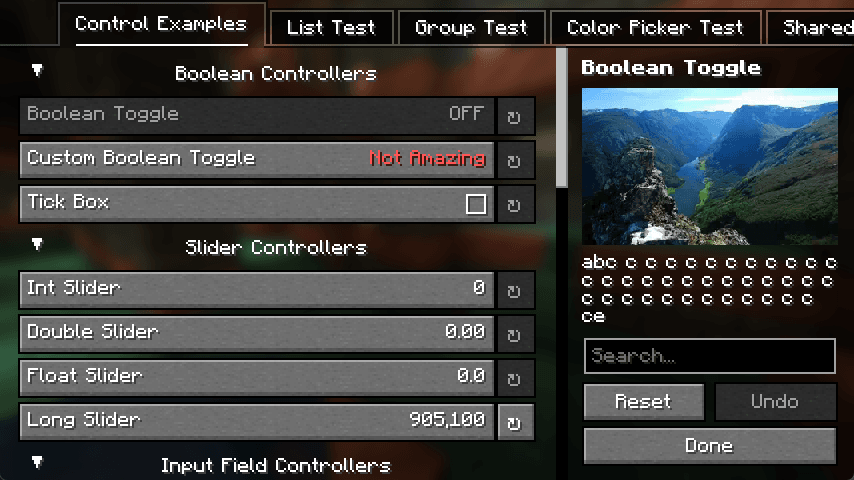
YetAnotherConfigLib (YACL)
by isxander
A builder-based configuration library for Minecraft!
 Server-ready

Fabric Language Kotlin
by modmuss50
This is a mod that enables usage of the Kotlin programming language for Fabric mods.
Ready for your server with Loot Table Modifier?
4 GB of RAM from €8.00 per month. 35% off your first month with MADO35.