

Modrinth · Fabric, Forge, NeoForge · Client mod
Melody
Melody is a client-side mod. Install it on your computer; the server does not need it.
OpenAL-based library mod for playing background music.
- Downloads
- 53.9M
- Author
- Keksuccino
- Loader
- Fabric, Forge, NeoForge
- Minecraft
- 1.18.2 – 26.3
- Updated
- –
Setup
Install Melody on your client
Client-side mods only run on your computer. More server RAM does not change their performance.
- 01
Install the loader locally
Install Fabric or Forge or NeoForge for your Minecraft version in your launcher.
- 02
Download the file
Download the Melody file for your loader and your exact Minecraft version, for example 26.3.
- 03
Add it to the mods folder
Put the .jar file in your local .minecraft/mods folder and remove older duplicates.
- 04
Launch
Launch Minecraft with the loader profile. Nothing needs to change on the server.
- On the server
- Unknown
- On the client
- Unknown
- Loader
- Fabric, Forge, NeoForge
- Minecraft
- 26.3, 26.2, 26.1.2 +19 more
- License
- MIT License
Releases
Published releases
Pick the file that matches your server’s loader and Minecraft version. The server and players need the same release.
Melody · Modrinth- [NeoForge] v1.0.17 MC 26.3September 18, 2026Minecraft 26.3 · NeoForge
- [Fabric] v1.0.17 MC 26.3September 18, 2026Minecraft 26.3 · Fabric
- [NeoForge] v1.0.17 MC 26.2June 25, 2026Minecraft 26.2 · NeoForge
- [Fabric] v1.0.17 MC 26.2June 25, 2026Minecraft 26.2 · Fabric
- [NeoForge] v1.0.16 MC 26.1.1April 4, 2026Minecraft 26.1.1, 26.1.2 · NeoForge
Original description by the project author



IMPORTANT
This mod is a LIBRARY mod.
It will do nothing on its own and its only purpose is to act as a dependency for other mods that use its features.
About
Melody is an OpenAL-based client-side library mod for playing background music.
It allows you to use OpenAL in Minecraft separated from Minecraft's sound engine and manager.
Melody allows you to (asynchronously) load audio files from all kinds of sources, including web sources.
It has built-in support for OGG and WAV audio files, but there's nothing stopping you from extending it to support more file types!
Since Melody was made for easily playing music in menus or in-world, it can't play directional sounds (sounds with a fixed origin in a 3D environment). It can only play 2D audio, so basically music.
To get an idea of how to create ready-to-play audio sources, take a look at Melody's SimpleAudioFactory class!
Everything important is documented in the source, so make sure to take a look at Melody's source on GitHub!
Copyright & Licensing
Melody Copyright © 2023-2025 Keksuccino.
Melody is licensed under MIT.
Server Needed?
Looking to play Minecraft with friends but setting up a server is just too time-consuming?
No worries! Simply rent a pre-configured server and start playing in a snap.
Just click the image below and use code **** to enjoy a 25% discount on your first month! You can also click the code itself if your ad blocker hides the banner.

Does Melody need to be installed on the Minecraft server?
No. Modrinth marks Melody as unsupported on the server side. Install it only in your local mods folder. Your server can stay unchanged unless the project page lists an additional dependency.
Which version and loader does Melody require?
Use a file for Fabric, Forge, NeoForge and your exact Minecraft version. Supported versions include 26.3, 26.2, 26.1.2. Files for different loaders are not interchangeable.
Melody is not working – what should I check?
First check the Minecraft version, loader version and required dependencies. Because the mod is client-side, more server RAM will not fix it.
Similar mods
Popular mods in the same category
 Server-ready
Fabric API
by modmuss50
Lightweight and modular API providing common hooks and intercompatibility measures utilized by mods using the Fabric toolchain.
 Server-ready

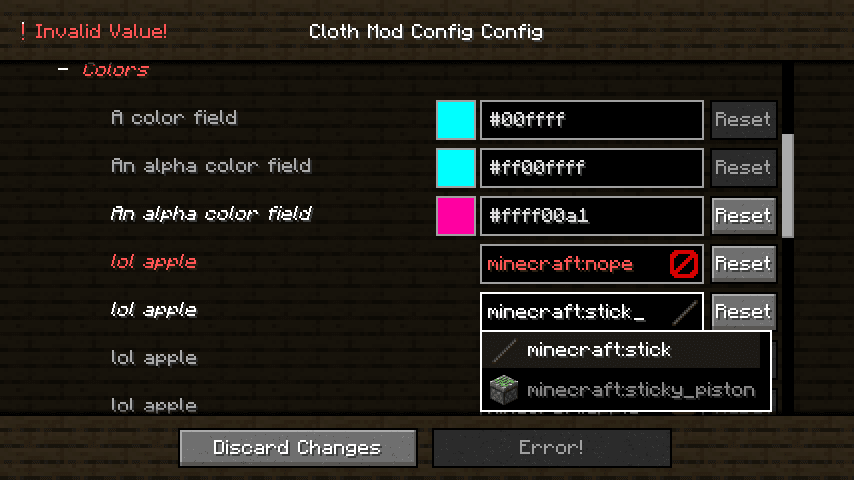
Cloth Config API
by shedaniel
Configuration Library for Minecraft Mods
 Server-ready

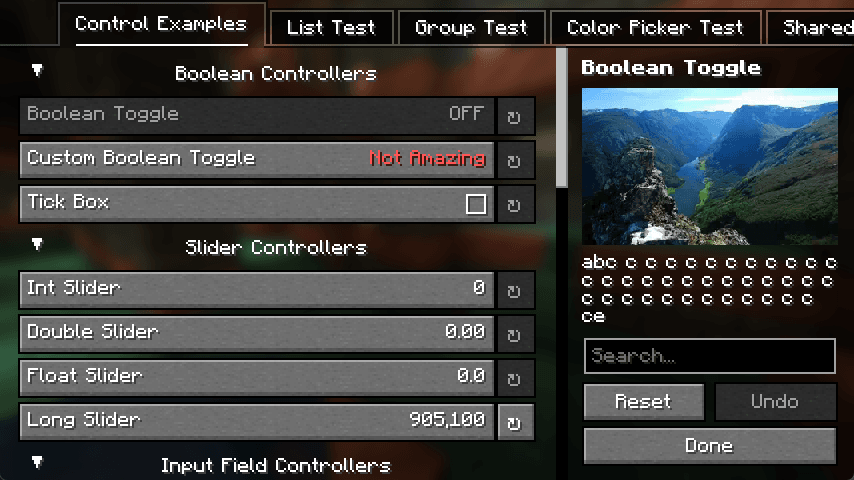
YetAnotherConfigLib (YACL)
by isxander
A builder-based configuration library for Minecraft!
 Server-ready

Fabric Language Kotlin
by modmuss50
This is a mod that enables usage of the Kotlin programming language for Fabric mods.
Looking for mods for your own server?
The catalog lists mods that run on Minecraft servers.