
Modrinth · Fabric, Forge, NeoForge, Quilt
Moderner Beta on your Minecraft server
Moderner Beta runs on Minecraft servers with Fabric or Forge or NeoForge or Quilt. Order your server, set the loader in the panel and install the mod with one click in the mod browser.
Old (and not so old) world generation for modern Minecraft!
- Downloads
- 1.2M
- Author
- icanttellyou
- Loader
- Fabric, Forge, NeoForge, Quilt
- Minecraft
- 1.20 – 26.3
- Updated
- –
Screenshots
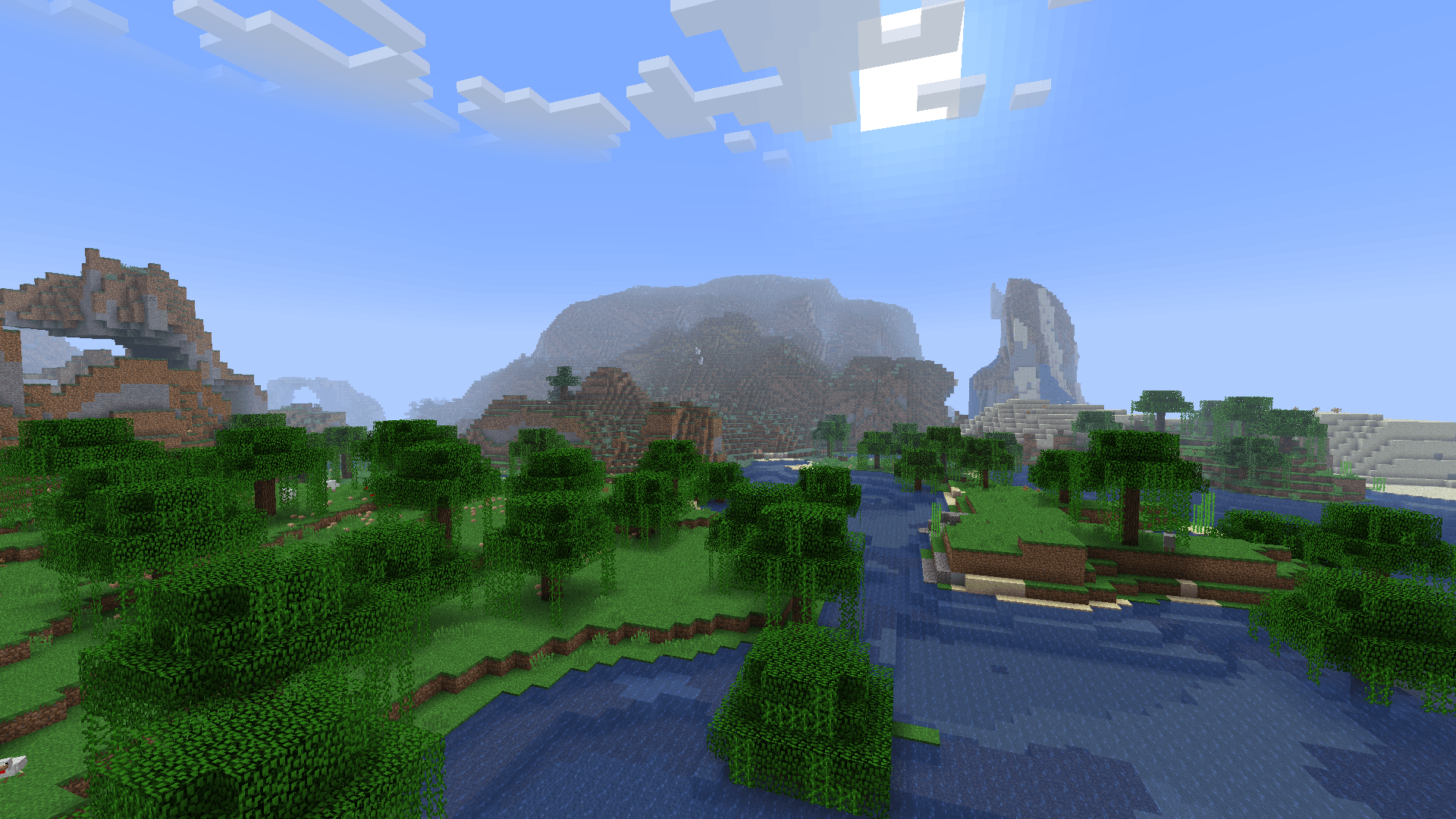
What Moderner Beta looks like
 Glacier in Beta 1.8.1
 The "gargamel" seed in Beta 1.7.3
 Swampland next to Ice Plains in 1.0.0
 Jungle with a beach in 1.2.5
 1.12.2 world generation with windswept hills and dark forest
Images: Moderner Beta on Modrinth, published by the project team.
Setup
Install Moderner Beta on your server
The server and players need the same loader and Minecraft version. Back up the world before adding or updating mods.
- 01
Configure
6 GB of RAM is preselected. You choose the term and add-ons and pay by credit card or PayPal.
- 02
Set the loader
In the panel, set the server software to Fabric or Forge or NeoForge or Quilt and choose the matching Minecraft version, for example 26.3.
- 03
Install the mod
Search the mod browser for “Moderner Beta” and install the release for your loader. Alternatively, upload the .jar to the mods folder via SFTP. Required dependencies are listed on the project page.
- 04
Connect
Moderner Beta is optional on the client. Players connect using the server address from the panel.
- On the server
- Required
- On the client
- Optional
- Loader
- Fabric, Forge, NeoForge, Quilt
- Minecraft
- 26.3, 26.2, 26.1.2 +19 more
- License
- MIT License
The panel
Install mods, find errors.
Real screenshots from the Mado panel. Both come with every Minecraft server.
Mod browser
Modrinth and CurseForge, right in the panel.
The browser filters by your Minecraft version. Install mods with one click, without uploading .jar files.

AI crash analysis
When a mod crashes, the analyzer reads the log.
Mods often fail on a wrong loader version, Java version or missing dependency. The analyzer names a likely cause and suggests a fix.

Releases
Published releases
Pick the file that matches your server’s loader and Minecraft version. The server and players need the same release.
Moderner Beta · Modrinth- Moderner Beta 4.1.10August 7, 2026Minecraft 1.21.11 · NeoForge
- Moderner Beta 4.1.10August 7, 2026Minecraft 1.21.11 · Fabric, Quilt
- Moderner Beta 4.1.10August 7, 2026Minecraft 1.21.10, 1.21.9 · NeoForge
- Moderner Beta 4.1.10August 7, 2026Minecraft 1.21.10, 1.21.9 · Fabric, Quilt
- Moderner Beta 4.1.10August 7, 2026Minecraft 1.21.6, 1.21.7, 1.21.8 · NeoForge
Original description by the project author
Part of the Nostalgica Reverie project
Welcome to Moderner Beta! This is a fork of b3spectacled's Modern Beta that started out as a pull request but due to the original creator's inactivity has been published as a fork. Alongside all of the world generation options from Modern Beta, this fork adds in world generators from Beta 1.8 all the way up to Release 1.17 which are highly customisable with plenty of configuration options. The goal of this fork now is to pick Modern Beta's development back up and add in extra features.
Notice
Moderner Beta 5.0.0 is currently in alpha. There may be bugs and issues, and can be prone to breaking with future releases.
4.1.x will continue to be supported until 5.0.0 exits development. Development may take quite some time. If you could help, then please
consider applying as a developer here.
How to Report Issues
Please use the issue tracker linked at the top of the page if you are experiencing bugs, crashes, or other issues.
Nostalgica Reverie
Consider joining the Nostalgica Reverie Discord for sneak peeks and updates on development! By joining, you can:
- Get installation help and technical support for alot of nostalgic projects
- Get the latest updates about development
- Talk with and collaborate with our team
- And just hang out with the rest of our community!
Features
Moderner Beta has a quite extensive feature-set and many benefits over the original Modern Beta mod!
What Modern Beta offered:
- World generation for various old versions of Minecraft ranging from Classic 0.30 to Beta 1.7.3
- A range of custom options to modify terrain shape and biome distribution
What Moderner Beta offers:
- Support for NeoForge and Forge in addition to Fabric
- Graphical settings menu for simple options
- World generation from Beta 1.8 all the way up to Release 1.17.1 with accurate biome distribution
- Additional world generation from Infdev 20100325, Classic 0.0.14a_08 and Beta 1.1
- Re-introduced noise caves and surface rules
- Extremely customizable biome fractal layer pipeline for Beta 1.8+ versions
- A modular approach to configuration that gives greater control to addons
Documentation
To learn about all of Moderner Beta's configuration options as well as find some answers to some frequently asked questions, go to the official wiki at https://moderner.nostalgica.net/docs.
Additional add-ons
For the authentic early release look, use a resource pack like PACP to add the programmer art style to newer content and use Sodium Extra to thicken the fog by turning down the fog start multiplier to 25% (or 75% if a 1.7-1.17 look is desired).
For a beta-style look, use a resource pack like Golden Days and use Nostalgic Tweaks to further restore old mechanics and visuals.
Credits
Thanks to icanttellyou for porting the mod to various platforms.The Nintendo Switch Edition decompilation project has been referenced to implement accurate LCE terrain generation.
In addition see Modern Beta credits here.
Moderner Beta server crashes on startup – what to do?
Common causes: the loader or Minecraft version does not match the mod file, a dependency is missing, or RAM is too low. Check the log (latest.log) for “OutOfMemoryError”, “Mixin” or missing mods. At Mado, the AI crash analysis reads the log and suggests a cause. You can change the loader and version in the panel.
Which loader does Moderner Beta run on?
According to Modrinth, Moderner Beta supports Fabric, Forge, NeoForge, Quilt for Minecraft 26.3, 26.2, 26.1.2. Forge and Fabric files are not interchangeable: pick one loader for the server and clients.
How much RAM does a server with Moderner Beta need?
As guidance, 4–6 GB for a server with this mod. This is an estimate, not a measured minimum. More mods, many players and long view distances need more. The spark profiler shows whether a mod is costing tick time.
Similar mods
Popular mods in the same category
 Server-ready

TerraBlender
by Adubbz
A library mod for adding biomes in a simple and compatible manner!
 Server-ready

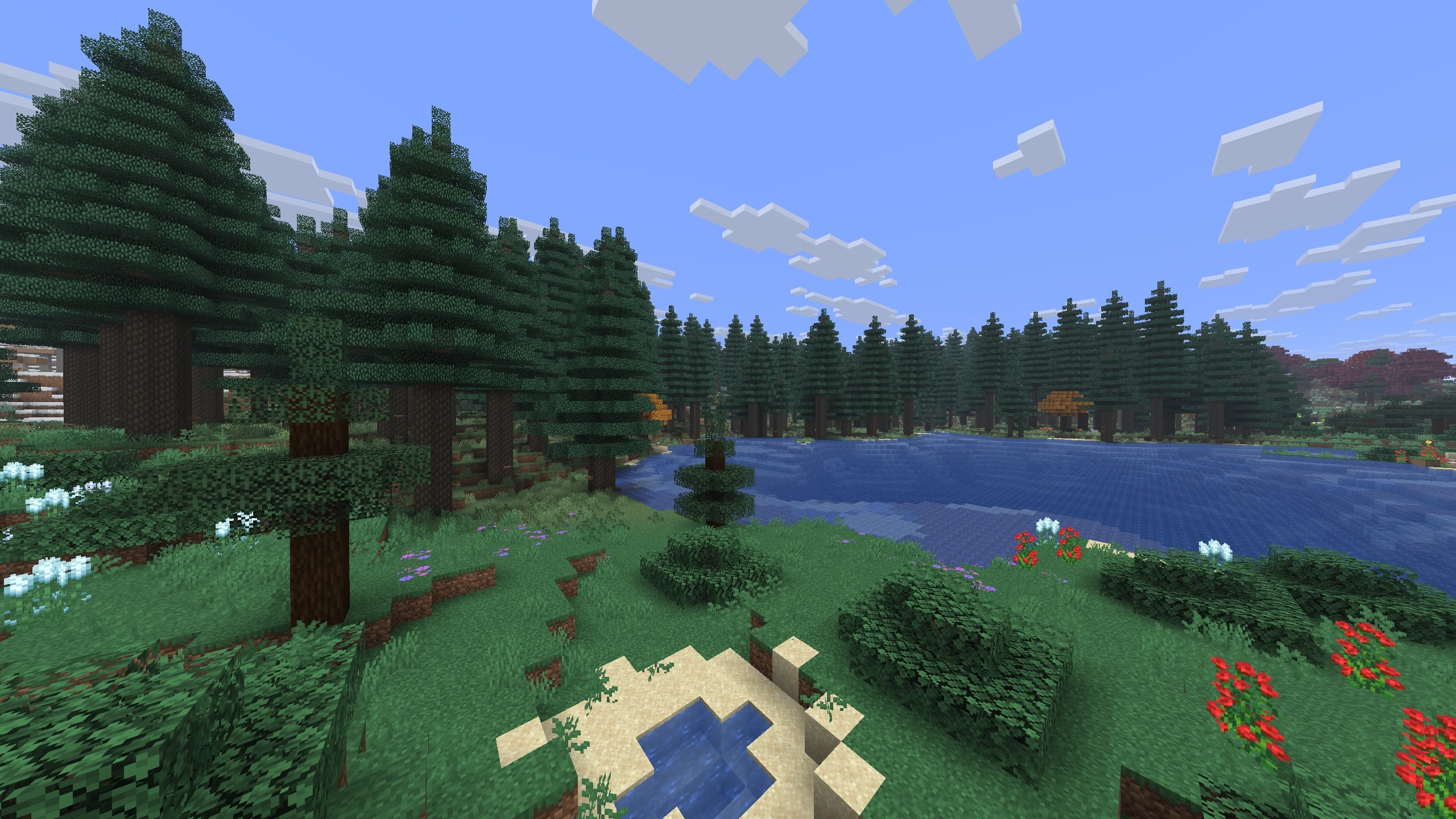
Biomes O' Plenty
by Forstride
Adds 50+ unique biomes to enhance your world, with new trees, flowers, and more!
 Server-ready

Cobblemon
by CobbledStudios
A Pokémon mod for Fabric and NeoForge
 Server-ready

YUNG's API
by YUNGNICKYOUNG
Library mod for YUNG's mods.
Ready for your server with Moderner Beta?
6 GB of RAM from €12.00 per month. 35% off your first month with MADO35.