
Modrinth · Fabric, Forge
Omni Extras: An Alien Evo Addonpack on your Minecraft server
Omni Extras: An Alien Evo Addonpack runs on Minecraft servers with Fabric or Forge. Order your server, set the loader in the panel and install the mod with one click in the mod browser.
An addon for the Alien Evolution mod that adds... extra aliens..
- Downloads
- 75.0K
- Author
- Hibiquill
- Loader
- Fabric, Forge
- Minecraft
- 1.20.1
- Updated
- –
Screenshots
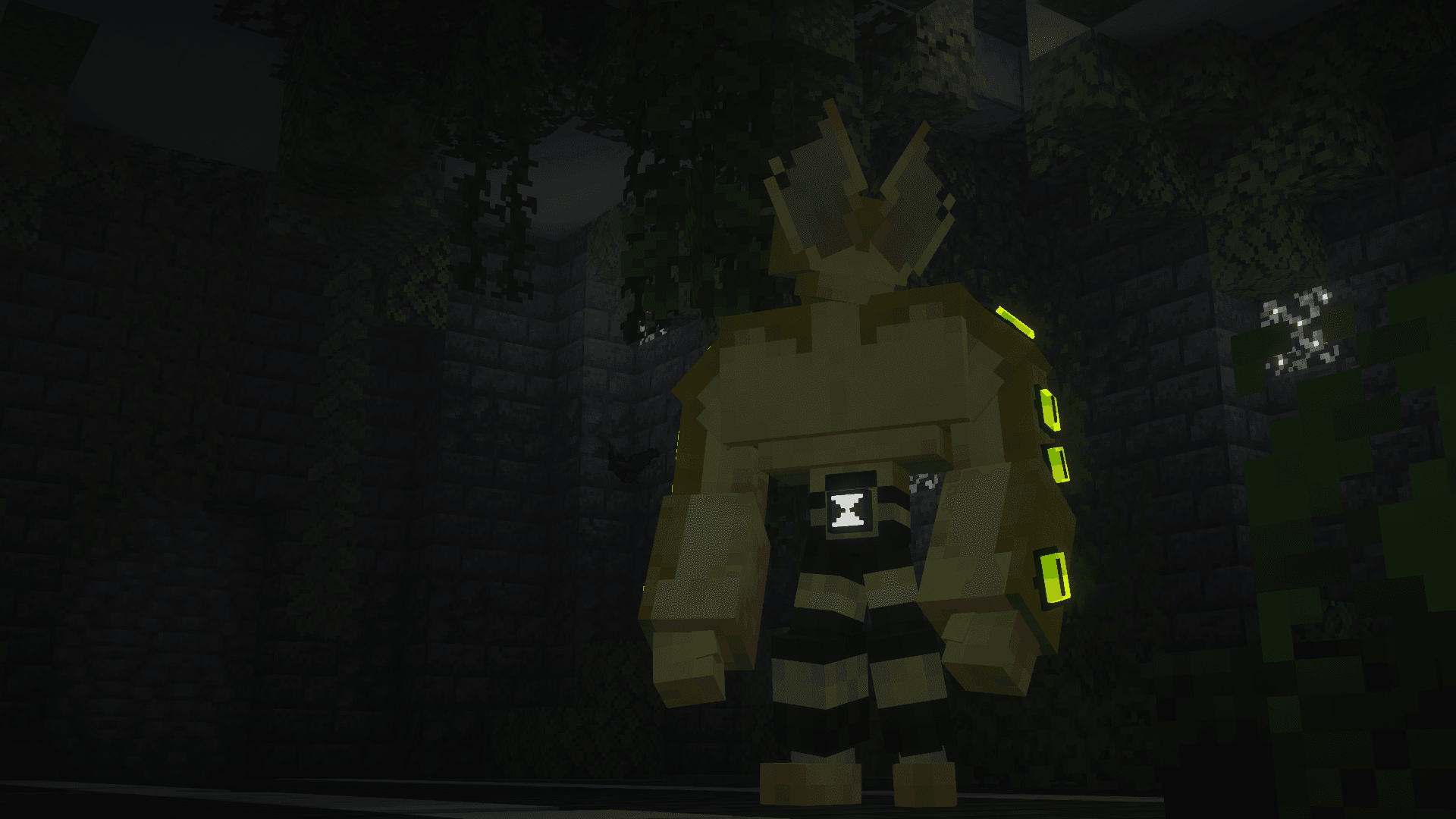
What Omni Extras: An Alien Evo Addonpack looks like
 Opticoid Transformation
 The Abandoned Lab
 Obtaining the Opticoid Transformation
 Face to Face
 Unleashing the Power
Images: Omni Extras: An Alien Evo Addonpack on Modrinth, published by the project team.
Setup
Install Omni Extras: An Alien Evo Addonpack on your server
The server and players need the same loader and Minecraft version. Back up the world before adding or updating mods.
- 01
Configure
4 GB of RAM is preselected. You choose the term and add-ons and pay by credit card or PayPal.
- 02
Set the loader
In the panel, set the server software to Fabric or Forge and choose the matching Minecraft version, for example 1.20.1.
- 03
Install the mod
Search the mod browser for “Omni Extras: An Alien Evo Addonpack” and install the release for your loader. Alternatively, upload the .jar to the mods folder via SFTP. Required dependencies are listed on the project page.
- 04
Connect
Every player installs the same Omni Extras: An Alien Evo Addonpack release locally and connects using the server address from the panel.
- On the server
- Required
- On the client
- Required
- Loader
- Fabric, Forge
- Minecraft
- 1.20.1
- License
- LicenseRef-All-Rights-Reserved
The panel
Install mods, find errors.
Real screenshots from the Mado panel. Both come with every Minecraft server.
Mod browser
Modrinth and CurseForge, right in the panel.
The browser filters by your Minecraft version. Install mods with one click, without uploading .jar files.

AI crash analysis
When a mod crashes, the analyzer reads the log.
Mods often fail on a wrong loader version, Java version or missing dependency. The analyzer names a likely cause and suggests a fix.

Releases
Published releases
Pick the file that matches your server’s loader and Minecraft version. The server and players need the same release.
Omni Extras: An Alien Evo Addonpack · ModrinthOriginal description by the project author

Content
This addonpack will add more aliens (canon to the original show) to the Omnitrix provided by Alien Evolution!
Obtainment
Opticoid:
First Method
On transforming into any alien, there is a random chance of transforming into an Opticoid
Second Method
Craft an Empty Vial


Find the Abandoned Lab for Alien Goo (marked by the Ruined Galvan Tower)

Right click the goo while holding an empty vial to obtain a Filled Vial (ALIEN GOO DOESN'T DROP FROM BREAKING IT, BE CAREFUL)

Cook the Filled Vial inside a furnace to obtain the DNA Vial


Right click the DNA Vial while having an Omnitrix to unlock the Opticoid transformation

Gourmand:

Stumble upon the Mysterious Ship and find The Deliverer inside

Interact with her while wielding an Omnitrix and you will obtain the Gourmand transformation (50/50 chance of it being Perk or Murk)

The tablet is no longer needed to obtain Gourmand but there is a chance of unlocking the other variant you don't currently have if you decide to consume it as a Gourmand.
Talpaedan:
Find the Crashsite containing ???

First Method
Dig up Grounded Mystery Scrap by using a brush on the suspicious sand

Smelt the Grounded Mystery Scrap in a Blast Furnace to obtain Andrium

Put the Andrium in a Crafting Table alongside Titanium, Vibranium, Netherite Scrap to make a Virandium Plate

Mix Yellow Dye and a Virandium Plate to make a Yellow Virandium Plate

Give the Yellow Virandium Plates to the Mysterious Creature on site (requires 10x Yellow Virandium Plates)


Then interact with him while holding nothing in your hand and wielding an Omnitrix (Note: if you attack him even once, he will no longer trust you and no longer accept anything from you)
Second Method
Kill the creature while wielding an Omnitrix
Nosedeenian (uninstall the Nosedeenian: Buzzshock AlienEvo AddonPack since this directly replaces the one from that addon):
Find a Megawatt in the wild (spawns from lightning strikes in rainy/thundering weather)

Kill the Megawatt while wielding an Omnitrix (note: Megawatts will duplicate everytime they are attacked and above half their health)
Further information is in our Discord!
Other Aliens
Orishan (UNFINISHED):
- COMING SOON
Amperi (UNFINISHED):
- COMING SOON
Commands
Optional but necessary for people that want to use Eye-Guy (Opticoid) and Buzzshock (Nosedeenian) and are updating from the previous version
- fixmylevels - this acts as a reset skillpoints button (automatically locks all skills and sets ur skillpoints to match your level)
Dependencies
Special Thanks to
- AWildCanOfBeans - For helping us with some of the alien's abilities!
- Stephen and Habb - For making the Alien Evolution mod!
- Babish - For making the new structure!
- Zero - For making the other cool structures
- Mei - For making the female variants
- Lirik - For the screenshots in the gallery
And many other good people over at the Alien Evo Discord Server!
Omni Extras: An Alien Evo Addonpack server crashes on startup – what to do?
Common causes: the loader or Minecraft version does not match the mod file, a dependency is missing, or RAM is too low. Check the log (latest.log) for “OutOfMemoryError”, “Mixin” or missing mods. At Mado, the AI crash analysis reads the log and suggests a cause. You can change the loader and version in the panel.
Which loader does Omni Extras: An Alien Evo Addonpack run on?
According to Modrinth, Omni Extras: An Alien Evo Addonpack supports Fabric, Forge for Minecraft 1.20.1. Forge and Fabric files are not interchangeable: pick one loader for the server and clients.
How much RAM does a server with Omni Extras: An Alien Evo Addonpack need?
As guidance, 3–4 GB for a server with this mod. This is an estimate, not a measured minimum. More mods, many players and long view distances need more. The spark profiler shows whether a mod is costing tick time.
Similar mods
Popular mods in the same category
 Server-ready

Xaero's Minimap
by thexaero
Displays a map of the nearby world terrain, players, mobs, entities in the corner of your screen. Lets you create waypoints which help you find the locations you've marked.
 Server-ready

Xaero's World Map
by thexaero
Adds a full screen world map which shows you what you have explored in the world. Works great together with Xaero's Minimap.
 Client only

Not Enough Animations
by tr7zw
Bringing first-person animations to the third-person
 Client only

3D Skin Layers
by tr7zw
Render the player skin layer in 3d!
Ready for your server with Omni Extras: An Alien Evo Addonpack?
4 GB of RAM from €8.00 per month. 35% off your first month with MADO35.