
One Player Sleep Server Mod
The best multiplayer sleep mod. (This mod does not use custom sleep percentage)
About this Mod
One-Player Sleep & Night Skip for Minecraft (Works Without Cheats, Adds a Full Day - First Night May Not Work)
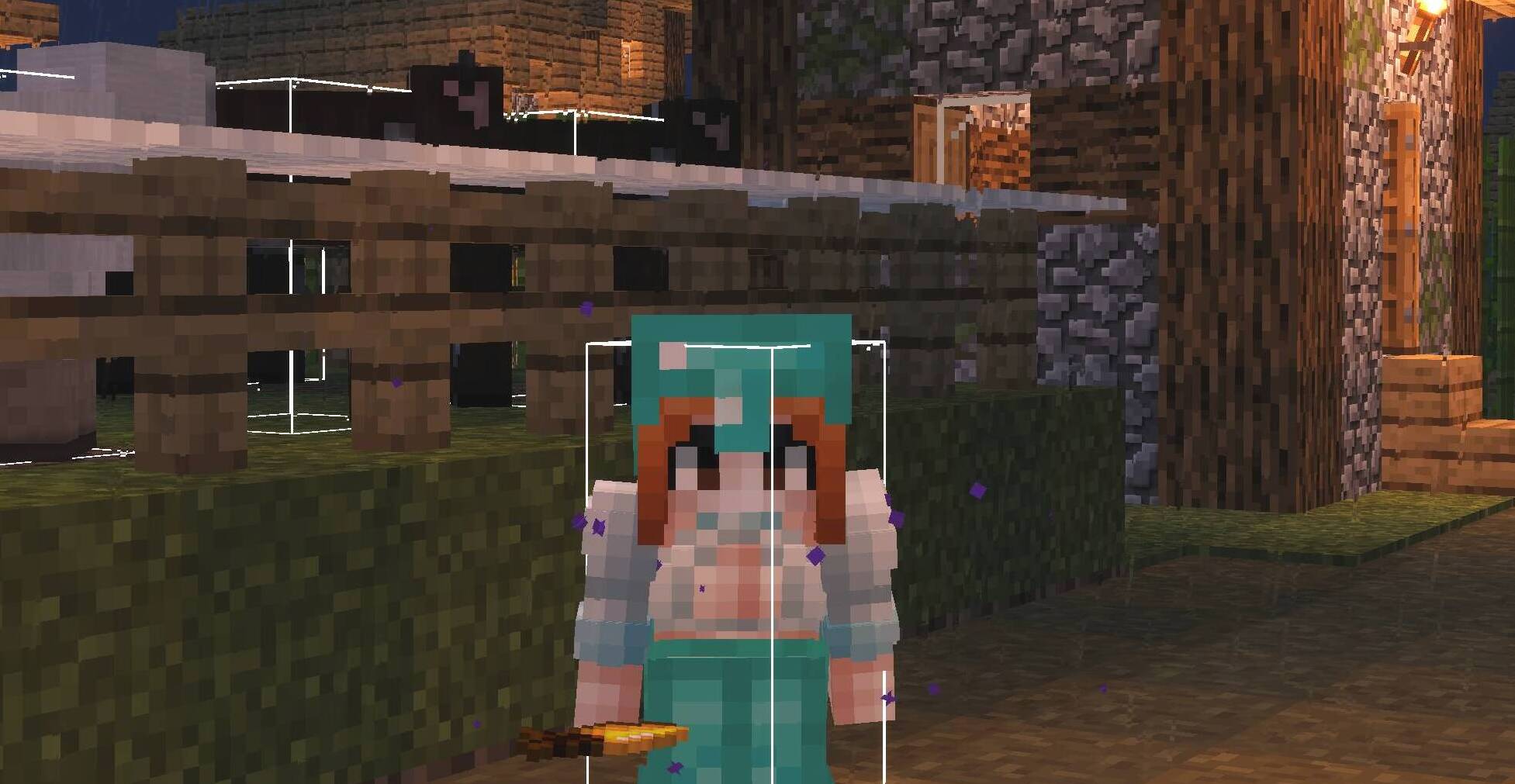
One Player Sleep Mod for Minecraft
Tired of waiting for all players to sleep? Pass the night with one player sleeping. Works on Lunar-hosted, Badlion-hosted, multiplayer, and server environments.
- ✅ Sleep nights with only one player sleeping
- ✅ Works without cheats
- ✅ Maintains game balance by adding a full day after sleeping
- ✅ Compatible with Minecraft Java 1.21.4 (Fabric)
- ✅ Supports single-player and multiplayer servers (Badlion & Lunar hosted)
Key Features:
- Single-Player Night Skip: No more waiting for sunrise or others to sleep. Just sleep and the night is gone!
- Cheats Not Required: This mod functions perfectly even in worlds where cheats are disabled. Enjoy the convenience without needing command access.
- Adds a Full Day: After skipping the night, the mod adds 12000 ticks (one Minecraft day) to the world time, ensuring the day-night cycle remains consistent.
- Compatibility: Works on single-player worlds, including those hosted on Badlion Client and Lunar Client and servers.
Created By: Saif (cxwb on Discord)
Spoiler
Common Arguments:
- "You can just use the command /gamerule playersSleepingPercentage 0":
This only works if cheats are enabled. Since cheats are disabled, this is not an option in that case.
This does not solve the problem for users who do not have access to the admin privileges needed to execute the command.
- "You can download other mods that do the same thing":
Not all mods function the same way, and some may introduce their own issues, like modifying the sleep percentage incorrectly. (Some mods edit the player sleep percentage. And that sometimes will cause the percentage to go over 100% meaning it will show errors like "no amount of sleep can pass this night").
- "You could just use a resource pack or a different launcher":
This doesn't address the core issue that cheats are not allowed, and using external packs or launchers isn't a universal solution for everyone playing in the same world.
- "This mod is useless because there’s a command that does the same thing":
The mod solves the issue for players in situations where cheats are not enabled and where the command is not accessible or desirable.
It works without requiring any external cheat-related permissions.
- "This mod makes the game worse":
The mod was designed to improve the experience by making it easier for single-player and hosted worlds to pass the night without needing multiple players to sleep, which is something some players have found inconvenient in the past.
- "Using cheats, such as enabling them temporarily to run the command, is fine":
Not everyone wants to enable cheats in their game, and doing so temporarily isn’t a seamless solution for people who wish to avoid enabling cheats altogether for various reasons (e.g., preserving game integrity, playing in survival mode or repetition).
Available Versions
How to Install One Player Sleep Server Mod on Your Server
Order Server
Order a Minecraft Java server with at least 3 GB RAM (4 GB recommended).
Set fabric Loader
In the panel under "Egg", select the fabric loader and matching Minecraft version (1.21.4).
Install Mod
Open the mod browser in the dashboard and search for "One Player Sleep Server Mod". Click "Install" – done! Alternatively, upload the .jar via SFTP to the /mods folder.
Compatibility
Mod Loaders
Minecraft Versions
1.21.4
Server-side
✓ RequiredRecommended RAM
4 GB(min. 3 GB)Frequently Asked Questions
One Player Sleep Server Mod server crashes on startup – what to do?
Most common cause: wrong fabric version or insufficient RAM. Check the server log (latest.log) for "OutOfMemoryError" or "Mixin" errors. With Mado Hosting: ensure at least 3 GB RAM is allocated and the loader matches the mod version (1.21.4). You can switch loaders with one click in the panel.
Is One Player Sleep Server Mod compatible with fabric?
One Player Sleep Server Mod officially supports fabric for Minecraft 1.21.4. The Mado dashboard automatically detects incompatible loader combinations.
Server lagging with One Player Sleep Server Mod – how to optimize performance?
Recommended RAM: 4 GB (per 8 players). Use /spark profiler to check if One Player Sleep Server Mod consumes the most tick time. Common fixes: reduce server view-distance to 8-10, install "performant" or "starlight" as supplementary mods on Forge. With Mado Hosting, your server runs on NVMe SSDs with dedicated CPU cores for minimal latency.
Similar Mods






Rent Modded Server
Install One Player Sleep Server Mod with just one click on your server.