
Opticores
A client-side rendering optimization mod for (Neo)Forge and Fabric, featuring asynchronous culling specifically for integrated graphics (Intel UHD/Iris Xe).
Screenshots
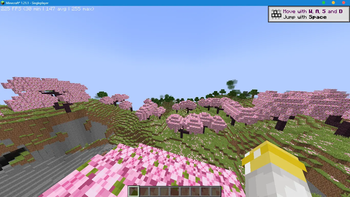
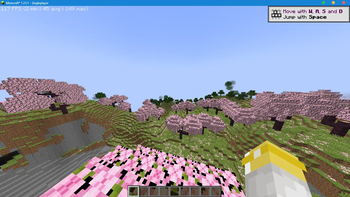
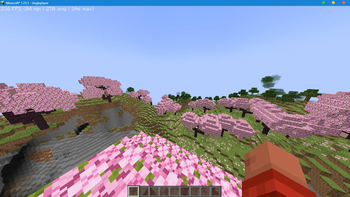
About this Mod
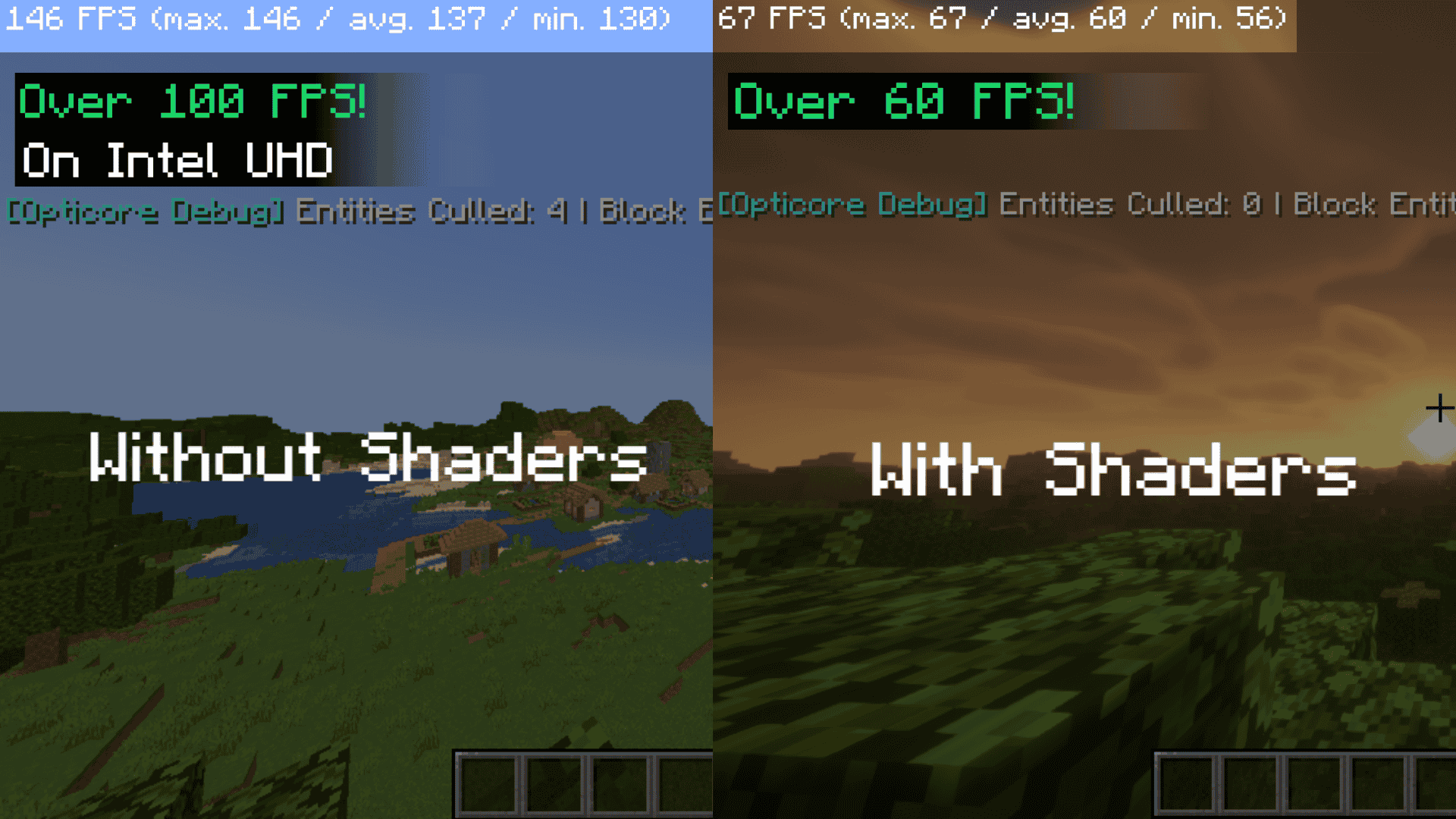



Opticores is a client-side mod that works with Embeddium and Sodium on (Neo)forge and Fabric for 1.21.x, made to fix the bottleneck that integrated graphics (Intel UHD) and low-end devices.
Performance — Minecraft 1.21.1 (Cherry Grove)
Test system: Intel i3-1115G4 (2 Cores/4 Threads) • Intel UHD Graphics • 16 GB RAM (2133 MT/s)
| Configuration | Min FPS | Avg FPS | Max FPS |
|---|---|---|---|
| Vanilla | 2 | 45 | 149 |
| Sodium | 30 | 147 | 255 |
| Sodium + OptiCores | 84 | 270 | 396 |
| Comparison | Min | Avg | Max |
|---|---|---|---|
| Sodium vs Vanilla | +1400% | +227% | +71% |
| Sodium + OptiCores vs Sodium | +180% | +84% | +55% |
| Sodium + OptiCores vs Vanilla | +4100% | +500% | +166% |
How it works:
- Asynchronous Culling Pipeline (ACP):
Distance and frustum intersection math moves off the main rendering thread onto a background worker instead of blocking each frame.
- Concurrent Data Management (CDM):
The culling output is stored in a thread safe ConcurrentHashMap so the render thread reads the chased result instead of reloading it every frame.
- Dynamic Load Throttling (DLT):
Monitors chunk loading and temporarily scales back entity rendering during harsh world loading, teleporting to a new area, so the terrain generation gets priority.
- Compatibility:
Bypasses for custom block entities like Create’s and coordination with Distant Horizons or Voxy to avoid culling conflicts during LOD making.
Available Versions
How to Install Opticores on Your Client
Install the Mod Loader Locally
Install fabric for your local Minecraft version.
Download the Matching File
Choose the Opticores file for fabric and Minecraft 26.3.
Install Mod
Place the .jar file in your local .minecraft/mods folder and restart Minecraft. No server-side installation is required.
Compatibility
Mod Loaders
Minecraft Versions
26.3, 26.2, 26.1.2 (+19 more)
Server-side
✗ UnsupportedRecommended RAM
6 GB(min. 4 GB)Frequently Asked Questions
Does Opticores need to be installed on the Minecraft server?
No. Modrinth marks Opticores as unsupported on the server side. Install it only in your local Minecraft mods folder. Your server can remain unchanged unless the mod page lists an additional dependency.
Which version and loader does Opticores require?
Use a file for fabric, forge, neoforge and your exact Minecraft version. Supported versions include 26.3, 26.2, 26.1.2. Files for different loaders are not interchangeable.
Opticores is not working – what should I check?
First check the Minecraft version, loader version and required dependencies. Put the .jar file in your local .minecraft/mods folder and remove older duplicates. Because this mod is client-side, adding server RAM will not fix it.
Similar Mods






Minecraft Server for Your Group
Opticores stays on your client. Host a compatible world for your group.