Paginated Advancements & Custom Frames
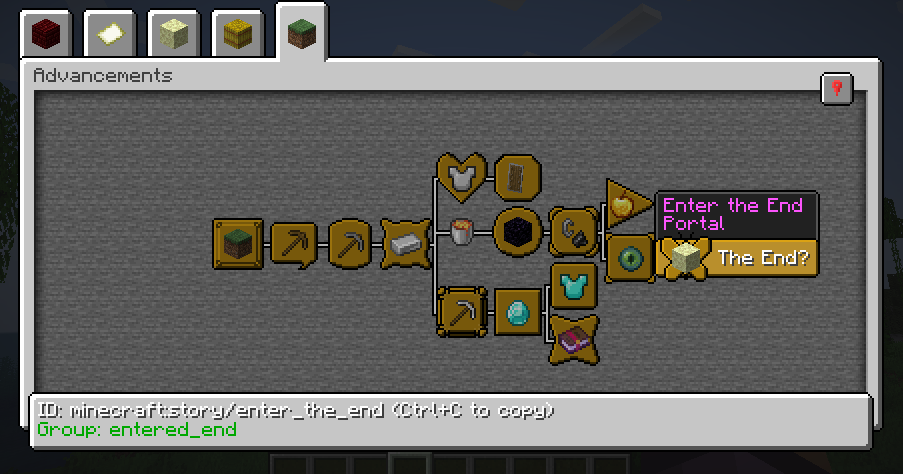
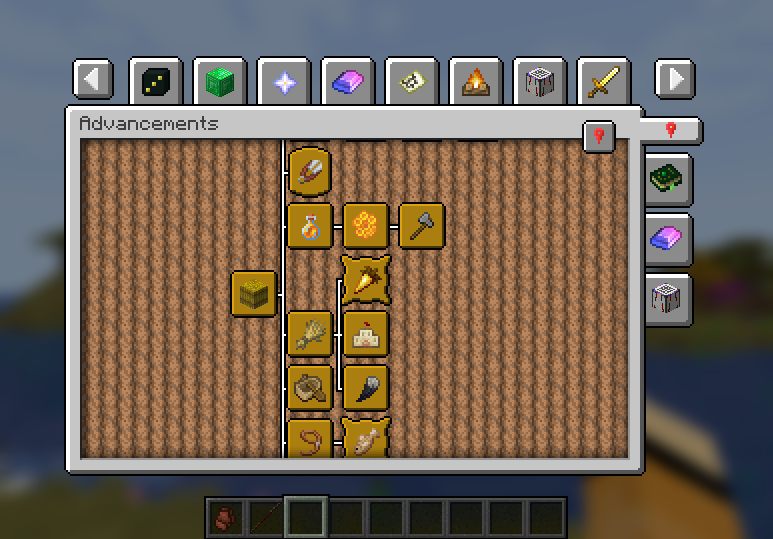
Better advancements screen
Screenshots
About this Mod
Make your advancement screen not suck!
Features
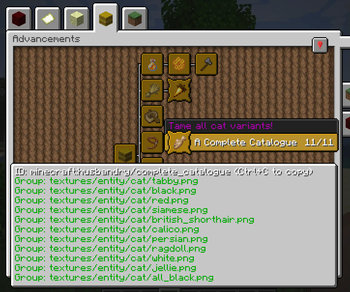
Paginated Advancements completely overhauls the advancement screen by adding a load of features:
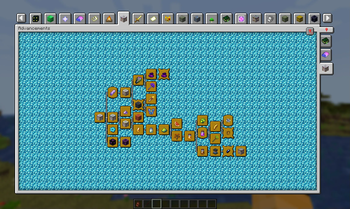
- Makes the screen bigger, instead of vanillas fixed, tiny size
- Pagination (no "this modpack has too many tabs to display them all" anymore!)
- Pin the advancement tabs you are currently focusing on
- Remembering the last opened tab
Also adds some styling options, to make the screen exactly how you prefer it:
- Disable background fading
- Configurable Spacing between tabs. Allowing them to be condensed quite a bit, or giving them more room to breathe
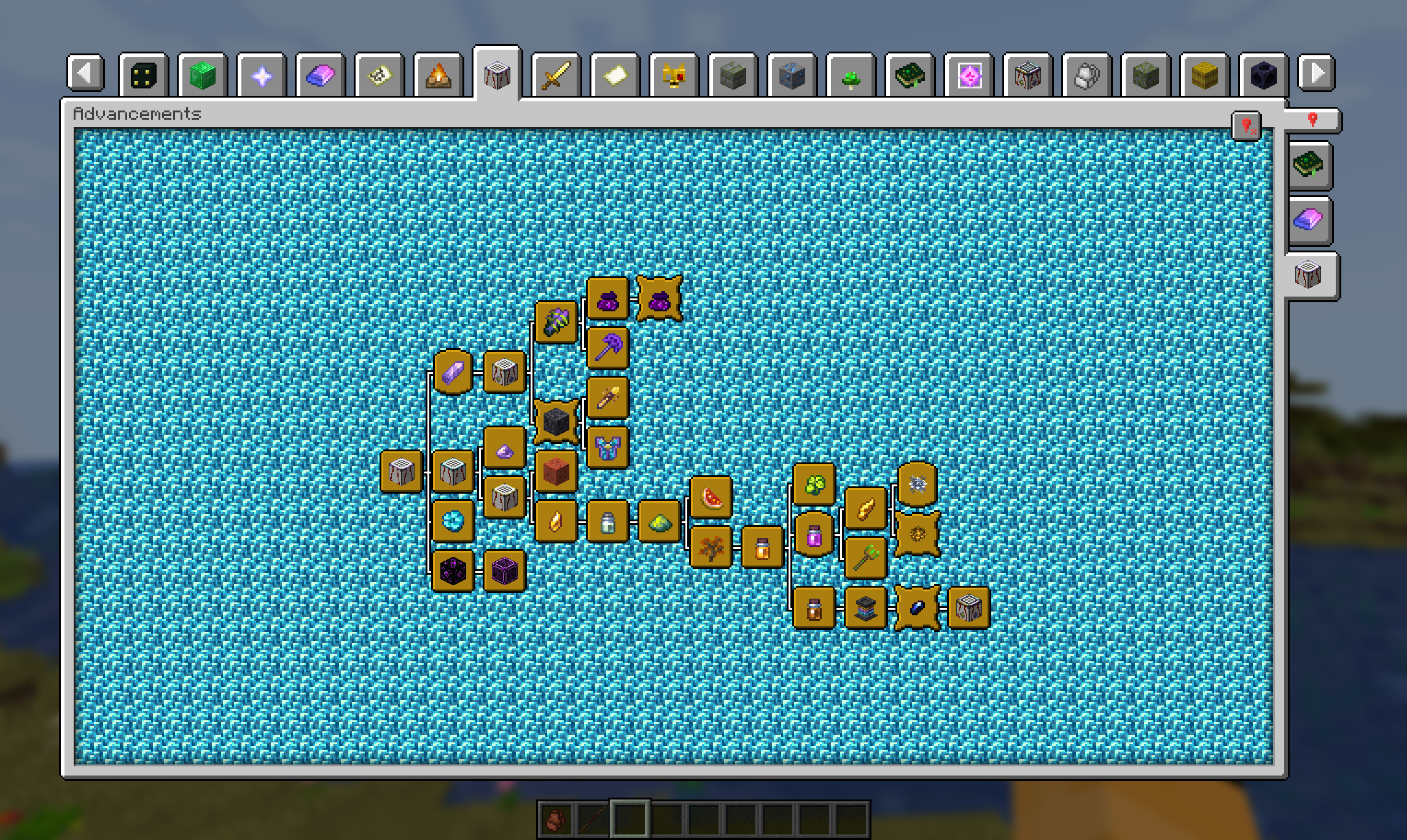
Additional Advancement Frames & Colors
With version 2.0 comes the ability to register new advancement frames, including custom colors, via data pack / mods that support it. Find out how in the Wiki
Available Versions
How to Install Paginated Advancements & Custom Frames on Your Client
Install the Mod Loader Locally
Install fabric for your local Minecraft version.
Download the Matching File
Choose the Paginated Advancements & Custom Frames file for fabric and Minecraft 26.2.
Install Mod
Place the .jar file in your local .minecraft/mods folder and restart Minecraft. No server-side installation is required.
Compatibility
Mod Loaders
Minecraft Versions
26.2, 26.1.2, 26.1.1 (+25 more)
Server-side
✗ UnsupportedRecommended RAM
4 GB(min. 3 GB)Frequently Asked Questions
Does Paginated Advancements & Custom Frames need to be installed on the Minecraft server?
No. Modrinth marks Paginated Advancements & Custom Frames as unsupported on the server side. Install it only in your local Minecraft mods folder. Your server can remain unchanged unless the mod page lists an additional dependency.
Which version and loader does Paginated Advancements & Custom Frames require?
Use a file for fabric, neoforge, quilt and your exact Minecraft version. Supported versions include 26.2, 26.1.2, 26.1.1. Files for different loaders are not interchangeable.
Paginated Advancements & Custom Frames is not working – what should I check?
First check the Minecraft version, loader version and required dependencies. Put the .jar file in your local .minecraft/mods folder and remove older duplicates. Because this mod is client-side, adding server RAM will not fix it.
Similar Mods




![[ETF] Entity Texture Features](https://cdn.modrinth.com/data/BVzZfTc1/af683d206d50b05258d865b0d6e4aa2f2cee12f2_96.webp)

Minecraft Server for Your Group
Paginated Advancements & Custom Frames stays on your client. Host a compatible world for your group.