
Player Hider (Funnest's Edition)
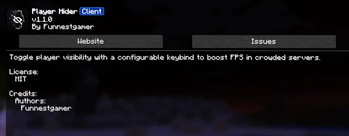
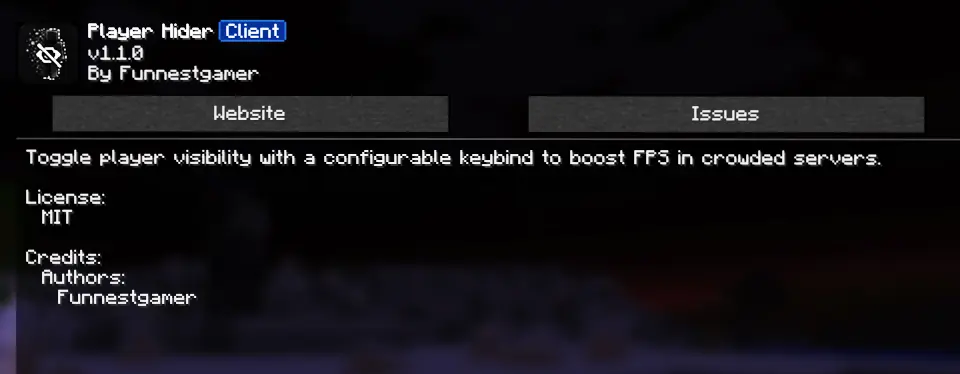
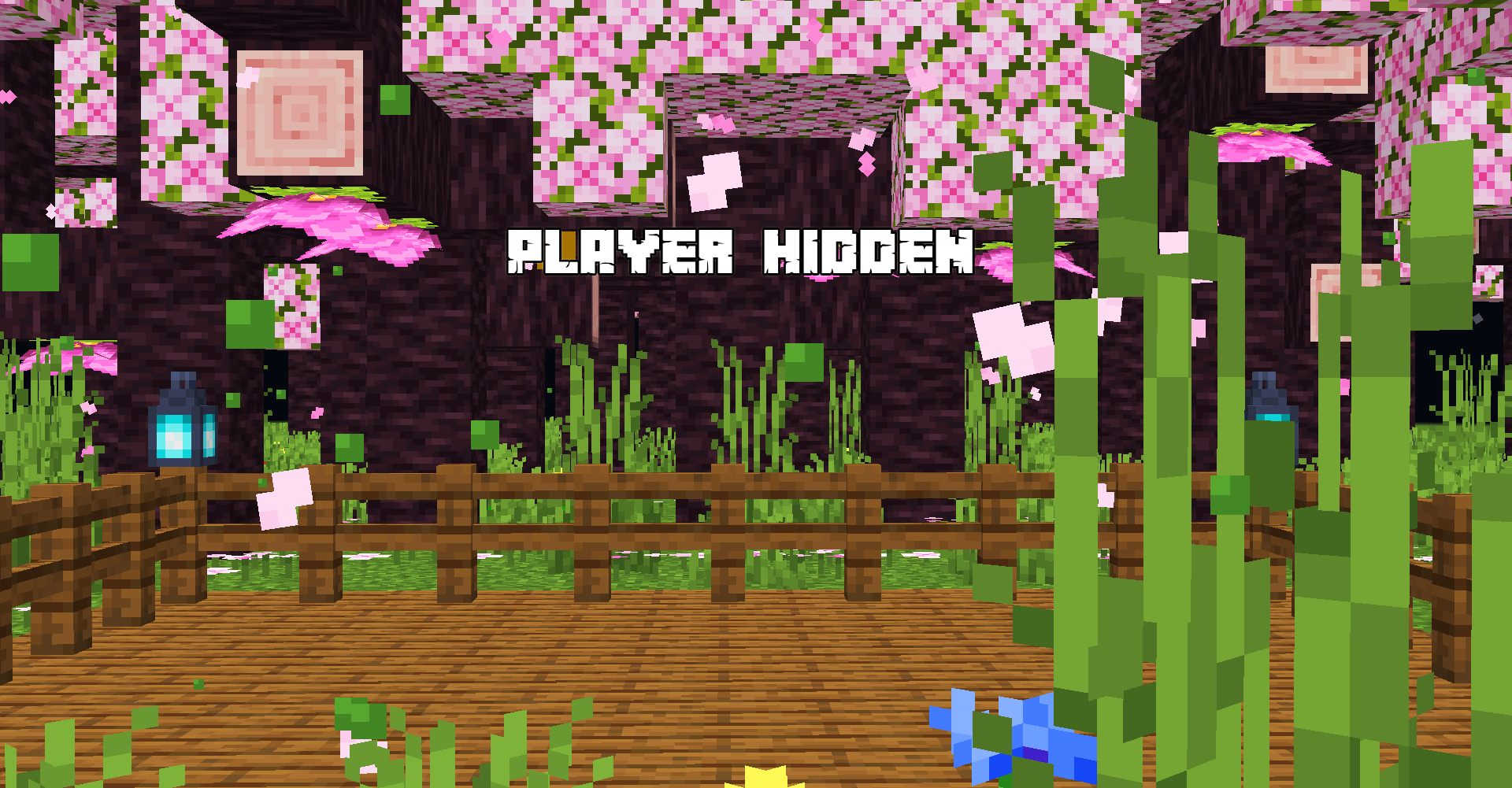
This Mod will hide Players from client side which gives you more Fps in loaded minecraft servers
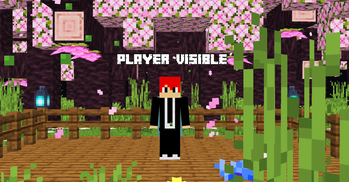
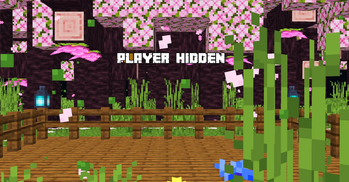
Screenshots
About this Mod
PLAYER HIDER
==================================================================

==================================================================
==================================================================
Keep your Minecraft world clean, focused, and distraction-free.
-Player Hider is a lightweight client-side mod that lets you hide other players from your view without affecting the actual game world or server. Perfect for single-player worlds, busy servers, screenshots, recording, and situations where you simply want a cleaner screen.
==================================================================
==================================================================
🔹 Features
🫥 Hide Players
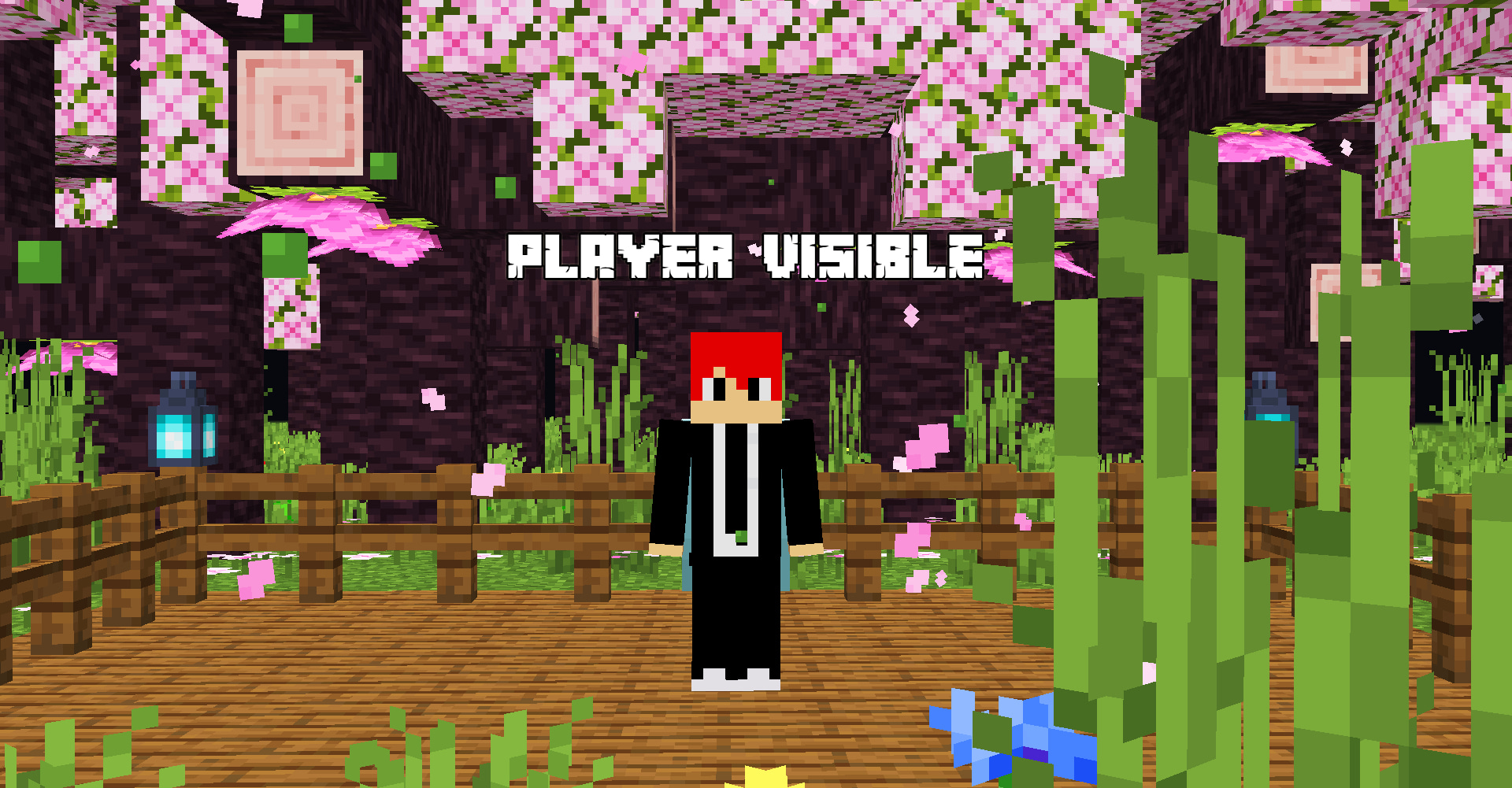
— Hide selected players from your client.(default key-H)
👁️ Client-Side Only
— Other players are not affected.
⚡ Lightweight
— Designed to stay out of your way.
🎯 Selective Hiding
— Choose which players you want to hide.
🔄 Easy Toggle
— Quickly show or hide players whenever you want.
🧭 Player Management
-Manage your hidden players with an easy-to-use interface.
Add players to your hidden list
Remove players whenever you want
Search for players
Quickly toggle visibility
Keep your preferences saved
⚙️ How It Works
-Player Hider only changes what you see on your client. It does not remove players from the server, alter their gameplay, or affect the world itself.
-Other players can continue playing normally while you enjoy a cleaner and less distracting view.
==================================================================
==================================================================
==================================================================
==================================================================
==================================================================
-If the Game Crashes or not opens,try removing immediately fast mod if installed
==================================================================
==================================================================
Creator & Publisher
-Funnestgamer
Discription designing
-Funnestgamer,NotGriffy
==================================================================

==================================================================
Subscribe me on Youtube
https://www.youtube.com/@funnestgamer
==================================================================
Available Versions
How to Install Player Hider (Funnest's Edition) on Your Client
Install the Mod Loader Locally
Install fabric for your local Minecraft version.
Download the Matching File
Choose the Player Hider (Funnest's Edition) file for fabric and Minecraft 26.3.
Install Mod
Place the .jar file in your local .minecraft/mods folder and restart Minecraft. No server-side installation is required.
Compatibility
Mod Loaders
Minecraft Versions
26.3, 26.2, 26.1.2 (+22 more)
Server-side
✗ UnsupportedRecommended RAM
4 GB(min. 3 GB)Frequently Asked Questions
Does Player Hider (Funnest's Edition) need to be installed on the Minecraft server?
No. Modrinth marks Player Hider (Funnest's Edition) as unsupported on the server side. Install it only in your local Minecraft mods folder. Your server can remain unchanged unless the mod page lists an additional dependency.
Which version and loader does Player Hider (Funnest's Edition) require?
Use a file for fabric and your exact Minecraft version. Supported versions include 26.3, 26.2, 26.1.2. Files for different loaders are not interchangeable.
Player Hider (Funnest's Edition) is not working – what should I check?
First check the Minecraft version, loader version and required dependencies. Put the .jar file in your local .minecraft/mods folder and remove older duplicates. Because this mod is client-side, adding server RAM will not fix it.
Similar Mods






Minecraft Server for Your Group
Player Hider (Funnest's Edition) stays on your client. Host a compatible world for your group.