
Potion Cauldron
Brings the potion cauldron feature from bedrock edition.
Screenshots
About this Mod
Potion Cauldron
Description
- A feature from Bedrock edition
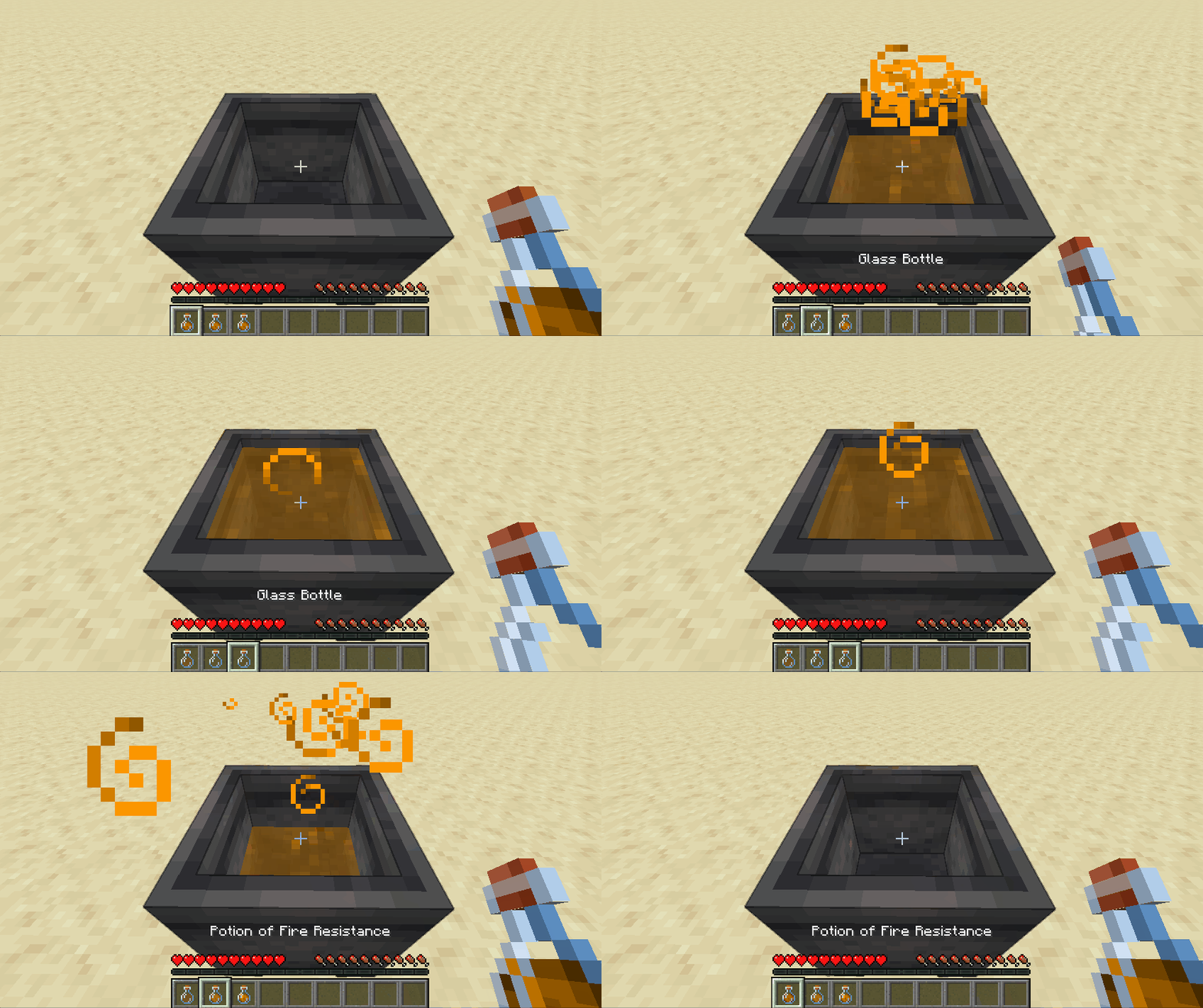
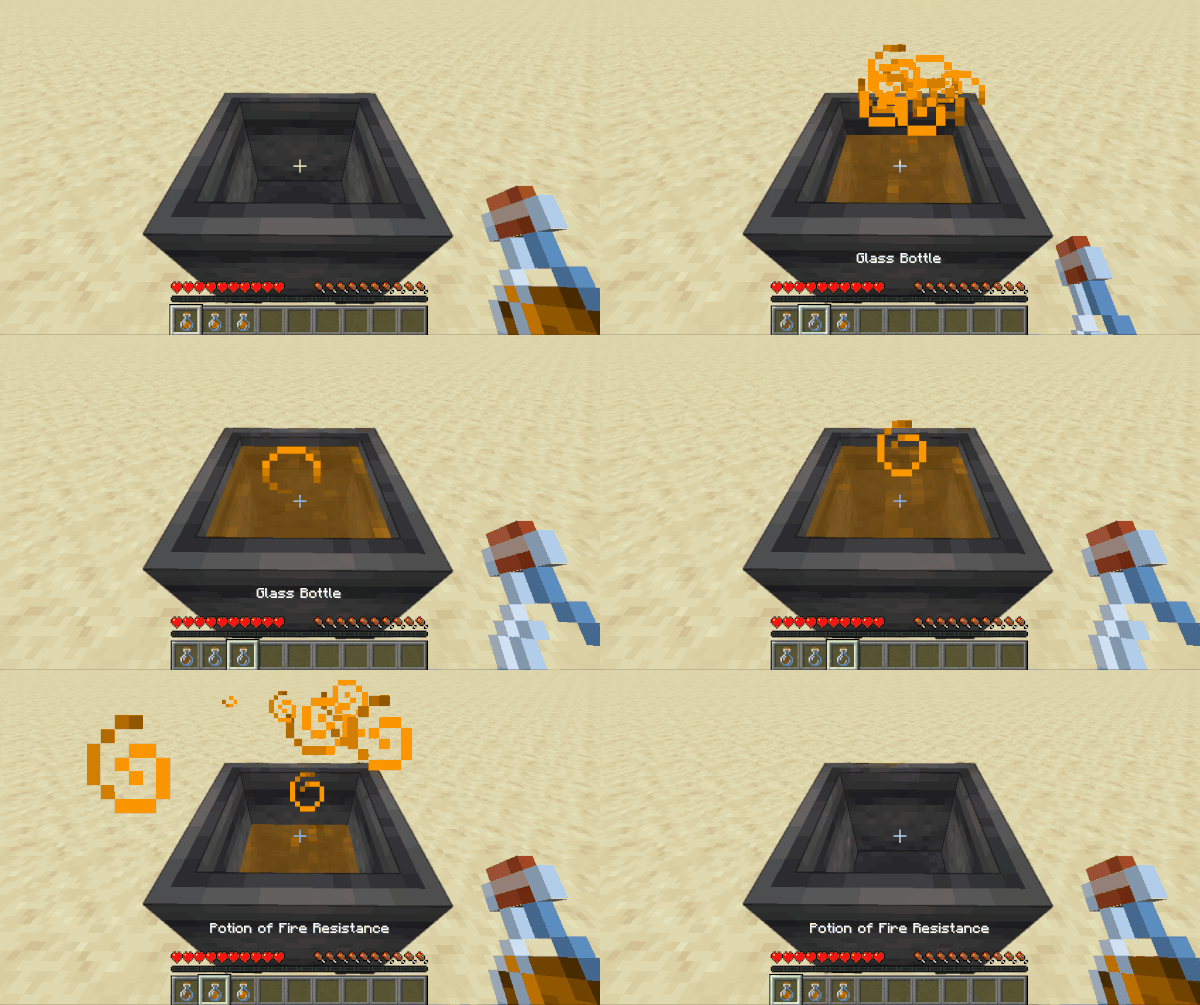
- Right-click a cauldron with a potion in hand and store up to 3 bottles of the same potion
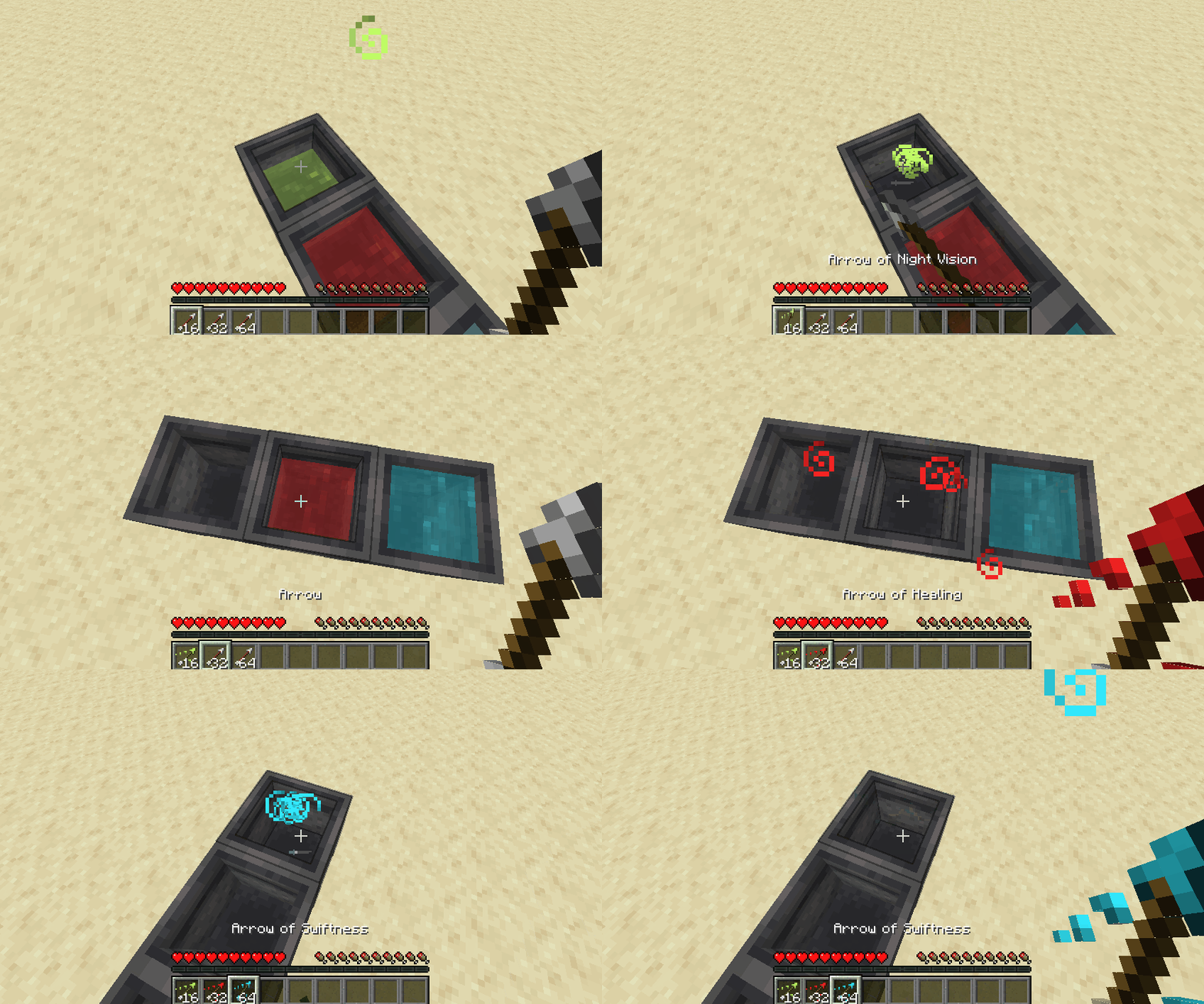
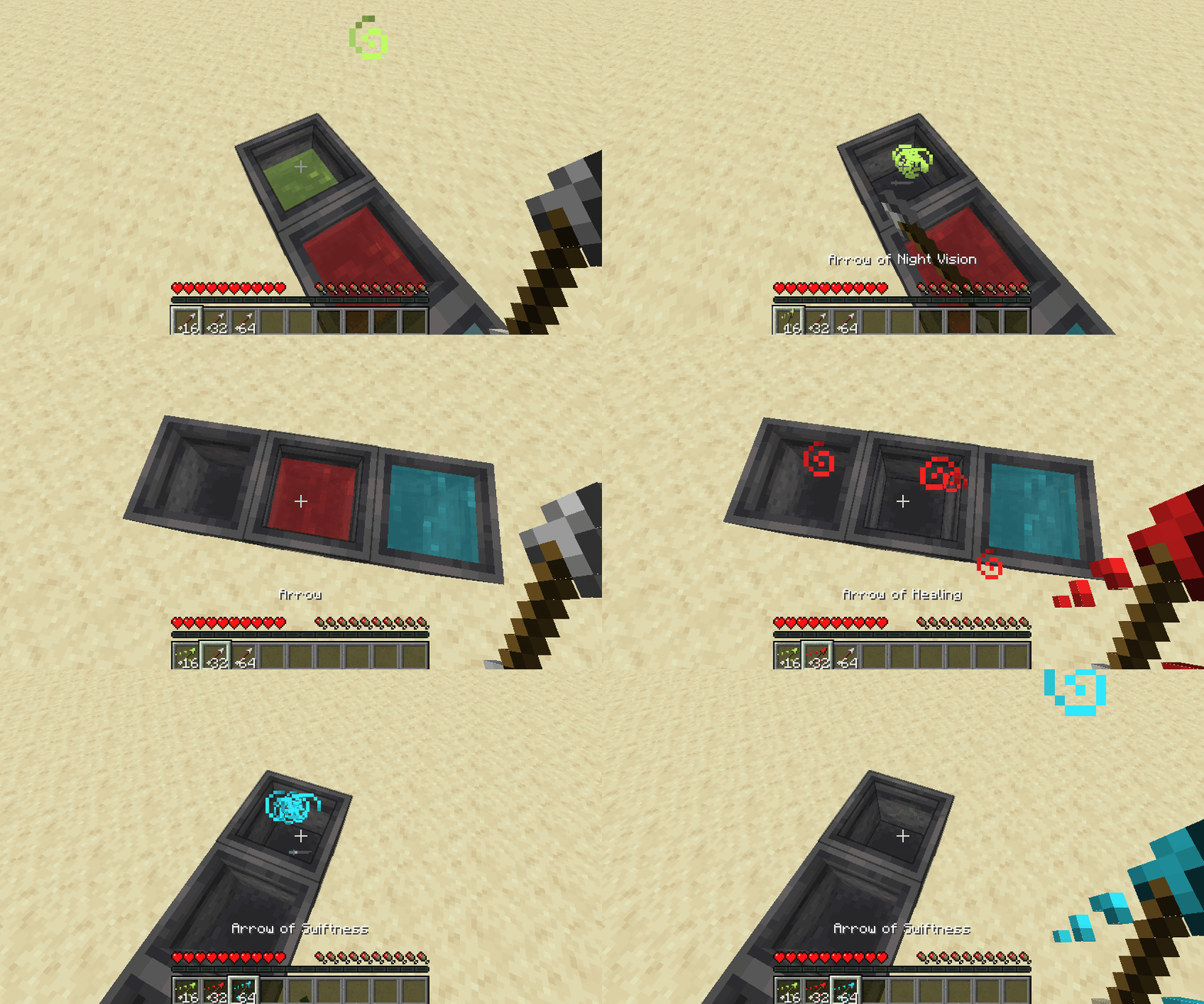
- Right-click with arrows in hand to craft tipped arrows
- Apply potion effect to any entities standing inside
- Generates in swamp huts
Supported loaders



Requirements
- Fabric: Fabric API (Optionally Mod Menu for config GUI)
- Quilt: QFAPI (Optionally Mod Menu for config GUI)
- Forge: none
Installation
- Download the appropriate JAR from either Modrinth or CurseForge and put it in .minecraft/mods folder.
- For multiplayer, the mod must be installed on all clients and server side.
Configuration
- File Location: .minecraft/config/potion-cauldron.json
- On Fabric/Quilt, GUI is available through Mod Menu
- Changing config doesn't require restarting your game (or server).
- On single player and LAN hosted worlds:
- When using the GUI, clicking the "Save" button will sync with all connected clients.
- When not using the GUI, change the JSON file and use the command "/potioncauldron config reload".
- On dedicated servers, after changing the config:
- Use the "/potioncauldron config reload" command on the server console.
- OP players can also use the above command in-game.
- On single player and LAN hosted worlds:
- Available configuration options :
- Evaporate if different potions or liquids are mixed
- ON: If a player tries to put a different potion or liquid (water or lava) in a potion cauldron, the liquids from both the cauldron and the hand will evaporate and disappear.
- OFF: Item in hand is used normally.
- Allow merging different types of the same potion
- ON: Allows merging normal, splash and lingering variants of the same potion. Taking back the potion will give whatever type was put in last.
- OFF: Applies whatever is set in Evaporate if different potions are mixed option.
- It's how it works in Bedrock edition. For instance, you can put a Potion of Fire Resistance, Splash Potion of Fire Resistance and a Lingering Potion of Fire Resistance in the same cauldron. Picking up would give back 3 bottles of Lingering Potion of Fire Resistance.
- Apply potion effects to entities standing inside
- Allow filling with water drips from rain and dripstone
- Allow creating tipped arrows and the maximum number of arrows for each level
- Generate in swamp huts
- ON: When a swamp hut (witch hut) is generated, a cauldron filled with a random potion, type and level will be generated instead of an empty one.
- OFF: Generates with an empty vanilla cauldron.
- The chances of the generated random potion, its type and level can be configured.
- Evaporate if different potions or liquids are mixed
Compatibility with other mods
- Compatible with Sodium and and its Forge ports.
- Should be compatible with mods that modify vanilla cauldron behavior.
- Should be compatible with modded potions that are added using the vanilla potion registry.
- May not be compatible with custom potion systems.
Inclusion in modpacks
- Feel free to include this mod in any modpacks.
Known issues
- Liquid transparency or potion particle effects may not work with some shaders.
If you encounter any problems, please create an issue on the Issue Tracker.

Available Versions
How to Install Potion Cauldron on Your Server
Order Server
Order a Minecraft Java server with at least 3 GB RAM (4 GB recommended).
Set fabric Loader
In the panel under "Egg", select the fabric loader and matching Minecraft version (26.2).
Install Mod
Open the mod browser in the dashboard and search for "Potion Cauldron". Click "Install" – done! Alternatively, upload the .jar via SFTP to the /mods folder.
Compatibility
Mod Loaders
Minecraft Versions
26.2, 26.1.2, 1.21.11 (+11 more)
Server-side
✓ RequiredRecommended RAM
4 GB(min. 3 GB)Frequently Asked Questions
Potion Cauldron server crashes on startup – what to do?
Most common cause: wrong fabric version or insufficient RAM. Check the server log (latest.log) for "OutOfMemoryError" or "Mixin" errors. With Mado Hosting: ensure at least 3 GB RAM is allocated and the loader matches the mod version (26.2). You can switch loaders with one click in the panel.
Is Potion Cauldron compatible with fabric and forge and quilt?
Potion Cauldron officially supports fabric, forge, quilt for Minecraft 26.2, 26.1.2, 1.21.11. Note: Forge and Fabric mods are NOT cross-compatible – pick one loader and stick with it. The Mado dashboard automatically detects incompatible loader combinations.
Server lagging with Potion Cauldron – how to optimize performance?
Recommended RAM: 4 GB (per 8 players). Use /spark profiler to check if Potion Cauldron consumes the most tick time. Common fixes: reduce server view-distance to 8-10, install "performant" or "starlight" as supplementary mods on Forge. With Mado Hosting, your server runs on NVMe SSDs with dedicated CPU cores for minimal latency.
Similar Mods






Rent Modded Server
Install Potion Cauldron with just one click on your server.