
Modrinth · Fabric, Forge, NeoForge
peterwolf's Splinecart on your Minecraft server
peterwolf's Splinecart runs on Minecraft servers with Fabric or Forge or NeoForge. Order your server, set the loader in the panel and install the mod with one click in the mod browser.
Splinecart mod for bouilding smooth rails fork by peterwolf.
- Downloads
- 9.3K
- Author
- peterwolfpl
- Loader
- Fabric, Forge, NeoForge
- Minecraft
- 1.20.1 – 26.3
- Updated
- –
Screenshots
What peterwolf's Splinecart looks like
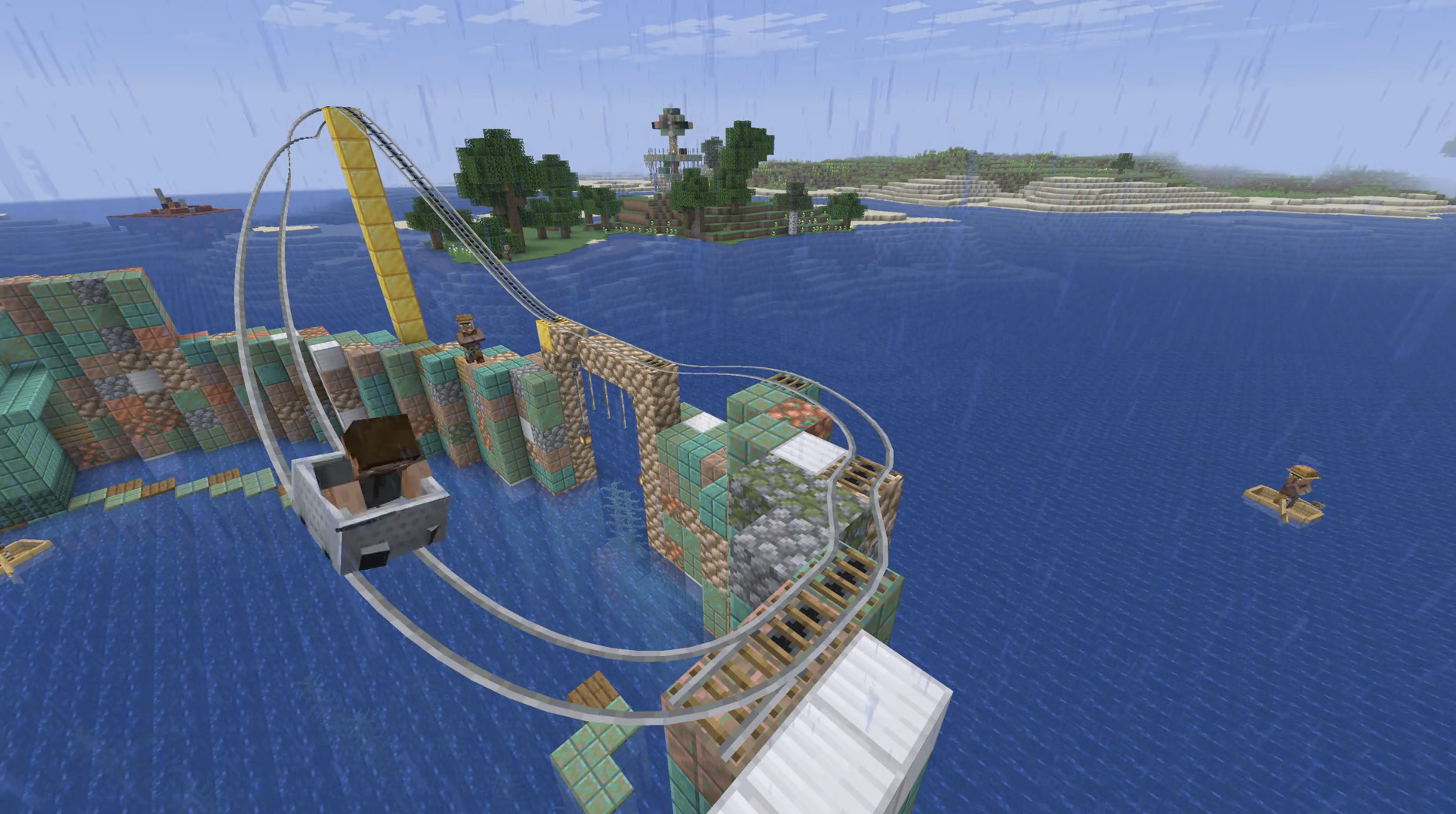
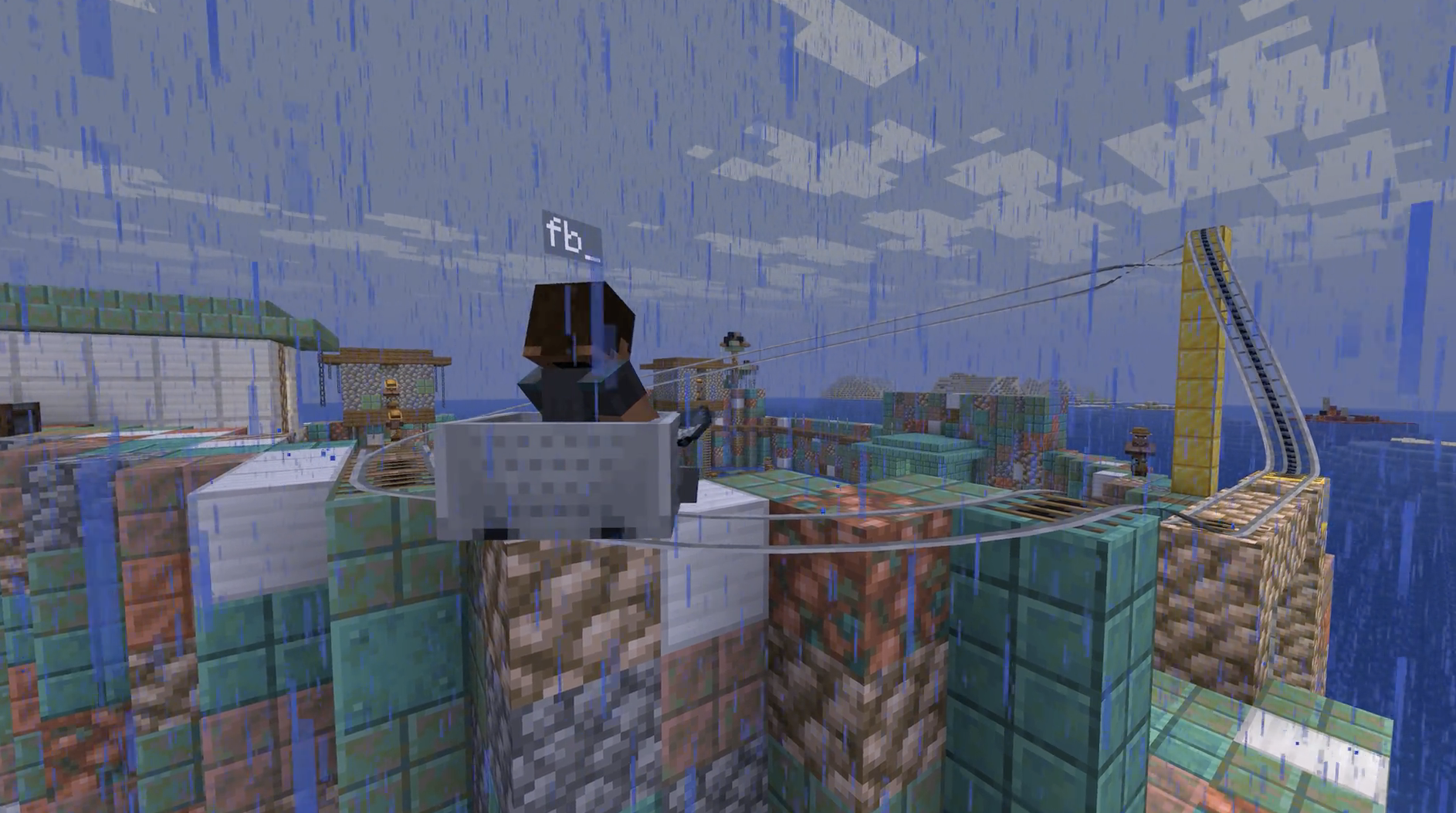
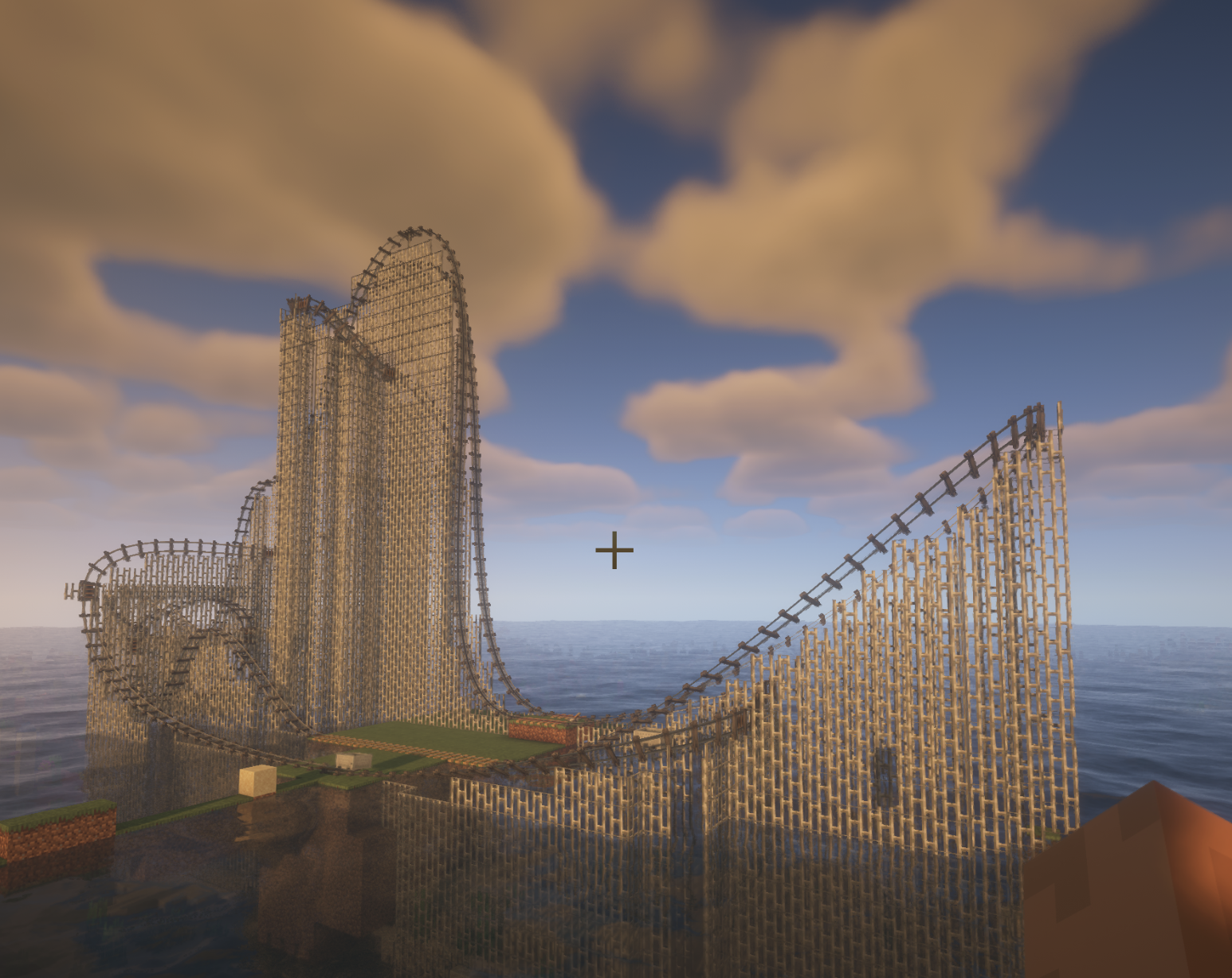
Images: peterwolf's Splinecart on Modrinth, published by the project team.
Setup
Install peterwolf's Splinecart on your server
The server and players need the same loader and Minecraft version. Back up the world before adding or updating mods.
- 01
Configure
4 GB of RAM is preselected. You choose the term and add-ons and pay by credit card or PayPal.
- 02
Set the loader
In the panel, set the server software to Fabric or Forge or NeoForge and choose the matching Minecraft version, for example 26.3.
- 03
Install the mod
Search the mod browser for “peterwolf's Splinecart” and install the release for your loader. Alternatively, upload the .jar to the mods folder via SFTP. Required dependencies are listed on the project page.
- 04
Connect
Every player installs the same peterwolf's Splinecart release locally and connects using the server address from the panel.
- On the server
- Required
- On the client
- Required
- Loader
- Fabric, Forge, NeoForge
- Minecraft
- 26.3, 26.2, 26.1.2 +3 more
- License
- Mozilla Public License 2.0
The panel
Install mods, find errors.
Real screenshots from the Mado panel. Both come with every Minecraft server.
Mod browser
Modrinth and CurseForge, right in the panel.
The browser filters by your Minecraft version. Install mods with one click, without uploading .jar files.

AI crash analysis
When a mod crashes, the analyzer reads the log.
Mods often fail on a wrong loader version, Java version or missing dependency. The analyzer names a likely cause and suggests a fix.

Releases
Published releases
Pick the file that matches your server’s loader and Minecraft version. The server and players need the same release.
peterwolf's Splinecart · Modrinth- Splinecart 26.3 0.5.2+1.21.1November 21, 2026Minecraft 1.21.1 · NeoForge
- Splinecart 0.5.5+1.20.1November 1, 2026Minecraft 1.20.1 · Forge
- Splinecart 0.5.1+1.20.1November 1, 2026Minecraft 1.20.1 · Forge
- Splinecart 1.20.1 0.5.1+1.20.1November 1, 2026Minecraft 1.20.1 · Fabric
- Splinecart 26.3 0.5.1+1.21.1November 1, 2026Minecraft 1.21.1 · NeoForge
Original description by the project author
Splinecart
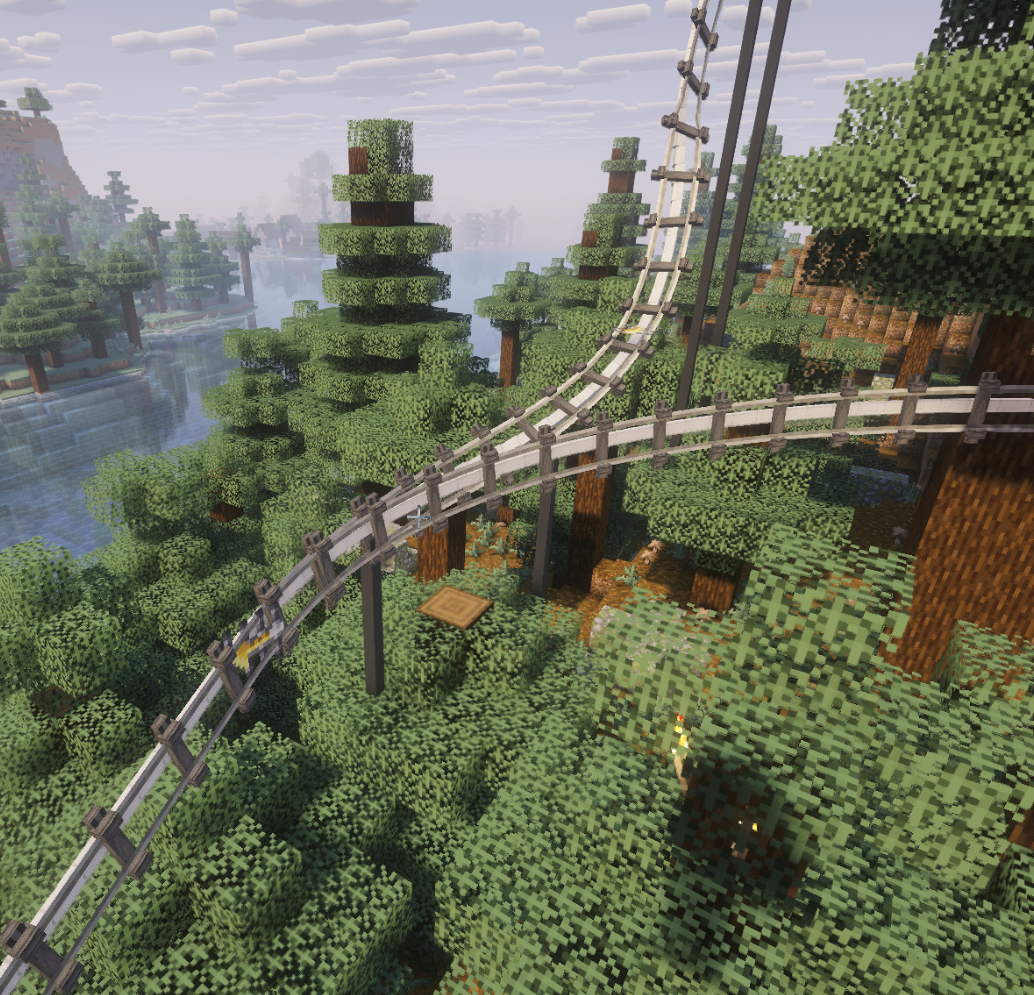
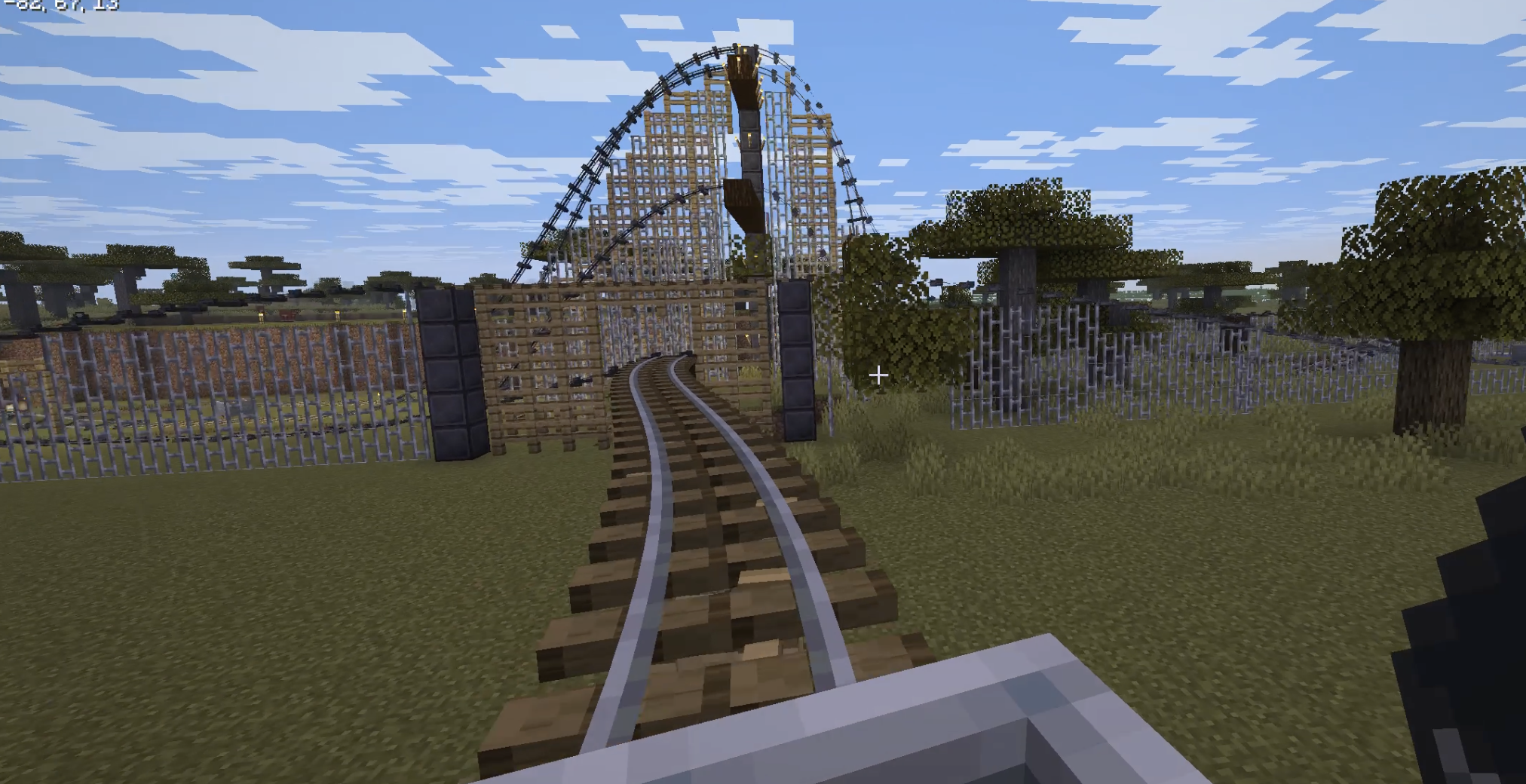
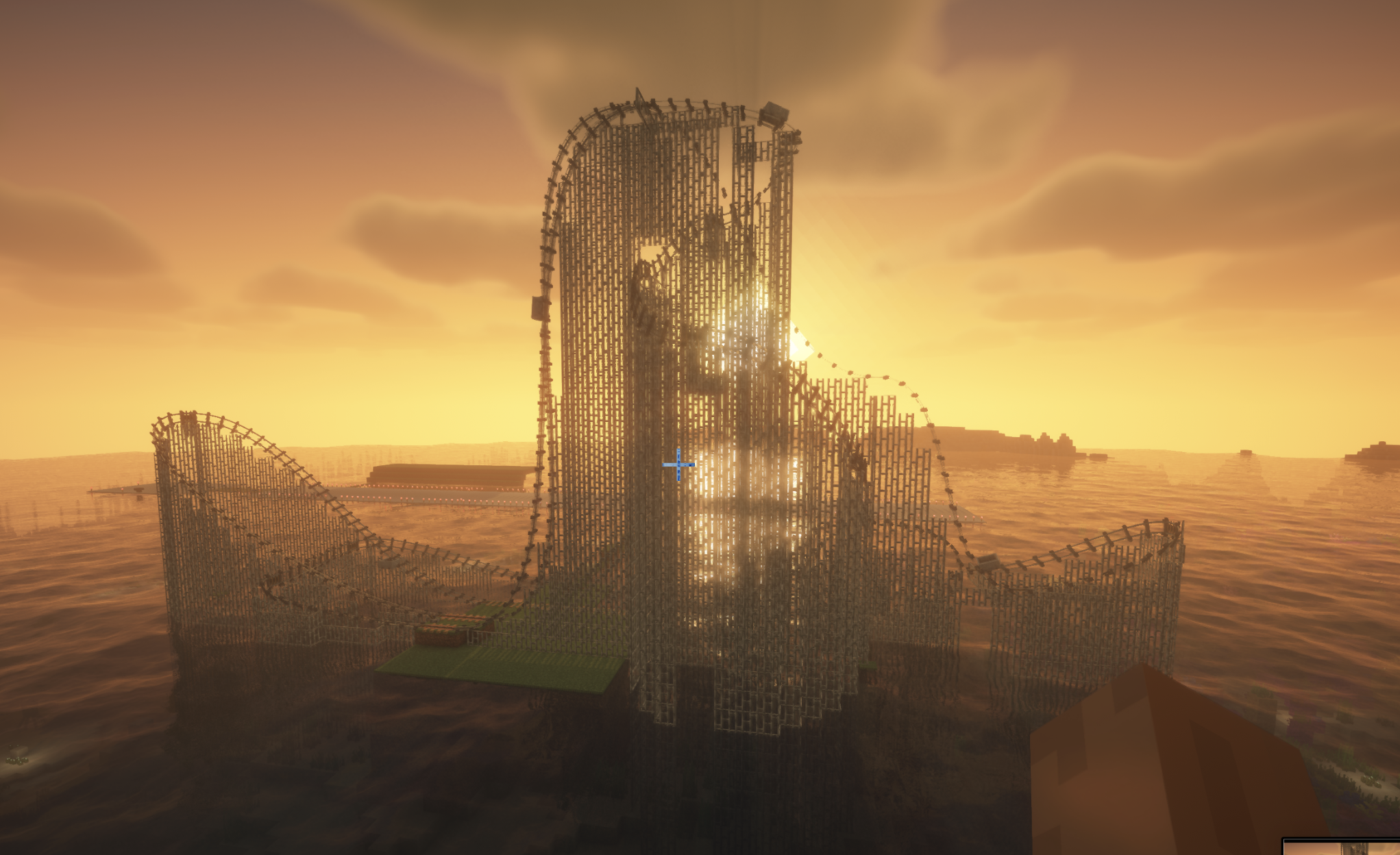
Splinecart adds smooth, realistically curved railway tracks (composite curves / splines) to Minecraft. Minecarts travel on them without jerking, with full banking and speed physics.
Main elements and mechanics
1. Track Ties
- Wooden (Wood Track Ties), Steel (Steel Track Ties), and Classic:
- Can be placed on blocks and in mid-air.
- Automatic alignment to look direction: floor (down), wall (forward), ceiling (up).
- Empty-hand click rotates the tie.
- Regular ties act as detector rails (emit Redstone signal 15 while a minecart passes).
- Steel ties generate a third powered rail plus support pillars; wooden ties create wooden beams and posts.
2. Connecting tracks and variants
- The Track item joins two ties into a smooth path.
- Regular Track: standard smooth riding and corner smoothing.
- Chain Drive Track: pulls the minecart at constant speed uphill (ideal for roller coasters).
- Magnetic Track: when powered by Redstone it accelerates sharply; when unpowered it brakes the minecart to a stop even on steep slopes.
- Seamless transition with vanilla tracks: a minecart smoothly enters from splines onto regular rails and vice versa without losing momentum or camera rotation.
3. Turnouts / Switches
- Two tracks can leave or enter a single tie at the same time.
- The tie automatically becomes a Redstone-controlled switch:
- State 0 (no signal): minecart follows the main track (1st exit).
- State > 0 (Redstone powered): minecart immediately turns onto the alternate track (2nd exit).
- Detector-rail function is disabled on a switch — lever/dust state changes take effect instantly, even with a whole train of minecarts following one another.
Commands (/splinecart)
| Command | Effect |
|---|---|
/splinecart banking <on | off | toggle> |
Enables/disables track and minecart banking on curves. |
/splinecart supports <none | wood | metal | steel | auto> |
Sets the style of supports and pillars built under new tracks. |
/splinecart build line <x1 y1 z1> <x2 y2 z2> [type] [supports] [banking] |
Automatically places and connects a straight track segment between coordinates. |
/splinecart build path <pos1> <pos2> ... [type] [supports] [banking] |
Builds a continuous multi-point route through the given coordinates. |
/splinecart connect <x1 y1 z1> <x2 y2 z2> [type] [supports] [banking] |
Connects two existing ties with the specified track type. |
(Available types in commands: default, chain_drive, magnetic)
All four player-obtainable items have shaped crafting recipes in Survival. The Track Follower is a hidden entity spawned by tracks and is not crafted.
Track Ties
Description: Interact to rotate when placed.
Unlocks when you pick up a Stick or any Wooden Slab.
Crafting (makes 8):
[Wooden Slab] [Wooden Slab]
[Wooden Slab] [Stick] [Wooden Slab]
[Wooden Slab] [Wooden Slab]
Any wooden slab works in every slot marked Wooden Slab.
Track
Description: Links two Track Ties blocks together.
Unlocks when you pick up a Rail or Iron Block.
Crafting (makes 4):
[Iron Block]
[Rail]
[Iron Block]
Chain Drive Track
Description: Track variant that pulls minecarts.
Unlocks when you pick up an Activator Rail, Chain, or Iron Block.
Crafting (makes 4):
[Iron Block]
[Chain] [Activator Rail] [Chain]
[Iron Block]
Magnetic Track
Description: Track variant that accelerates or slows minecarts.
Unlocks when you pick up a Powered Rail, Iron Block, or Copper Block.
Crafting (makes 4):
[Iron Block]
[Copper Block] [Powered Rail] [Copper Block]
[Iron Block]
The magnetic track's strength follows the redstone signal powering its Track Ties block.
peterwolf's Splinecart server crashes on startup – what to do?
Common causes: the loader or Minecraft version does not match the mod file, a dependency is missing, or RAM is too low. Check the log (latest.log) for “OutOfMemoryError”, “Mixin” or missing mods. At Mado, the AI crash analysis reads the log and suggests a cause. You can change the loader and version in the panel.
Which loader does peterwolf's Splinecart run on?
According to Modrinth, peterwolf's Splinecart supports Fabric, Forge, NeoForge for Minecraft 26.3, 26.2, 26.1.2. Forge and Fabric files are not interchangeable: pick one loader for the server and clients.
How much RAM does a server with peterwolf's Splinecart need?
As guidance, 3–4 GB for a server with this mod. This is an estimate, not a measured minimum. More mods, many players and long view distances need more. The spark profiler shows whether a mod is costing tick time.
Similar mods
Popular mods in the same category
 Server-ready

Xaero's Minimap
by thexaero
Displays a map of the nearby world terrain, players, mobs, entities in the corner of your screen. Lets you create waypoints which help you find the locations you've marked.
 Server-ready

Xaero's World Map
by thexaero
Adds a full screen world map which shows you what you have explored in the world. Works great together with Xaero's Minimap.
 Server-ready

Carry On
by Tschipp
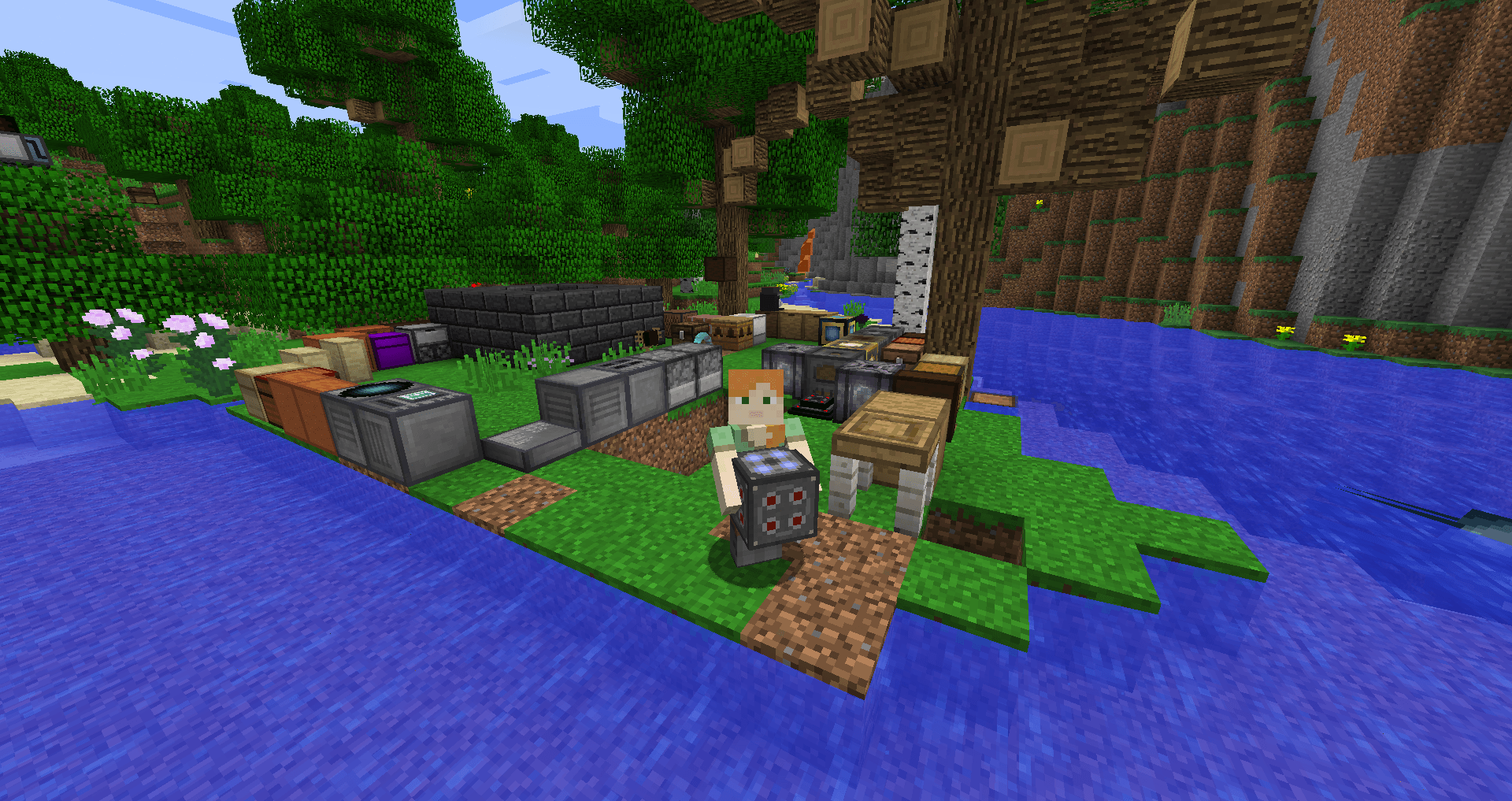
Carry On allows you to pick up Tile Entities and Mobs and carry them around!
 Server-ready

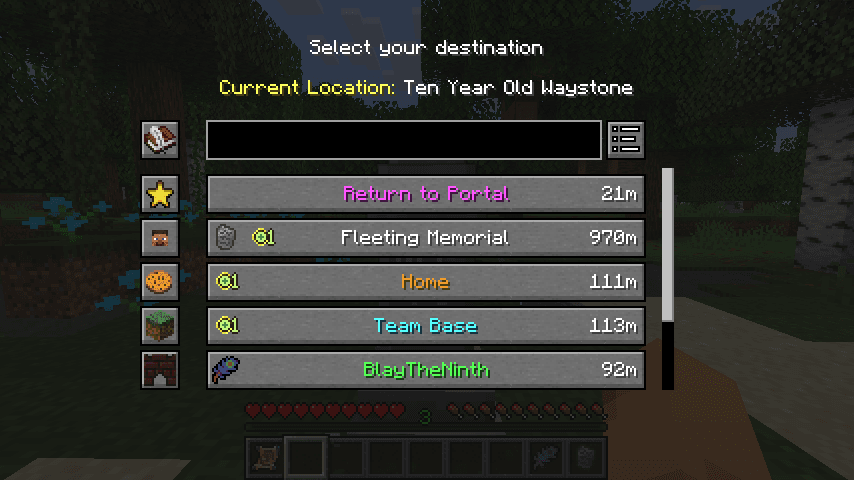
Waystones
by BlayTheNinth
Teleport from waystone to waystone or craft magical scrolls to warp.
Ready for your server with peterwolf's Splinecart?
4 GB of RAM from €8.00 per month. 35% off your first month with MADO35.