
Red Bits
Vanilla style Redstone additions and improvements
Screenshots
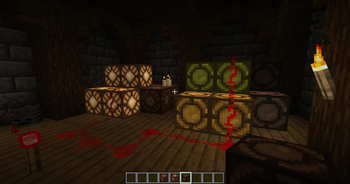
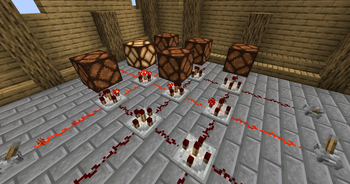
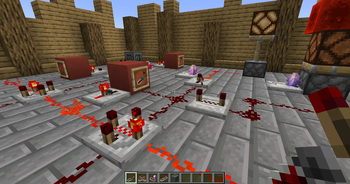
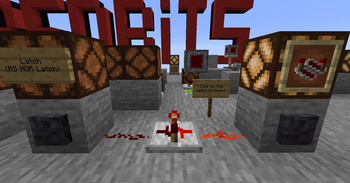
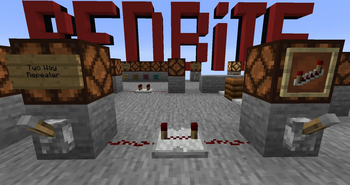
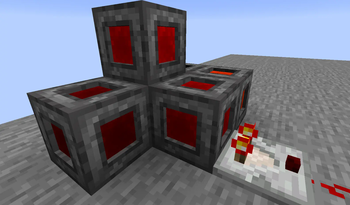
About this Mod
RedBits adds new redstone components and improves some already existing vanilla mechanics.
Primary goal of the mod is to allow for further miniaturization of redstone contraptions, and in turn making them faster.
This is a Fabric only mod, I have no plans to port it to Forge. Fabric API is required.
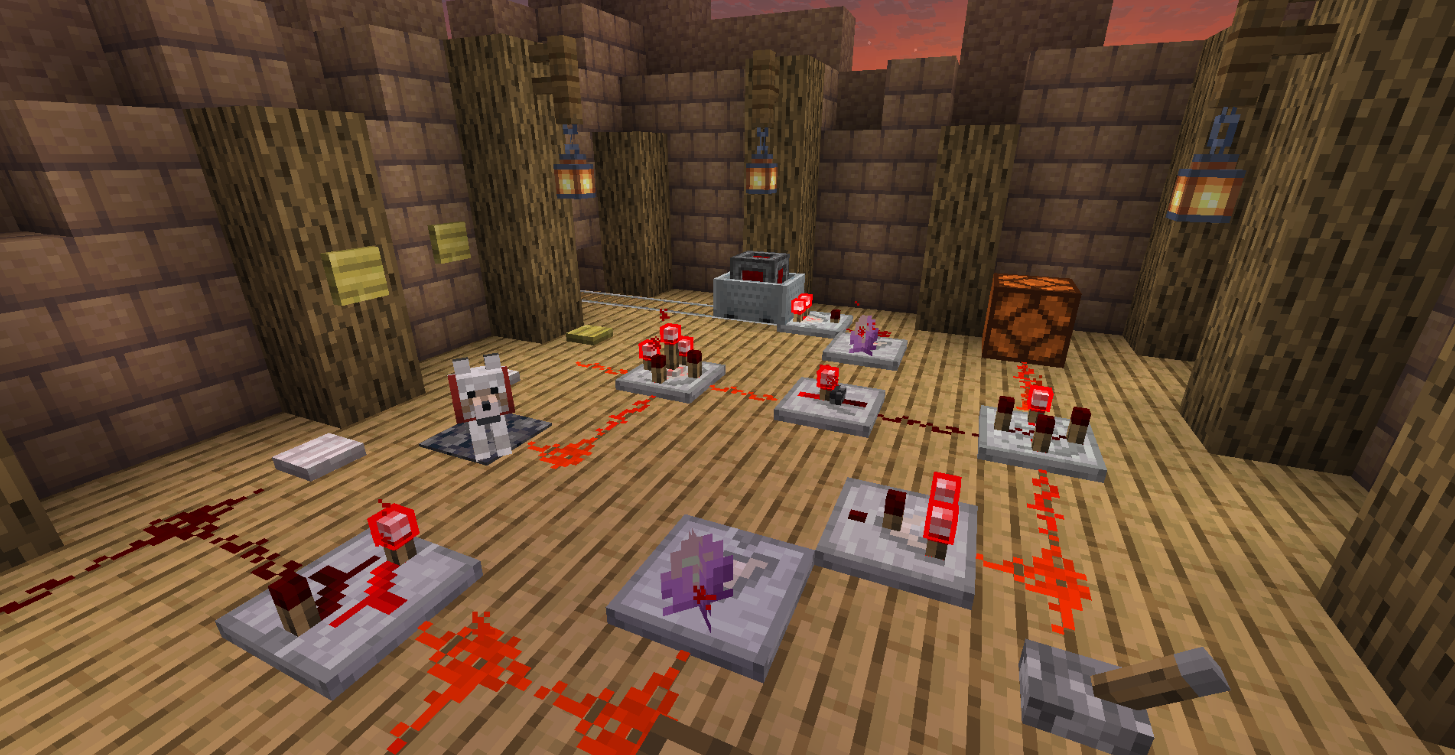
Features:
- Shaded Redstone Lamp - Non lagy version of redstone lamp for usage in displays, it doesn't emit light
- 8 New Redstone Gates - Detector, Switcher, Inverter, Latch, Timer, Projector, Bridge, and Two Way Repeater
- Redstone Emitter - Emits comparator signal, replacement for using cauldrons and composters in circuits
- Inverted redstone Torch - Redstone torch that doesn't invert the signal
- Large Buttons - Buttons with larger hit boxes
- 4 New Pressure Plate types - Pressure plates triggered by different entity types
- Color Redstone Lamps - The lamp's color is determined by signal strength
- Sight Sensors - They trigger when looked at
- As of RedBits 1.12.0 a build-in guide book is included in the mod if Patchouli Fabric is also present, it can be found under the "miscellaneous" creative tab OR in naturally generated chests in stronghold libraries, cartographer village houses and in the "Bonus Chest".
Changes:
- No more redstone torch burnout (configurable)
- Jukeboxes can now be triggered with redstone (configurable, if enabled replaces the vanilla 1.20 feature)
- Droppers and Hoppers can now interact with Jukeboxes and Campfires (configurable)
Available Versions
How to Install Red Bits on Your Server
Order Server
Order a Minecraft Java server with at least 3 GB RAM (4 GB recommended).
Set fabric Loader
In the panel under "Egg", select the fabric loader and matching Minecraft version (26.4-snapshot-1).
Install Mod
Open the mod browser in the dashboard and search for "Red Bits". Click "Install" – done! Alternatively, upload the .jar via SFTP to the /mods folder.
Compatibility
Mod Loaders
Minecraft Versions
26.4-snapshot-1, 26.3, 26.3-rc-3 (+45 more)
Server-side
✓ RequiredRecommended RAM
4 GB(min. 3 GB)Frequently Asked Questions
Red Bits server crashes on startup – what to do?
Most common cause: wrong fabric version or insufficient RAM. Check the server log (latest.log) for "OutOfMemoryError" or "Mixin" errors. With Mado Hosting: ensure at least 3 GB RAM is allocated and the loader matches the mod version (26.4-snapshot-1). You can switch loaders with one click in the panel.
Is Red Bits compatible with fabric?
Red Bits officially supports fabric for Minecraft 26.4-snapshot-1, 26.3, 26.3-rc-3. The Mado dashboard automatically detects incompatible loader combinations.
Server lagging with Red Bits – how to optimize performance?
Recommended RAM: 4 GB (per 8 players). Use /spark profiler to check if Red Bits consumes the most tick time. Common fixes: reduce server view-distance to 8-10, install "performant" or "starlight" as supplementary mods on Forge. With Mado Hosting, your server runs on NVMe SSDs with dedicated CPU cores for minimal latency.
Similar Mods




Rent Modded Server
Install Red Bits with just one click on your server.