
RFTools (Legacy)
Blocks and items to help with Redflux (dimension builder, crafter, monitor, scanner, etc.)
Screenshots

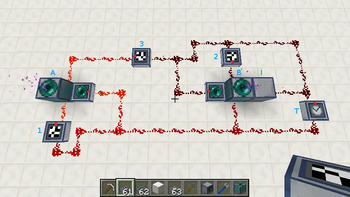
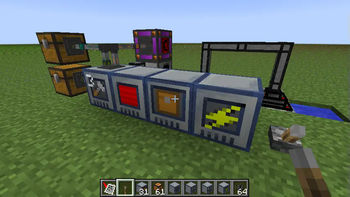
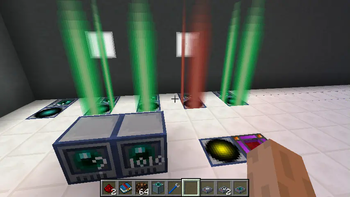
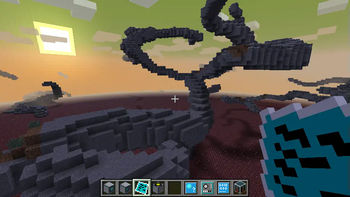
About this Mod
RFTools (Legacy)
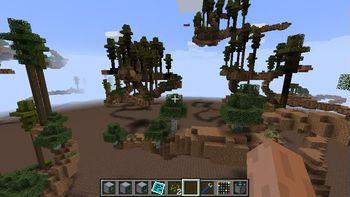
RFTools is a mod containing various tools that are related to RF (Redflux) or technology in general. The blocks and items that are in the current version are usable and feature complete. This mod is for 1.7.10, 1.8.9, 1.9 and 1.10.2. The major feature in this mod (since 2.00) is the Dimension Builder. With this device you can make your own dimensions for exploration, mining, building and so on.
1.14+
RFTools has been split into multiple projects for Minecraft versions 1.14 and higher:
- RFTools Base
- RFTools Utility
- RFTools Builder
- RFTools Control
- RFTools Storage
- RFTools Power
- RFTools Dimensions
About
Note! RFTools requires McJtyLib!
Note! If you want to use dimensions then you have to get the RFTools Dimensions mod as the dimension builder has been moved there. Also check out RFTools Control which is another companion mod for RFTools, adding powerful automation capabilities.
Modpacks
You can use RFTools in your modpacks without restrictions.
Support
You can support me by pledging on Patreon.
RFTools spotlight from Direwolf20 (part one out of five)
Available Versions
How to Install RFTools (Legacy) on Your Server
Order Server
Order a Minecraft Java server with at least 3 GB RAM (4 GB recommended).
Set forge Loader
In the panel under "Egg", select the forge loader and matching Minecraft version (1.12.2).
Install Mod
Open the mod browser in the dashboard and search for "RFTools (Legacy)". Click "Install" – done! Alternatively, upload the .jar via SFTP to the /mods folder.
Compatibility
Mod Loaders
Minecraft Versions
1.12.2, 1.12.1, 1.12 (+9 more)
Server-side
✓ RequiredRecommended RAM
4 GB(min. 3 GB)Frequently Asked Questions
RFTools (Legacy) server crashes on startup – what to do?
Most common cause: wrong forge version or insufficient RAM. Check the server log (latest.log) for "OutOfMemoryError" or "Mixin" errors. With Mado Hosting: ensure at least 3 GB RAM is allocated and the loader matches the mod version (1.12.2). You can switch loaders with one click in the panel.
Is RFTools (Legacy) compatible with forge?
RFTools (Legacy) officially supports forge for Minecraft 1.12.2, 1.12.1, 1.12. The Mado dashboard automatically detects incompatible loader combinations.
Server lagging with RFTools (Legacy) – how to optimize performance?
Recommended RAM: 4 GB (per 8 players). Use /spark profiler to check if RFTools (Legacy) consumes the most tick time. Common fixes: reduce server view-distance to 8-10, install "performant" or "starlight" as supplementary mods on Forge. With Mado Hosting, your server runs on NVMe SSDs with dedicated CPU cores for minimal latency.
Similar Mods


Rent Modded Server
Install RFTools (Legacy) with just one click on your server.