
SaveMod
Minecraft Fabric mod that lets you save (and load) your worlds like in any other game.
Screenshots
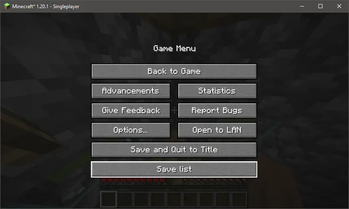
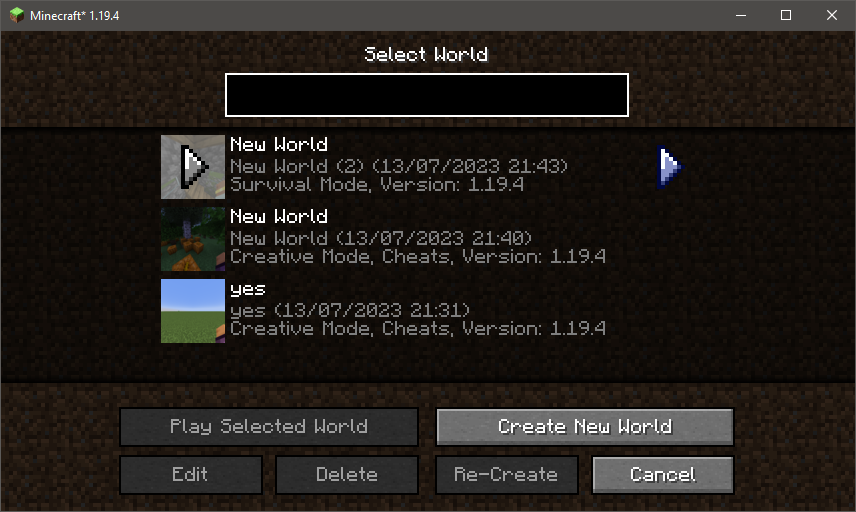
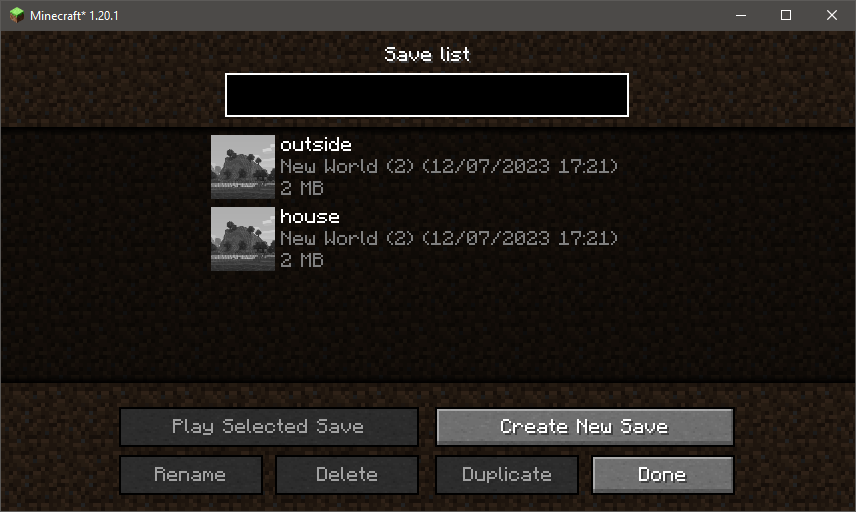
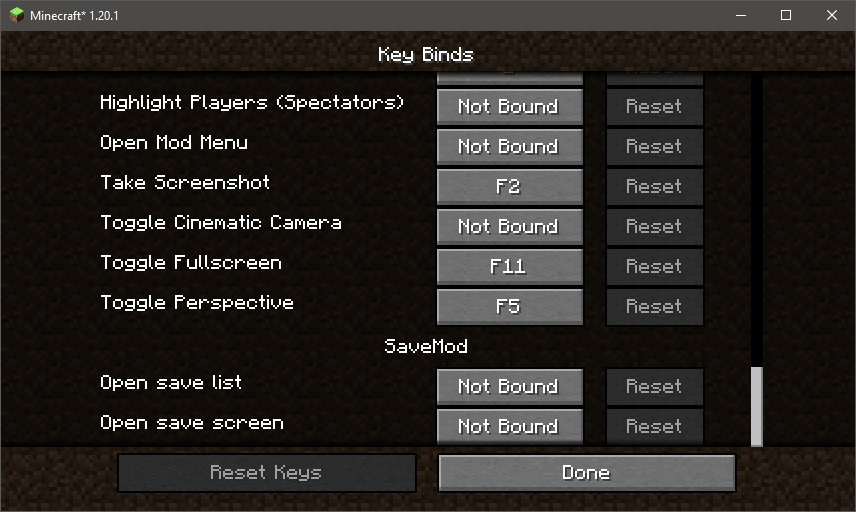

About this Mod
SaveMod
Minecraft Fabric mod that lets you save (and load) your worlds like in any other game.
Features
- Saving your world (from the pause menu)
- Listing your saves
- Loading a save
- Naming/renaming your saves
- Duplicating your saves
- Deleting your saves
- A keybind to quickly access the saves list
- Another to quickly access the save function
- A search bar to quickly find a save
- Keyboard navigation
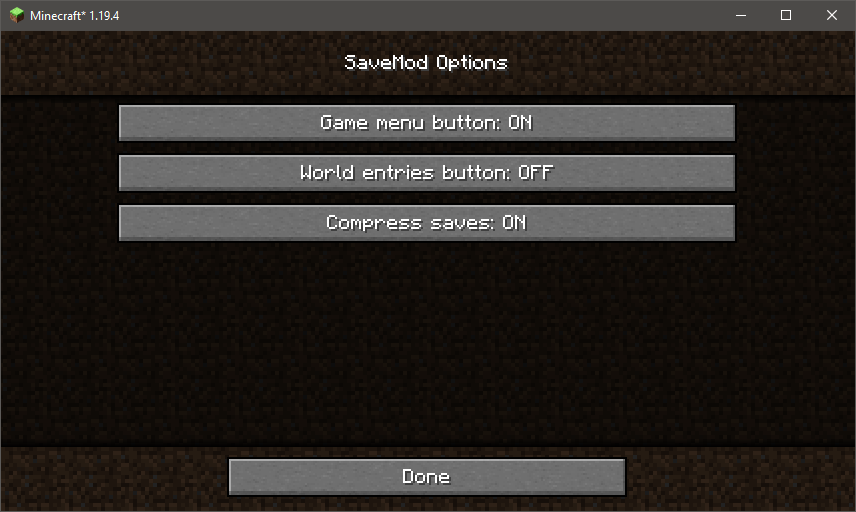
- A config to turn off/on some buttons and the option to disable compression
- A config screen (need Mod Menu)
Dependency

Optional dependency
You may use Mod Menu to configure the mod in-game, but it can also be configured by editing the savemod.properties file, located in the config directory.
Available Versions
How to Install SaveMod on Your Server
Order Server
Order a Minecraft Java server with at least 3 GB RAM (4 GB recommended).
Set fabric Loader
In the panel under "Egg", select the fabric loader and matching Minecraft version (26.3).
Install Mod
Open the mod browser in the dashboard and search for "SaveMod". Click "Install" – done! Alternatively, upload the .jar via SFTP to the /mods folder.
Compatibility
Mod Loaders
Minecraft Versions
26.3, 26.2, 26.1.2 (+18 more)
Server-side
✓ RequiredRecommended RAM
4 GB(min. 3 GB)Frequently Asked Questions
SaveMod server crashes on startup – what to do?
Most common cause: wrong fabric version or insufficient RAM. Check the server log (latest.log) for "OutOfMemoryError" or "Mixin" errors. With Mado Hosting: ensure at least 3 GB RAM is allocated and the loader matches the mod version (26.3). You can switch loaders with one click in the panel.
Is SaveMod compatible with fabric?
SaveMod officially supports fabric for Minecraft 26.3, 26.2, 26.1.2. The Mado dashboard automatically detects incompatible loader combinations.
Server lagging with SaveMod – how to optimize performance?
Recommended RAM: 4 GB (per 8 players). Use /spark profiler to check if SaveMod consumes the most tick time. Common fixes: reduce server view-distance to 8-10, install "performant" or "starlight" as supplementary mods on Forge. With Mado Hosting, your server runs on NVMe SSDs with dedicated CPU cores for minimal latency.
Similar Mods


Rent Modded Server
Install SaveMod with just one click on your server.