
Simple HUD Enhanced
A Fabric Minecraft mod that enhances the game's HUD by introducing customizable elements and features to display information.
Screenshots
About this Mod
Supports Versions 26.3 to 1.17
Make Any HUD You Want
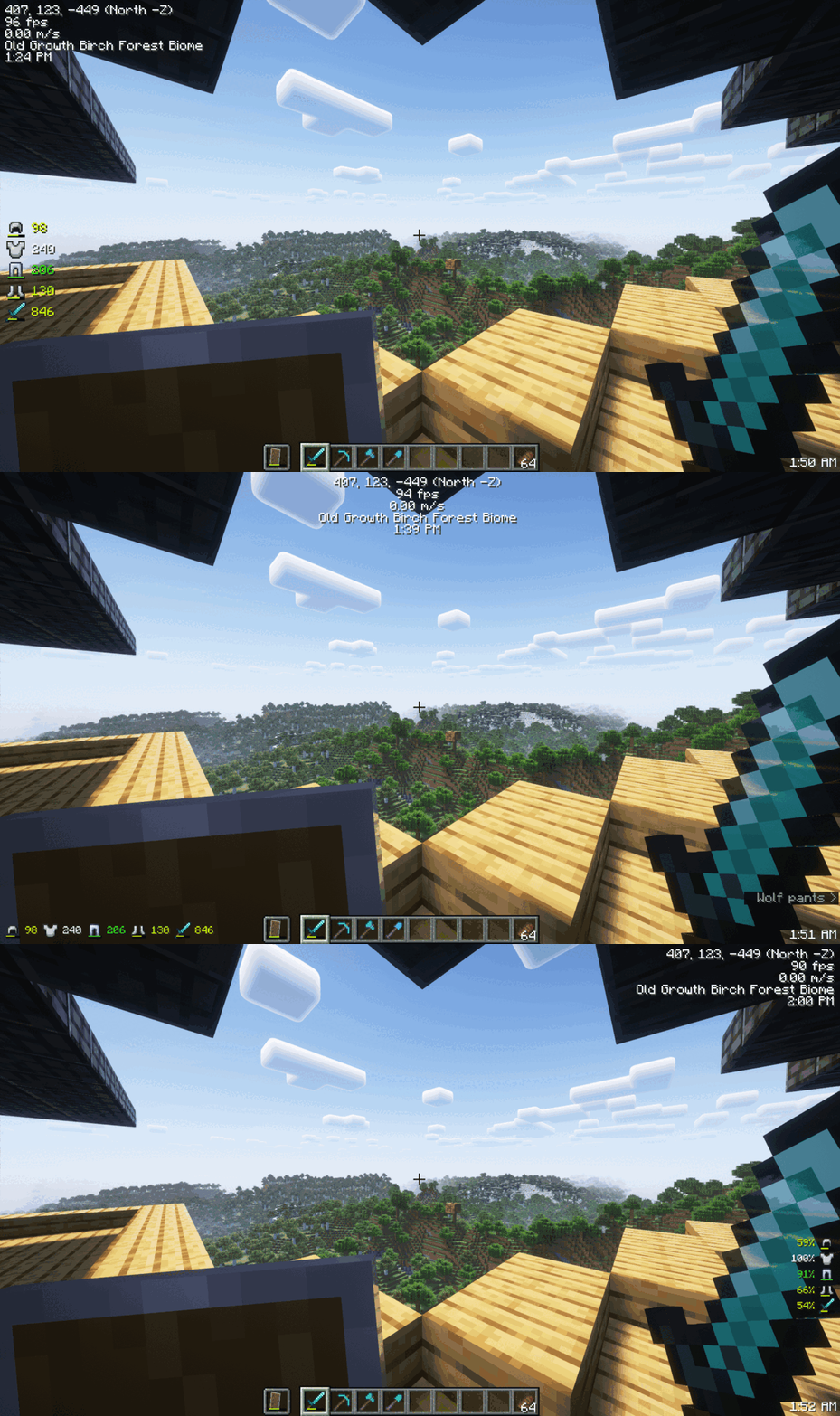
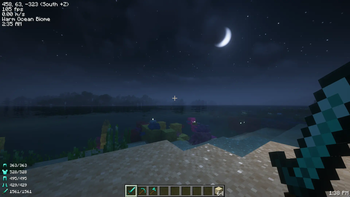
Monitor Effects Duration a Glance

Mod Menu
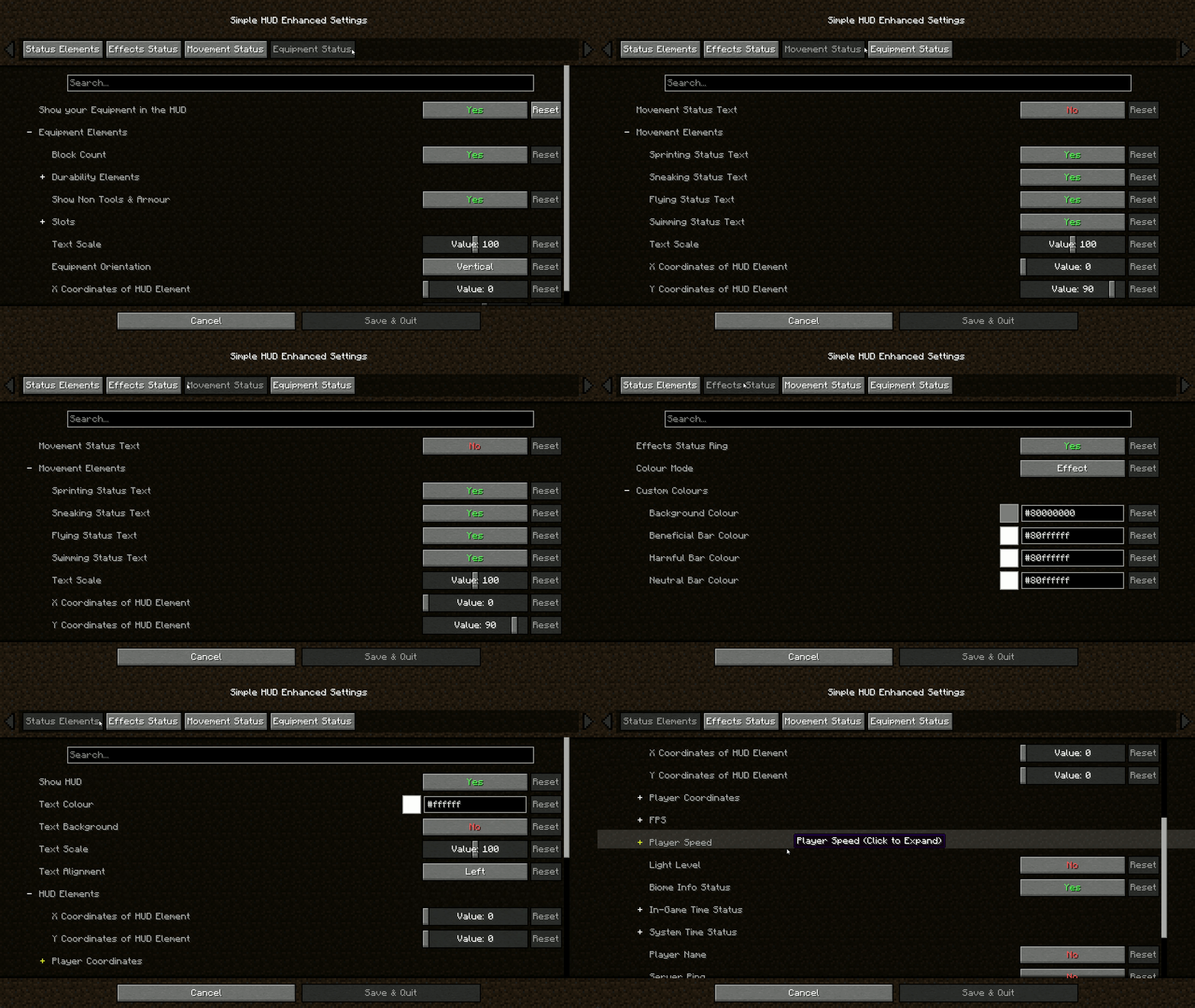
Features:
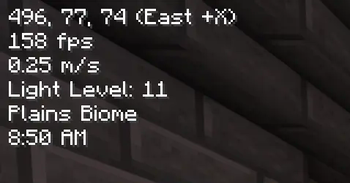
- Coordinates (With Directions): Always know where you are heading.
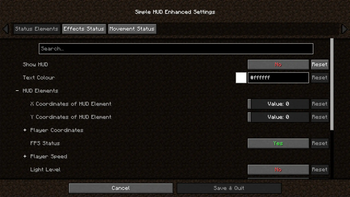
- Customizable Elements: Modify the presentation of various in-game information.
- Customizable Position: Move the HUD anywhere on your screen.
- Customizable HUD Size: Adjust the size to suit your visual preferences.
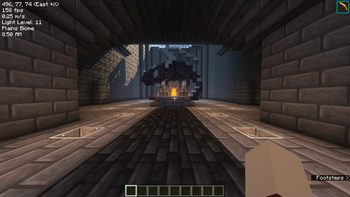
- FPS: Keep an eye on your game's performance.
- TPS Client-Side Compatibility: Experience smooth performance with TPS tracking.
- Velocity (Vertical & Horizontal): Track your movement speed.
- Light Level: Stay aware of your surroundings.
- Server Ping: Monitor your connection to the server.
- Current Biome: Know the biome you're exploring.
- In-Game Time (12 & 24 Hour Format): Never lose track of time.
- In-Game Day Counter: Keep track of the number of days passed in the game.
- System Time (12 & 24 Hour Format): Real-world time at a glance.
- Nether Conversation: Seamless transition monitoring.
- Chunk Coordinates: Track your position in the world with chunk-level precision.
- Sub-Chunk Coordinates: Dive deeper with detailed sub-chunk positioning.
- Player Status Effects Ring Timer: Time your buffs and debuffs.
- Player Movement Status: Sprinting, swimming, flying, sneaking – keep track of it all.
- Player Armour and Items Durabilities & Count on the HUD: Manage your equipment efficiently.
- Trinkets API Support: Integrate seamlessly with Trinkets to enhance your gameplay.
- Paper Doll: Your dynamic avatar, showcasing in-game moves, gear, and status at a glance.
Download the mod now and take control of your HUD like never before!
Join The Discord!

Available Versions
How to Install Simple HUD Enhanced on Your Client
Install the Mod Loader Locally
Install fabric for your local Minecraft version.
Download the Matching File
Choose the Simple HUD Enhanced file for fabric and Minecraft 26.3.
Install Mod
Place the .jar file in your local .minecraft/mods folder and restart Minecraft. No server-side installation is required.
Compatibility
Mod Loaders
Minecraft Versions
26.3, 26.2, 26.1.2 (+31 more)
Server-side
✗ UnsupportedRecommended RAM
4 GB(min. 3 GB)Frequently Asked Questions
Does Simple HUD Enhanced need to be installed on the Minecraft server?
No. Modrinth marks Simple HUD Enhanced as unsupported on the server side. Install it only in your local Minecraft mods folder. Your server can remain unchanged unless the mod page lists an additional dependency.
Which version and loader does Simple HUD Enhanced require?
Use a file for fabric and your exact Minecraft version. Supported versions include 26.3, 26.2, 26.1.2. Files for different loaders are not interchangeable.
Simple HUD Enhanced is not working – what should I check?
First check the Minecraft version, loader version and required dependencies. Put the .jar file in your local .minecraft/mods folder and remove older duplicates. Because this mod is client-side, adding server RAM will not fix it.
Similar Mods



![[TaCZ] Timeless and Classics Zero](https://cdn.modrinth.com/data/SzzJttH8/fd27766d2bb8390d284696b1dbd358f87e081439_96.webp)


Minecraft Server for Your Group
Simple HUD Enhanced stays on your client. Host a compatible world for your group.