
SkyBlock Advancements
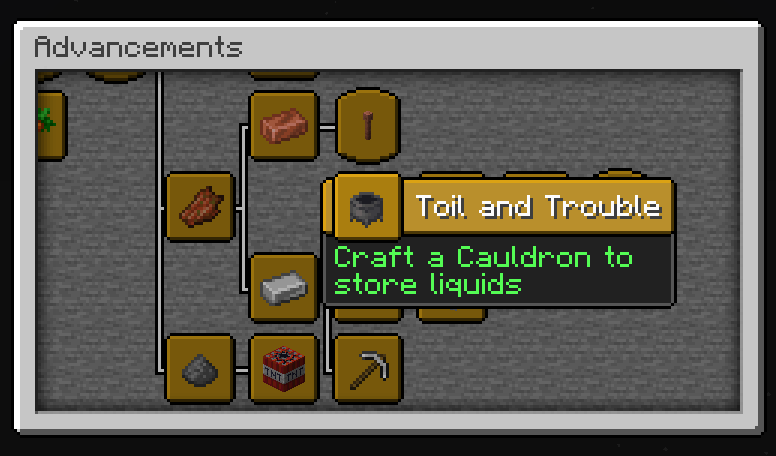
This data pack modifies the story and nether advancements to better guide the progression in a skyblock world. It rearranges vanilla advancements and adds extra advancements.
Screenshots
About this Mod
Interact:
Download:
Support:


SkyBlock Advancements
This data pack modifies the story and nether advancements to better guide the progression in a skyblock world. It rearranges vanilla advancements and adds extra advancements, It's perfect for skyblock maps such as Standard SkyBlock!
Rearranged for SkyBlock Progression
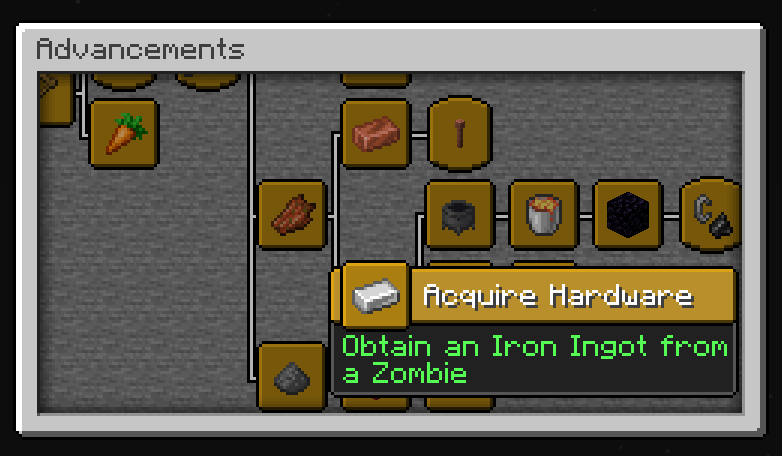
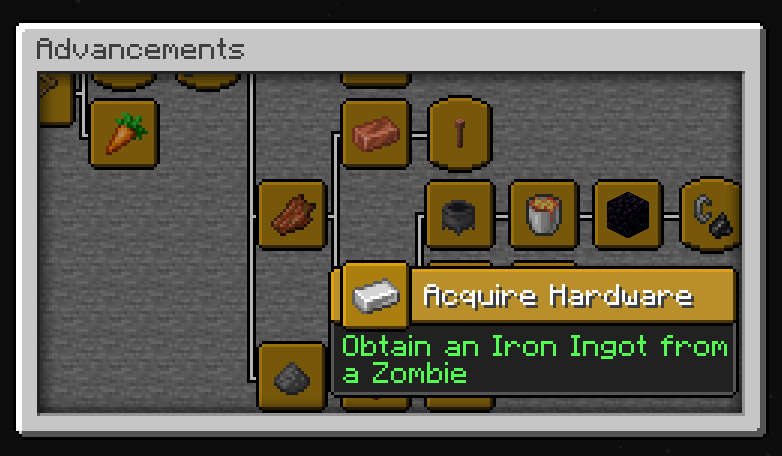
The advancements in the story tab are rearranged and rewritten to support the skyblock progression instead of the vanilla progression. Some examples include moving the iron ingot advancement after a new advancement to kill a zombie since the first iron doesn't come from iron ore, but instead from killing zombies.
Guided Experience
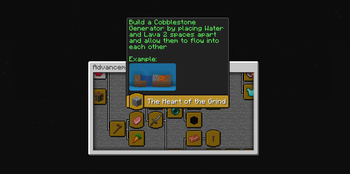
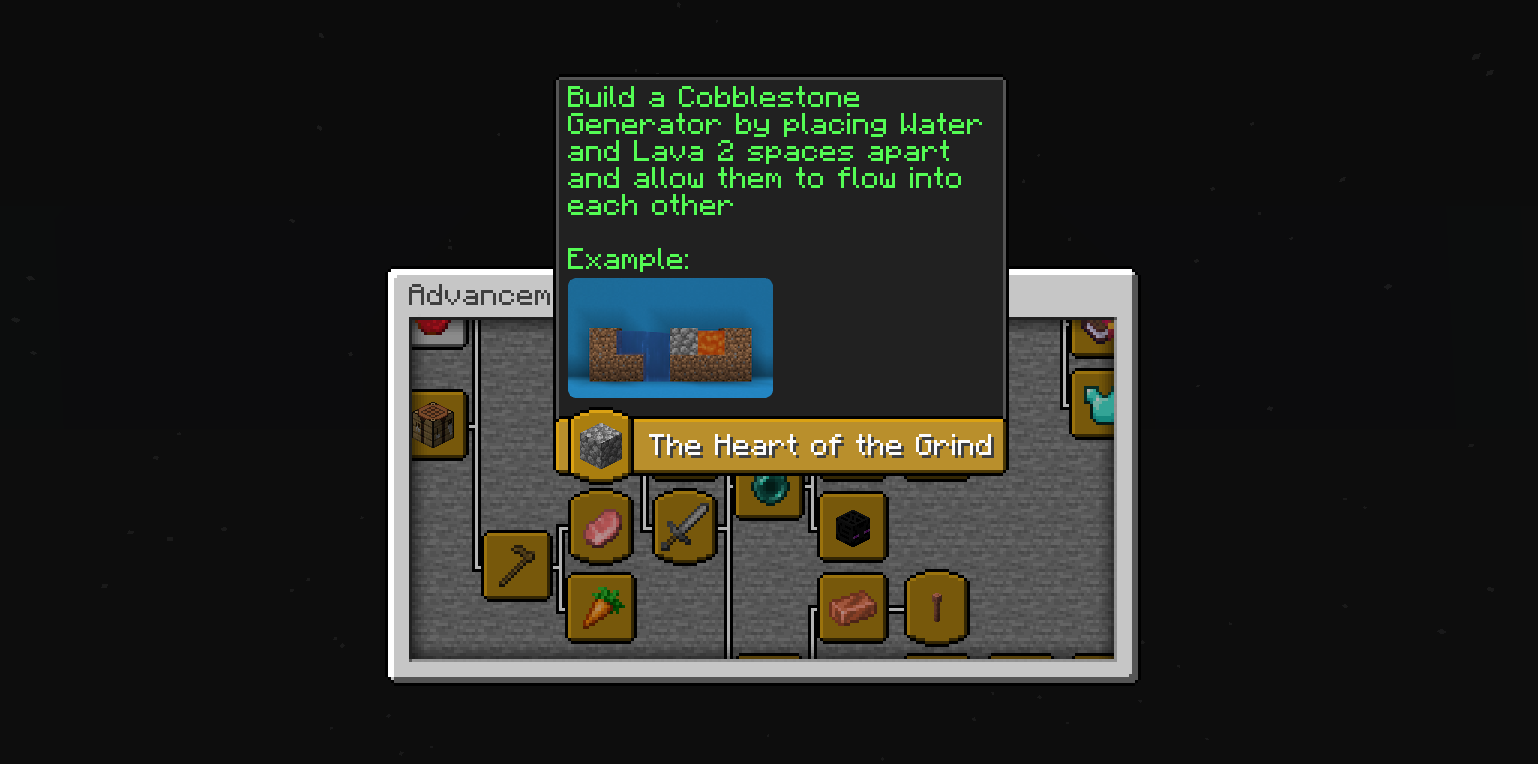
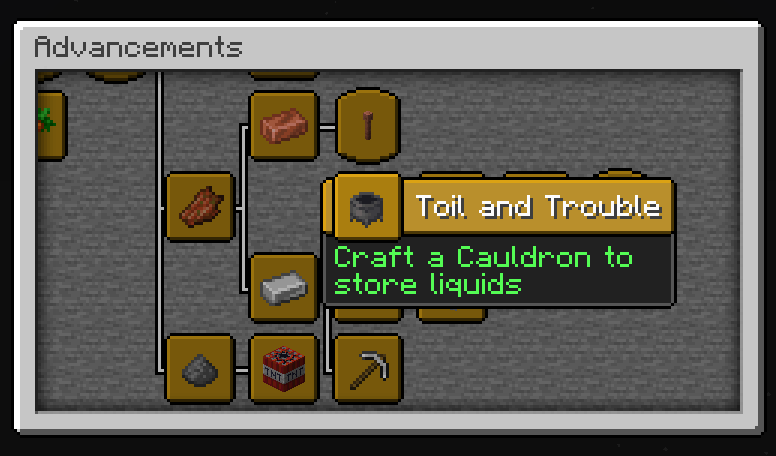
There are several added advancements that help players progress through the game without needing to already know random quirks in the game. Some examples include describing how to build a cobblestone generator, how to obtain a second water from bonemealing water, how to obtain grass without silk touch, and how to gain a second lava source. Most of these advancements give hints at these quirks instead of directly stating what they should do.
Modrinth Collection
Check out the skyblock collection for more related skyblock datapacks!
Rent a Server from Bisect
Available Versions
How to Install SkyBlock Advancements on Your Server
Order Server
Order a Minecraft Java server with at least 3 GB RAM (4 GB recommended).
Set datapack Loader
In the panel under "Egg", select the datapack loader and matching Minecraft version (26.2).
Install Mod
Open the mod browser in the dashboard and search for "SkyBlock Advancements". Click "Install" – done! Alternatively, upload the .jar via SFTP to the /mods folder.
Compatibility
Mod Loaders
Minecraft Versions
26.2, 26.1.2, 26.1.1 (+20 more)
Server-side
✓ RequiredRecommended RAM
4 GB(min. 3 GB)Frequently Asked Questions
SkyBlock Advancements server crashes on startup – what to do?
Most common cause: wrong datapack version or insufficient RAM. Check the server log (latest.log) for "OutOfMemoryError" or "Mixin" errors. With Mado Hosting: ensure at least 3 GB RAM is allocated and the loader matches the mod version (26.2). You can switch loaders with one click in the panel.
Is SkyBlock Advancements compatible with datapack and fabric and forge and neoforge and quilt?
SkyBlock Advancements officially supports datapack, fabric, forge, neoforge, quilt for Minecraft 26.2, 26.1.2, 26.1.1. Note: Forge and Fabric mods are NOT cross-compatible – pick one loader and stick with it. The Mado dashboard automatically detects incompatible loader combinations.
Server lagging with SkyBlock Advancements – how to optimize performance?
Recommended RAM: 4 GB (per 8 players). Use /spark profiler to check if SkyBlock Advancements consumes the most tick time. Common fixes: reduce server view-distance to 8-10, install "performant" or "starlight" as supplementary mods on Forge. With Mado Hosting, your server runs on NVMe SSDs with dedicated CPU cores for minimal latency.
Similar Mods




Rent Modded Server
Install SkyBlock Advancements with just one click on your server.