
Sleep
Change the amount of players to skip the night - Simple way to customize sleep! [sleep warp, displays sleeping players & more]
Screenshots



About this Mod





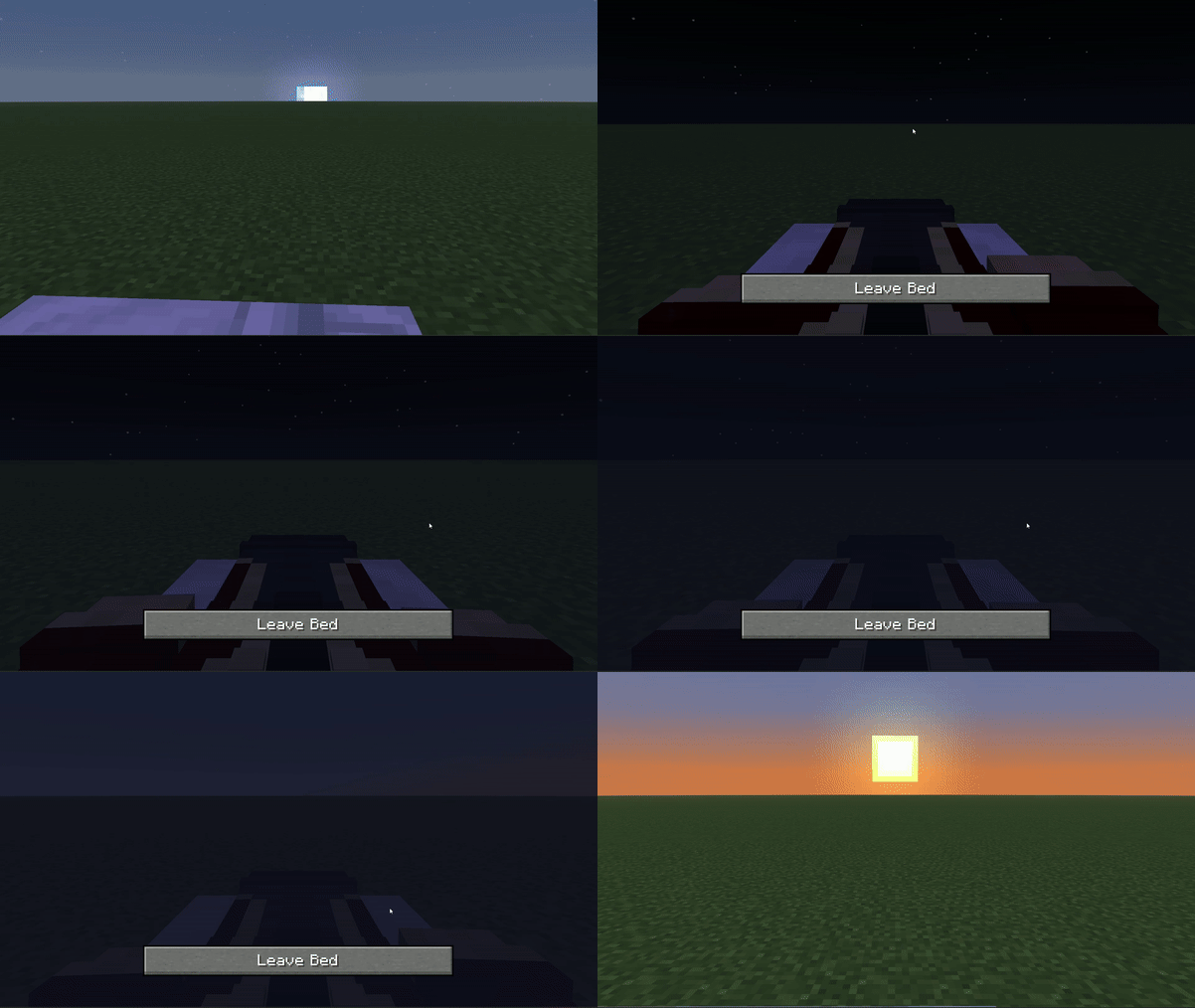
Features
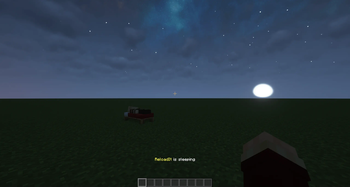
1. Sleeping players are displayed over the hotbar
2. Change how many players have to sleep to skip the night in the config --> Default = 1
3. Configure a lot of sleep related things with the config
4. With my Sleep Anytime You Want datapack/mod, you can sleep during any time of the day
5. Compatible with my AFK Announcer datapack/mod so players that are afk do not need to sleep to skip the night (you can change that with the config)
Showcase


Config
Run:
/trigger sleep.config
For the tick accelerate setting you have to set function-permission-level to 3
Config for 1.20.1:
Sleep Notifications
Control when you receive notifications about sleep:
/trigger sleep_notification set <value>
Where <value> can be:
0= Disabled (default)1= Chat notification2= Sound notification3= Chat + sound notification
Required Players for Sleep
Set how many players need to sleep to activate the night skip:
/scoreboard players set &amount_to_sleep sleep.config <value>
Where <value> is the number of players required (default = 1)
Sleep Mode
Choose between night skip and time warp modes:
/scoreboard players set &time_control sleep.config <value>
Where <value> can be:
0= Night skip (default)1= Time warp
Night Duration
Control how long a night should take:
/scoreboard players set &time_until_skip sleep.config <value>
Where <value> can be:
1= 2 seconds2= 5 seconds (default)3= 10 seconds
Uninstallation
To remove the datapack completely:
/function sleep:uninstall

Available Versions
How to Install Sleep on Your Server
Order Server
Order a Minecraft Java server with at least 3 GB RAM (4 GB recommended).
Set datapack Loader
In the panel under "Egg", select the datapack loader and matching Minecraft version (26.3).
Install Mod
Open the mod browser in the dashboard and search for "Sleep". Click "Install" – done! Alternatively, upload the .jar via SFTP to the /mods folder.
Compatibility
Mod Loaders
Minecraft Versions
26.3, 26.2, 26.1.2 (+23 more)
Server-side
✓ RequiredRecommended RAM
4 GB(min. 3 GB)Frequently Asked Questions
Sleep server crashes on startup – what to do?
Most common cause: wrong datapack version or insufficient RAM. Check the server log (latest.log) for "OutOfMemoryError" or "Mixin" errors. With Mado Hosting: ensure at least 3 GB RAM is allocated and the loader matches the mod version (26.3). You can switch loaders with one click in the panel.
Is Sleep compatible with datapack and fabric and forge and neoforge and quilt?
Sleep officially supports datapack, fabric, forge, neoforge, quilt for Minecraft 26.3, 26.2, 26.1.2. Note: Forge and Fabric mods are NOT cross-compatible – pick one loader and stick with it. The Mado dashboard automatically detects incompatible loader combinations.
Server lagging with Sleep – how to optimize performance?
Recommended RAM: 4 GB (per 8 players). Use /spark profiler to check if Sleep consumes the most tick time. Common fixes: reduce server view-distance to 8-10, install "performant" or "starlight" as supplementary mods on Forge. With Mado Hosting, your server runs on NVMe SSDs with dedicated CPU cores for minimal latency.
Similar Mods




Rent Modded Server
Install Sleep with just one click on your server.