
Modrinth · Fabric, Forge, NeoForge
Spelunkery on your Minecraft server
Spelunkery runs on Minecraft servers with Fabric or Forge or NeoForge. Order your server, set the loader in the panel and install the mod with one click in the mod browser.
A cave overhaul mod with new cave variations, tool progression, and mining strategies to spice up your underground life.
- Downloads
- 2.5M
- Author
- Baileybun
- Loader
- Fabric, Forge, NeoForge
- Minecraft
- 1.19.2 – 1.21.1
- Updated
- –
Screenshots
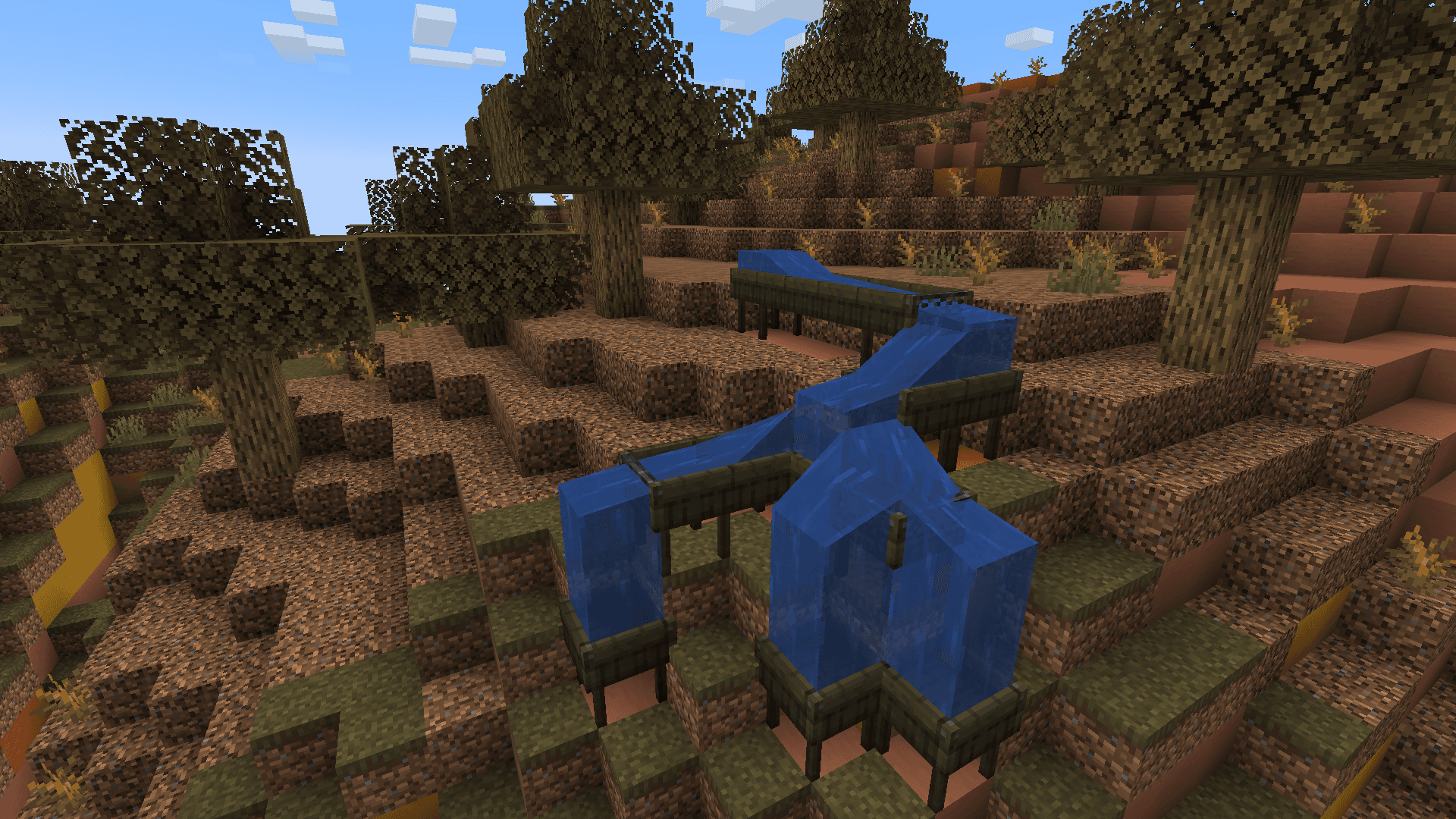
What Spelunkery looks like

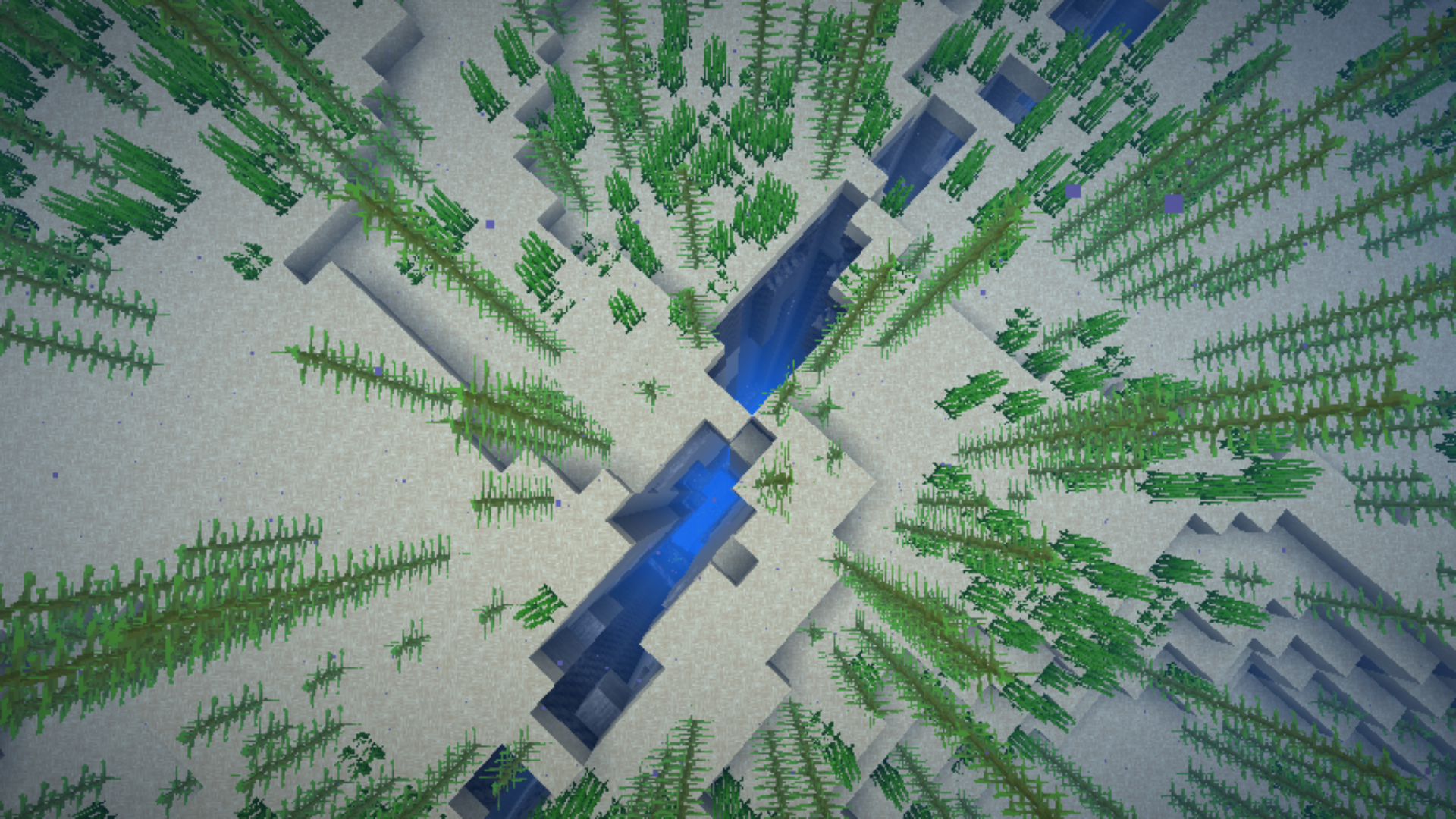


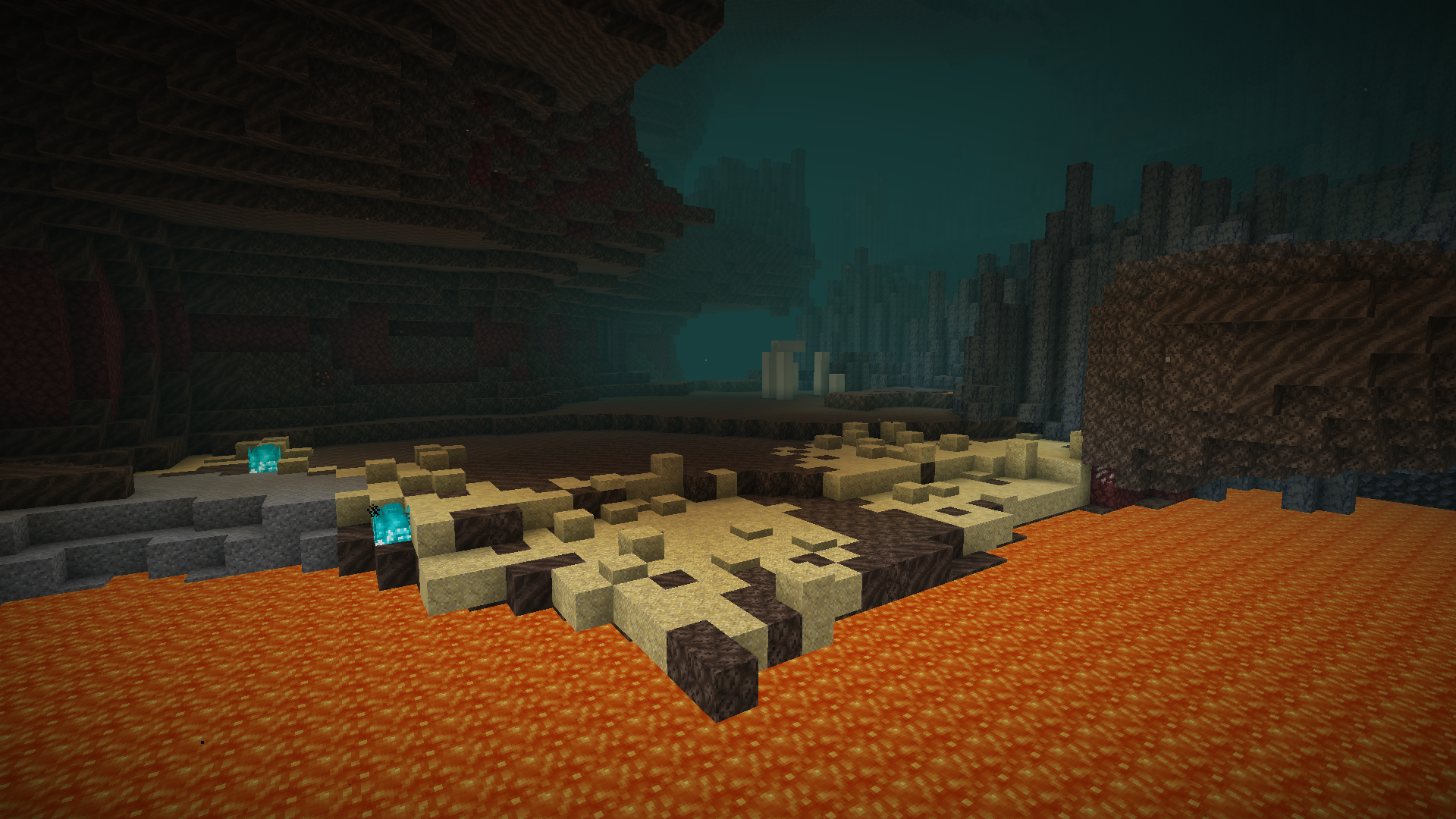
Images: Spelunkery on Modrinth, published by the project team.
Setup
Install Spelunkery on your server
The server and players need the same loader and Minecraft version. Back up the world before adding or updating mods.
- 01
Configure
6 GB of RAM is preselected. You choose the term and add-ons and pay by credit card or PayPal.
- 02
Set the loader
In the panel, set the server software to Fabric or Forge or NeoForge and choose the matching Minecraft version, for example 1.21.1.
- 03
Install the mod
Search the mod browser for “Spelunkery” and install the release for your loader. Alternatively, upload the .jar to the mods folder via SFTP. Required dependencies are listed on the project page.
- 04
Connect
Every player installs the same Spelunkery release locally and connects using the server address from the panel.
- On the server
- Required
- On the client
- Required
- Loader
- Fabric, Forge, NeoForge
- Minecraft
- 1.21.1, 1.20.1, 1.19.2
- License
- GNU Lesser General Public License v3.0 only
The panel
Install mods, find errors.
Real screenshots from the Mado panel. Both come with every Minecraft server.
Mod browser
Modrinth and CurseForge, right in the panel.
The browser filters by your Minecraft version. Install mods with one click, without uploading .jar files.

AI crash analysis
When a mod crashes, the analyzer reads the log.
Mods often fail on a wrong loader version, Java version or missing dependency. The analyzer names a likely cause and suggests a fix.

Releases
Published releases
Pick the file that matches your server’s loader and Minecraft version. The server and players need the same release.
Spelunkery · Modrinth- Spelunkery 1.21.1-0.4.5November 15, 2026Minecraft 1.21.1 · NeoForge
- Spelunkery 1.21.1-0.4.5November 15, 2026Minecraft 1.21.1 · Fabric
- Spelunkery 1.20.1-0.3.16January 25, 2025Minecraft 1.20.1 · Forge
- Spelunkery 1.20.1-0.3.16January 25, 2025Minecraft 1.20.1 · Fabric
- Spelunkery 1.19.2-0.2.6August 22, 2023Minecraft 1.19.2 · Forge
Original description by the project author

Have you ever noticed how repetitive mining can be? Vanilla only has so much variation before it all starts to blend together. However, with Spelunkery your woes are no more!

REQUIRES MOONLIGHT!
Spelunkery has three main goals:
To tweak material progression to enhance the experience of mining.


To populate the underground with new landmarks, points of interest, and variations on ore generation to strengthen the variety of caves.


To provide novel and useful tools to create exciting experiences when mining or exploring.

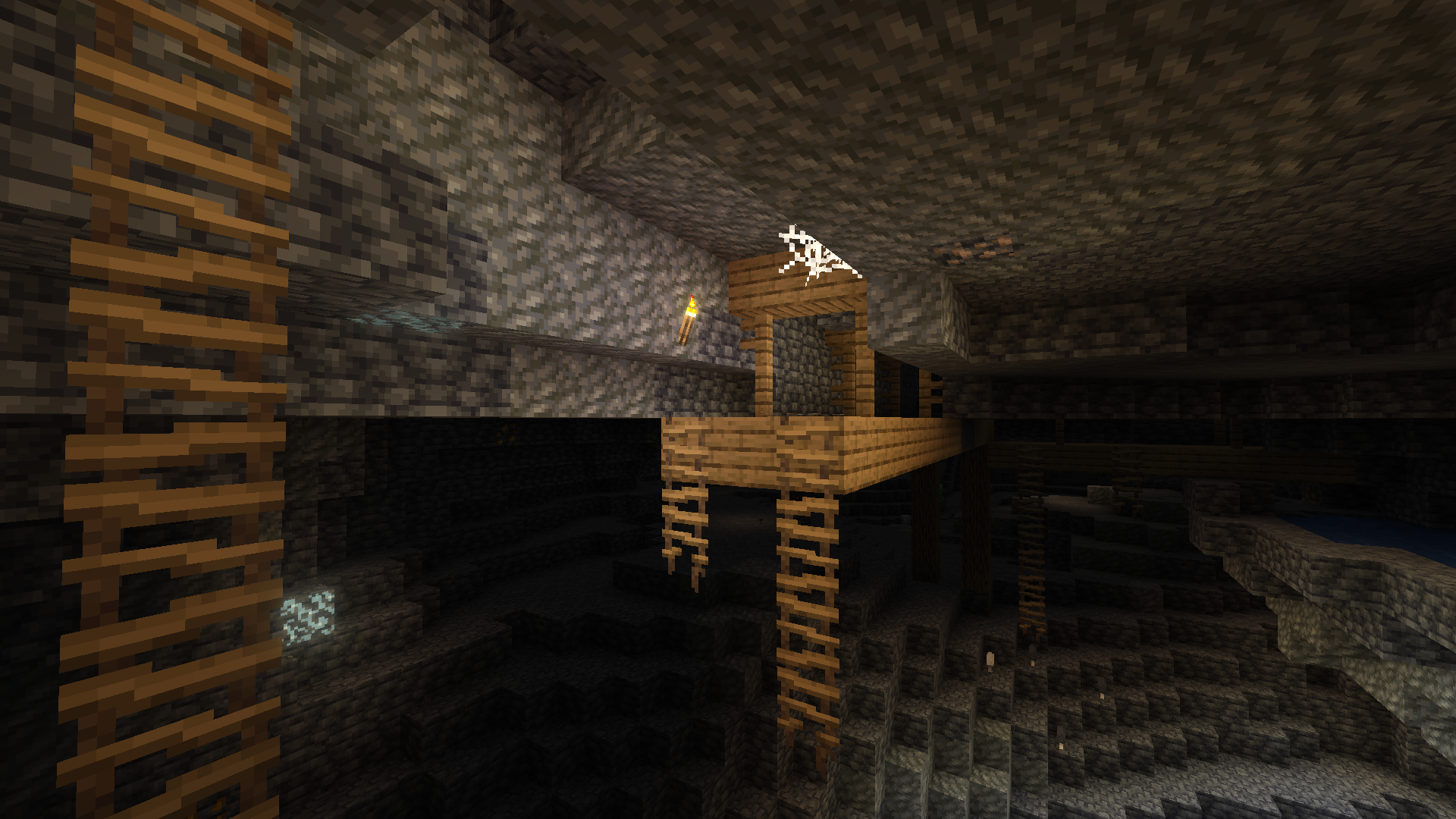

Spelunkery has been extensively tested for compatibility with No Man's Land and Create.

Details on all the features included in Spelunkery can be found on the wiki.

- Keyberries for the mod's textures.
- Kayla the Bee for additional textures.
- Ordana for code, idea, and implementation.
- Axia for massive contributions to code.
- Cassian for incredible acts of code wizardry.
- annelidCerebellum for obsessive quality control and testing.
- The Bobbu for the icon, banner, and dividers.
- MehVahdJukaar for invaluable code advice.
- eldabys for project management and toad wrangling.
Spelunkery is best paired with:


Spelunkery server crashes on startup – what to do?
Common causes: the loader or Minecraft version does not match the mod file, a dependency is missing, or RAM is too low. Check the log (latest.log) for “OutOfMemoryError”, “Mixin” or missing mods. At Mado, the AI crash analysis reads the log and suggests a cause. You can change the loader and version in the panel.
Which loader does Spelunkery run on?
According to Modrinth, Spelunkery supports Fabric, Forge, NeoForge for Minecraft 1.21.1, 1.20.1, 1.19.2. Forge and Fabric files are not interchangeable: pick one loader for the server and clients.
How much RAM does a server with Spelunkery need?
As guidance, 4–6 GB for a server with this mod. This is an estimate, not a measured minimum. More mods, many players and long view distances need more. The spark profiler shows whether a mod is costing tick time.
Similar mods
Popular mods in the same category
 Server-ready

Xaero's Minimap
by thexaero
Displays a map of the nearby world terrain, players, mobs, entities in the corner of your screen. Lets you create waypoints which help you find the locations you've marked.
 Server-ready

Xaero's World Map
by thexaero
Adds a full screen world map which shows you what you have explored in the world. Works great together with Xaero's Minimap.
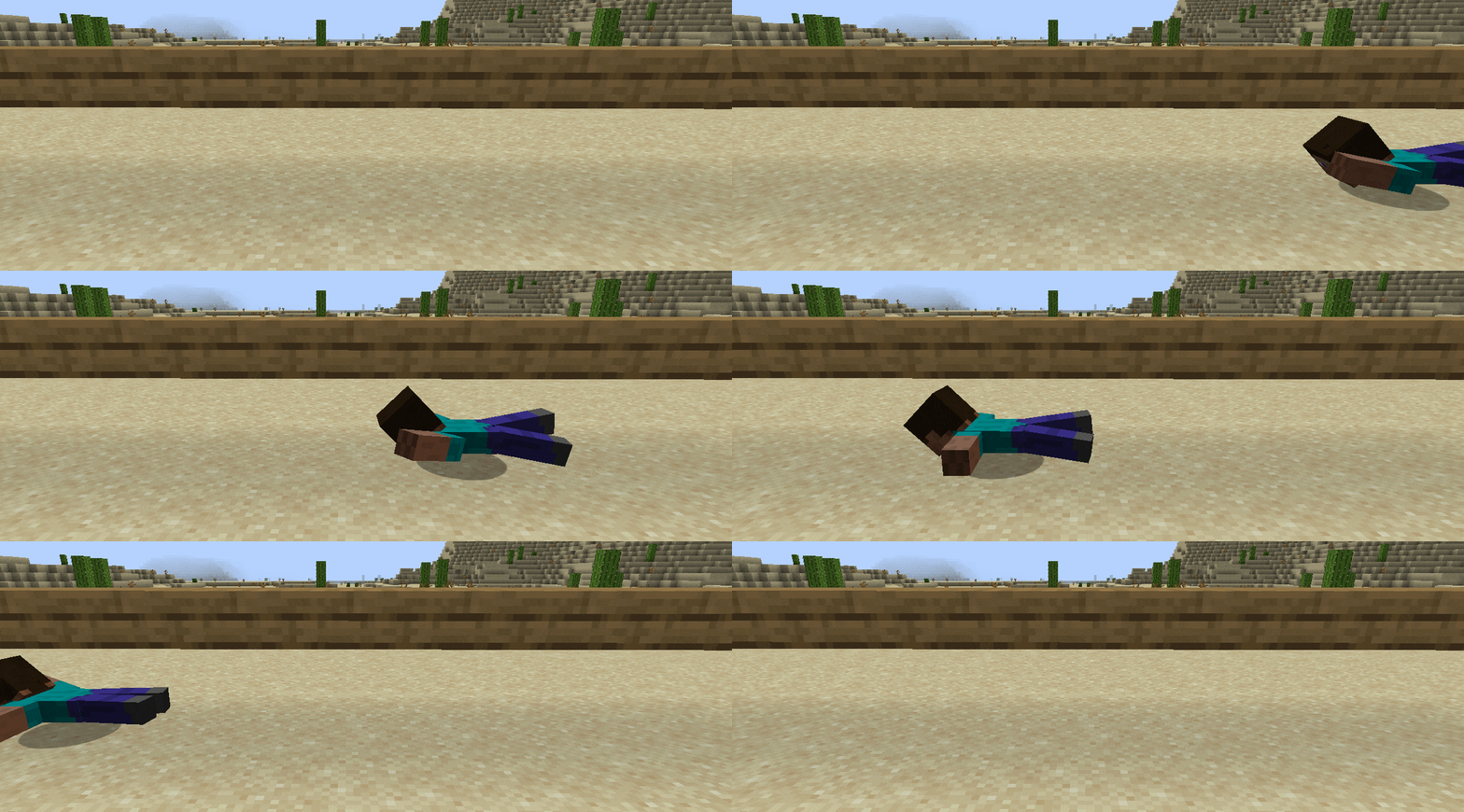 Client only

Not Enough Animations
by tr7zw
Bringing first-person animations to the third-person
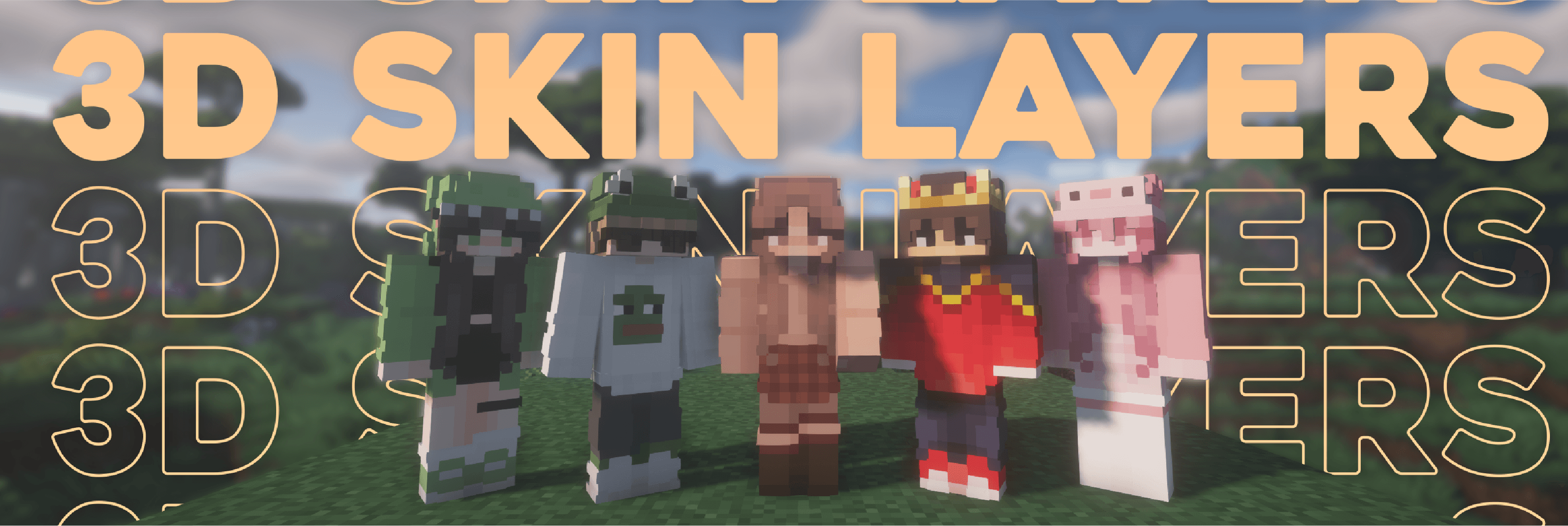 Client only

3D Skin Layers
by tr7zw
Render the player skin layer in 3d!
Ready for your server with Spelunkery?
6 GB of RAM from €12.00 per month. 35% off your first month with MADO35.