

Modrinth · Fabric, Forge, NeoForge, Quilt
Steve's Realistic Sleep on your Minecraft server
Steve's Realistic Sleep runs on Minecraft servers with Fabric or Forge or NeoForge or Quilt. Order your server, set the loader in the panel and install the mod with one click in the mod browser.
Makes sleeping speed up time instead of skipping to day.
- Downloads
- 710.4K
- Author
- Steveplays
- Loader
- Fabric, Forge, NeoForge, Quilt
- Minecraft
- 1.18 – 1.21.1
- Updated
- –
Setup
Install Steve's Realistic Sleep on your server
The server and players need the same loader and Minecraft version. Back up the world before adding or updating mods.
- 01
Configure
4 GB of RAM is preselected. You choose the term and add-ons and pay by credit card or PayPal.
- 02
Set the loader
In the panel, set the server software to Fabric or Forge or NeoForge or Quilt and choose the matching Minecraft version, for example 1.21.1.
- 03
Install the mod
Search the mod browser for “Steve's Realistic Sleep” and install the release for your loader. Alternatively, upload the .jar to the mods folder via SFTP. Required dependencies are listed on the project page.
- 04
Connect
Steve's Realistic Sleep is optional on the client. Players connect using the server address from the panel.
- On the server
- Required
- On the client
- Optional
- Loader
- Fabric, Forge, NeoForge, Quilt
- Minecraft
- 1.21.1, 1.21, 1.20.4 +12 more
- License
- GNU Lesser General Public License v2.1 only
The panel
Install mods, find errors.
Real screenshots from the Mado panel. Both come with every Minecraft server.
Mod browser
Modrinth and CurseForge, right in the panel.
The browser filters by your Minecraft version. Install mods with one click, without uploading .jar files.

AI crash analysis
When a mod crashes, the analyzer reads the log.
Mods often fail on a wrong loader version, Java version or missing dependency. The analyzer names a likely cause and suggests a fix.

Releases
Published releases
Pick the file that matches your server’s loader and Minecraft version. The server and players need the same release.
Steve's Realistic Sleep · Modrinth- Steve's Realistic Sleep v1.12.1August 4, 2026Minecraft 1.21.1 · NeoForge
- Steve's Realistic Sleep v1.12.0August 3, 2026Minecraft 1.21.1 · Fabric
- 1.11.2 (1.20-1.20.1)December 4, 2024Minecraft 1.20, 1.20.1 · Forge, NeoForge
- 1.11.2 (1.20-1.20.1)December 4, 2024Minecraft 1.20, 1.20.1 · Fabric, Quilt
- 1.11.2 (1.21-1.21.1)December 4, 2024Minecraft 1.21, 1.21.1 · NeoForge
Original description by the project author

Steve's Realistic Sleep
Makes sleeping speed up time instead of skipping to day.

Showcase
This mod is featured in "Minecraft Mod Combinations That Work Perfectly Together #5" By AsianHalfSquat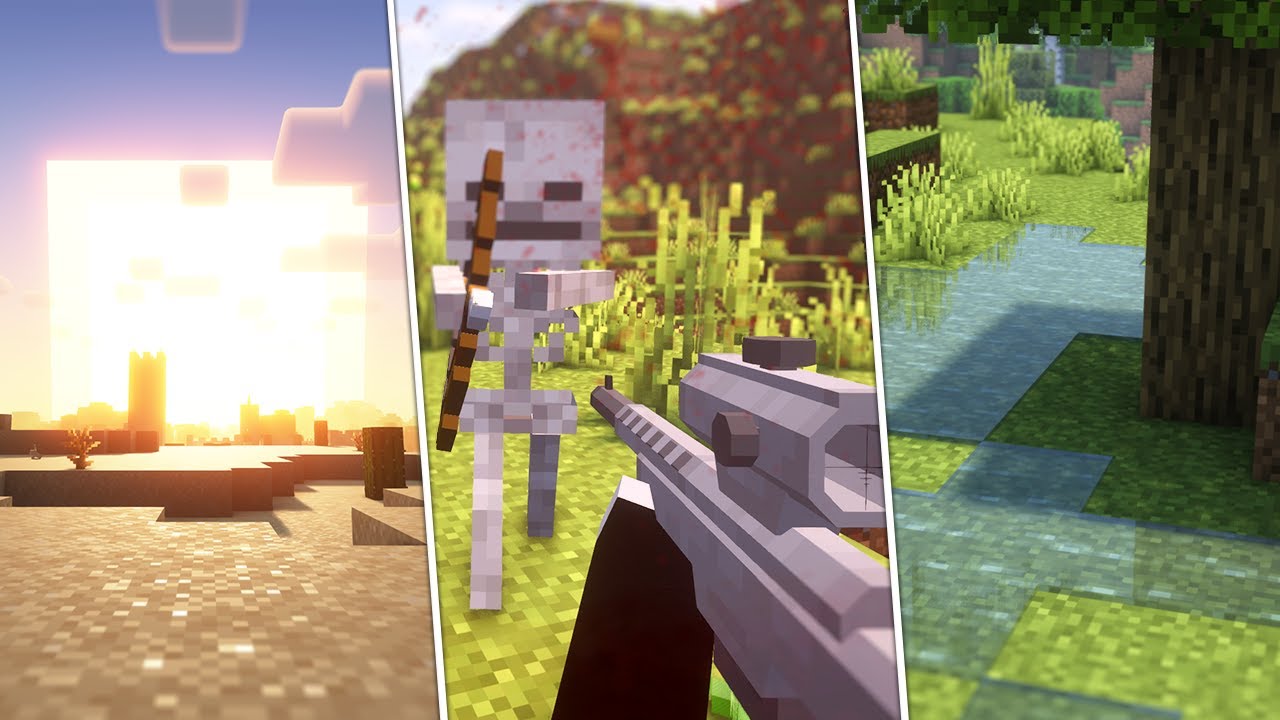
Dependencies
Required
Optional
- ModMenu for an in game configuration screen (only for singleplayer/LAN)
Incompatibilities
Any mods that add sleep voting, or otherwise modify the sleeping mechanic itself will not work with this mod.
You can set a minimum amount of players that have to sleep using the vanilla Minecraft gamerule PLAYERS_SLEEP_PERCENTAGE.
Any mods which simply add buffs/debuffs after waking up should
work. Create an issue on the issue tracker if you've found an incompatibility!
- BetterSleeping Revived - Buffs, debuffs, and chat messages don't trigger (
see issue #18 for more details) - Time and Wind - Adjusted time snaps back to vanilla time
- Time Control - Adjusted time snaps back to vanilla time
Download


See the version info in the filename for the supported Minecraft versions.
Made for the Fabric, Quilt, Forge, and NeoForge modloaders.
Server side (with optional client side support for the cloud speed multiplier and a sleep vignette config option).
FAQ
Q: Will you be backporting this to lower Minecraft versions?
A: No.Q: Does this mod work in multiplayer?
A: Yes! The speed of the night scales for each player that's sleeping at the same time. The scale curve can be changed in the config.Q: Does only the server need this mod or does the client need it too?
A: Only the server needs this mod (but it works on the client too if you're going to host LAN or play singleplayer). There's optional
clientside support for the cloud speed multiplier and a sleep vignette config option.Q: Can you still avoid rain/thunder by sleeping?
A: Yes. After sleeping until dawn the weather will become clear. I might make this configurable in the future, let me know if you want
this.Q: Does this mod speed up things like furnaces, redstone, the raid timer, and other (modded) block entities?
A: Yes!
Contributing
If you've encountered a problem or you want to suggest
features, create an issue on the issue tracker.
Development
git clone https://github.com/steves-underwater-paradise/stevesrealisticsleep.gitcd stevesrealisticsleep./gradlew build
License
This project is licensed under LGPLv2.1, see LICENSE.
Steve's Realistic Sleep server crashes on startup – what to do?
Common causes: the loader or Minecraft version does not match the mod file, a dependency is missing, or RAM is too low. Check the log (latest.log) for “OutOfMemoryError”, “Mixin” or missing mods. At Mado, the AI crash analysis reads the log and suggests a cause. You can change the loader and version in the panel.
Which loader does Steve's Realistic Sleep run on?
According to Modrinth, Steve's Realistic Sleep supports Fabric, Forge, NeoForge, Quilt for Minecraft 1.21.1, 1.21, 1.20.4. Forge and Fabric files are not interchangeable: pick one loader for the server and clients.
How much RAM does a server with Steve's Realistic Sleep need?
As guidance, 3–4 GB for a server with this mod. This is an estimate, not a measured minimum. More mods, many players and long view distances need more. The spark profiler shows whether a mod is costing tick time.
Similar mods
Popular mods in the same category
 Server-ready

Xaero's Minimap
by thexaero
Displays a map of the nearby world terrain, players, mobs, entities in the corner of your screen. Lets you create waypoints which help you find the locations you've marked.
 Server-ready

Xaero's World Map
by thexaero
Adds a full screen world map which shows you what you have explored in the world. Works great together with Xaero's Minimap.
 Client only

Not Enough Animations
by tr7zw
Bringing first-person animations to the third-person
 Client only

3D Skin Layers
by tr7zw
Render the player skin layer in 3d!
Ready for your server with Steve's Realistic Sleep?
4 GB of RAM from €8.00 per month. 35% off your first month with MADO35.