
Structure Credits
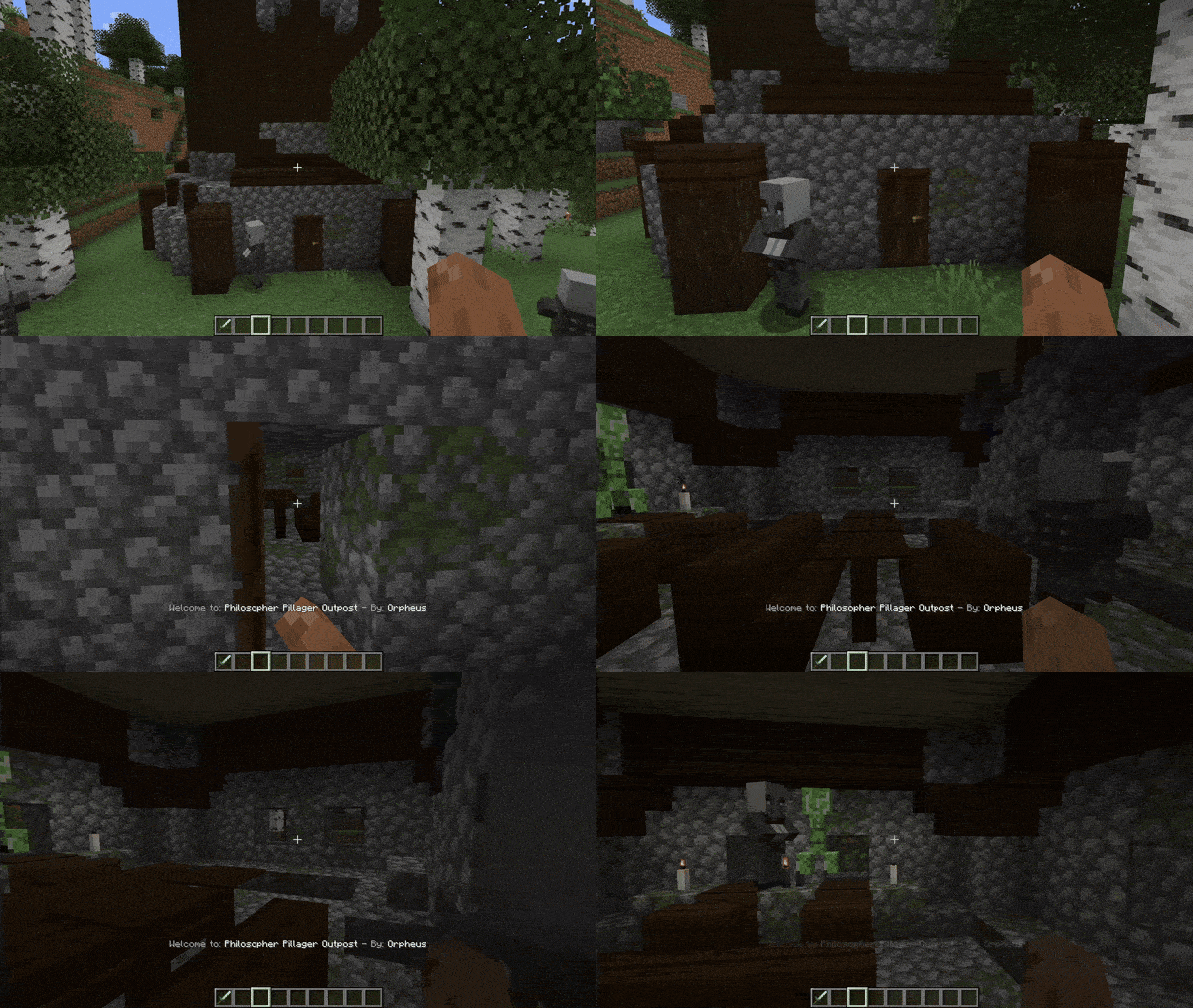
Automatically displays the name and mod source of any structure upon entry
Screenshots
About this Mod
Automatically displays the name and mod source of any structure upon entry, ensuring easy recognition and credit for mod creators. Seamlessly integrates with structures from other mods, ensuring compatibility. 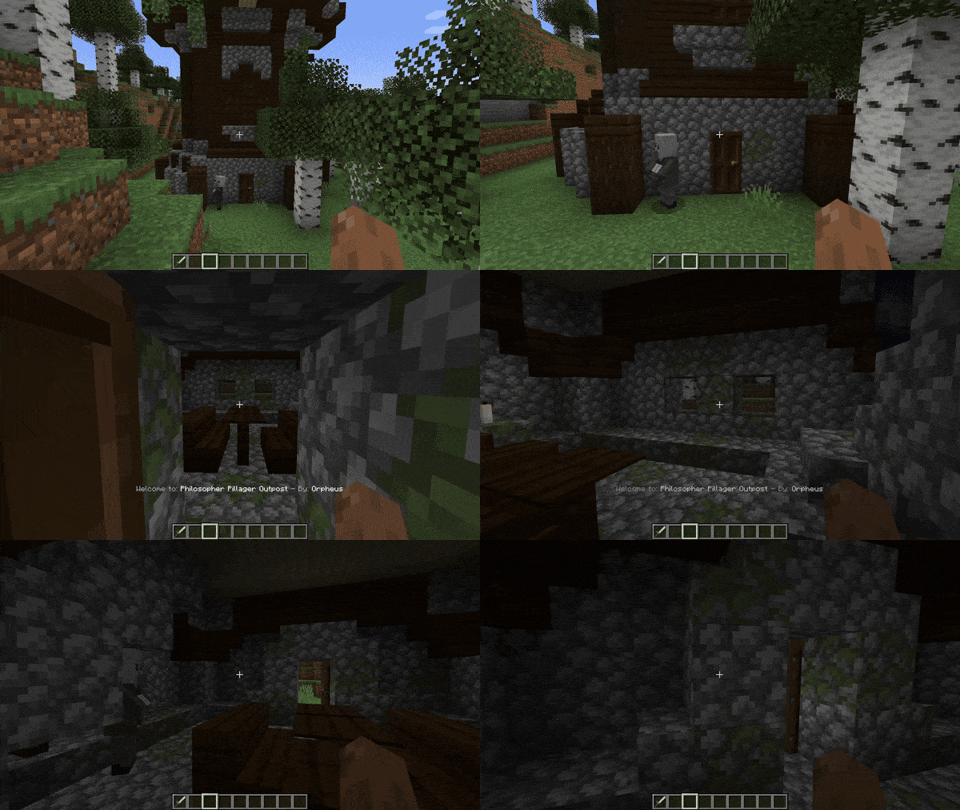
If you want the message to show up in Minecraft vanilla structures, go to the config .json file and delete the lines starting with "minecraft:"
Is it going to be annoying? No! if your base is inside a structure, don't worry! By default, the structure messages only appear once per structure.
You can change the Structure Names too!
"customStructureName": {
  "minecraft:swamp_hut": "a_cat:cat_hut"

Discord: (https://discord.gg/dYmyKcrkgN)
FAQ
Q: Is it going to be annoying?
A: I did the max to make it no-annoying, but if it's annoying for you: Check the config and the keybinds and use them

OR There is a really good config (by default it is on ON/True) that will make you see the structure message only one time per structure. After the first time visiting the structure you will never see it again.
But what if I want that setting disable? don't worry beacause if it's disable when you see the message of a structure (Structure A) you have to leave the structure, enter a different one (Structure B), and re-enter the other structure (Structure A) to see again the name. So now if someone lives in one structure it will not bother
Q: Can I suggest something?
A: Please, yes.
Q: Can I add this to my modpack.
A: Go ahead!
**
How to use configs:**
Go to your config folder, structurecredits-config.json and you will see this:
{
  "active": true,
  "showOnlyOneTime": true,
  "chatMessage": false,
  "customStructureName": {
    "minecraft:swamp_hut": "a_cat:cat_hut"
  },
  "dontShowAll": [
    "minecraft:",
    "dimdungeons:"
  ],
  "dontShow": [
    "minecraft:plains_village",
    "minecraft:desert_village"
  ]
}
Plus, there is an in-game keybind that you can assign to deactivate all messages
The mod is compatible with Dimensional Dungeons - thanks Catastrophe - The message will only be displayed in custom rooms if you have the following setting configured in 'config dontShowAll': "dimdungeons:" (Default configuration, and recommended). When creating a new custom room, remember, the package name is the "By: X" and the structure name is the "Welcome to: X".
Available Versions
How to Install Structure Credits on Your Server
Order Server
Order a Minecraft Java server with at least 3 GB RAM (4 GB recommended).
Set fabric Loader
In the panel under "Egg", select the fabric loader and matching Minecraft version (1.21.1).
Install Mod
Open the mod browser in the dashboard and search for "Structure Credits". Click "Install" – done! Alternatively, upload the .jar via SFTP to the /mods folder.
Compatibility
Mod Loaders
Minecraft Versions
1.21.1, 1.20.1
Server-side
✓ RequiredRecommended RAM
4 GB(min. 3 GB)Frequently Asked Questions
Structure Credits server crashes on startup – what to do?
Most common cause: wrong fabric version or insufficient RAM. Check the server log (latest.log) for "OutOfMemoryError" or "Mixin" errors. With Mado Hosting: ensure at least 3 GB RAM is allocated and the loader matches the mod version (1.21.1). You can switch loaders with one click in the panel.
Is Structure Credits compatible with fabric and forge and neoforge?
Structure Credits officially supports fabric, forge, neoforge for Minecraft 1.21.1, 1.20.1. Note: Forge and Fabric mods are NOT cross-compatible – pick one loader and stick with it. The Mado dashboard automatically detects incompatible loader combinations.
Server lagging with Structure Credits – how to optimize performance?
Recommended RAM: 4 GB (per 8 players). Use /spark profiler to check if Structure Credits consumes the most tick time. Common fixes: reduce server view-distance to 8-10, install "performant" or "starlight" as supplementary mods on Forge. With Mado Hosting, your server runs on NVMe SSDs with dedicated CPU cores for minimal latency.
Similar Mods




Rent Modded Server
Install Structure Credits with just one click on your server.