
TaCZ: TES Compat
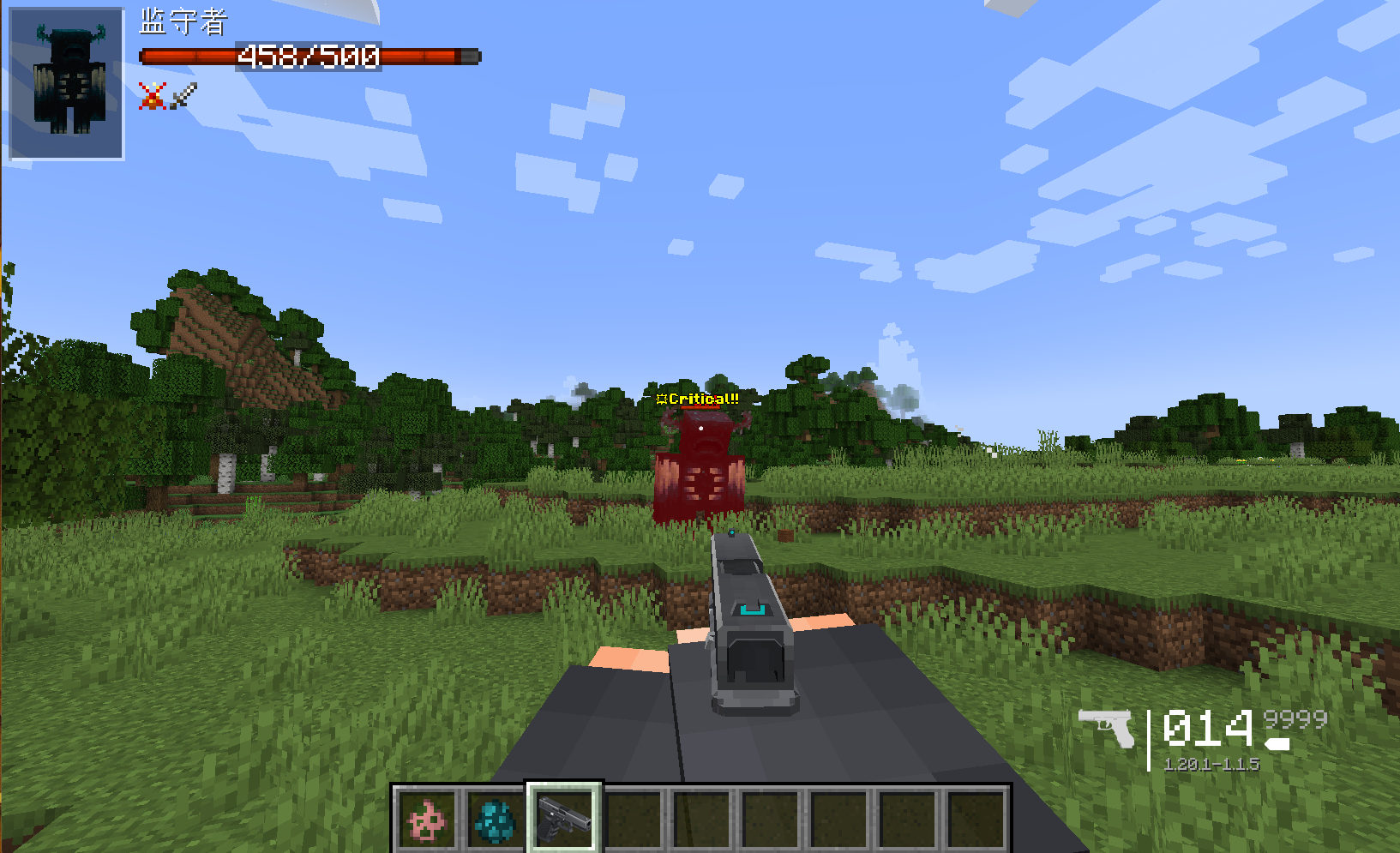
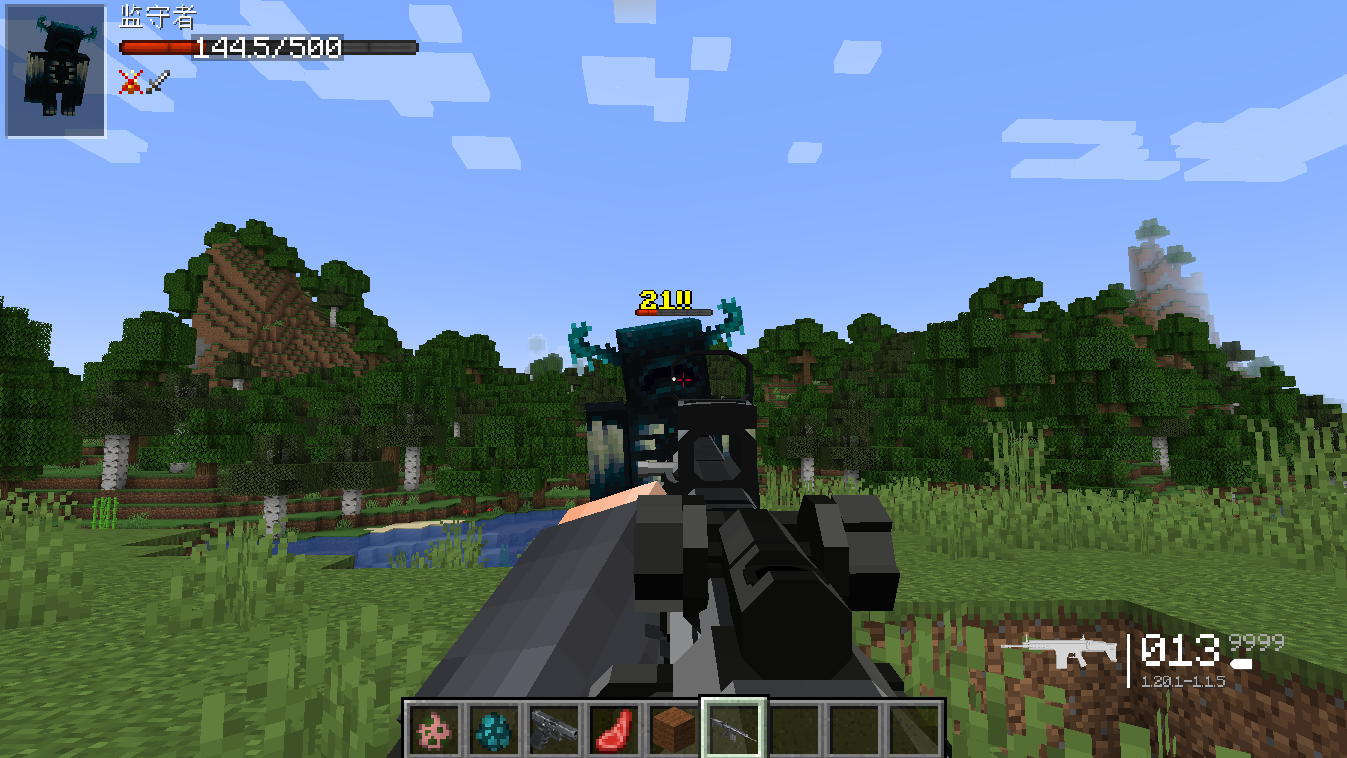
Provided a simple integration for TaCZ and TslatEntityStatus, allowing critical hit damage to have special particle effects.
Screenshots
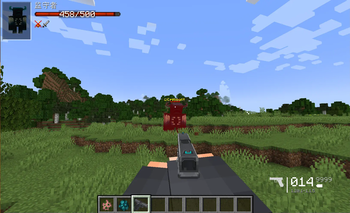
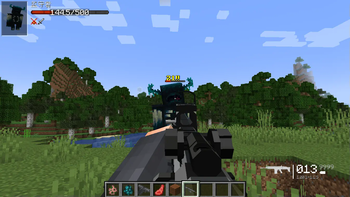
About this Mod
TaCZ: TES Compat
这个 Mod 为 TaCZ(永恒枪械工坊:零)和 TslatEntityStatus 添加了一个简单的联动,使得TaCZ添加的枪械造成暴击时拥有特别的伤害文本粒子。
你可以通过taczdd-client.toml配置文件对其内容进行修改。
This mod adds a simple integration between TaCZ (Timeless and Classics Zero) and TslatEntityStatus, allowing the firearms added by TaCZ to display special damage text particles when landing critical hits.
You can modify its behavior through the taczdd-client.toml configuration file.
依赖 Dependencies
Forge >= 47.1.3TaCZ >= 1.1.5TslatEntityStatus >= 1.5.1
目前仅支持 Minecraft Forge 1.20.1。
Currently only supports Minecraft Forge 1.20.1.
效果预览 Preview
已知问题 Known Issues
- 如果启用了
isReplaceOriginalTESDamageDisplay功能,在使用射速高于600RPM的枪械时似乎会偶尔随机的出现未被替换移除的内置伤害文本粒子,经过排除测试能确定这个 Bug 不是 TaCZ: TES Compat 的功能引起的,可能是一个 TES 的潜在问题,但是我没能从 TES 的代码中找到问题的缘由,如果你对此有解决方案欢迎 Issue / PR。 - When the
isReplaceOriginalTESDamageDisplayfeature is enabled, there seems to occasionally be random occurrences of built-in damage text particles that were not replaced or removed when using firearms with a rate of fire exceeding 600 RPM. Through elimination testing, it has been determined that this bug is not caused by the functionality of TaCZ: TES Compat, and it might be a potential issue with TES itself. However, I was unable to locate the root cause within the TES code. If you have a solution for this, please submit an Issue/PR.
鸣谢 Thanks
- TaCZ Develop Team
- Tslat,The author of TslatEntityStatus
Available Versions
How to Install TaCZ: TES Compat on Your Client
Install the Mod Loader Locally
Install forge for your local Minecraft version.
Download the Matching File
Choose the TaCZ: TES Compat file for forge and Minecraft 1.20.1.
Install Mod
Place the .jar file in your local .minecraft/mods folder and restart Minecraft. No server-side installation is required.
Compatibility
Mod Loaders
Minecraft Versions
1.20.1
Server-side
✗ UnsupportedRecommended RAM
4 GB(min. 3 GB)Frequently Asked Questions
Does TaCZ: TES Compat need to be installed on the Minecraft server?
No. Modrinth marks TaCZ: TES Compat as unsupported on the server side. Install it only in your local Minecraft mods folder. Your server can remain unchanged unless the mod page lists an additional dependency.
Which version and loader does TaCZ: TES Compat require?
Use a file for forge and your exact Minecraft version. Supported versions include 1.20.1. Files for different loaders are not interchangeable.
TaCZ: TES Compat is not working – what should I check?
First check the Minecraft version, loader version and required dependencies. Put the .jar file in your local .minecraft/mods folder and remove older duplicates. Because this mod is client-side, adding server RAM will not fix it.
Similar Mods




![[ETF] Entity Texture Features](https://cdn.modrinth.com/data/BVzZfTc1/af683d206d50b05258d865b0d6e4aa2f2cee12f2_96.webp)

Minecraft Server for Your Group
TaCZ: TES Compat stays on your client. Host a compatible world for your group.