

Modrinth · Fabric, Forge, NeoForge, Quilt
Unloaded Activity on your Minecraft server
Unloaded Activity runs on Minecraft servers with Fabric or Forge or NeoForge or Quilt. Order your server, set the loader in the panel and install the mod with one click in the mod browser.
Simulates blocks and entities to catch up after being unloaded for a period of time.
- Downloads
- 315.8K
- Author
- Moono
- Loader
- Fabric, Forge, NeoForge, Quilt
- Minecraft
- 1.19.2 – 26.3
- Updated
- –
Setup
Install Unloaded Activity on your server
The server and players need the same loader and Minecraft version. Back up the world before adding or updating mods.
- 01
Configure
4 GB of RAM is preselected. You choose the term and add-ons and pay by credit card or PayPal.
- 02
Set the loader
In the panel, set the server software to Fabric or Forge or NeoForge or Quilt and choose the matching Minecraft version, for example 26.3.
- 03
Install the mod
Search the mod browser for “Unloaded Activity” and install the release for your loader. Alternatively, upload the .jar to the mods folder via SFTP. Required dependencies are listed on the project page.
- 04
Connect
Unloaded Activity is not needed on the client. Players connect using the server address from the panel.
- On the server
- Required
- On the client
- Not needed
- Loader
- Fabric, Forge, NeoForge, Quilt
- Minecraft
- 26.3, 26.2, 26.1.2 +24 more
- License
- GNU Lesser General Public License v3.0 only
The panel
Install mods, find errors.
Real screenshots from the Mado panel. Both come with every Minecraft server.
Mod browser
Modrinth and CurseForge, right in the panel.
The browser filters by your Minecraft version. Install mods with one click, without uploading .jar files.

AI crash analysis
When a mod crashes, the analyzer reads the log.
Mods often fail on a wrong loader version, Java version or missing dependency. The analyzer names a likely cause and suggests a fix.

Releases
Published releases
Pick the file that matches your server’s loader and Minecraft version. The server and players need the same release.
Unloaded Activity · Modrinth- Unloaded Activity v0.8.0-SNAPSHOT.2+mc1.21.11alphaNovember 11, 2026Minecraft 1.21.11 · Fabric, NeoForge, Quilt
- Unloaded Activity v0.8.0-SNAPSHOT.2+mc1.21-1.21.1alphaNovember 11, 2026Minecraft 1.21.1, 1.21 · Fabric, NeoForge, Quilt
- Unloaded Activity v0.8.0-SNAPSHOT.2+mc1.20-1.20.1alphaNovember 11, 2026Minecraft 1.20.1, 1.20 · Fabric, Forge, NeoForge, Quilt
- Unloaded Activity v0.8.0-SNAPSHOT.2+mc1.19.2alphaNovember 11, 2026Minecraft 1.19.2 · Fabric, Forge, Quilt
- Unloaded Activity v0.8.0-SNAPSHOT.1+mc26.3alphaNovember 10, 2026Minecraft 26.3 · Fabric, NeoForge, Quilt
Original description by the project author



What does this mod do?
In Minecraft, when you go far away from chunks, they'll stop being simulated. Later when you return, stuff like crops will not have grown at all, baby animals will still be babies, and the items you were cooking will still be cooking.
This mod changes that by simulating blocks and entities once they get within simulation distance to catch up after being unloaded for a period of time. It'll be as if they've always been simulated!
This also works when you're skipping the night. Instead of waiting for your iron to cook, or for your crops to grow, you can skip the night to speed up the process!
How exactly does it work?
Every time a chunk, entity, or block entity gets ticked, it will save the current time, and also check how long it's been since it was last ticked. If the difference is large enough, my mod will start simulating it to make it catch up.
But wont that lag the game if it has to simulate all that missed time?
Not if you're smart! Instead of repeatedly running the tick function for every tick that was missed, Unloaded Activity will instead directly calculate the state of the block given the amount of ticks missed. So if a block missed 24000 ticks (1 Minecraft day), instead of trying to tick it 24000 times, it will do a little bit of math and be done.
This is way faster, but comes at the cost of needing to re-implement the tick logic in this new way. This is why some modded crops may grow incorrectly, or not at all. If you find a modded block that simulates incorrectly, you can blacklist that block from the mod, but also please create a bug report!
What about random/precipitation ticks?
Blocks with random/precipitation ticks have randomness to them. To simulate these blocks, the mod will sample a random number from a binomial distribution and then use that to update the state of the block. However, sometimes the probability of success changes. Then we need to sample random numbers from a negative binomial distribution to simulate the duration of each success.
Unsupported blocks and entities
Not everything in vanilla Minecraft is supported. Here's which ones are unsupported and the reason for it:
Every redstone related block
Redstone logic is too complicated for me, and even if I were to try to support it, I would most likely break a lot of existing redstone contraptions.Brewing stands
Brewing stands only has 1 ingredient slot. Because of this, Unloaded Activity would only be able to simulate 1 ingredient before having to stop, and I think brewing stands are quick enough to not need to be supported. Unless you immediately fly away with an elytra or sleep after turning on a brewing stand, you wouldn't really notice the lack of support.Campfires
Same reason as brewing stands.Dropped items despawning
I feel like this would ruin the game. If you die far away from your base you'd have no way of retrieving your items, even if you knew exactly where they were.Beehives
This block is unlike any other blocks that's supported, since this block requires entities (bees) to do their own stuff to work. I also haven't looked into it too much yet, so it might get supported in the future.Sniffer egg
Sniffer eggs makes use of scheduled ticks to hatch. Because of how scheduled ticks work, it would be hard to accurately replicate its behavior. It would be easier for me to add a setting to make Sniffer eggs work with random ticks instead of scheduled ticks, and then support it that way.Dried ghast
Same reason as sniffer eggs.
For any other blocks or entities that aren't supported and that aren't listed here, I've simply just forgotten about. So please let me know if I've forgotten anything!
Supported mods
Farmer's Delight
Every crop in Farmer's Delight is supported, but ONLY the crops. Anything else in the mod will not be simulated by Unloaded Activity.
Farmer's Delight Refabricated should work as well since they only do minor changes to make it work for Fabric. However, [Deprecated] Farmer's Delight [Fabric] is not compatible with Unloaded Activity and will crash upon joining a world.
Supplementaries
Only the flax is supported in Supplementaries. Anything else in the mod is unsupported and will not be simulated by Unloaded Activity.
No Man's Land
Supports budding quartzite, and fruit leaves from No Man's Land. This support is only preset on the 1.21.1 version on Unloaded Activity. If No Man's Land decides to update to a newer Minecraft version, or if there's an unofficial port to a newer version, Unloaded Activity will not simulate its things.
The taps are only supported on No Man's Land v1.5.12 and Unloaded Activity v0.7.3. This is because since No Man's Land v1.6.0, taps are now a BlockEntity.
I currently don't have a proper system for simulating BlockEntities outside of mixins, so I've been limiting myself to just simulating vanilla BlockEntities. Once I get around to adding that system, taps will be supported once again.
Immersive Engineering
Only the hemp is supported in Immersive Engineering. Anything else in the mod is unsupported and will not be simulated by Unloaded Activity.
Biomes O' Plenty
Only the high grass is supported in Biomes O' Plenty. Anything else in the mod is unsupported and will not be simulated by Unloaded Activity.
Neapolitan
Every crop in Neapolitan is fully supported, except for one. For the vanilla vine, Unloaded Activity only supports it growing upwards and downwards. It does not simulate the vanilla vine growing sideways.
Inspiration
I got this idea from a video by DigiDigger where he talks about how Terraria handles all of its tiles.
Even though the video isn't really accurate to how Terraria actually works, he did bring up an optimization which I feel like could be implemented in Minecraft.
The timestamp where he talks about this optimization is at 5:11.
Feedback / Suggestions
If you got any feedback or suggestions for this mod, feel free to join my discord server!
Unloaded Activity server crashes on startup – what to do?
Common causes: the loader or Minecraft version does not match the mod file, a dependency is missing, or RAM is too low. Check the log (latest.log) for “OutOfMemoryError”, “Mixin” or missing mods. At Mado, the AI crash analysis reads the log and suggests a cause. You can change the loader and version in the panel.
Which loader does Unloaded Activity run on?
According to Modrinth, Unloaded Activity supports Fabric, Forge, NeoForge, Quilt for Minecraft 26.3, 26.2, 26.1.2. Forge and Fabric files are not interchangeable: pick one loader for the server and clients.
How much RAM does a server with Unloaded Activity need?
As guidance, 3–4 GB for a server with this mod. This is an estimate, not a measured minimum. More mods, many players and long view distances need more. The spark profiler shows whether a mod is costing tick time.
Similar mods
Popular mods in the same category
 Server-ready

Xaero's Minimap
by thexaero
Displays a map of the nearby world terrain, players, mobs, entities in the corner of your screen. Lets you create waypoints which help you find the locations you've marked.
 Server-ready

Xaero's World Map
by thexaero
Adds a full screen world map which shows you what you have explored in the world. Works great together with Xaero's Minimap.
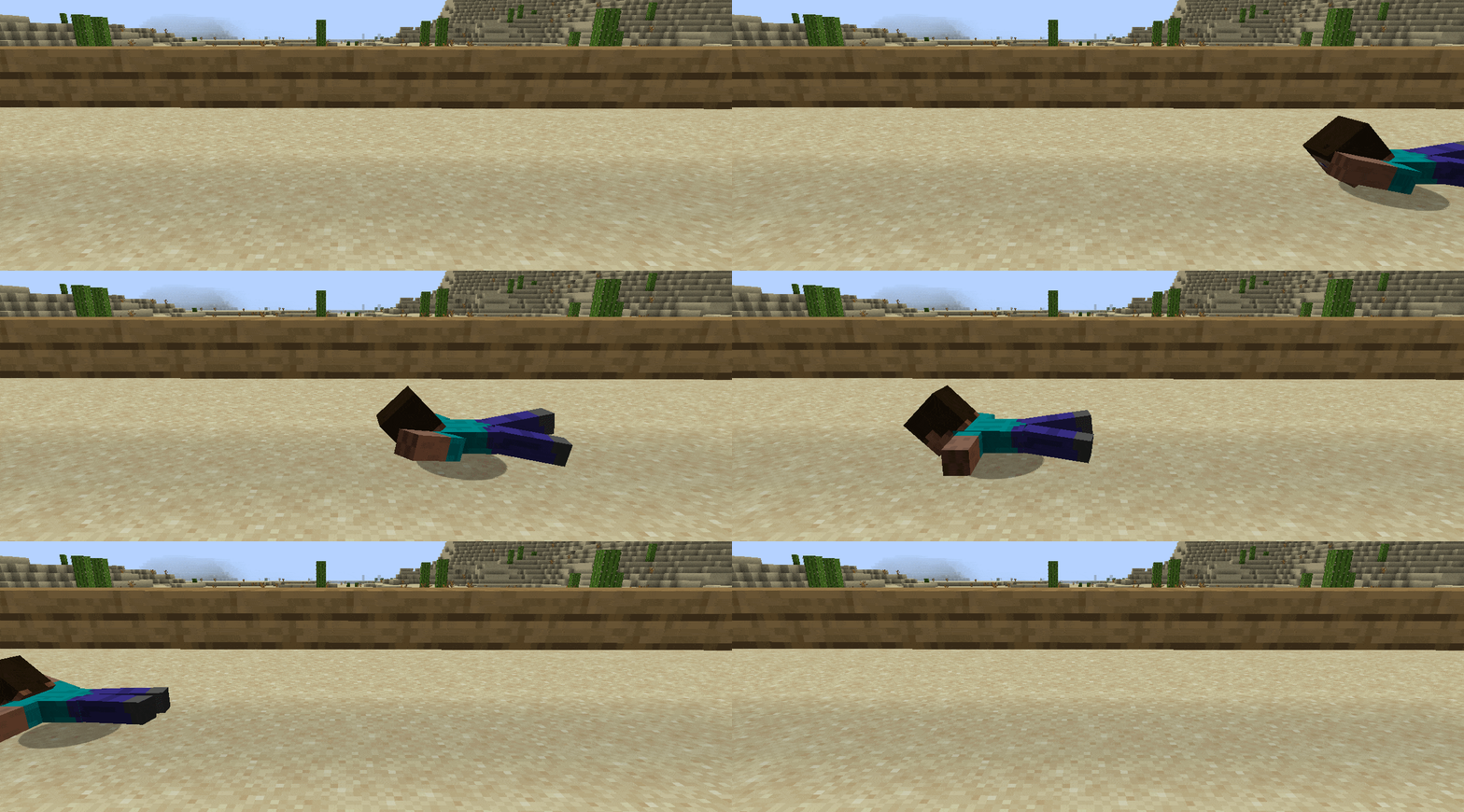 Client only

Not Enough Animations
by tr7zw
Bringing first-person animations to the third-person
 Client only

3D Skin Layers
by tr7zw
Render the player skin layer in 3d!
Ready for your server with Unloaded Activity?
4 GB of RAM from €8.00 per month. 35% off your first month with MADO35.