
UTIL HUD
Utility, regular updates
Screenshots
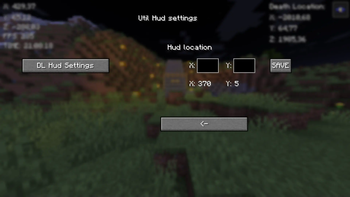
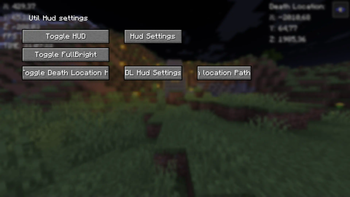
About this Mod
New Fabric mod. I'm going to upgrade this mod regularily.
It has button {B} with it you can Go to GUI (Graphical User Interface) And {G} to copy current coordinates. I will keep this mod up for some time and upgrade it.
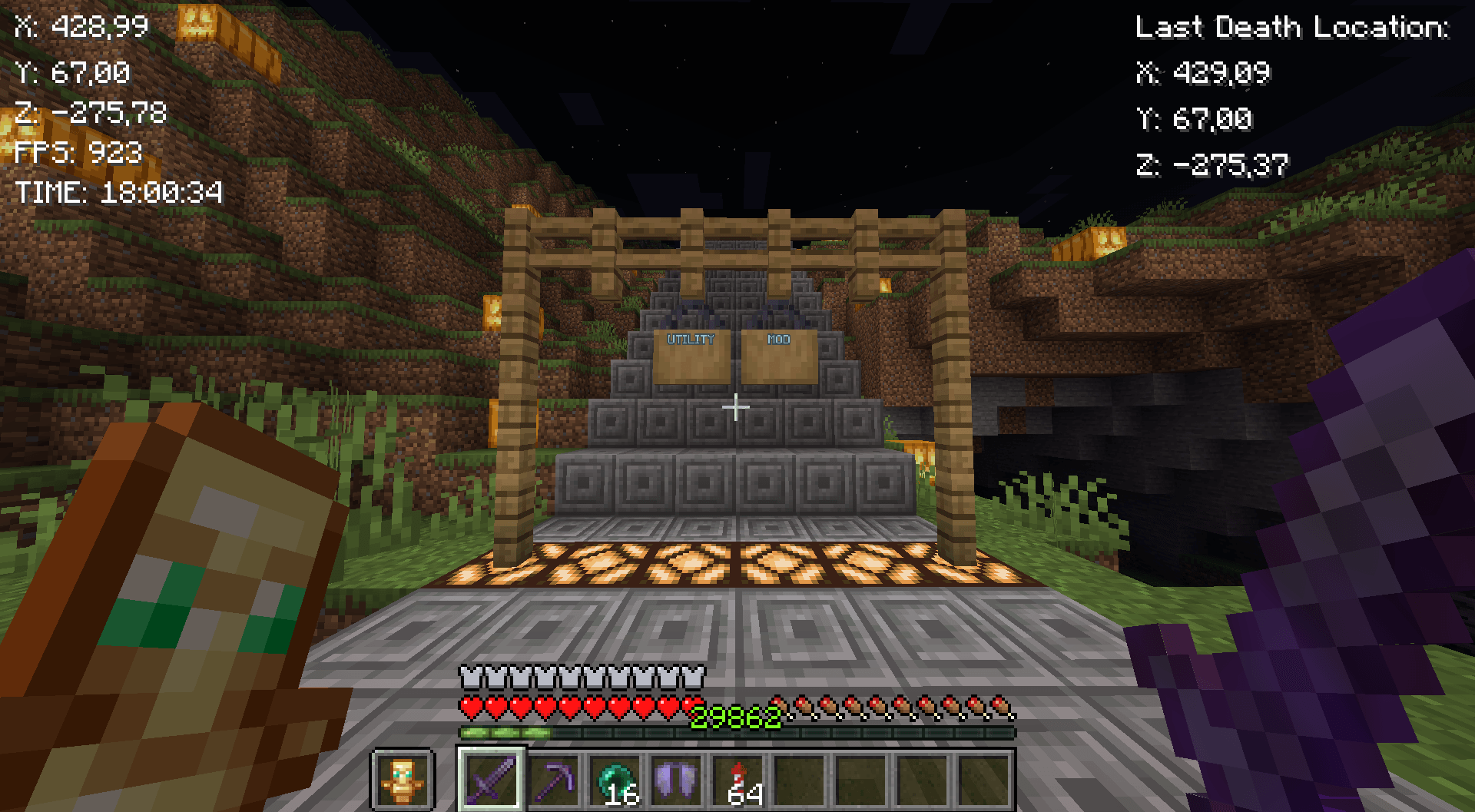
Mod features:
Customizable button {B}
Coordinates
Copy coordintes {G}
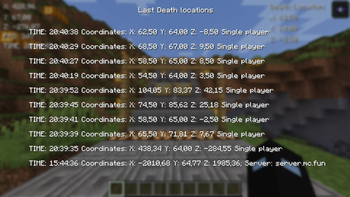
10 last death locations in GUI {L}
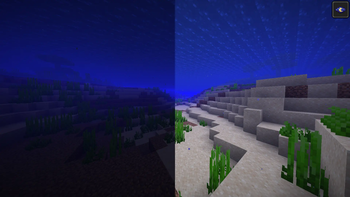
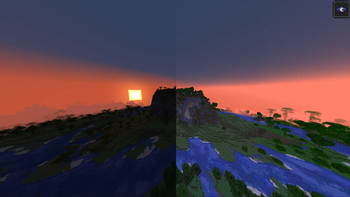
Fullbright
FPS
Time
GUI
Fabric loader version: 0.16.7 or newer!
Quick guide:
Press B to go to GUI
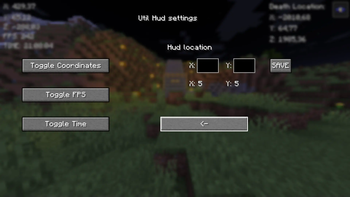
Press the Toggle HUD to turn the hud on
Then turn on things you want to see on HUD
Lastly configure the positions of the HUDs
Copy your death-coordinates-util-hud.txt path with Button in GUI (Show death locations)
You will have to go then to file explorer and paste the path to search bar or press windows key + R and paste the path there and press enter. You will see the following info:
Tips:
X: 5 & Y: 5 in GUI means the current position of the HUD
Be aware of the last death position that If you died in other world it will show you those coordinates I will update this in future!
Visit regularily curseforge.com/minecraft/mc-mods/utility-mod to see new updates first
Notice:
If you remove/rename the file called util-hud-config.json, you will have to do things in quick guide again!
-- I will take all feedback and ideas. Fabric mod -- This Mod was programmed by NSI21 --
Support me at: ko-fi.com/nsi21![Util HUD]
Available Versions
How to Install UTIL HUD on Your Client
Install the Mod Loader Locally
Install fabric for your local Minecraft version.
Download the Matching File
Choose the UTIL HUD file for fabric and Minecraft 1.21.4.
Install Mod
Place the .jar file in your local .minecraft/mods folder and restart Minecraft. No server-side installation is required.
Compatibility
Mod Loaders
Minecraft Versions
1.21.4, 1.21.3, 1.21.2 (+2 more)
Server-side
✗ UnsupportedRecommended RAM
4 GB(min. 3 GB)Frequently Asked Questions
Does UTIL HUD need to be installed on the Minecraft server?
No. Modrinth marks UTIL HUD as unsupported on the server side. Install it only in your local Minecraft mods folder. Your server can remain unchanged unless the mod page lists an additional dependency.
Which version and loader does UTIL HUD require?
Use a file for fabric and your exact Minecraft version. Supported versions include 1.21.4, 1.21.3, 1.21.2. Files for different loaders are not interchangeable.
UTIL HUD is not working – what should I check?
First check the Minecraft version, loader version and required dependencies. Put the .jar file in your local .minecraft/mods folder and remove older duplicates. Because this mod is client-side, adding server RAM will not fix it.
Similar Mods






Minecraft Server for Your Group
UTIL HUD stays on your client. Host a compatible world for your group.