
Vanilla Backport
Backports modern minecraft features to previous versions, trying to keep it as accurate as vanilla Minecraft
Screenshots

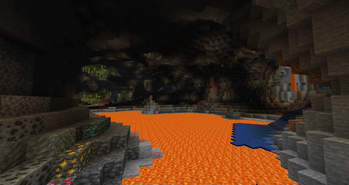


About this Mod
Developer's note: public playtest versions are now available on the discord server with new features, feel free to drop by to test them yourself!

Vanilla Backport





What is VanillaBackport?
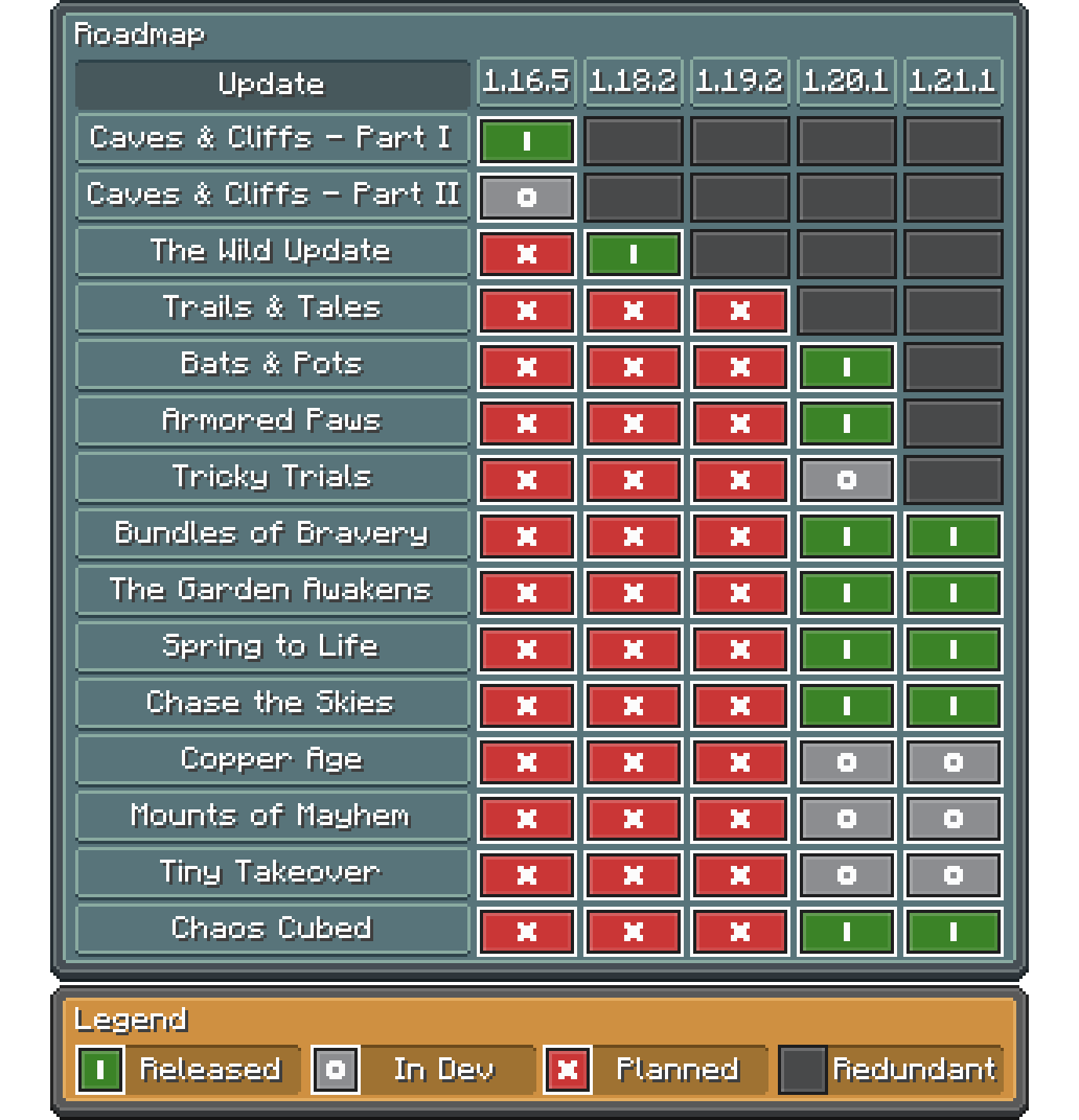
Are you stuck on a specific version but don't want to miss on updates? This mod is for you! VanillaBackport brings most features from modern versions for your commodity!
Frequently Asked Questions
Will "X" feature be backported?
The scope of the mod is to primarily add content features such as blocks, entities, even world generation, technical stuff doesn't have a priority, like data components on 1.16, not happening...
I don't want "X" feature in my world
The scope of the mod is to make almost anything toggleable, you don't like a feature? there's most likely a value in the config to disable it!
"X" resourcepack / datapack breaks with the mod
If you're using a resourcepack or datapack from a modern version, it may not work as intended as the minecraft json structures change overtime, the mod focus on adding features from newer version, not making things retrocompatible, so you'll most likely have to tweak the resourcepack or datapack yourself.
When will "X" update drop?
No clue, i'm a solo developer and life is unexpected, i can only notify what drops are being worked on and what changes are being made, i also drop public betas on the discord server when possible.
⚠️ Disclaimer
This mod is in no way affiliated with or endorsed by Mojang, Microsoft, or any of their subsidiaries.
Minecraft is a trademark of Mojang Studios. All related assets, including textures, names, and game content, are the property of Mojang Studios and Microsoft.
No commercial use is intended or permitted.
Available Versions
How to Install Vanilla Backport on Your Server
Order Server
Order a Minecraft Java server with at least 4 GB RAM (6 GB recommended).
Set fabric Loader
In the panel under "Egg", select the fabric loader and matching Minecraft version (1.21.1).
Install Mod
Open the mod browser in the dashboard and search for "Vanilla Backport". Click "Install" – done! Alternatively, upload the .jar via SFTP to the /mods folder.
Compatibility
Mod Loaders
Minecraft Versions
1.21.1, 1.20.1, 1.18.2 (+1 more)
Server-side
✓ RequiredRecommended RAM
6 GB(min. 4 GB)Frequently Asked Questions
Vanilla Backport server crashes on startup – what to do?
Most common cause: wrong fabric version or insufficient RAM. Check the server log (latest.log) for "OutOfMemoryError" or "Mixin" errors. With Mado Hosting: ensure at least 4 GB RAM is allocated and the loader matches the mod version (1.21.1). You can switch loaders with one click in the panel.
Is Vanilla Backport compatible with fabric and forge and neoforge and quilt?
Vanilla Backport officially supports fabric, forge, neoforge, quilt for Minecraft 1.21.1, 1.20.1, 1.18.2. Note: Forge and Fabric mods are NOT cross-compatible – pick one loader and stick with it. The Mado dashboard automatically detects incompatible loader combinations.
Server lagging with Vanilla Backport – how to optimize performance?
Recommended RAM: 6 GB (per 5 players). Use /spark profiler to check if Vanilla Backport consumes the most tick time. Common fixes: reduce server view-distance to 8-10, install "performant" or "starlight" as supplementary mods on Forge. With Mado Hosting, your server runs on NVMe SSDs with dedicated CPU cores for minimal latency.
Similar Mods




Rent Modded Server
Install Vanilla Backport with just one click on your server.