
Modrinth · Forge, NeoForge
Weather Storms & Tornadoes on your Minecraft server
Weather Storms & Tornadoes runs on Minecraft servers with Forge or NeoForge. Order your server, set the loader in the panel and install the mod with one click in the mod browser.
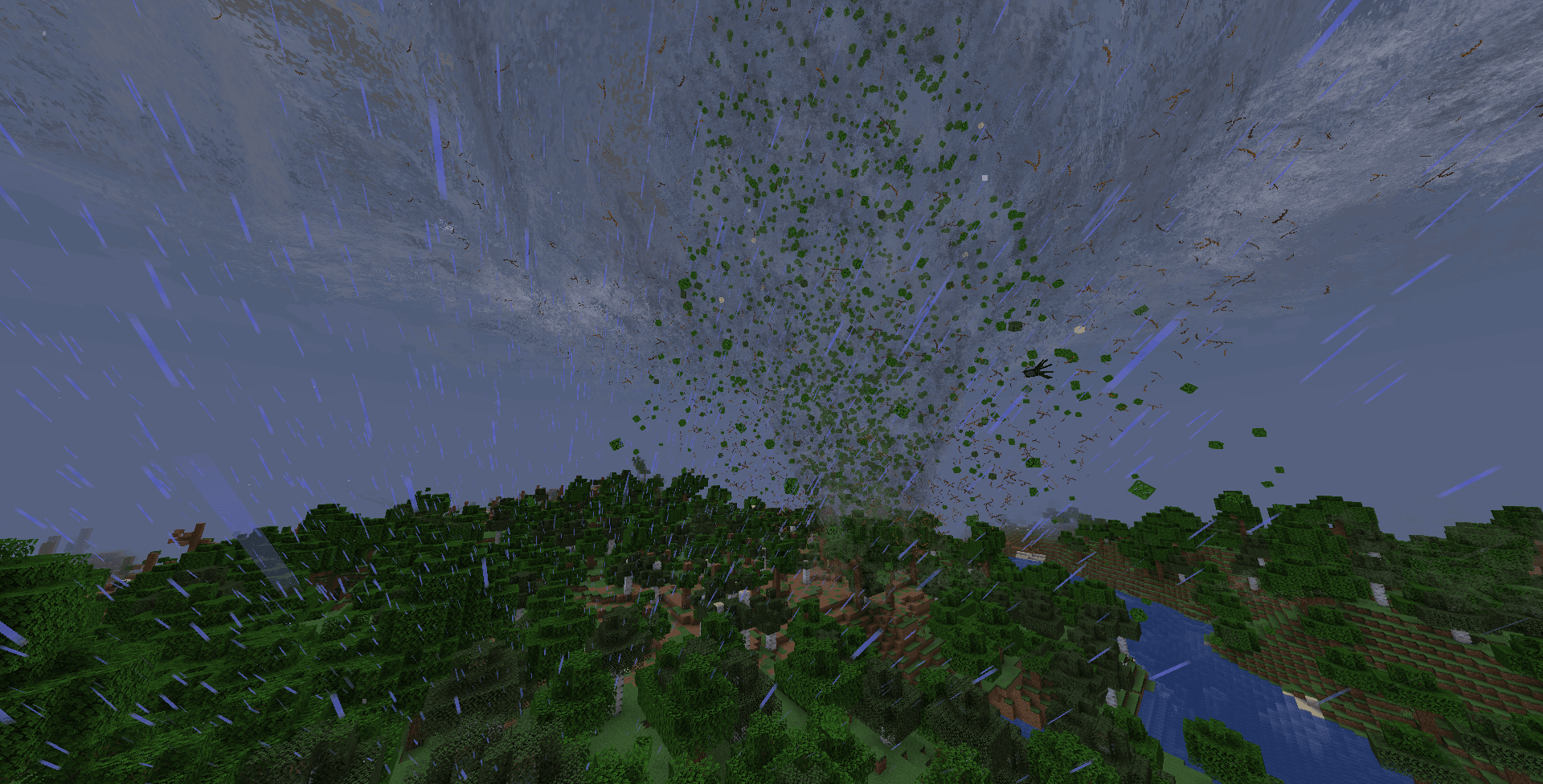
Adds storms, tornadoes, wind, lots of particle effects and more.
- Downloads
- 2.0M
- Author
- Corosus
- Loader
- Forge, NeoForge
- Minecraft
- 1.20.1 – 1.21.1
- Updated
- –
Screenshots
What Weather Storms & Tornadoes looks like

Images: Weather Storms & Tornadoes on Modrinth, published by the project team.
Setup
Install Weather Storms & Tornadoes on your server
The server and players need the same loader and Minecraft version. Back up the world before adding or updating mods.
- 01
Configure
6 GB of RAM is preselected. You choose the term and add-ons and pay by credit card or PayPal.
- 02
Set the loader
In the panel, set the server software to Forge or NeoForge and choose the matching Minecraft version, for example 1.21.1.
- 03
Install the mod
Search the mod browser for “Weather Storms & Tornadoes” and install the release for your loader. Alternatively, upload the .jar to the mods folder via SFTP. Required dependencies are listed on the project page.
- 04
Connect
Every player installs the same Weather Storms & Tornadoes release locally and connects using the server address from the panel.
- On the server
- Required
- On the client
- Required
- Loader
- Forge, NeoForge
- Minecraft
- 1.21.1, 1.21, 1.20.1
- License
- LicenseRef-All-Rights-Reserved
The panel
Install mods, find errors.
Real screenshots from the Mado panel. Both come with every Minecraft server.
Mod browser
Modrinth and CurseForge, right in the panel.
The browser filters by your Minecraft version. Install mods with one click, without uploading .jar files.

AI crash analysis
When a mod crashes, the analyzer reads the log.
Mods often fail on a wrong loader version, Java version or missing dependency. The analyzer names a likely cause and suggests a fix.

Releases
Published releases
Pick the file that matches your server’s loader and Minecraft version. The server and players need the same release.
Weather Storms & Tornadoes · Modrinth- Weather Storms & Tornadoes 1.21.0-2.8.7May 24, 2026Minecraft 1.21, 1.21.1 · NeoForge
- Weather Storms & Tornadoes 1.20.1-2.8.3April 7, 2024Minecraft 1.20.1 · Forge, NeoForge
Original description by the project author
Localized weather! See rain and nastier storms coming in from a distance
- Tornadoes spawn from dynamic storm systems
- Rain clouds build up moisture from water and moist biomes, will rain locally in the area
- Snowstorms and Sandstorms
- Stormfront system uses biome temperature differences to create nasty storms!
- Replaces / compliments vanilla clouds with my own particle based ones that are always shifting around
- Replaces rain and snowfall with a particle based one that blows in the wind
- Improved look of storms from old weather mod
- Deflector block that can deflect storms away and prevent block damage to protect your creations
- Wind Vane to show the direction of the wind (Model made by Razz of DecoCraft)
- Anemometer to show the speed of the wind
- Tornado sensor block to activate redstone when one is near
- Scenes enhanced with falling leaf particles, wind particles, anything plant based and then some gets particles
- Trees make blowing in wind sound
- Can enhance snowfall with more gradual smooth buildup (default off, memory hungry!)
Weather Storms & Tornadoes server crashes on startup – what to do?
Common causes: the loader or Minecraft version does not match the mod file, a dependency is missing, or RAM is too low. Check the log (latest.log) for “OutOfMemoryError”, “Mixin” or missing mods. At Mado, the AI crash analysis reads the log and suggests a cause. You can change the loader and version in the panel.
Which loader does Weather Storms & Tornadoes run on?
According to Modrinth, Weather Storms & Tornadoes supports Forge, NeoForge for Minecraft 1.21.1, 1.21, 1.20.1.
How much RAM does a server with Weather Storms & Tornadoes need?
As guidance, 4–6 GB for a server with this mod. This is an estimate, not a measured minimum. More mods, many players and long view distances need more. The spark profiler shows whether a mod is costing tick time.
Similar mods
Popular mods in the same category
 Server-ready

Xaero's Minimap
by thexaero
Displays a map of the nearby world terrain, players, mobs, entities in the corner of your screen. Lets you create waypoints which help you find the locations you've marked.
 Server-ready

Xaero's World Map
by thexaero
Adds a full screen world map which shows you what you have explored in the world. Works great together with Xaero's Minimap.
 Client only

Not Enough Animations
by tr7zw
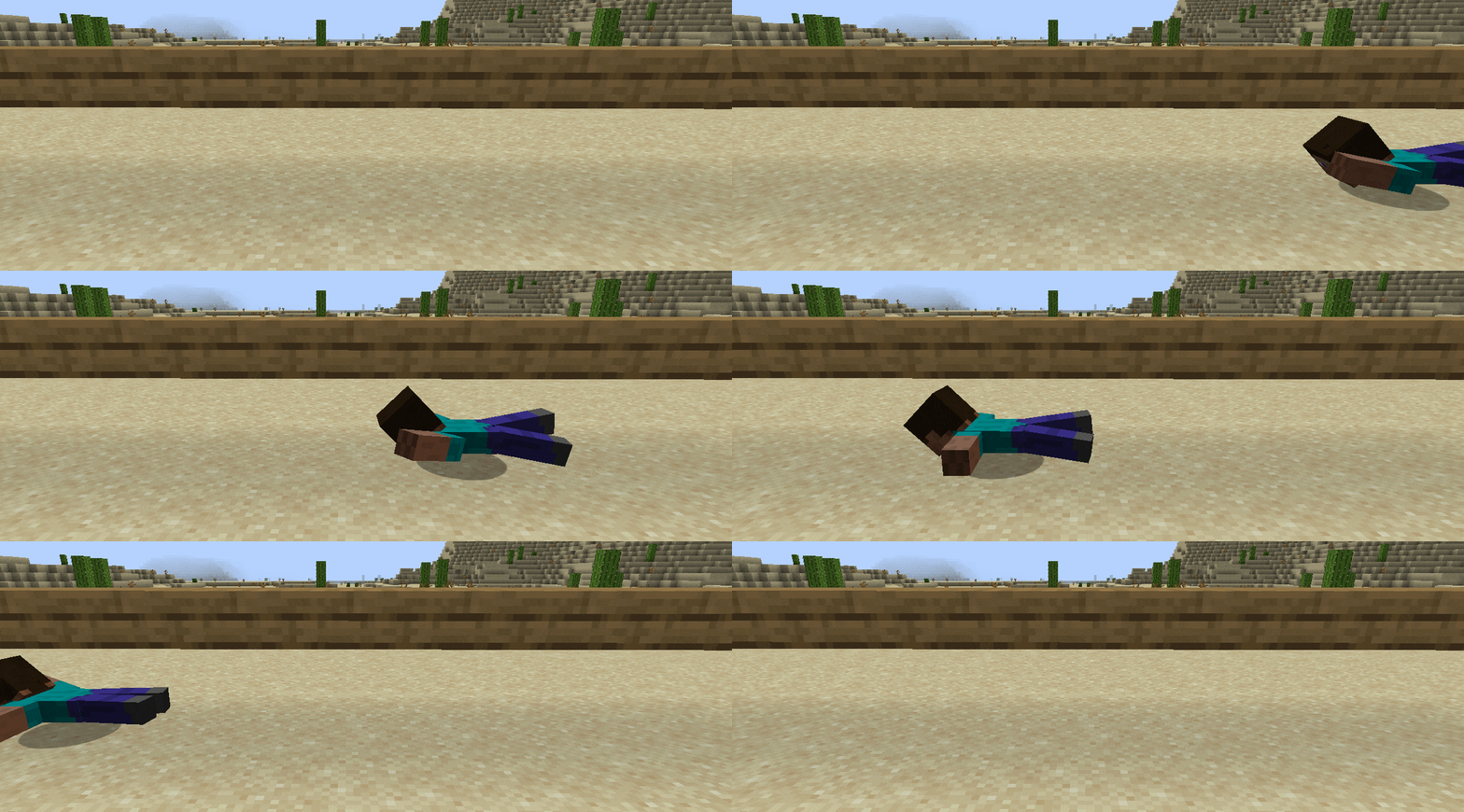
Bringing first-person animations to the third-person
 Client only

3D Skin Layers
by tr7zw
Render the player skin layer in 3d!
Ready for your server with Weather Storms & Tornadoes?
6 GB of RAM from €12.00 per month. 35% off your first month with MADO35.