
Modrinth · Forge
wonderland.jar on your Minecraft server
wonderland.jar runs on Minecraft servers with Forge. Order your server, set the loader in the panel and install the mod with one click in the mod browser.
They trapped us in this hell, and called it their wonderland.
- Downloads
- 1.3M
- Author
- alexander.25.k
- Loader
- Forge
- Minecraft
- 1.20.1
- Updated
- –
Screenshots
What wonderland.jar looks like
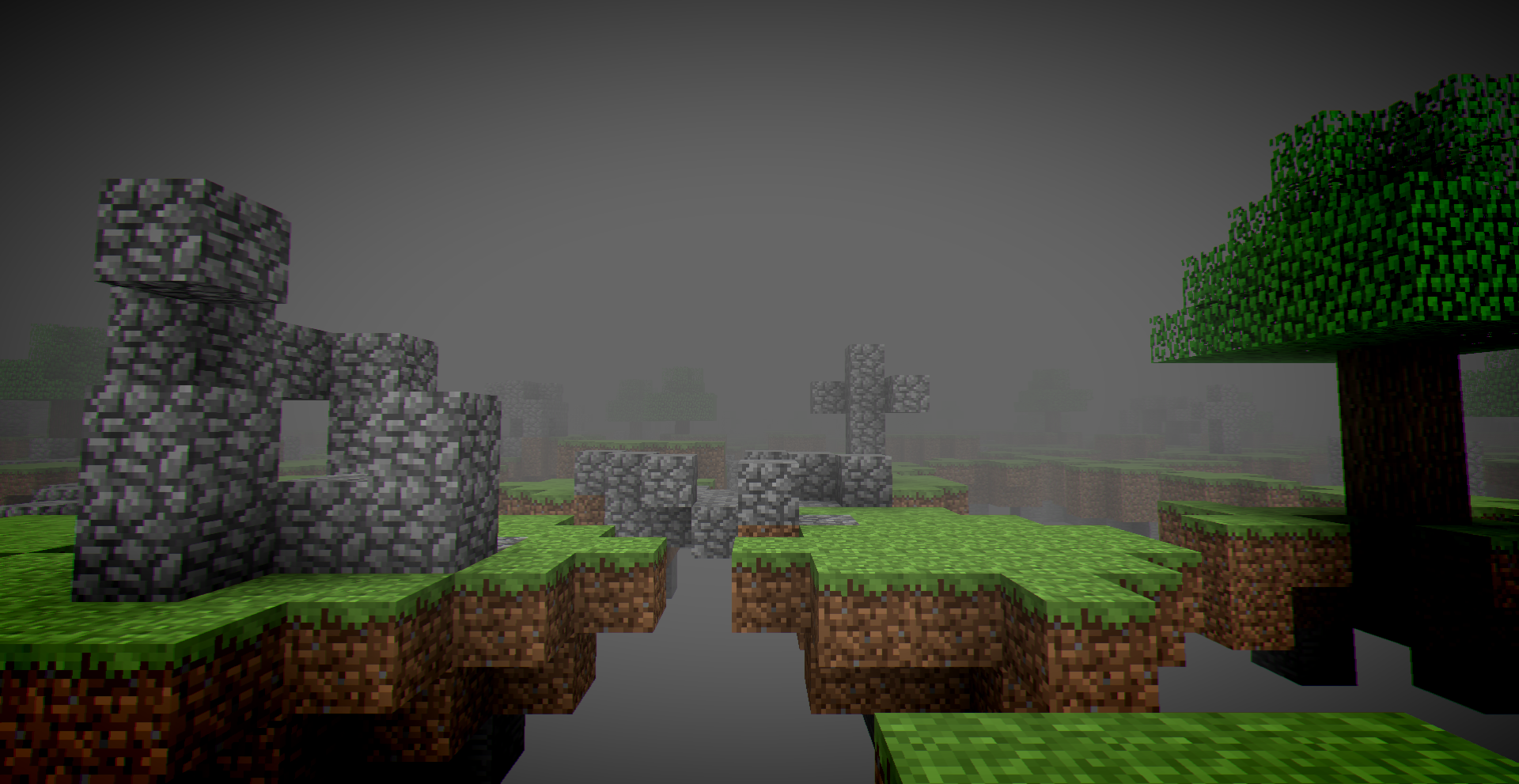
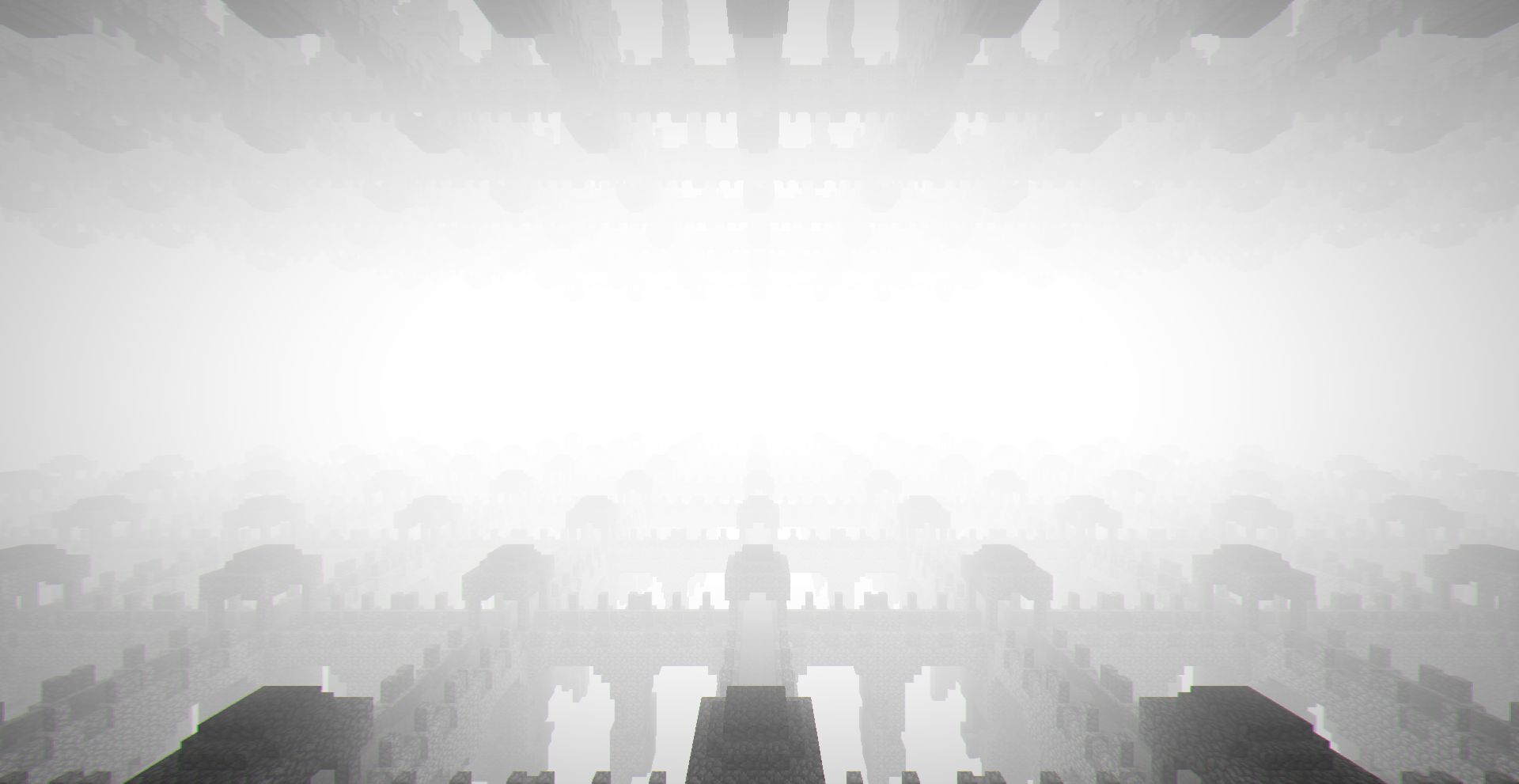
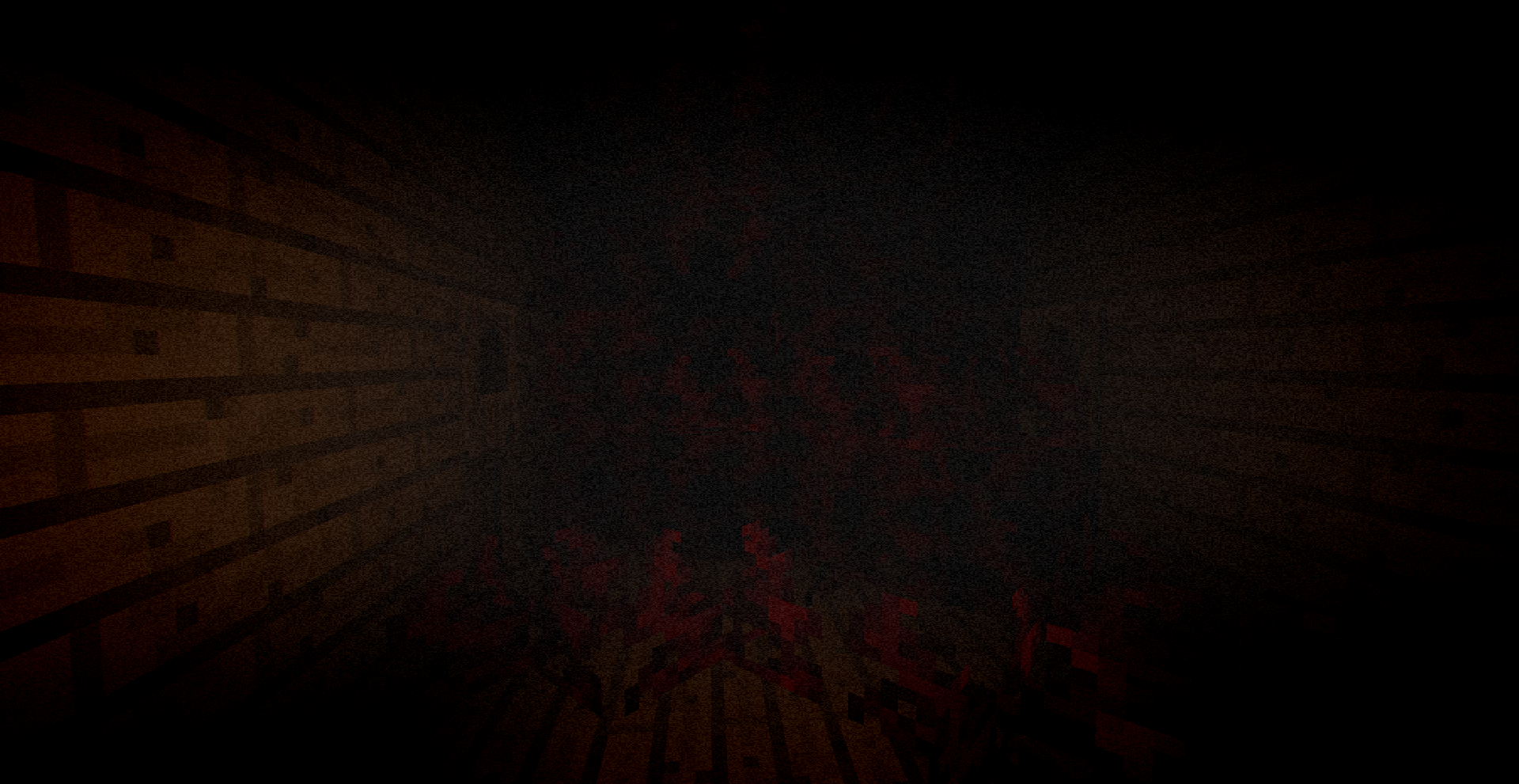
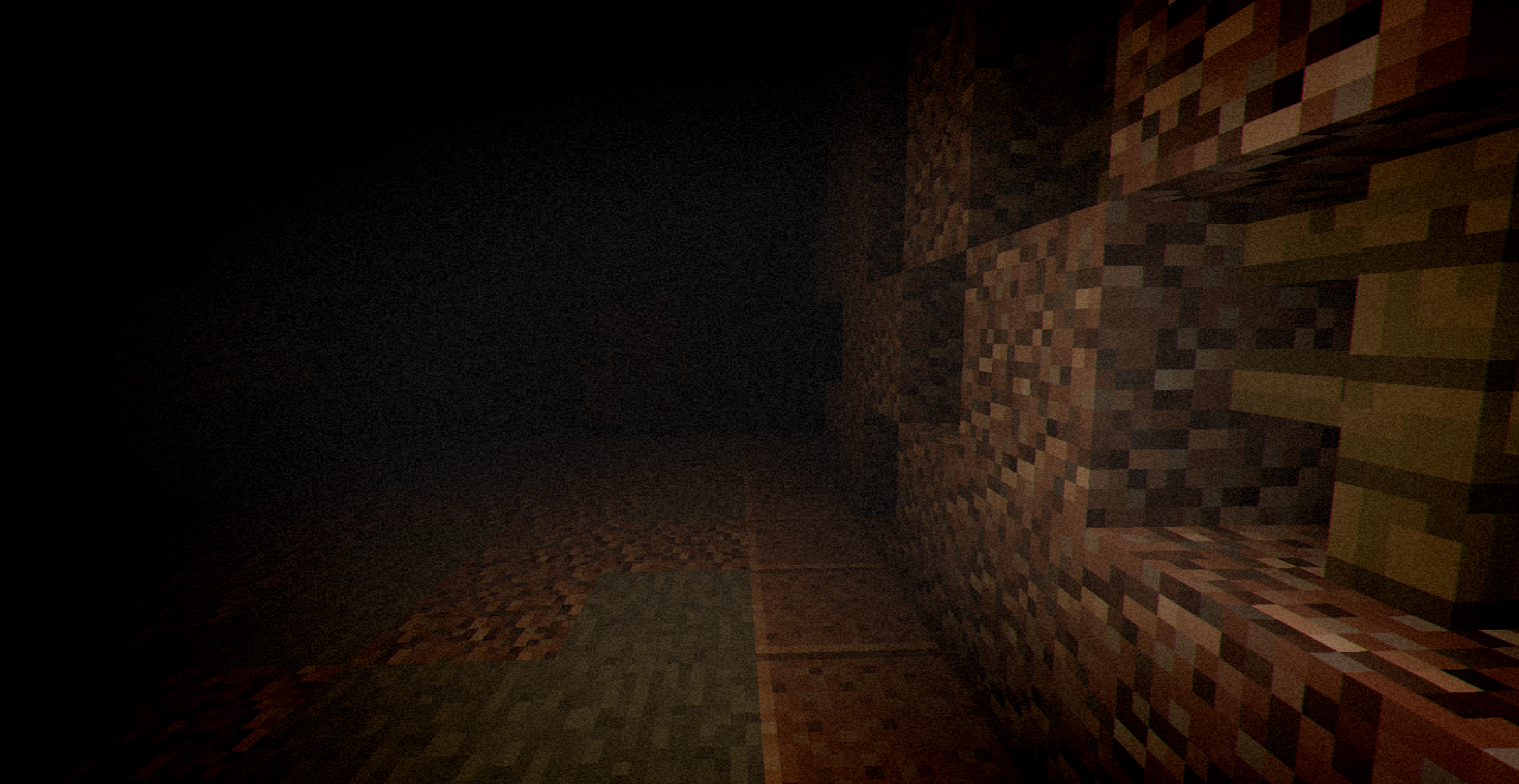
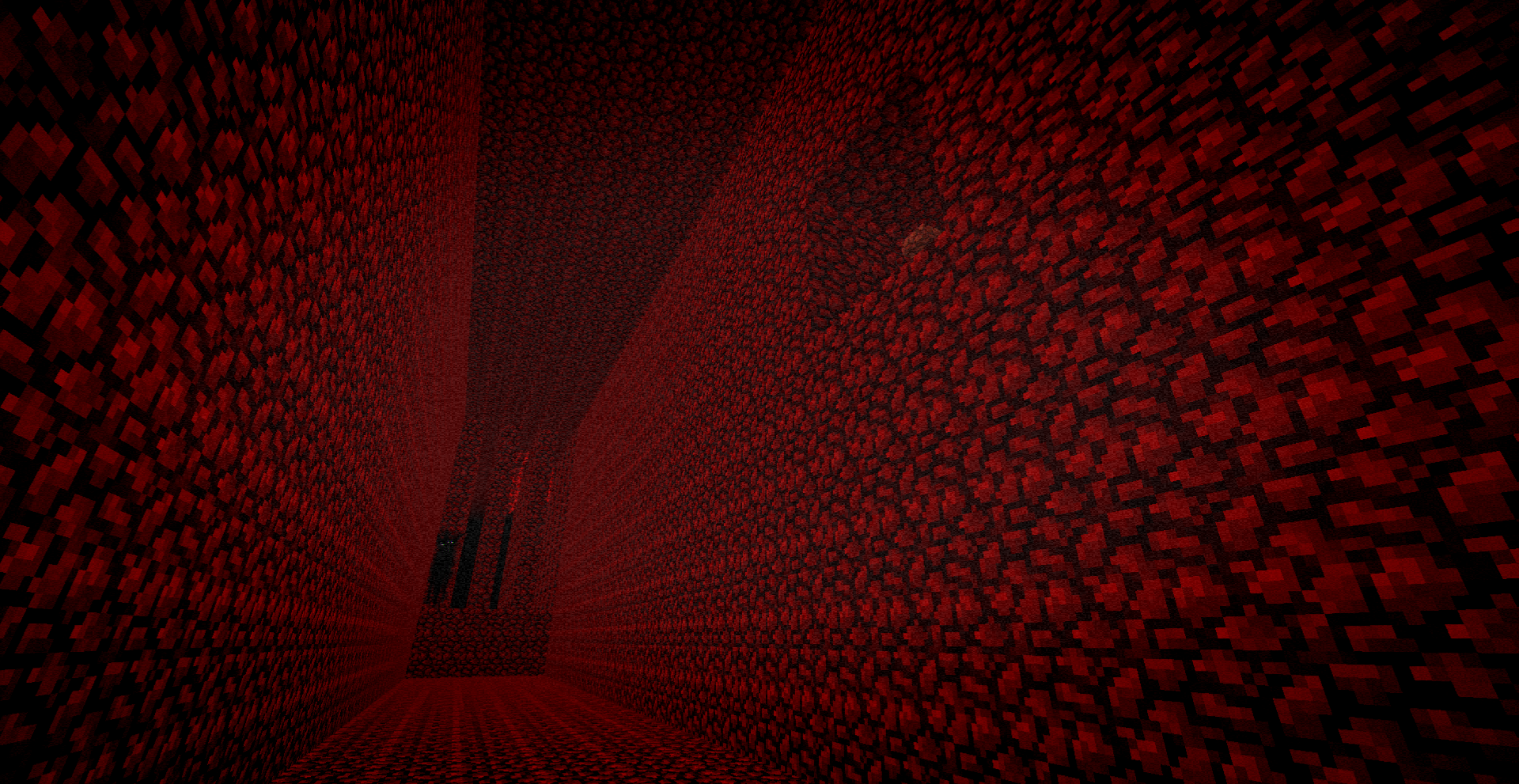
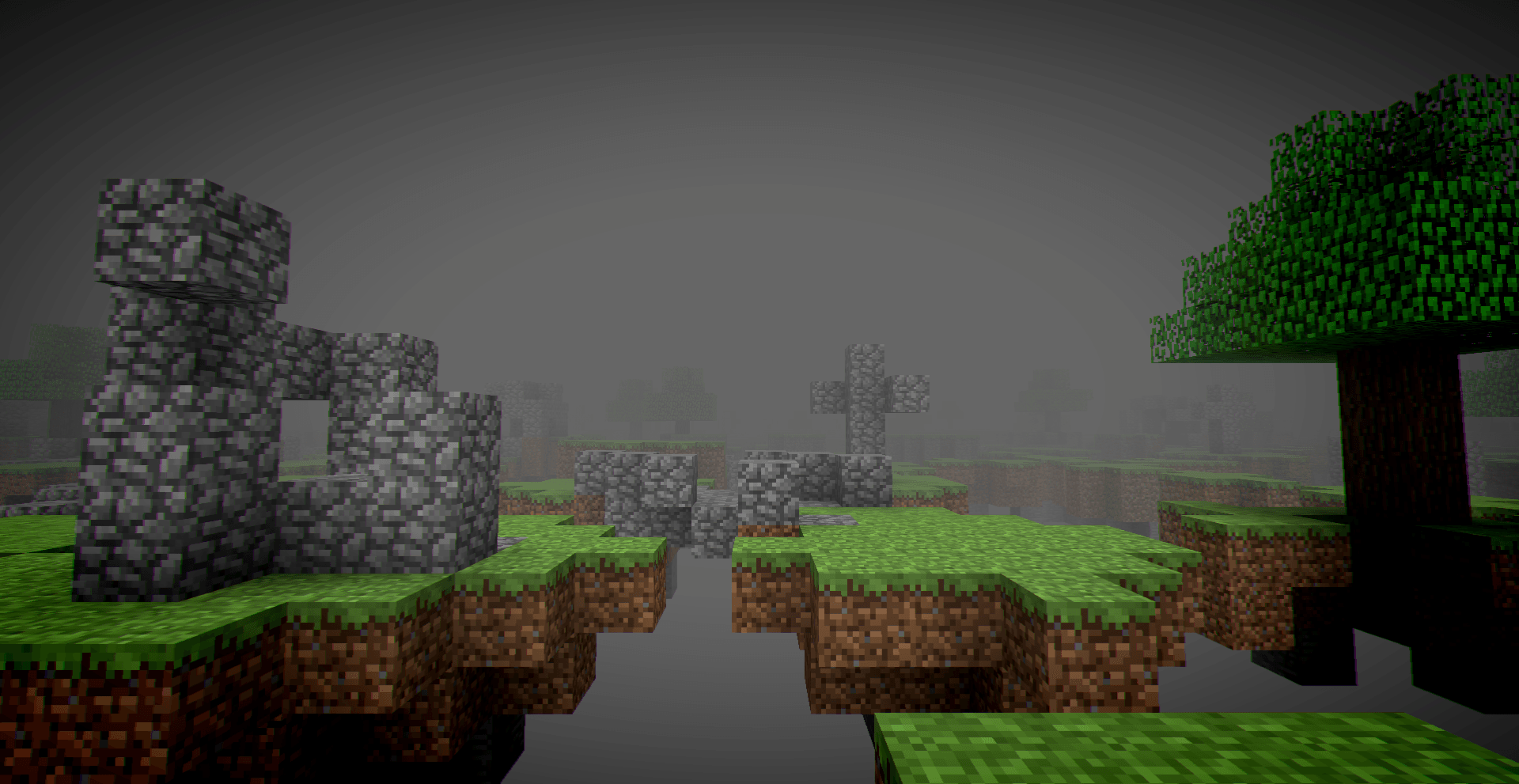
Images: wonderland.jar on Modrinth, published by the project team.
Setup
Install wonderland.jar on your server
The server and players need the same loader and Minecraft version. Back up the world before adding or updating mods.
- 01
Configure
4 GB of RAM is preselected. You choose the term and add-ons and pay by credit card or PayPal.
- 02
Set the loader
In the panel, set the server software to Forge and choose the matching Minecraft version, for example 1.20.1.
- 03
Install the mod
Search the mod browser for “wonderland.jar” and install the release for your loader. Alternatively, upload the .jar to the mods folder via SFTP. Required dependencies are listed on the project page.
- 04
Connect
Every player installs the same wonderland.jar release locally and connects using the server address from the panel.
- On the server
- Required
- On the client
- Required
- Loader
- Forge
- Minecraft
- 1.20.1
- License
- LicenseRef-All-Rights-Reserved
The panel
Install mods, find errors.
Real screenshots from the Mado panel. Both come with every Minecraft server.
Mod browser
Modrinth and CurseForge, right in the panel.
The browser filters by your Minecraft version. Install mods with one click, without uploading .jar files.

AI crash analysis
When a mod crashes, the analyzer reads the log.
Mods often fail on a wrong loader version, Java version or missing dependency. The analyzer names a likely cause and suggests a fix.

Releases
Published releases
Pick the file that matches your server’s loader and Minecraft version. The server and players need the same release.
wonderland.jar · ModrinthOriginal description by the project author

This mod requires Geckolib
???
This mod adds multiple strange anomalies. some of these anomalies will stalk you and eventually they will try to take you into their "wonderland".
Though even if you escape their "wonderland" things in your world may get worse...
To clarify some confusion, spawn rates and chances in the config use a "1 in X" system. This means that if you set an entities spawn rate to 3, it becomes a 1 in 3 chance of it spawning. If you set it to 24, it becomes a 1 in 24 chance. We added this because people keep increasing entities spawn values, thinking it increases their spawn rate, without reading the FAQ or understanding what "1 in X chance" actually means.
Also, do not set an entities spawn rate to 1, as this will likely cause the game to bug out and/or crash, since it would effectively be a 1 in 1 chance every time.
The mod is intended to be a slow-burn experience and is extremely random. In some worlds, you may get taken to "wonderland" on the second in-game day, while in others, it may take 15 in-game days or more before anything happens.
The shader used for the screenshots: Somber
A video showcasing the mod:
Frequently Asked Questions:
Includes spoilers!
Spoiler
Q: Can I make a resource pack for this mod that changes some of its assets?
A: Yes, of course.
Q: Does this mod work in multiplayer?
A: Yes, however it may be buggy.
Q: How do I change the config?
A: You can either open "Wonderland Configuration.toml" in your game's config folder, use /config showfile the_wonderland COMMON, or use the Configured mod: https://www.curseforge.com/minecraft/mc-mods/configured
Q: How do I stop the mod from overriding textures?
A: In your resource pack settings, move "Mod Resources" below "Default".
Q: Is this mod compatible with other ARG mods?
A: It should be, but there is no guarantee.
Q: Is there a way to leave Wonderland without losing items?
A: Yes. Look for a white pillar in the dimension you are in. Keep in mind that not all dimensions have exits, and not all white pillars lead to an exit.
Q: Is there a way to leave the "Brickways" dimension?
A: Yes. Find a crystal block, and break it. After doing so, white exit portals will begin to spawn.
Q: No_One is not spawning / is spawning too rarely. What should I do?
A: The spawn system uses a "1 in X" chance. You can increase his spawn rate by lowering the config value.
Q: No_One is spawning too often. What should I do?
A: Adjust his spawn rate in the config. Increasing the value reduces how often he appears, since it uses a "1 in X" chance system.
Q: Can I make a video about the mod?
A: Yes! Content creators are welcome to cover the mod.
Q: Can I port the mod to Bedrock Edition?
A: No. The mod is not supported on Bedrock, and a 1:1 recreation would not be possible due to platform limitations.
Please report any bugs you find.
Known bugs:
- Custom dense fog effect is broken with some optimization mods.
- When entering certain dimensions, the player may take fall damage. This is caused by TPS lag and usually happens when playing on a server with high ping.
You can also join the wonderland.hub Discord server to talk with the community and other mod developers, as well as get sneak peeks and announcements about the mod.
Credits
FIN Daries
Main inspiration for the mod. This project would not exist without them.
Lastgalaxian
Co-owner, Team manager, programmer, and some lore.
Zoreyed
Lead Lore Writer and multiple entity revamps.
ClouddyVR
Created several dimensions and a large number of entities.
Spoiler
- What Once Was
- Remembrance
- Reservoir
- Snowy Bridges
- Carrier
- Siren
- Helpless
- Skinless
- remember_me
JDG
Created most of the old texture resource pack.
The Original Work Resource Pack
mothrava
Contributed multiple dimensions and entities.
Spoiler
- Various tunnel rooms
- Fate Redesign
- Helped with: Jungle Warehouse, The Slip, and The Abyss
Stereotypical
Inspiration and ambient audio for one of the dimensions.
Tavrix
Inspiration for the main wonderland dimension, aswell as some inspiration for dimension traveling mechanics.
Brguiireal
Owner, Some coding, inspiration from ItsNotReal
zaneblazed
made some lore. (also made this page!!)
Smudgy
Some concepts and entity models.
Riverrflower
Design and concepts for several entities.
Spoiler
- Sorrow
- Fate
- wasonce
Mr. Gibbo
Chase sound for "The Entity" and jumpscare sound for "The Fate".
Dornan
Major inspiration for dimensions, entities, lore, and some textures.
Spoiler
- Bedrock hallways
- The Sphere
- Silver Cross
- Brickways
- Eyeless
- The Vault
- Hoarder
Nooby The Great
Idea for the "Maze" dimension and the "TheSpawn" entity.
Mazellmi and Clorobored
Sound design for several entities.
EnderPlays
Inspiration for one of the dimensions.
mmmminty_
Created No_One’s twisted variant and contributed textures.
Xaeltus
Some sound effects.
Suncat
Idea for the Jungle Warehouse dimension.
Itzs_Echo
Model for the "Pillar" entity.
Gerald Gooman
Model, concept, and animations for the Woodseeker entity.
Hallow
Some sound effects.
Lisianthus
Ideas for several dimensions.
Mininotprime
Inspiration for items and mechanics.
Upsidedowntree
Model and animations for the Wondertree entity, and redesign of the Ethereal Angel.
Betty
Apparition jumpscare, Gortion lore, some paintings, Sphere texture and more
Crackers0106
A few textures.
Kathy
One of Reservoir themes + Abyss ambience
Hellebore
Textures for some ethereal demon variants, some lore and a variant of TheEntity jumpscare
Dox
Sound design for no_one's twisted form
Blue
Couple areas in Chasm dimension
Lunar
Red Eye aggression sound
DeciroDen
Some paintings
Shapley
False wonderland, wonderflesh, entrails, forget_me_nots, know_me_sos, Fragmentation and more
Gray
Winter wonderland rework, snowy bridges rework and fake exit sound
Voxla
Code for Sanguine entity and Lithic entity
Knights Of Nerdon
A variant of TheEntity jumpscare
Wush
Some sound design and an another variant of TheEntity jumpscare
Malidactae
Summoner entity, ethereal demon textures and help with some dimensions also bunch of other stuff
MistaBlade
Lapis Labyrinth idea
Tyrax
Music for Sanguine entity
Nullrot
Compliance dimension, compliance angel entity, some other stuff
War The Nuclear Shill
Pipes dimension
Chaqueta de Junior
Ideas for Endless Forest and no_one's "speech" variant
Ofariol
Textures for crosses and silver rosary
Nat
Help with custom fog effects
wonderland.jar server crashes on startup – what to do?
Common causes: the loader or Minecraft version does not match the mod file, a dependency is missing, or RAM is too low. Check the log (latest.log) for “OutOfMemoryError”, “Mixin” or missing mods. At Mado, the AI crash analysis reads the log and suggests a cause. You can change the loader and version in the panel.
Which loader does wonderland.jar run on?
According to Modrinth, wonderland.jar supports Forge for Minecraft 1.20.1.
How much RAM does a server with wonderland.jar need?
As guidance, 3–4 GB for a server with this mod. This is an estimate, not a measured minimum. More mods, many players and long view distances need more. The spark profiler shows whether a mod is costing tick time.
Similar mods
Popular mods in the same category
 Server-ready

Xaero's Minimap
by thexaero
Displays a map of the nearby world terrain, players, mobs, entities in the corner of your screen. Lets you create waypoints which help you find the locations you've marked.
 Server-ready

Xaero's World Map
by thexaero
Adds a full screen world map which shows you what you have explored in the world. Works great together with Xaero's Minimap.
 Client only

Not Enough Animations
by tr7zw
Bringing first-person animations to the third-person
 Client only

3D Skin Layers
by tr7zw
Render the player skin layer in 3d!
Ready for your server with wonderland.jar?
4 GB of RAM from €8.00 per month. 35% off your first month with MADO35.