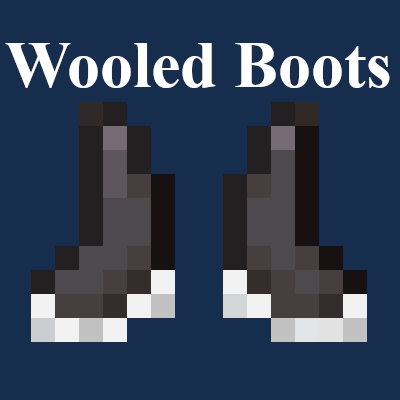
Wooled Boots
Padded Boots which silence certain vibrations to prevent Sculk and Warden Detection.
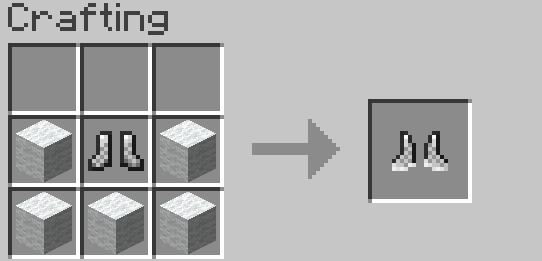
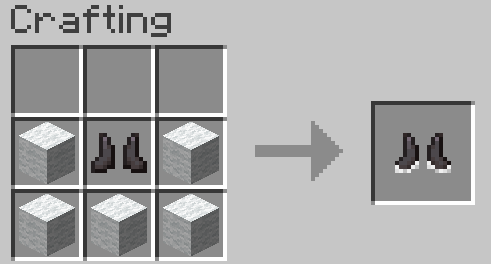
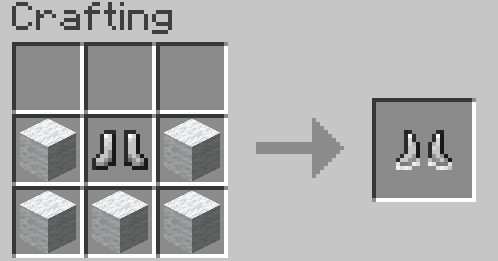
Screenshots

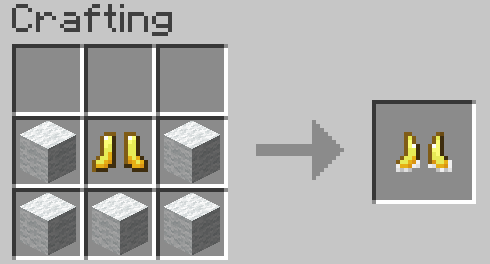
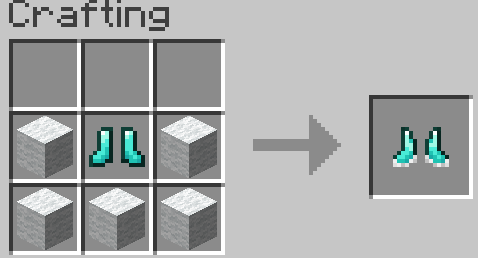
About this Mod
Pad your boots with wool, prevent Sculk and Warden Detection.
Fully compatible with the official 1.19+ Warden!
Think these boots make the Deep Dark too easy? Download Warden Walkers for something more balanced: https://www.curseforge.com/minecraft/mc-mods/warden-walkers
These Boots Silence the Vibrations of:
Stepping
Falling and hitting the ground
Throwing a projectile (A projectile hitting something will still be detected, but it will be traced to the projectile rather than you)
Tiers:
Leather | Chainmail | Iron | Golden | Diamond | Netherite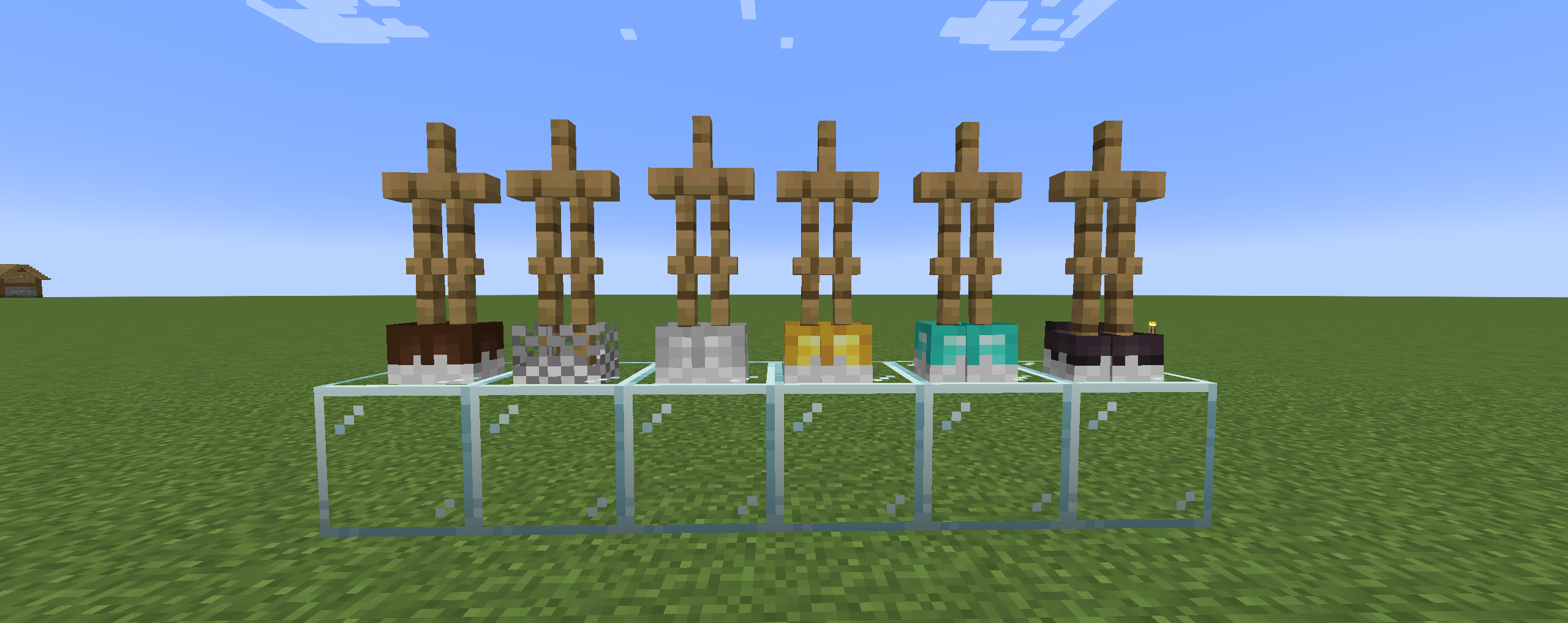
Wooled Boots in Action
Video 1: https://youtu.be/RF9UrxMB-UQ?si=AngQynWrY_Md3t5u&t=89
Video 2: https://www.youtube.com/watch?v=uOxwtL4bgzc
Play this mod with your friends! Use code "jackbusters" for 25% off Minecraft Server Hosting.
Warden Mod Support
Some mods, which add the Warden, are compatible with Wooled Boots. These mods include:
- The Wild Mod by lukebattle04 (and the FrozenBlock Modding Team)
Boot Mod Support
Mekanism Tools [Forge]
Copper Equipment [Fabric]
Therrassium [Fabric]
Available Versions
How to Install Wooled Boots on Your Server
Order Server
Order a Minecraft Java server with at least 3 GB RAM (4 GB recommended).
Set fabric Loader
In the panel under "Egg", select the fabric loader and matching Minecraft version (1.21.4).
Install Mod
Open the mod browser in the dashboard and search for "Wooled Boots". Click "Install" – done! Alternatively, upload the .jar via SFTP to the /mods folder.
Compatibility
Mod Loaders
Minecraft Versions
1.21.4, 1.21.1, 1.21 (+17 more)
Server-side
✓ RequiredRecommended RAM
4 GB(min. 3 GB)Frequently Asked Questions
Wooled Boots server crashes on startup – what to do?
Most common cause: wrong fabric version or insufficient RAM. Check the server log (latest.log) for "OutOfMemoryError" or "Mixin" errors. With Mado Hosting: ensure at least 3 GB RAM is allocated and the loader matches the mod version (1.21.4). You can switch loaders with one click in the panel.
Is Wooled Boots compatible with fabric and forge and neoforge and quilt?
Wooled Boots officially supports fabric, forge, neoforge, quilt for Minecraft 1.21.4, 1.21.1, 1.21. Note: Forge and Fabric mods are NOT cross-compatible – pick one loader and stick with it. The Mado dashboard automatically detects incompatible loader combinations.
Server lagging with Wooled Boots – how to optimize performance?
Recommended RAM: 4 GB (per 8 players). Use /spark profiler to check if Wooled Boots consumes the most tick time. Common fixes: reduce server view-distance to 8-10, install "performant" or "starlight" as supplementary mods on Forge. With Mado Hosting, your server runs on NVMe SSDs with dedicated CPU cores for minimal latency.
Similar Mods




Rent Modded Server
Install Wooled Boots with just one click on your server.