
Modrinth · Forge, NeoForge
ZG Mobs on your Minecraft server
ZG Mobs runs on Minecraft servers with Forge or NeoForge. Order your server, set the loader in the panel and install the mod with one click in the mod browser.
A Mod that enhances mobs, inspired by the “Blights” in the Scaling Health Mod.
- Downloads
- 79.4K
- Author
- Zetadrayzer
- Loader
- Forge, NeoForge
- Minecraft
- 1.20.1 – 1.21.1
- Updated
- –
Screenshots
What ZG Mobs looks like
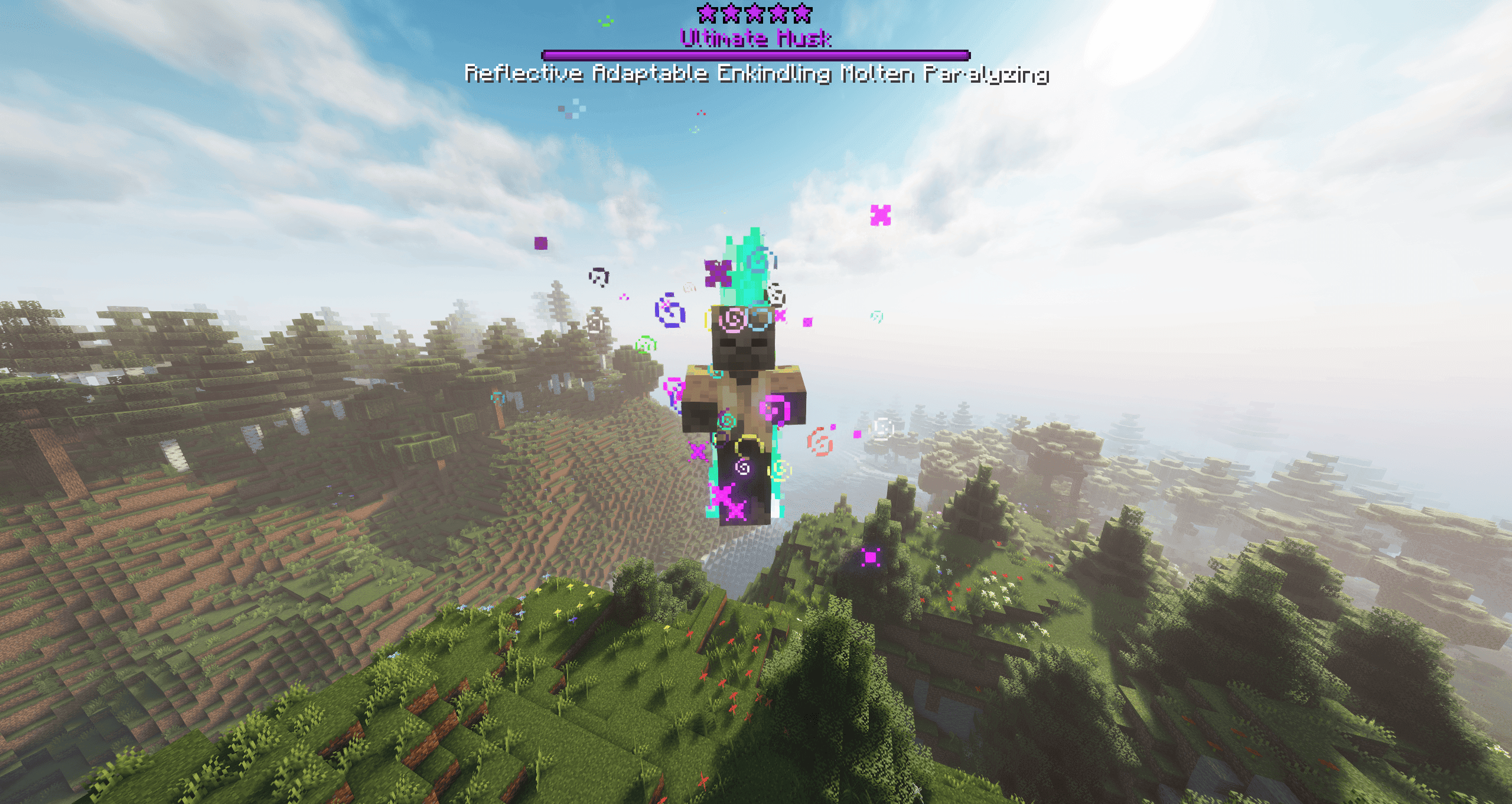
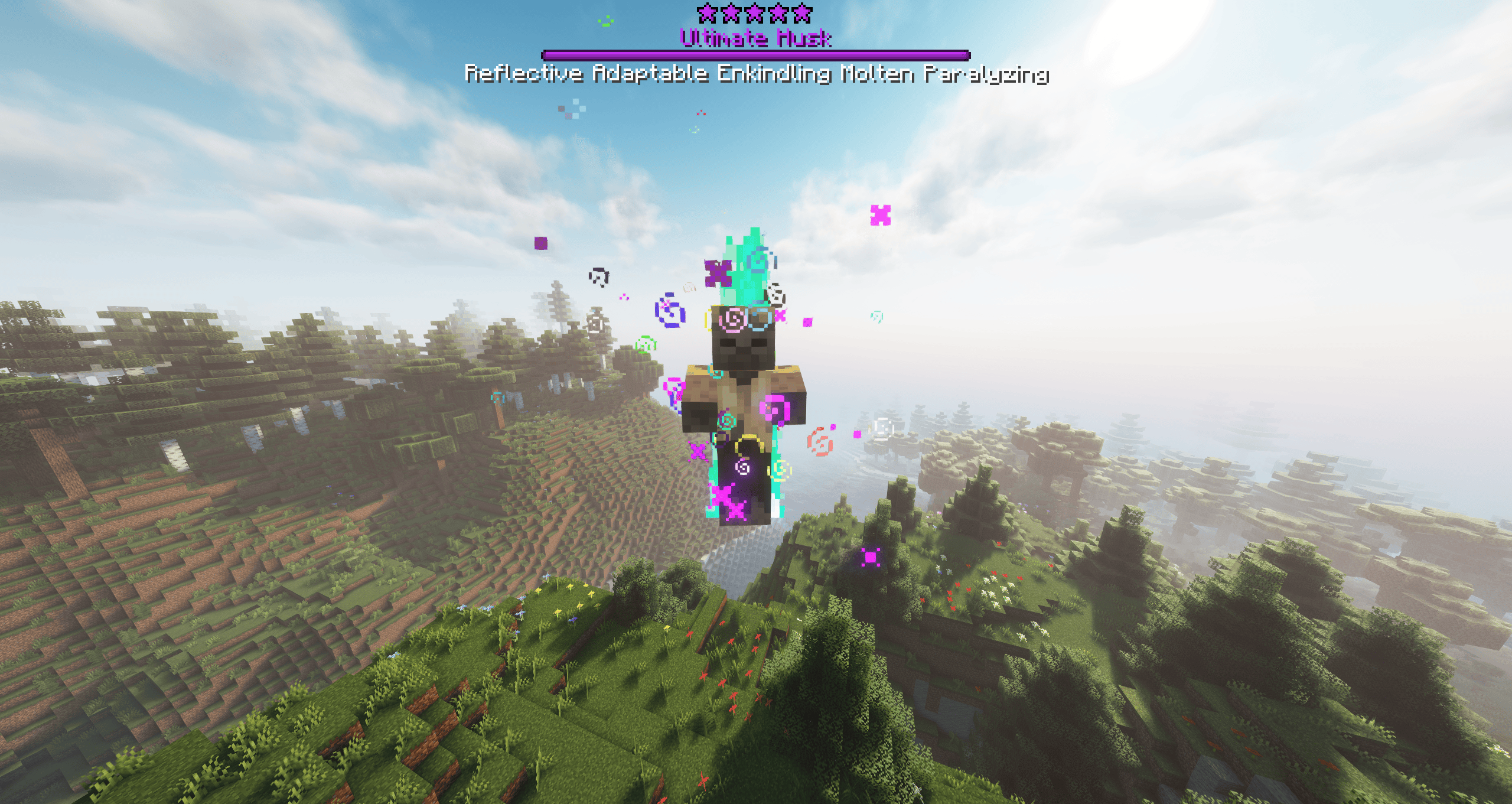 Ultimate Champion Germonium Celestium Husk
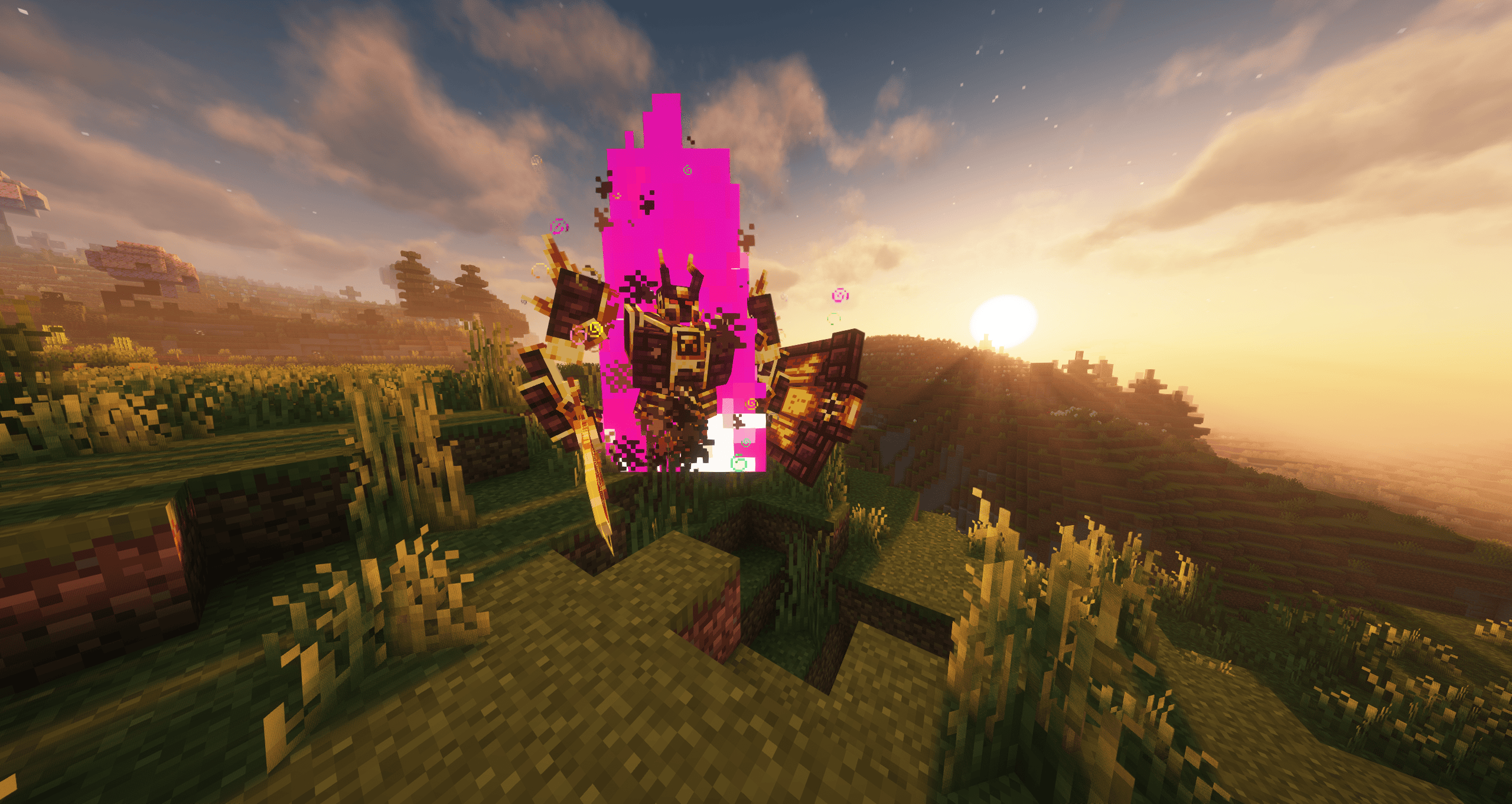 Infernium Ignis
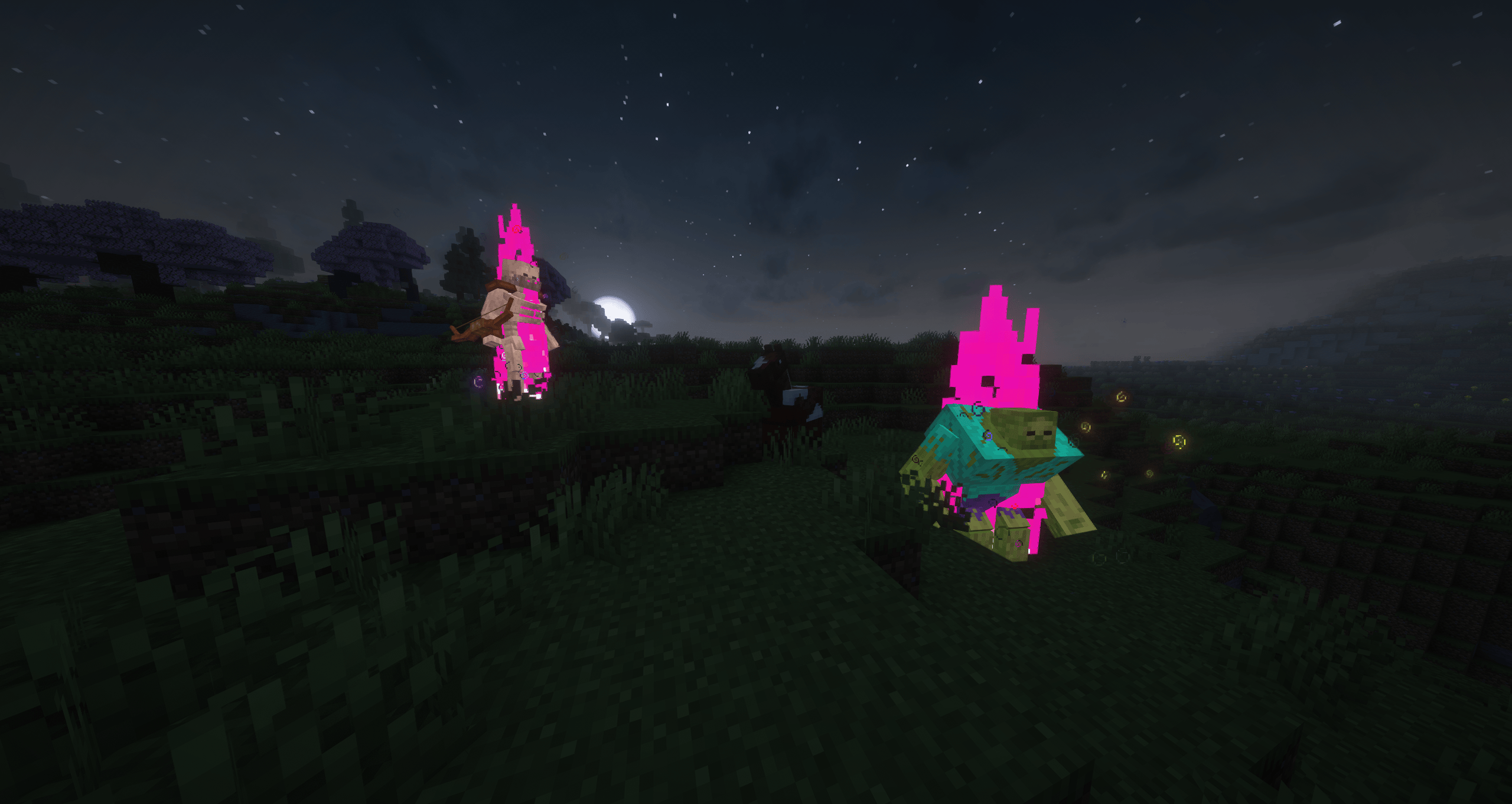 Infernium Mutant Monsters
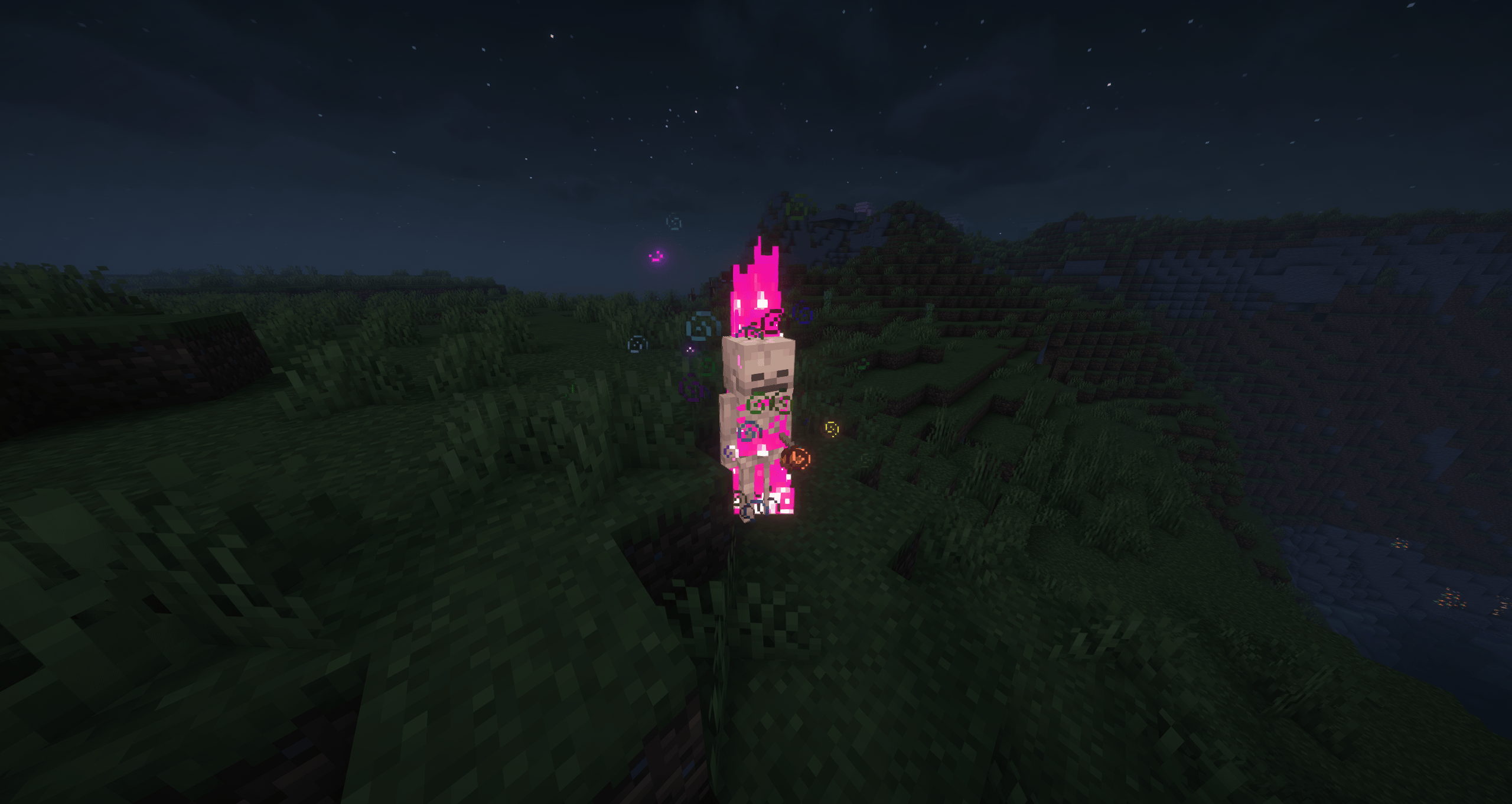 Spooky Scary Skeleton
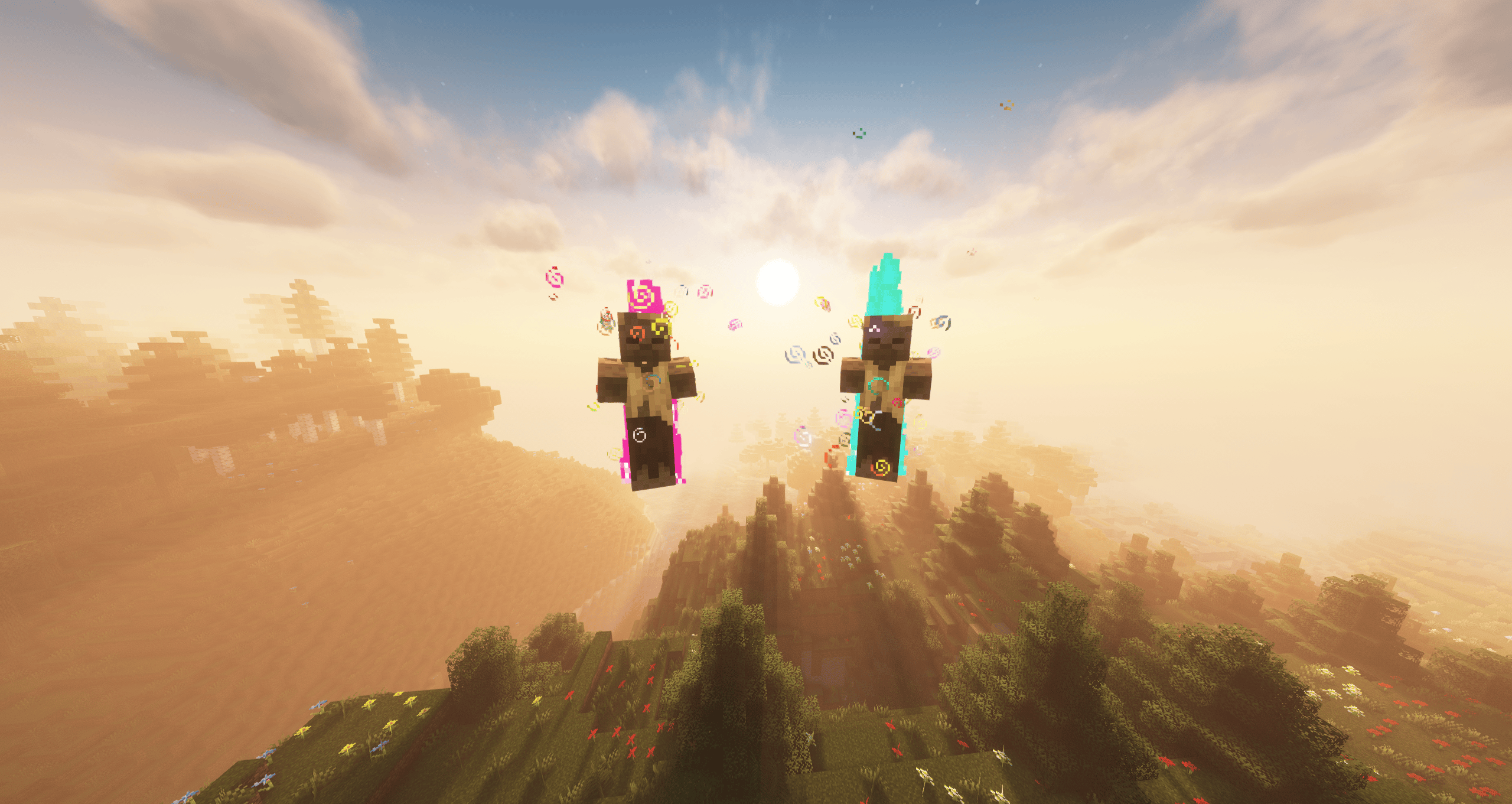 Side by Side
Images: ZG Mobs on Modrinth, published by the project team.
Setup
Install ZG Mobs on your server
The server and players need the same loader and Minecraft version. Back up the world before adding or updating mods.
- 01
Configure
4 GB of RAM is preselected. You choose the term and add-ons and pay by credit card or PayPal.
- 02
Set the loader
In the panel, set the server software to Forge or NeoForge and choose the matching Minecraft version, for example 1.21.1.
- 03
Install the mod
Search the mod browser for “ZG Mobs” and install the release for your loader. Alternatively, upload the .jar to the mods folder via SFTP. Required dependencies are listed on the project page.
- 04
Connect
Every player installs the same ZG Mobs release locally and connects using the server address from the panel.
- On the server
- Required
- On the client
- Required
- Loader
- Forge, NeoForge
- Minecraft
- 1.21.1, 1.20.1
- License
- GNU Lesser General Public License v2.1 only
The panel
Install mods, find errors.
Real screenshots from the Mado panel. Both come with every Minecraft server.
Mod browser
Modrinth and CurseForge, right in the panel.
The browser filters by your Minecraft version. Install mods with one click, without uploading .jar files.

AI crash analysis
When a mod crashes, the analyzer reads the log.
Mods often fail on a wrong loader version, Java version or missing dependency. The analyzer names a likely cause and suggests a fix.

Releases
Published releases
Pick the file that matches your server’s loader and Minecraft version. The server and players need the same release.
ZG Mobs · Modrinth- ZG Mobs 2.3.1July 23, 2026Minecraft 1.21.1 · NeoForge
- ZG Mobs 2.3.0May 7, 2026Minecraft 1.20.1 · Forge
Original description by the project author
Mod Information
ZG Mobs is a reimagined version of the “Blight Mobs” from Scaling Health Mod / RLCraft. It upgrades all hostile mobs by giving them extra stats like more health, armor, damage, movement speed, and more.
These boosted mobs are called Germonium Mobs, and they have a 1% chance to spawn. They come in two types:
- Infernium
- Celestium (rarer variant)
Extra Abilities
Germonium Mobs also possess special abilities:
- They can shoot shulker bullets, which could explode or apply a negative effect.
- They have Thorns, returning a percent of damage taken back to the attacker. This has a damage cap so you can't get instantly killed (example : 25% thorns but only a max of 20 damage can be returned).
Certain mobs get extra buffs
- Creepers: 25% chance to spawn charged + bigger explosion radius
- Slimes, Magma Cubes, Phantoms: Size increased
- Ghasts: More powerful fireballs
XP Mutipliers:
- Infernium: drops x40 XP
- Celestium: drops x80 XP
Heart Crystals & Loot
The mod adds Heart Crystals that permanently increase max health.
If using LSO, the mod can drop LSO’s heart fragments/containers instead (config option).
Heart Crystals also appear in vanilla loot tables, and the config allows changing everything: min/max amounts, item type, loot tables, etc.
Full Config Control
Almost everything in the mod can be enabled, disabled, or changed in the config so modpack creators are able to balance it with ease.
Adding custom drops
Infernium & Celestium mob drops (not heart crystals) can be changed using a datapack. They drop mostly rare minerals and good enchanted books.
Blacklist
There is a mob blacklist that accepts:
- Mob IDs (
minecraft:zombie) - Entity Tags(
#minecraft:skeletons) - Regex (example included in config)
Any mob on the blacklist can never become a Germonium variant.
Monster Spawners FAQ:
By default Germonium mobs cannot spawn from mob spawners to prevent farming/cheesing them, but you can enable this in the config.
Frequent or most common Questions:
- Can I use this mod in my Modpack, Video, Server, etc. ?
Yeah just give proper credits please
- Will you port this to X version?
Maybe but nothing is guaranteed @-@
- Does this mod work with X mod?
Try and see! I have not tested all the mods out there!
Credits and Inspiration:
All the credits goes to SilentChaos512 the original creator of the Scaling Health Mod which introduced the "Blight" mobs :D thank you for letting me use your idea for this Mod!
Credits to LiukRast the coder and dev of version 1.0.0 of the mod! give him some love
Shaders used: Complementary Shaders - Unbound by EminGT
Credits to Fuzs , mcl_ender, CrychicTeam, and xiroc_ for their amazing mods that appear in this page as examples:
ZG Mobs server crashes on startup – what to do?
Common causes: the loader or Minecraft version does not match the mod file, a dependency is missing, or RAM is too low. Check the log (latest.log) for “OutOfMemoryError”, “Mixin” or missing mods. At Mado, the AI crash analysis reads the log and suggests a cause. You can change the loader and version in the panel.
Which loader does ZG Mobs run on?
According to Modrinth, ZG Mobs supports Forge, NeoForge for Minecraft 1.21.1, 1.20.1.
How much RAM does a server with ZG Mobs need?
As guidance, 3–4 GB for a server with this mod. This is an estimate, not a measured minimum. More mods, many players and long view distances need more. The spark profiler shows whether a mod is costing tick time.
Similar mods
Popular mods in the same category
 Server-ready

Xaero's Minimap
by thexaero
Displays a map of the nearby world terrain, players, mobs, entities in the corner of your screen. Lets you create waypoints which help you find the locations you've marked.
 Server-ready

Xaero's World Map
by thexaero
Adds a full screen world map which shows you what you have explored in the world. Works great together with Xaero's Minimap.
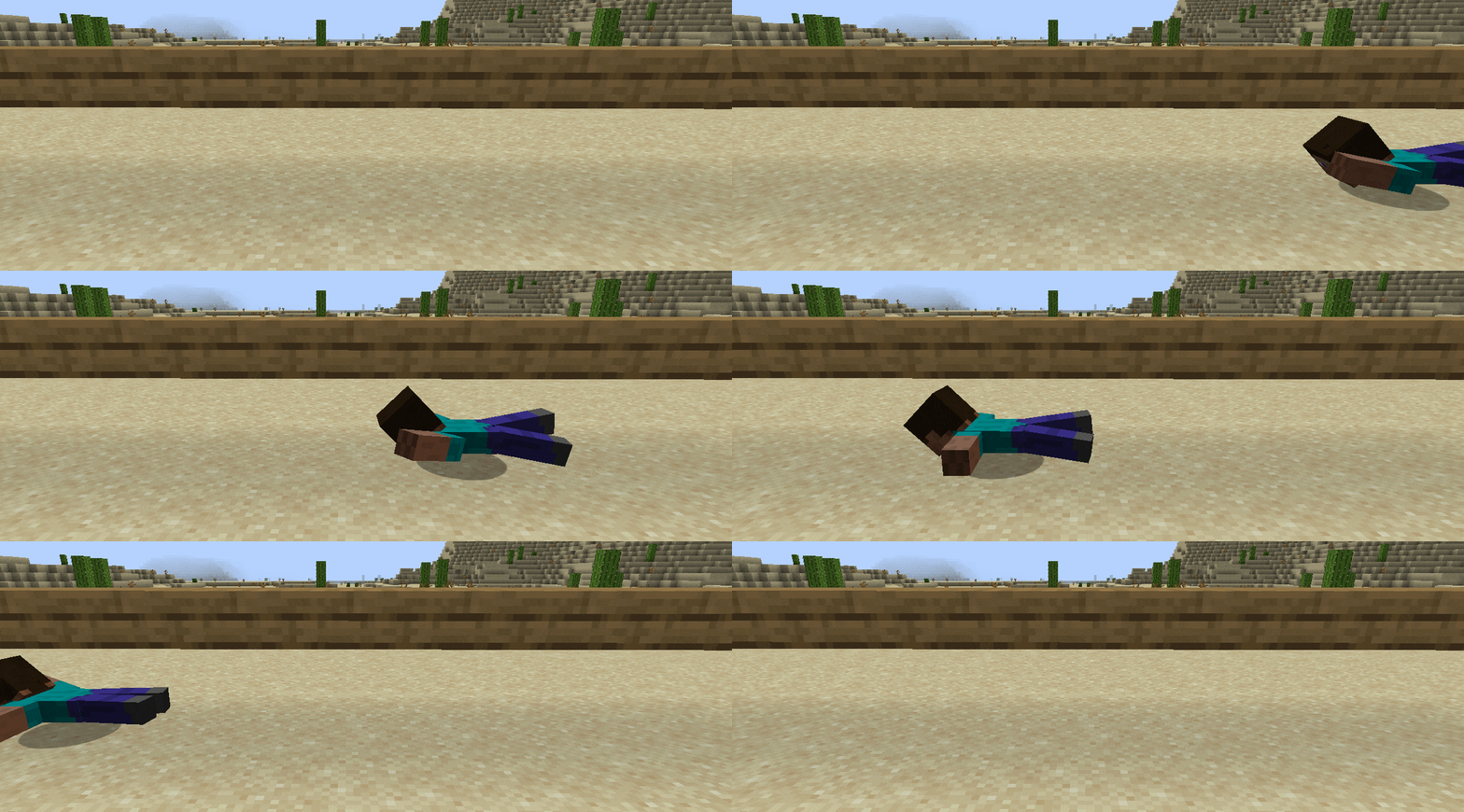 Client only

Not Enough Animations
by tr7zw
Bringing first-person animations to the third-person
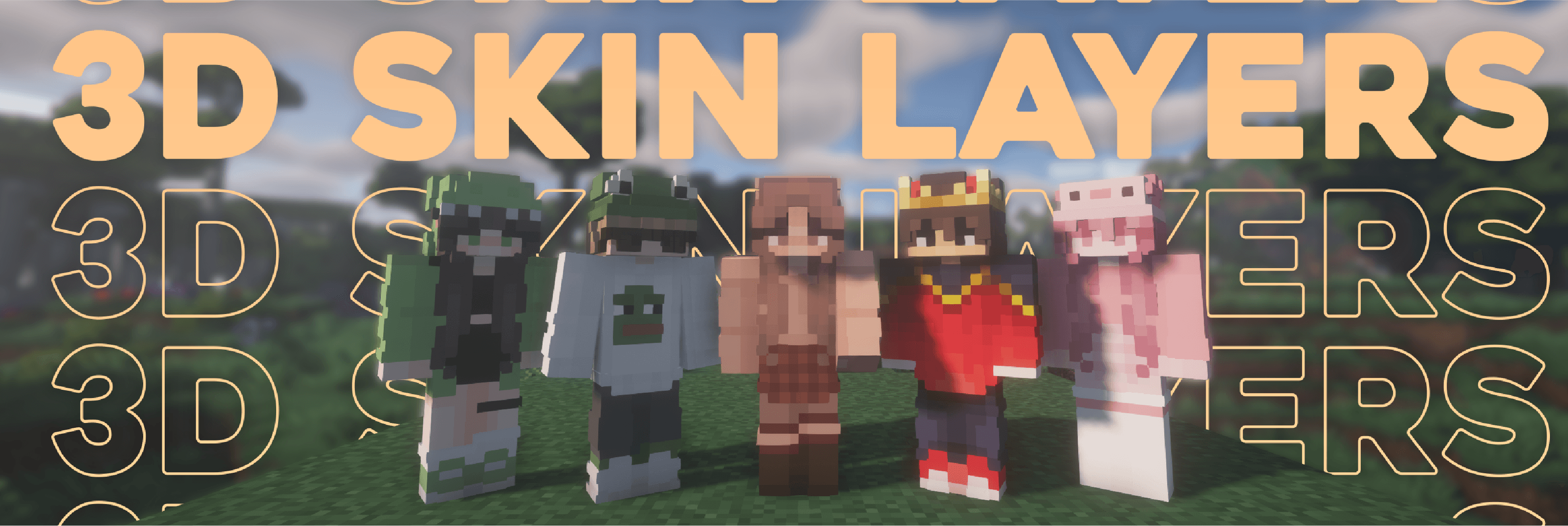 Client only

3D Skin Layers
by tr7zw
Render the player skin layer in 3d!
Ready for your server with ZG Mobs?
4 GB of RAM from €8.00 per month. 35% off your first month with MADO35.