
Zombie Variants
Add 15 variants of zombies that can appear in different biomes!
Screenshots
About this Mod
!
Tired of seeing the same old zombie over and over again? Since the early days of Minecraft, the zombie's appearance hasn't changed much — and while that's fine, why not add a little more variety?
This mod introduces 15 new zombie variants, each designed to spawn in specific biomes, bringing more life (or un-life) to your world! Don't worry — the classic zombie will still appear in most common biomes like plains. But now, depending on where you are, you'll encounter new types of zombies that match their surroundings.
For example:
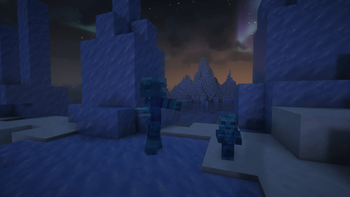
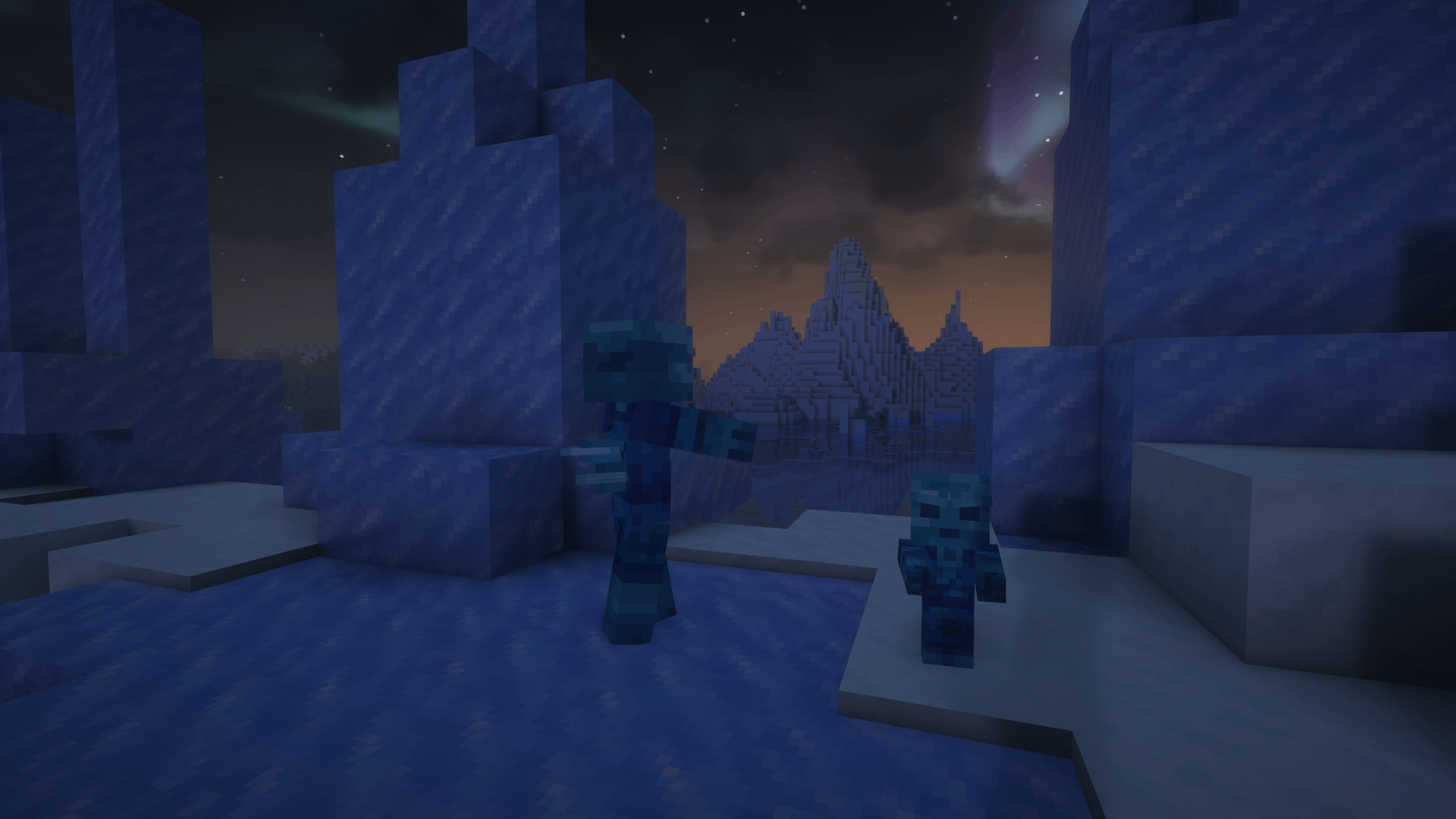
- In snowy or frozen areas, you'll meet the Frozen Zombie.
Below, you'll find a detailed list of each zombie variant and the biome it spawns in.
Do you need a server to play with your friends?
For exceptional server hosting services, look no further than ****. Of course, you can install all the mods or modpacks you want, and their support team is always available to help you.
!
Each zombie type is designed to fit the environment it spawns in, offering new challenges and a fresh look as you explore different parts of the world. Whether you're wandering snowy mountains or deep caves, there's always a new undead threat lurking nearby.
Zombie Variants by Biome:
- Frozen Zombie – Spawns in: Jagged Peaks, Frozen Peaks, Grove, Snowy Slopes, Snowy Taiga, Snowy Beach, Snowy Plains and Ice Spikes.
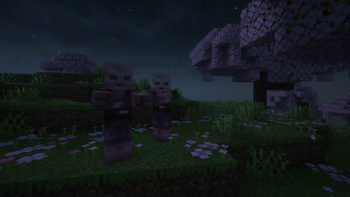
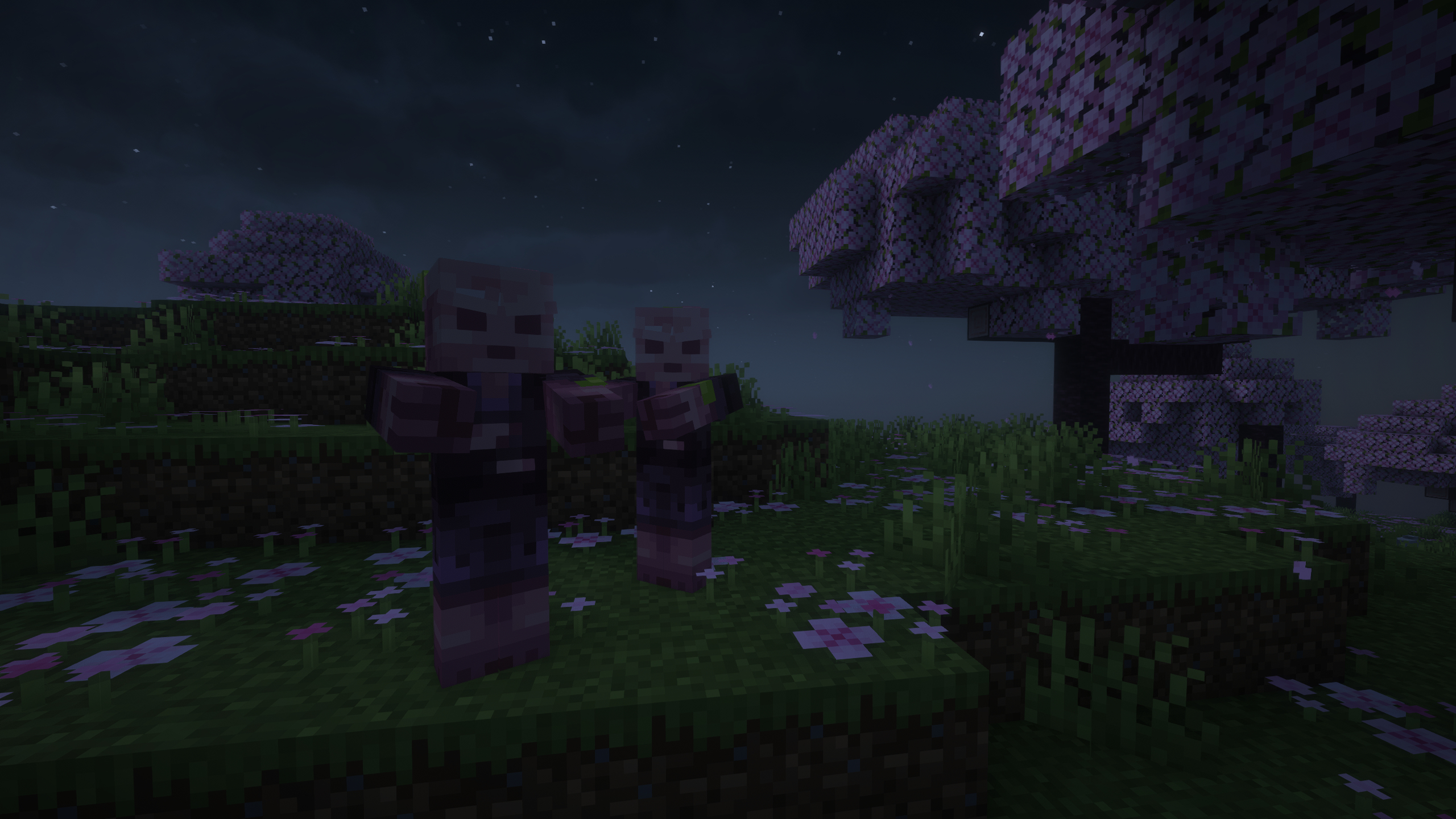
- Cherry Zombie – Spawns in: Cherry Grove.
- Pale Zombie – Spawns in: Pale Garden.
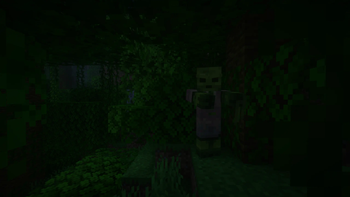
- Jungle Zombie – Spawns in: Jungle, Sparse Jungle.
- Bamboo Zombie – Spawns in: Bamboo Jungle.
- Swamp Zombie – Spawns in: Swamp.
- Mangrove Zombie – Spawns in: Mangrove Swamp.
- Desert Zombie – Spawns in: It will only appear in the pyramids. In the rest of the desert the Husk will continue to appear..
- Badlands Zombie – Spawns in: Badlands, Eroded Badlands.
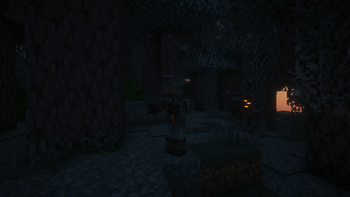
- Dark Zombie – Spawns in: Deep Dark.
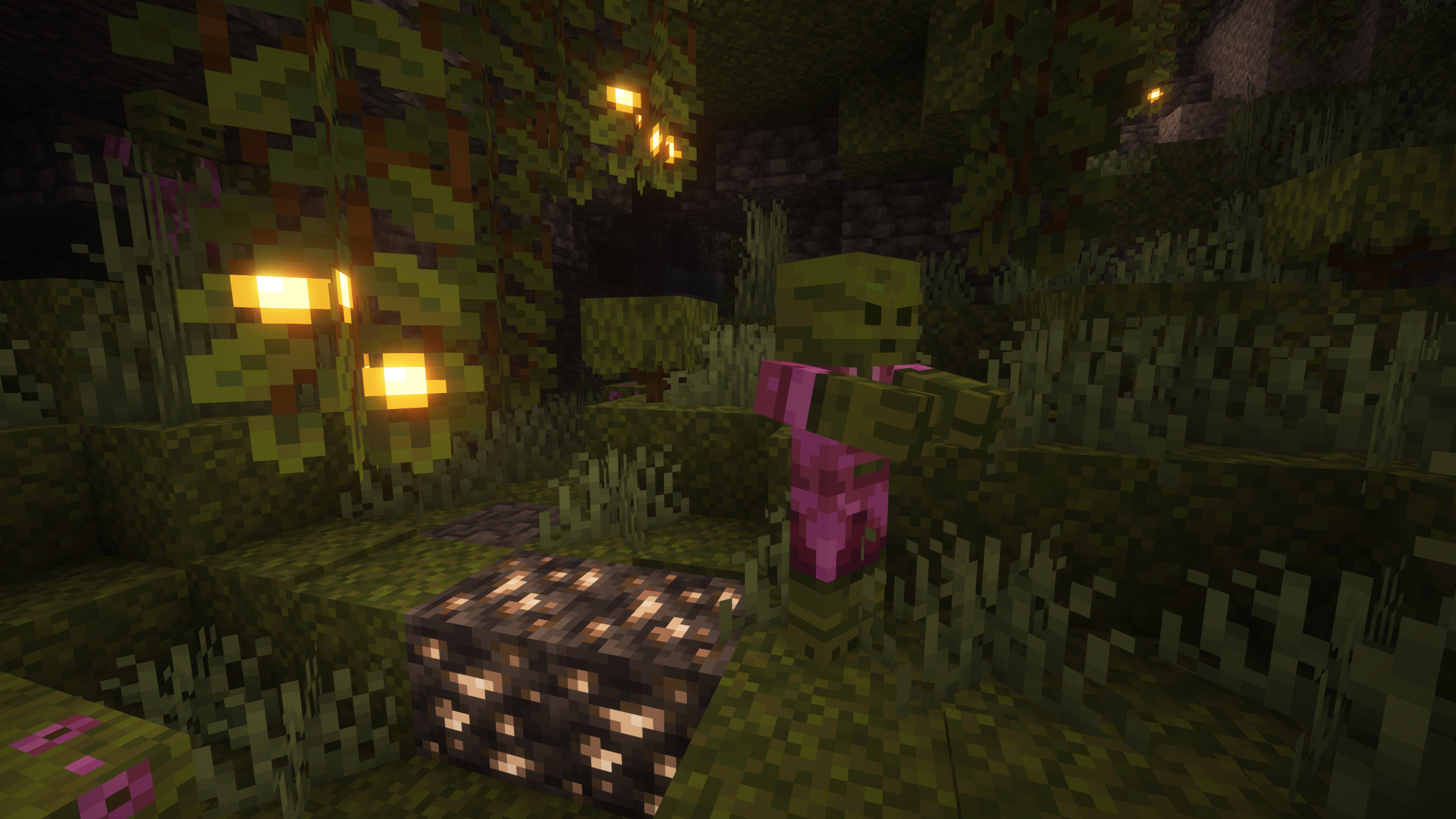
- Lush Zombie – Spawns in: Lush Caves.
- Dripstone Zombie – Spawns in: Dripstone Caves.
- Mushroom Zombie – Spawns in: Mushroom Fields.
- Savanna Zombie – Spawns in: Savanna, Savanna Plateau.
- Cave Zombie – Spawns in: Caves (general underground areas).
!
Does it work on servers?
Sure! Remember that the best way to play with mods and friends is with BisectHosting, and by .
Can this mod be used in modpacks?
Of course! As long as it is published only on Modrinth or CurseForge. Uploading it to any other platform would be violating our rights and is not allowed at all.
However, we are really grateful if you consider adding it to your Modrinth or CurseForge modpack. If you need any small changes or have any questions, contact us!
!
](https://discord.gg/X8VY5WMbe4)
.
Available Versions
How to Install Zombie Variants on Your Server
Order Server
Order a Minecraft Java server with at least 3 GB RAM (4 GB recommended).
Set fabric Loader
In the panel under "Egg", select the fabric loader and matching Minecraft version (1.21.8).
Install Mod
Open the mod browser in the dashboard and search for "Zombie Variants". Click "Install" – done! Alternatively, upload the .jar via SFTP to the /mods folder.
Compatibility
Mod Loaders
Minecraft Versions
1.21.8, 1.21.7, 1.21.6 (+3 more)
Server-side
✓ RequiredRecommended RAM
4 GB(min. 3 GB)Frequently Asked Questions
Zombie Variants server crashes on startup – what to do?
Most common cause: wrong fabric version or insufficient RAM. Check the server log (latest.log) for "OutOfMemoryError" or "Mixin" errors. With Mado Hosting: ensure at least 3 GB RAM is allocated and the loader matches the mod version (1.21.8). You can switch loaders with one click in the panel.
Is Zombie Variants compatible with fabric and forge and neoforge?
Zombie Variants officially supports fabric, forge, neoforge for Minecraft 1.21.8, 1.21.7, 1.21.6. Note: Forge and Fabric mods are NOT cross-compatible – pick one loader and stick with it. The Mado dashboard automatically detects incompatible loader combinations.
Server lagging with Zombie Variants – how to optimize performance?
Recommended RAM: 4 GB (per 8 players). Use /spark profiler to check if Zombie Variants consumes the most tick time. Common fixes: reduce server view-distance to 8-10, install "performant" or "starlight" as supplementary mods on Forge. With Mado Hosting, your server runs on NVMe SSDs with dedicated CPU cores for minimal latency.
Similar Mods




Rent Modded Server
Install Zombie Variants with just one click on your server.