Digby Tool
Before installing, check that this mod release supports your dedicated server and game version. A ficsit.app listing alone does not establish compatibility.
Installation and verification
- Read the original description, check SML version and dependencies and back up your save.
- Stop the server and choose the mod in your dashboard’s Satisfactory mods section. Verify source and version.
- Install required client mods in compatible versions. Start the server and inspect logs, connection and mod-dependent content.
Removal and updates may affect saves. Keep a backup of the working combination. Memory needs cannot reliably be inferred from one mod’s name.
Published releases
- 2.4.1 · Game version >=502094 · SML check project
Published targets: LinuxServer, Windows, WindowsServer
- 2.4.0 · Game version >=491125 · SML check project
Published targets: LinuxServer, Windows, WindowsServer
- 2.3.3 · Game version >=416835 · SML check project
Published targets: LinuxServer, Windows, WindowsServer
- 2.3.2 · Game version >=416835 · SML check project
Published targets: LinuxServer, Windows, WindowsServer
- 2.3.1 · Game version >=416835 · SML check project
Published targets: LinuxServer, Windows, WindowsServer
Original mod author description
A tool that will interact with some of my mods and have some standalone features. Available via a Tier 3 Milestone in the HUB, then crafted at the Equipment Workshop.
Standalone Modes:
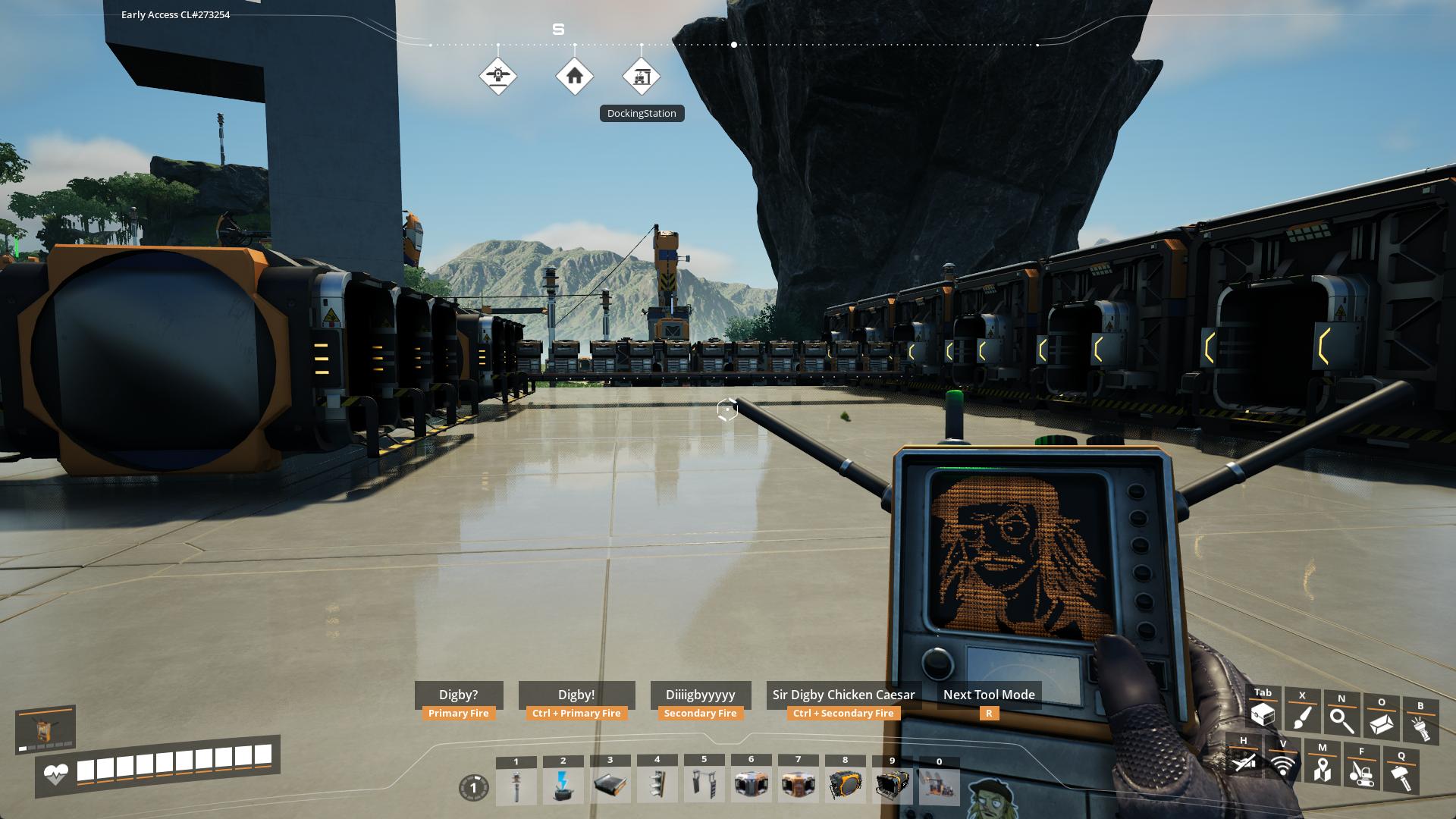
Digby Mode
- Primary Fire: Ragdoll self
- Ctrl + Primary Fire: Ragdoll target player or creature
- Secondary Fire: Easter Egg emote
- Ctrl + Secondary Fire: Open the Sir Digby Chicken Caesar theme song on YouTube
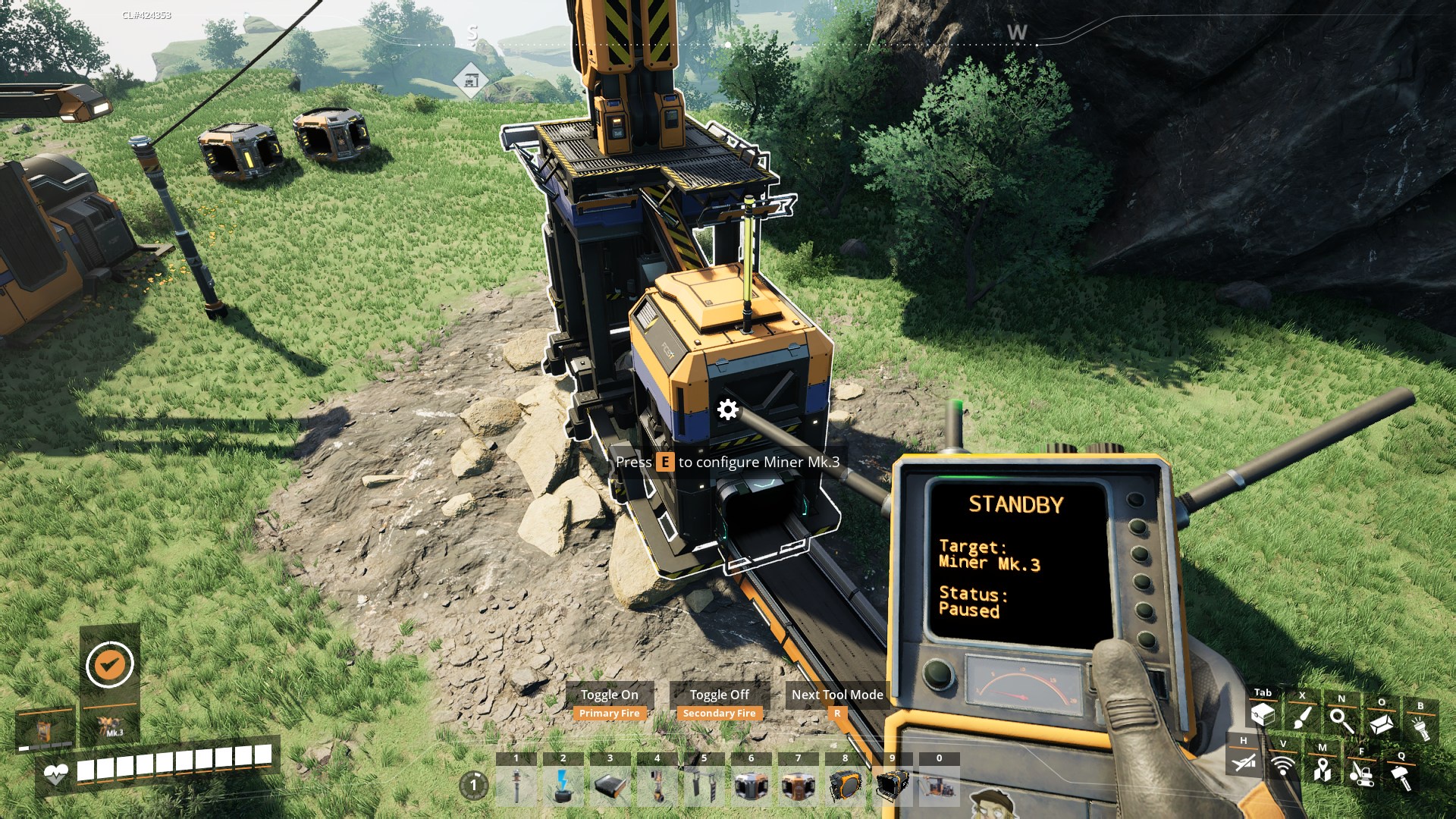
Standby Mode
- Primary Fire: Turn on Machine
- Secondary Fire: Turn off Machine
Vehicle Path Mode
- Primary Fire: Select Node
- Secondary Fire: Deselect Node
- Arrow Keys & Page Up/Down: Nudge selected Node
- Shift/Ctrl: Large/Small nudge modifiers
- Alt + Left/Right: Rotate selected Node
Optional Tool Modes:
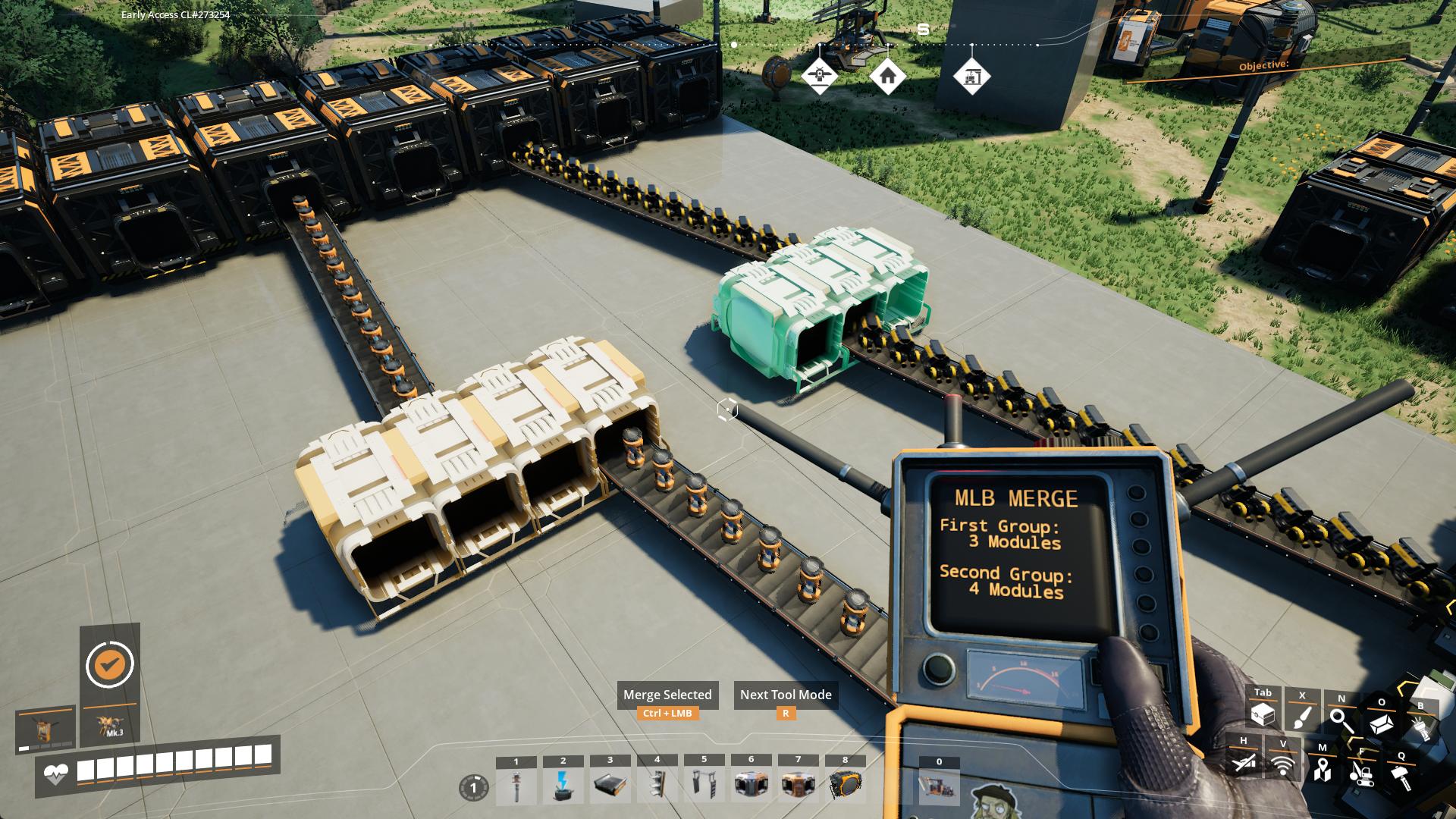
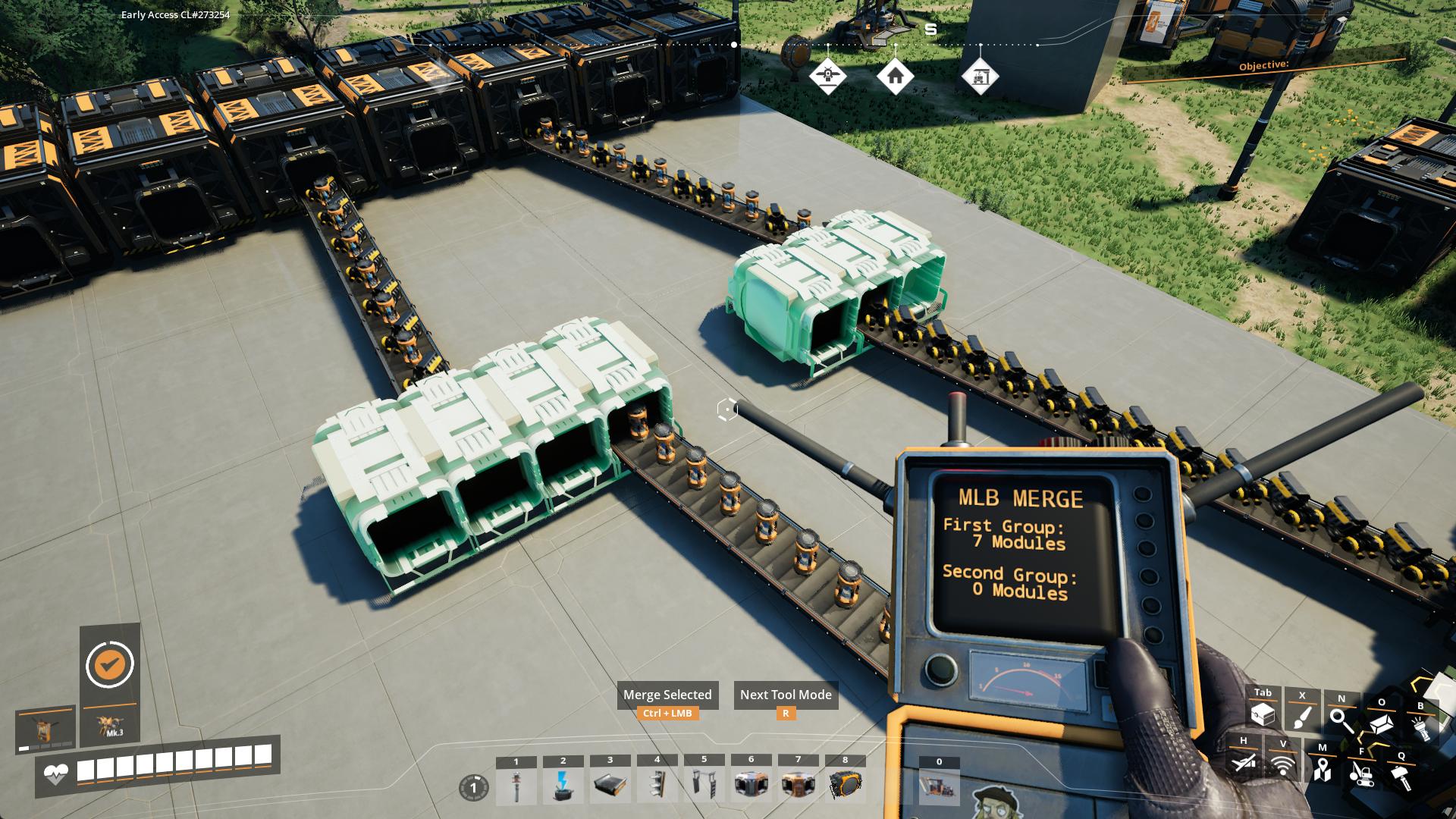
MLB Merge
- Select the first group with Left-Click
- Select the second group with Right-Click
- Ctrl-Click to merge the groups together
MLB Split
- Select all Modules you want in a new group by Left-Clicking each
- Ctrl-Click to combine them into a new group

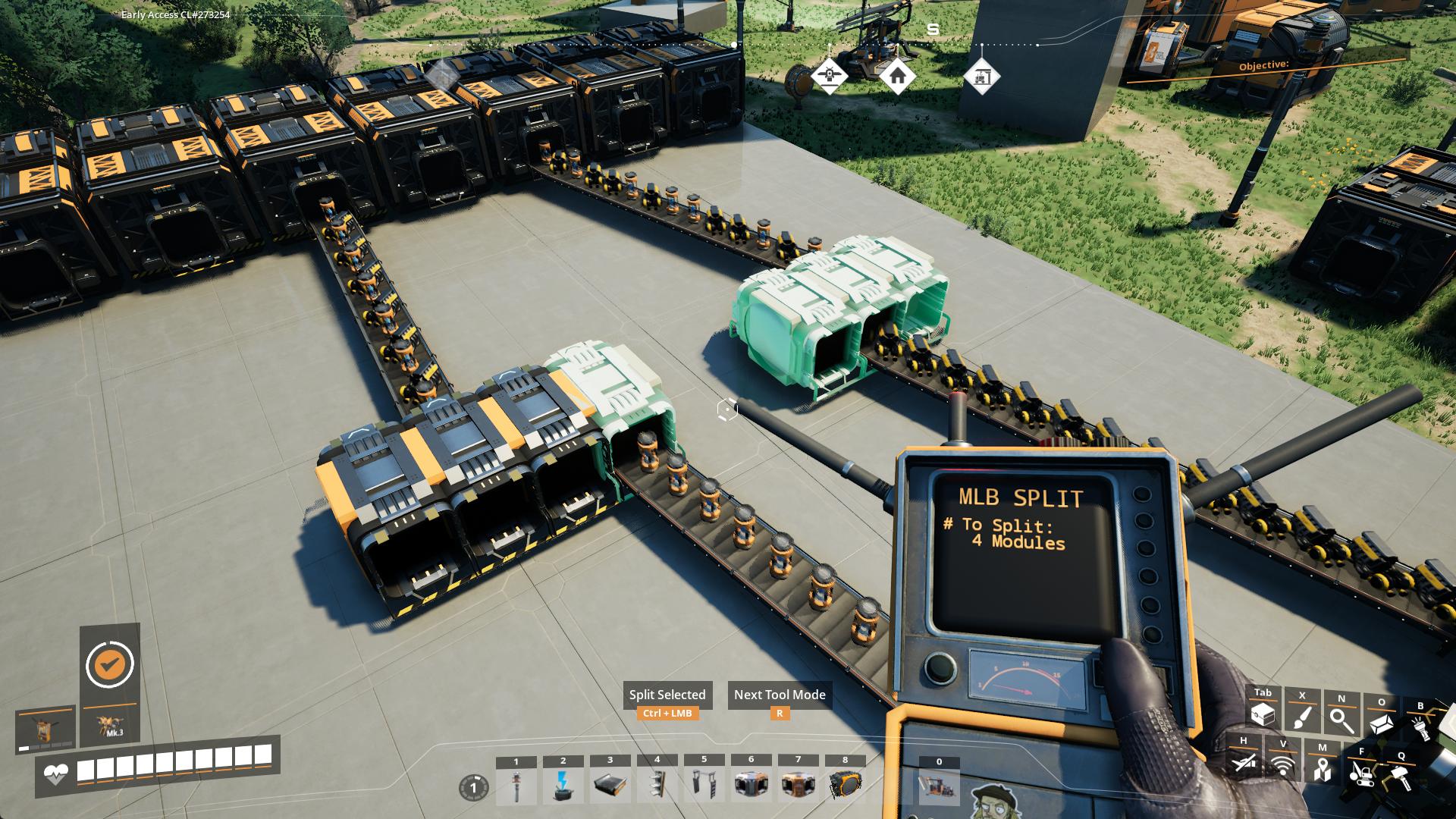
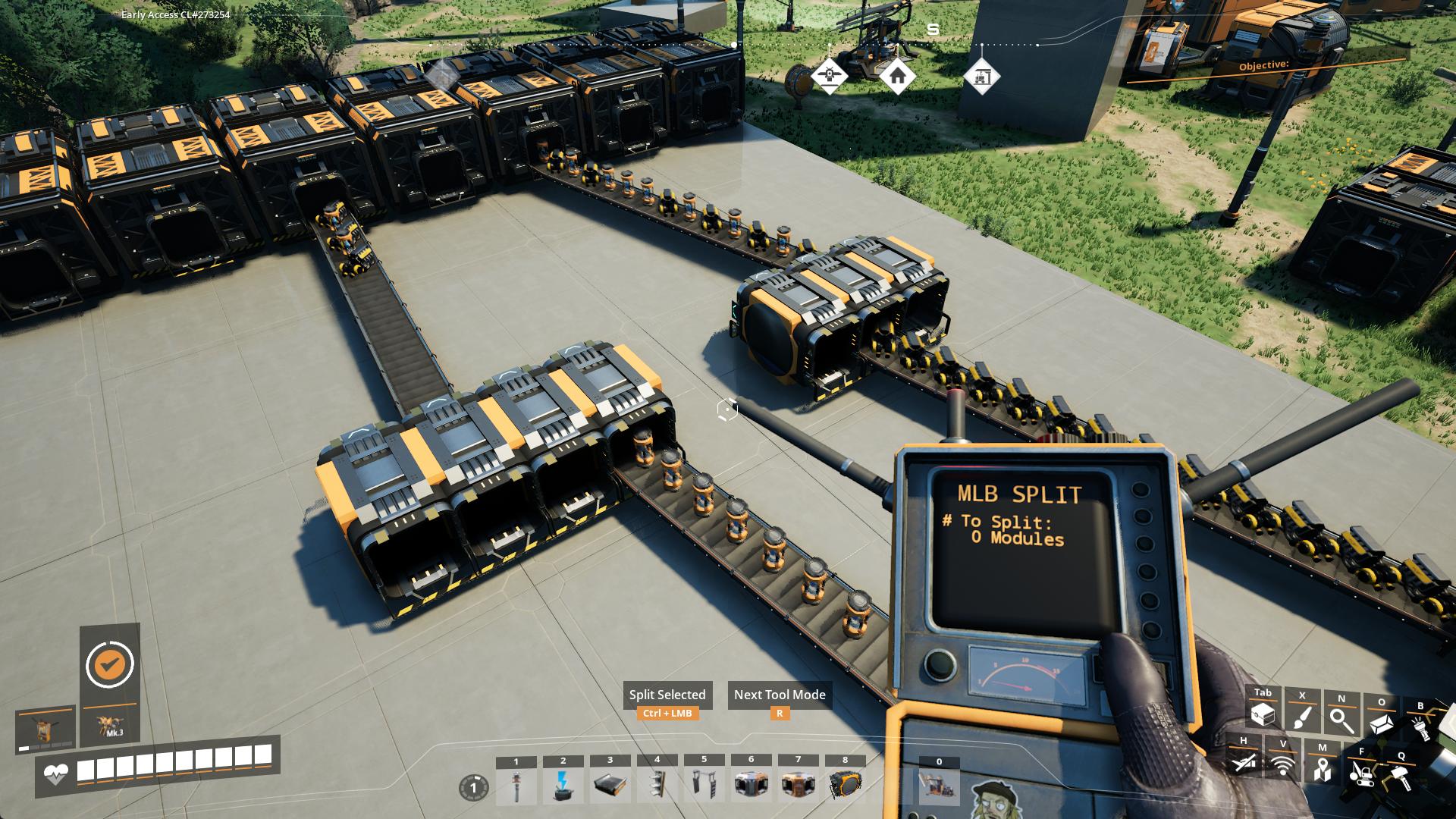
Please report any issues on my Discord server
SirDigby's completely optional tip jar

Indifferent Broccoli provides the server I use to test Dedicated Server mod support, and I highly recommend them. If you're looking to host your own Satisfactory server , try indifferent broccoli's 2-day free trial.