

Modrinth · Fabric
Aged server hosting
Your own Aged server on AMD Ryzen 9 without a thread limit. The server is ready usually under 60 seconds; then install the pack with one click in the modpack browser.
realistic / medieval / progression based modpack for Fabric 1.21.1
- Downloads
- 1.5M
- Followers
- 0
- Loader
- Fabric
- Minecraft
- 1.19.2 – 1.21.1
- Updated
- –
Screenshots
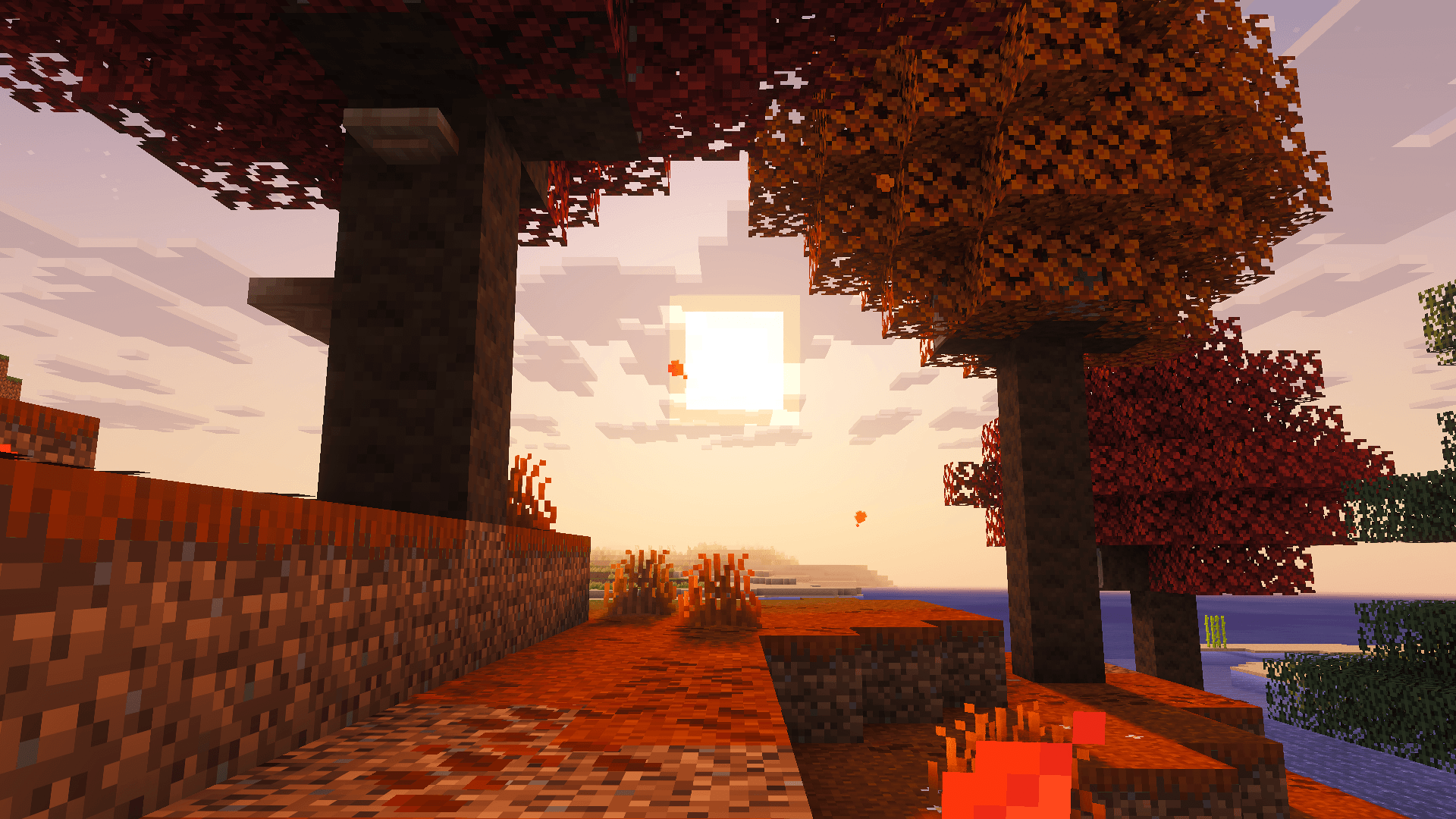
What Aged looks like

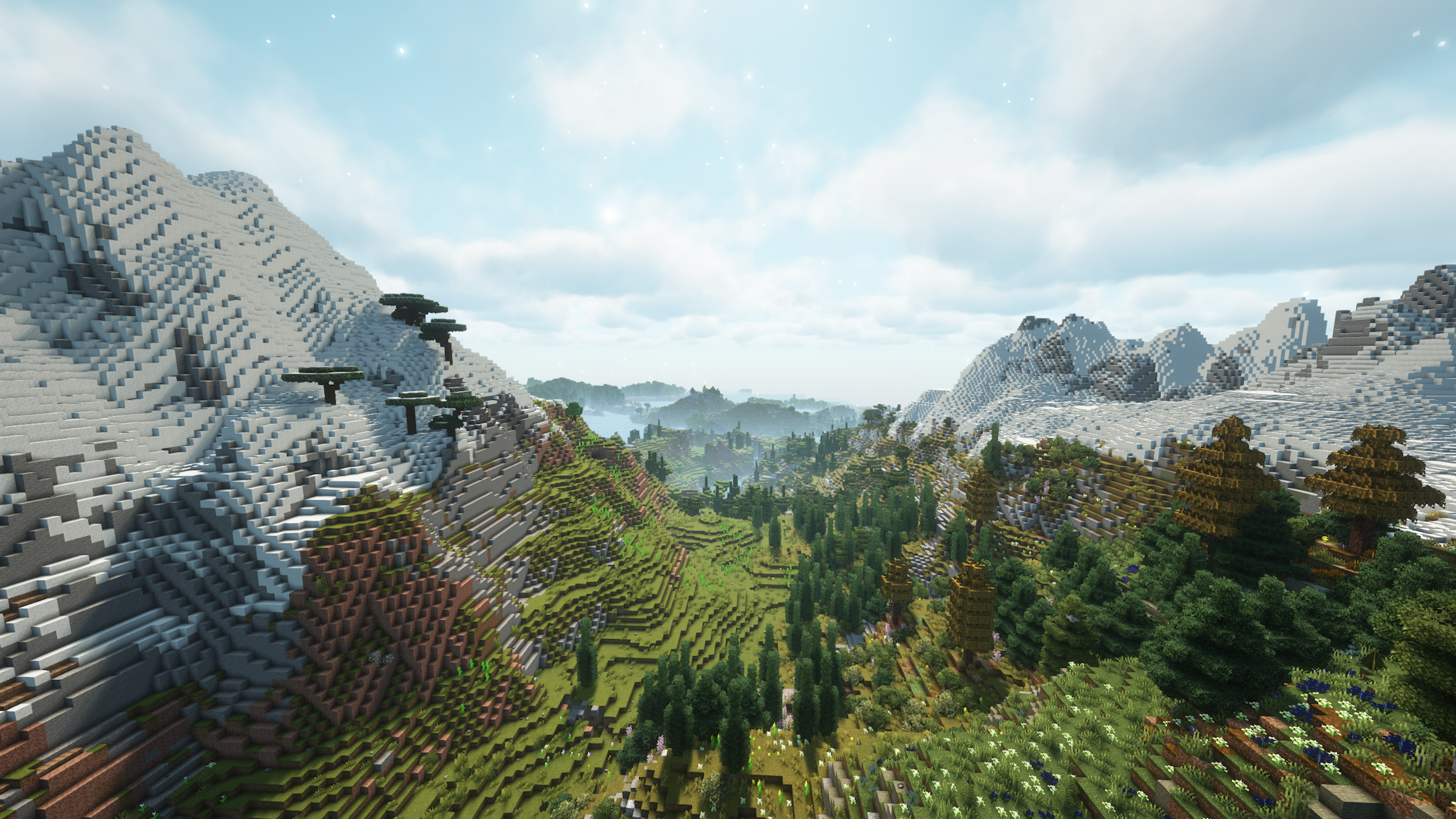
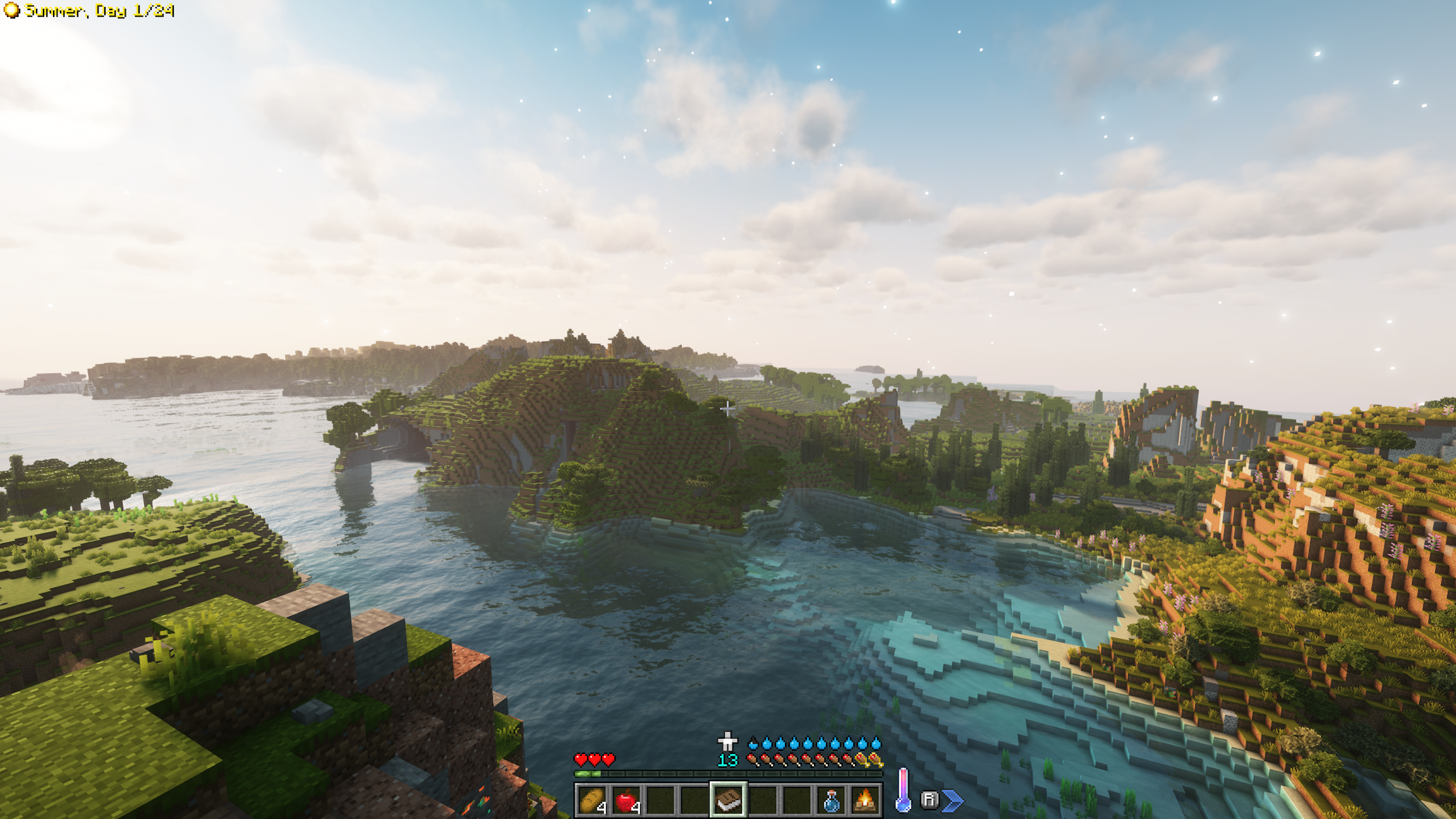
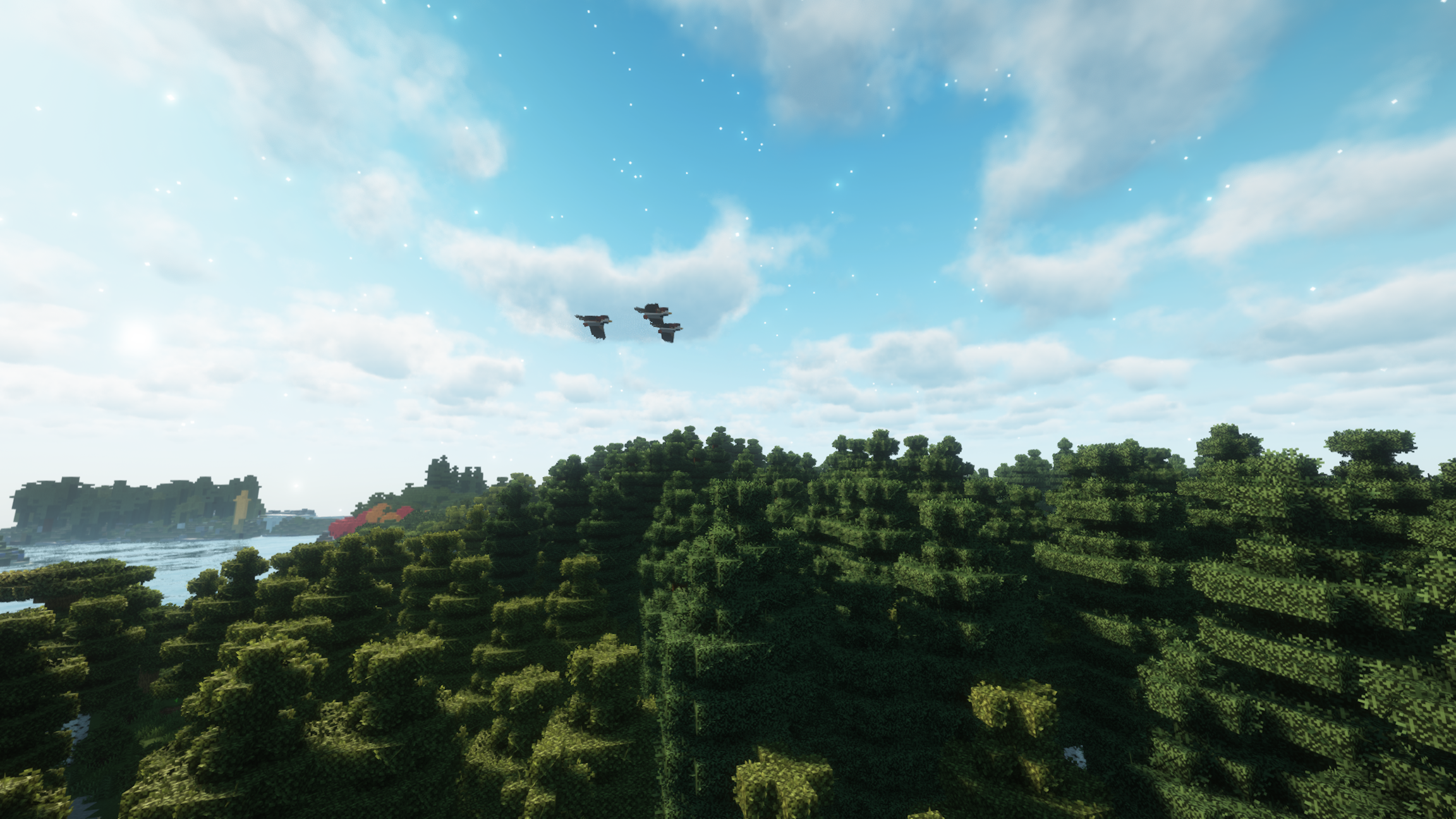

Images: Aged on Modrinth, published by the project team.
Setup
Your Aged server in four steps
For errors, check startup logs, Java version, loader and dependencies first. Increase RAM when there is evidence of memory pressure. Keep a copy of the working installation before updates.
- 01
Configure
8 GB of RAM is preselected and Aged is noted in the configurator. You choose the term and add-ons.
- 02
Pay
By credit card or PayPal. Your server is ready usually under 60 seconds.
- 03
Install the pack
Open the modpack browser in the panel, choose Modrinth, verify the project ID and install your chosen pack release. Back up an existing world first.
- 04
Connect
Every player installs the same pack release in a compatible launcher and connects using the server address from the panel.
Modrinth project ID: i4XHCd7Q
The panel
Install the pack, find errors.
Real screenshots from the Mado panel. Both come with every Minecraft server.
Modpack browser
Modrinth and CurseForge, right in the panel.
Search the pack, choose a release, install. You do not have to upload the loader or server files by hand.

AI crash analysis
When a mod crashes, the analyzer reads the log.
Large modpacks often fail on a single mod, Java version or missing dependency. The analyzer names a likely cause and suggests a fix.

Releases
Published pack releases
The server and players need the same pack release. Pick it in the modpack browser to match your group’s clients.
Aged · Modrinth- Aged 3.1.2December 1, 2024Minecraft 1.20.1 · Fabric
- Aged 2.2.2January 17, 2024Minecraft 1.20.1 · Fabric
Original description by the project author

A challenging medieval based modpack where realism & wisdom rule your life.

You awaken in the wilderness.
You quickly realize that you need to gather supplies & craft some flint tools.
Fresh water and body temperature become important pretty soon.
Your character is still weak, so you go an adventure to gather experience to increase your skills and attributes.
That's where your story begins.
- 💧 Hydration - boil water to receive purified water that you can safely consume
- 🍖 Nutrition - eat a balanced diet, but don't eat spoiled dishes
- ❄️ Temperature - keep yourself cozy in all areas
- 🌍 Seasons - prepare for winter & check your crops
- 🧮 Skills - gather xp to improve your characters aspects
- 🛠️ Jobs - assign up to 2 jobs to receive xp faster
- 🏡 Settle - explore & protect your goods against enemy forces
- 🪙 Trade - you'll stumple upon more wandering traders & other traders
- ⚔️ Fight - mobs get stronger the further you go. At the same time they offer more loot
- ♟️ Bosses - more than 6 unique boss fights to defeat
- 🎒 Backpacks - store goods in drawers or use portable backpacks
- 📦 Sieve - filter items trough sieves to get common to rare items
- 🪑 Furniture - decorate your home with a variety of furniture blocks
- 🦖 Archeology - reveal ancient fossils & powerful enchantments
- ✨ Decorate - various blocks to decorate with
You're most likely asking yourself what the differences between Aged Light & Aged are.
Aged Light is a lightweight version of Aged with close to 0 aesthetic & visual mods.
Since Aged v3.1.0 both modpacks are compatible with each other.
Take a look at the Aged Light Changelog to know which Aged version its compatible with.


Aged also includes all datapacks, resourcepacks and config files from aged light besides default options config.
In this repo you will only see files specific to aged (mostly client side enhancements).
Mods in Aged
- all of Aged Light
- [ETF] Entity Texture Features
- [EMF] Entity Model Features
- [ESF] Entity Sound Features
- 3D Skin Layers
- AsyncParticles
- Blur+
- Camera Overhaul
- Chat Animation [Smooth Chat]
- Chat Heads
- Cherished Worlds
- Continuity
- Distant Horizons
- Fancy Menu
- First-person Model
- Immersive UI
- ImmersiveThunder
- Iris Shaders
- Konkrete
// needed for Fancy Menu - Melody
// needed for Fancy Menu - MidnightLib
// needed for Blur+ - Model Gap Fix
- MRU
// needed for Sounds - Not Enough Animations
// needed for First-person Model - Particle Effects
- Particle Rain
- Particular
- Presence Footsteps
- ShatterLib | OctoLib
// needed for Immersive UI - Smooth Scrolling Refurbished
- Smooth Swapping
- Soft Imprints
- Sound Physics Remastered
- Sounds
- Status Effect Bars
- Visuality
Resourcepacks in Aged-Light
- all of Aged Light
- Fresh Animations
- Fresh Animations: Classic Horses
- Fresh Animations: Quivers
- Fresh Moves
- RAY's 3D Ladders
- RAY's 3D Rails
- Simple Grass Flowers
Q: Does Aged support multiplayer?
A: Yes and No, Aged is build for singleplayer since v3.0.0 but can be downloaded as server file via e.g. ATLauncher / mrpack-install / docker.
If you want to play with a friend we recommend to use e4mc to create a server for free.
Q: Is there a wiki or documentation?
A: Ingame you'll find a guide book at first start.
Combine a book with a sapling/seed or use/give @s agedaddition:guide_book
Q: Where to ask for help / bug report?
A: For questions ask in
modpack-chaton our Discord. For bugs pls open a github issue.
Q: Smelter doesn't poor from faucets.
A: Be sure to have enough molten liquid & at least 1 block air till 10 blocks high inside.
Structure template from guide book not showing.
Disable shaders then it should render a transparent layout.

Links


Similar packs
More server-ready modpacks
 Server-ready

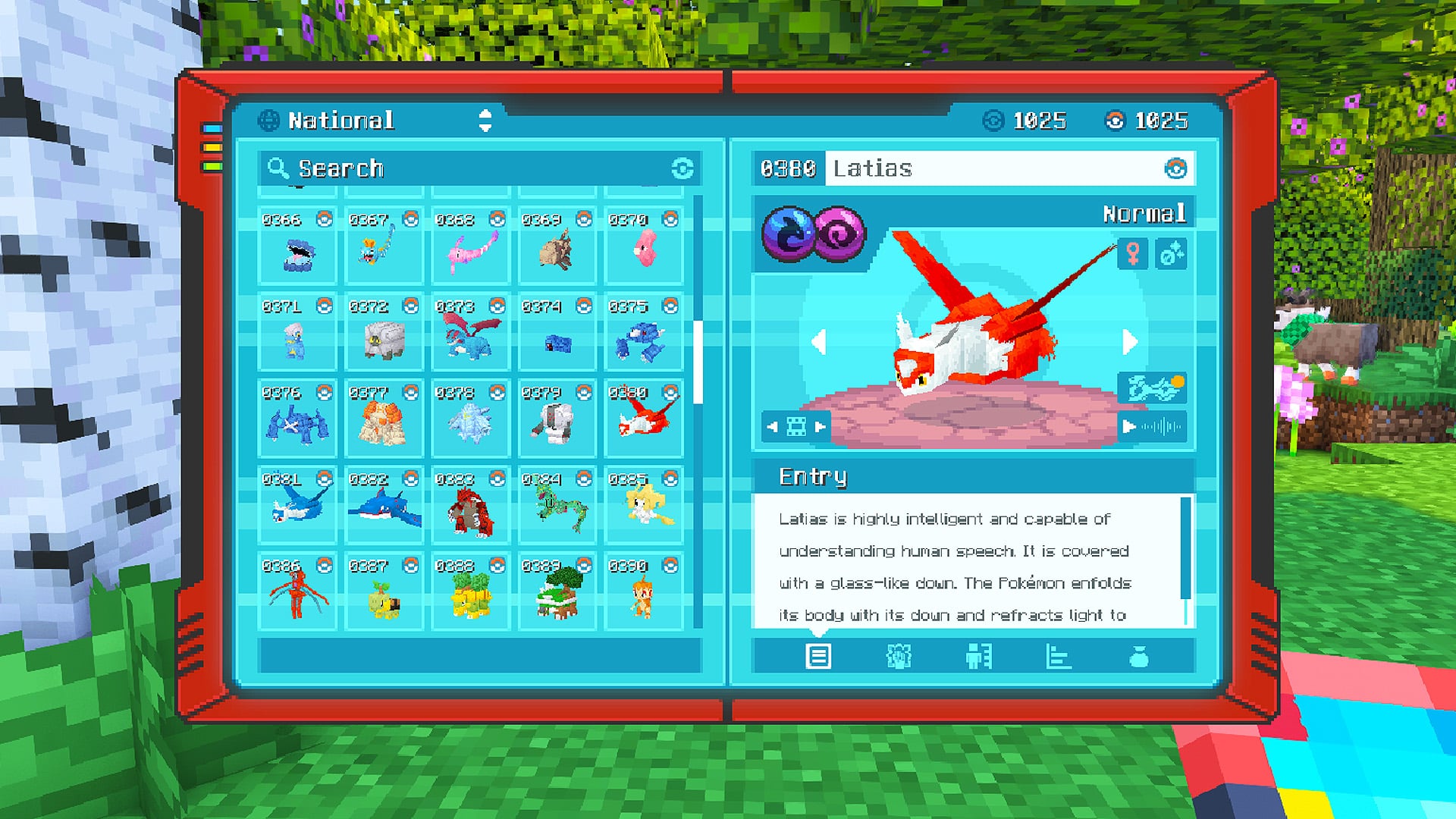
Cobblemon Official Modpack [Fabric]
by CobbledStudios
The official modpack of the Cobblemon mod, for Fabric!
 Server-ready

COBBLEVERSE - Pokemon Adventure [Cobblemon]
by LUMYVERSE
Start a true Pokémon adventure in Minecraft: Cobblemon 1.8.4 | ALL 1025 Pokémon! | Mega Evolutions | Gyms & Badges | Starter Kit | Unique Structures | Custom Music | Shaders | Optimized | So much more! [1.21.1]
 Server-ready

Better MC [FABRIC] - BMC2
by SHXRKIE
Version 1.20 | A Proper Vanilla+ Modpack | Don't play Vanilla play this!
 Server-ready

Vanilla Perfected
by demonjoeTV
A compilation of Vanilla Plus mods & packs to perfect the Minecraft experience without drifting too far from the feel of the base game!
Ready for your Aged server?
8 GB of RAM from €16.00 per month. 35% off your first month with MADO35.