
Modrinth · Forge, NeoForge
Blooming in Confinement server hosting
Your own Blooming in Confinement server on AMD Ryzen 9 without a thread limit. The server is ready usually under 60 seconds; then install the pack with one click in the modpack browser.
Follow the quest, expand your world, don't die | Various challenges to choose in game! | Smaller!
- Downloads
- 408
- Followers
- 0
- Loader
- Forge, NeoForge
- Minecraft
- 1.20.1
- Updated
- –
Screenshots
What Blooming in Confinement looks like
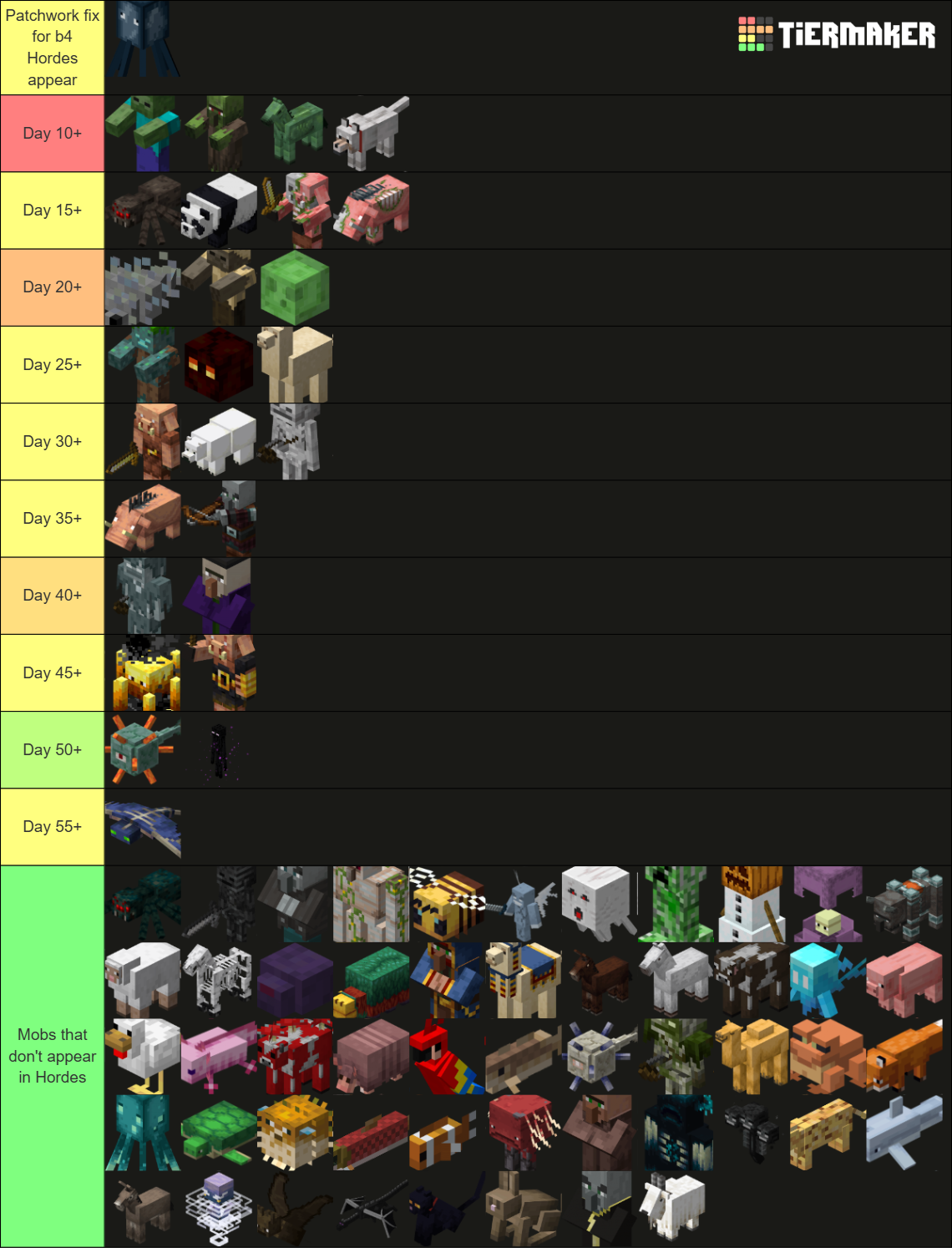
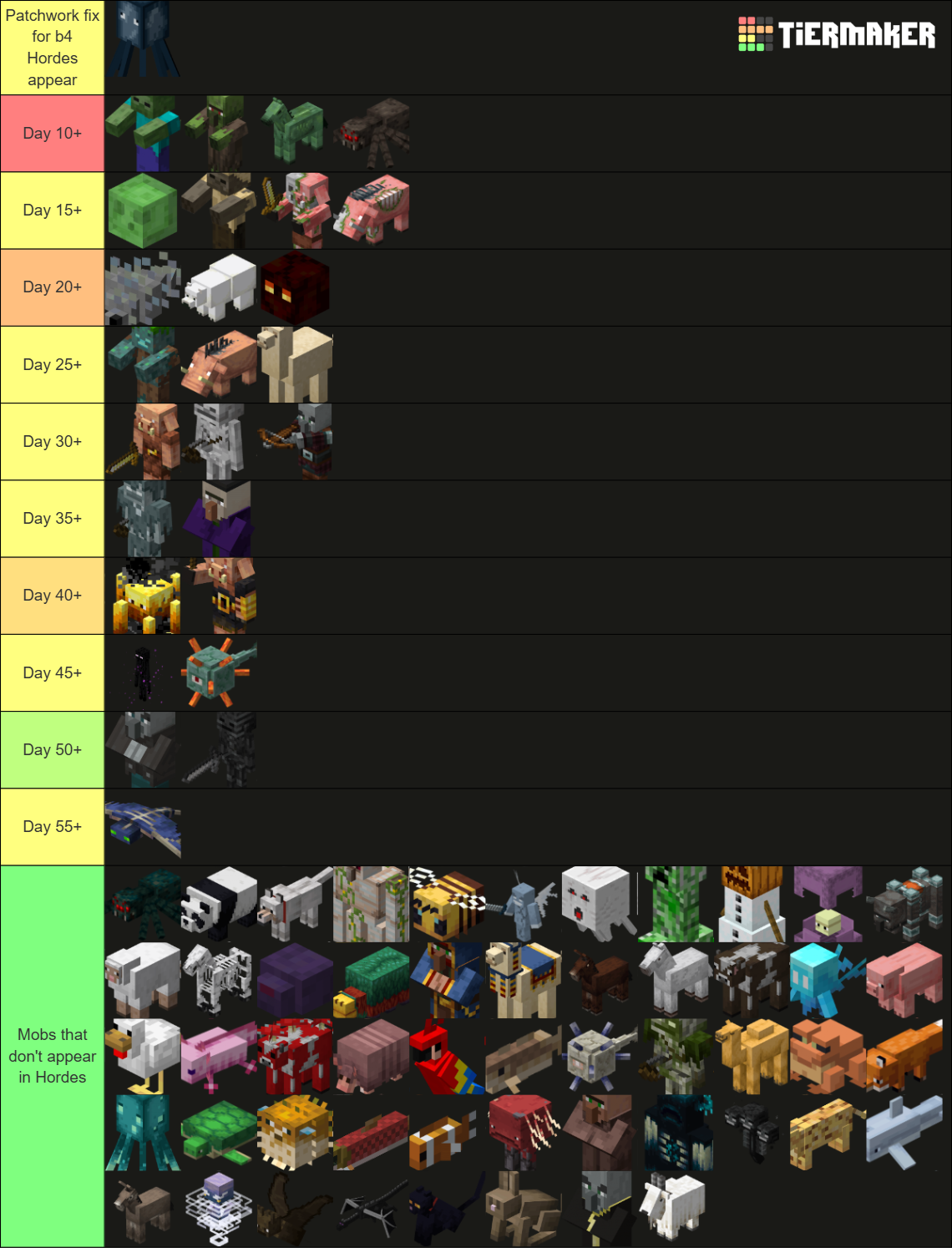
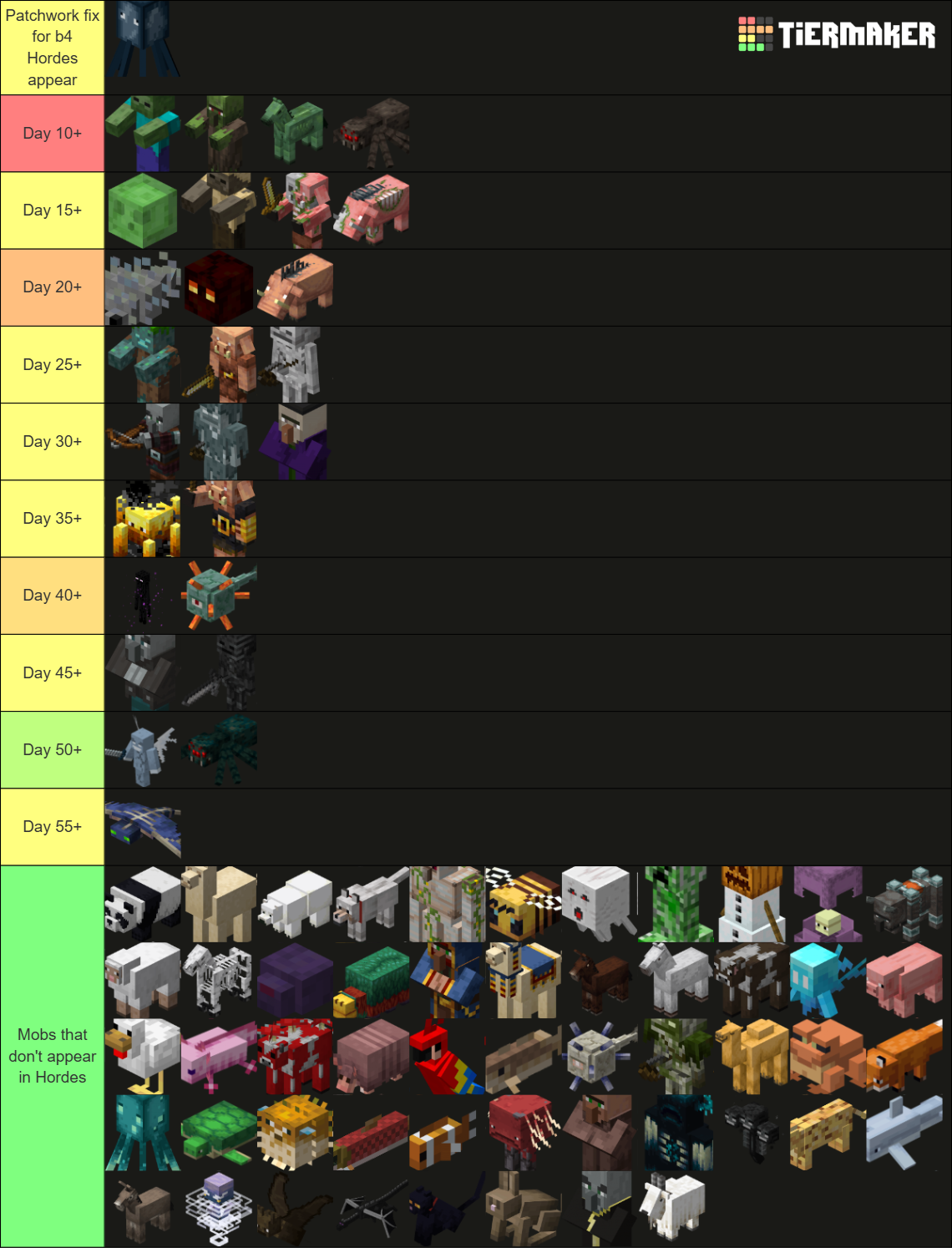
Images: Blooming in Confinement on Modrinth, published by the project team.
Setup
Your Blooming in Confinement server in four steps
For errors, check startup logs, Java version, loader and dependencies first. Increase RAM when there is evidence of memory pressure. Keep a copy of the working installation before updates.
- 01
Configure
8 GB of RAM is preselected and Blooming in Confinement is noted in the configurator. You choose the term and add-ons.
- 02
Pay
By credit card or PayPal. Your server is ready usually under 60 seconds.
- 03
Install the pack
Open the modpack browser in the panel, choose Modrinth, verify the project ID and install your chosen pack release. Back up an existing world first.
- 04
Connect
Every player installs the same pack release in a compatible launcher and connects using the server address from the panel.
Modrinth project ID: izpn3ThZ
The panel
Install the pack, find errors.
Real screenshots from the Mado panel. Both come with every Minecraft server.
Modpack browser
Modrinth and CurseForge, right in the panel.
Search the pack, choose a release, install. You do not have to upload the loader or server files by hand.

AI crash analysis
When a mod crashes, the analyzer reads the log.
Large modpacks often fail on a single mod, Java version or missing dependency. The analyzer names a likely cause and suggests a fix.

Releases
Published pack releases
The server and players need the same pack release. Pick it in the modpack browser to match your group’s clients.
Blooming in Confinement · ModrinthOriginal description by the project author
If you're looking for a bit more of a challenge with a 1-3 player experience, or are looking to balance having 4+ players, this variant of Blooming is right for you!
Differences between Blooming in Confinement and Blooming
All worldborder expanding quest have had their rewards divided by 4 (ex: 32 -> 8 or 128 -> 32).
The version numbering is different. Version 1.7.2 of Blooming is version 1.0.0 of Blooming in Confinement!
The description from this point on is an edited description of Blooming

A questing modpack that has over 300 different advancement based quest to expand your world!
The ultimate goal is to survive as long as possible, so you don't have to reset once more (If you play the hardcore challenge).
Challenges include {
- Required Challenge: Hordes - Raid style hordes who's frequency and composition will change depending on the downloaded difficulty of the modpack.
- Required Challenge: Blooming World - A worldborder starting at 64, 92, or 128 (You're choice)
- Optional Challenge: Screw Your Items - Having your inventory get deleted upon death, but being able to gain keep inventory one slot at a time.
- Optional Challenge: Limited Lives Hardcore - Having only 3 beginning lives, but being able to gain more.
- Speaking of the worldborder, don't linger near it for too long lest something wicked takes notice of you...
}
As of 1.7.3, all difficulties and details about them are now available from inside the questing book, no more separate packs for each difficulty! The challenges offered (both required and optional) such as Hordes and Screw Your Items are configureable through the book.
Modlist W/ Categories
Mods with Quests (Advancements):
Aether
Alex's Mobs
Alex's Caves
Better Archaeology
Immersive Engineering
Apotheosis
Quark
Significant Mods without Quests (Advancements):
Choicetheorem's Overhauled Village
Domestication Innovation
The Hordes
Paladin's Furniture
Let's Do Herbal Brews!
William Wyther's Overhauled Overworld
Workshop for handsome adventurer
Player Revive
Connected Glass
Colorize
Storage Drawers
Screw Your Items
Tidal Towns
Useful Slime
Let's Do Bakery
Let's Do Winery
Performance mods:
Alternate Current
Ferrite Core
Modernfix
Oculus - Client Side Only
Rubidium
Rubidium / Embeddium Extra
Other Mods:
Advanced Backups
Anvil Restoration
Apothic Attributes
Apple Skin
Architectury
Atlas Lib
Bad Packets - Client Side Only
Balm
Better Advancements
BoccHUD - Client Side Only
Bookshelf
Citadel
Client Tweaks - Client side only
Clothconfig
Collective
Crafttweaker
Creative Core
Curios
Fancy Menu - Client side only
First Join Message
Fixed Anvil Repair Cost
Fusion
Game Stages
HardCore Questing Mode
JEI
JER
Journey Map
Konkrete
Kotlin for Forge
MaFgLib - Client Side Only
Melody
Mouse Tweaks - Client Side Only
Patchouli
Paxi
Placebo
Polymorph
Profession Lock
Set World Spawn Point
Sit
Sound Physics Remastered
Stack Refill
Starter Kit
Supermartijn642 Core Lib
Tree Harvester
Villager Death Messages
WTHIT - Client Side Only
Yung's API
Zeta
Datapacks (Thank you Silent Doom for allowing me to use the base of your code for these!) :
Disable Lets Do Herbal Brews Advancements
Disable Lets Do Vinery Advancements
Disable Lets Do Bakery Advancements
Important Notes
Some shaders are incompatible with The Aether and Alex's Caves. You might have to test that manually.
Disregard the squids with glowing that spawn for the first 5-10 days (they should die pretty quick). This is a patchwork fix to an issue with Hordes.
The script for CraftTweaker needs to be manually input into the Scripts folder for servers. (This can be found in the Script folder in your MC instance on the same level as your mods and configs folders)
It is recommended to seriously consider turning Fire spread off as Blazes can spawn during Hordes after day 30-40 depending on difficulty and will start forest fires... My friends and I learned the hard way.
Remove from the server any mods labeled Client Side Only or else the server will crash.
Future Plans
Version 1.7.X will be the last major update(s) of the original modpack. I will see about updating to later versions of minecraft once mods begin to update, I'll also update to add bug fixes, and minor additions such as fluff text. I may make alternate versions of the modpack (Such as Blooming In Confinement!).
Also, I need to continue to fill in the fluff text for all of the advancements in the book. If you notice that an advancement doesn't have fluff text and you can think of something to put there, please send it in the suggestions chat in our discord. I will credit you.
Please please please, if you run into any issues or just wanna join a server running Blooming in Confinement contact me on discord! :)
Disc - moonlit_chill
Join my discord server for more info, suggestions, and to hang out! - Btw, yes the server is new - July 9th 2024, so we can make it something great! Don't be afraid to message me directly either!
Also, the reason Easy, Medium, and Hard are out of order is so that if someone just clicks "download" on the front page of the pack it will auto-download the medium version.
Similar packs
More server-ready modpacks
 Server-ready

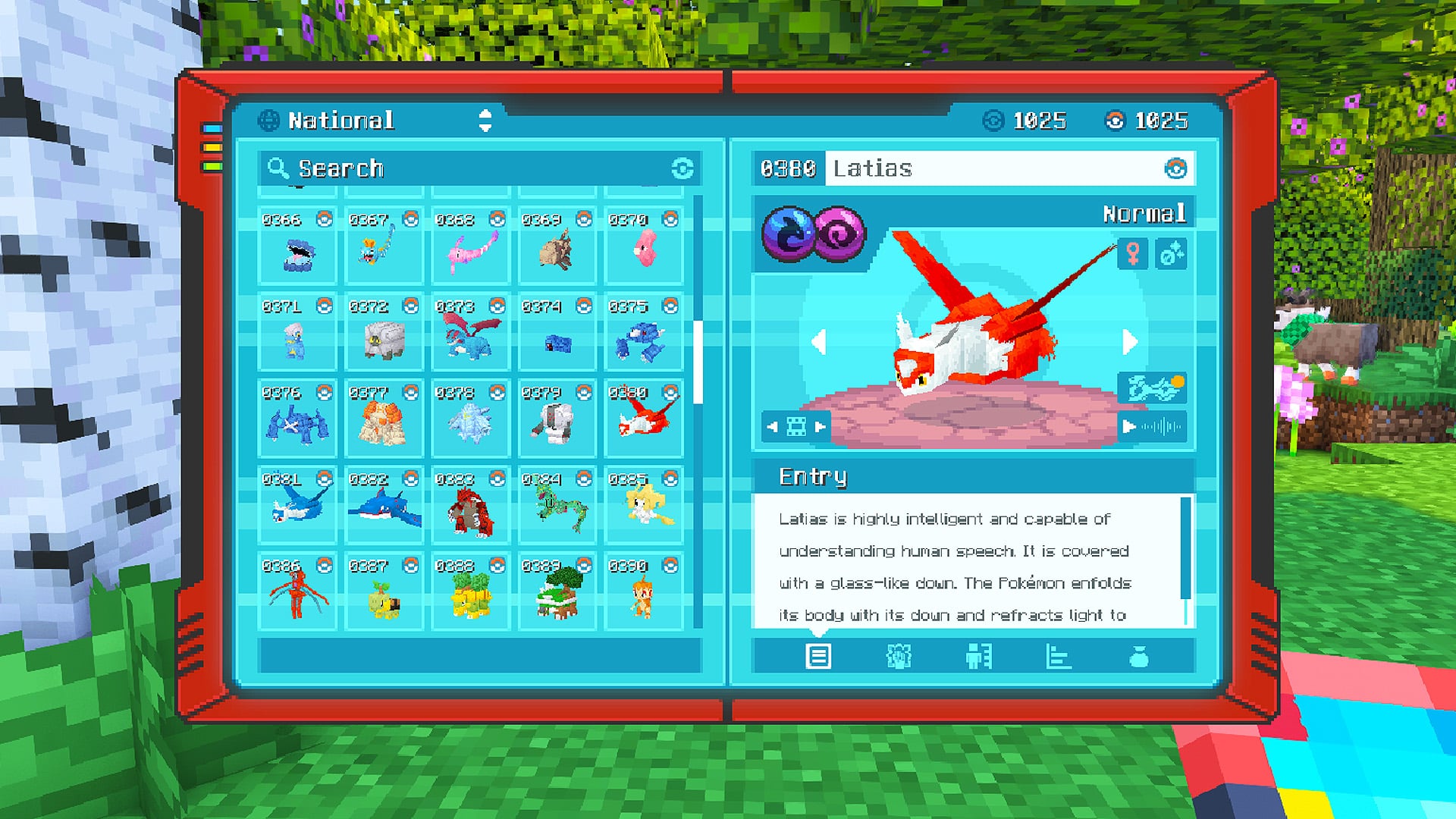
Cobblemon Official Modpack [Fabric]
by CobbledStudios
The official modpack of the Cobblemon mod, for Fabric!
 Server-ready

COBBLEVERSE - Pokemon Adventure [Cobblemon]
by LUMYVERSE
Start a true Pokémon adventure in Minecraft: Cobblemon 1.8.4 | ALL 1025 Pokémon! | Mega Evolutions | Gyms & Badges | Starter Kit | Unique Structures | Custom Music | Shaders | Optimized | So much more! [1.21.1]
 Server-ready

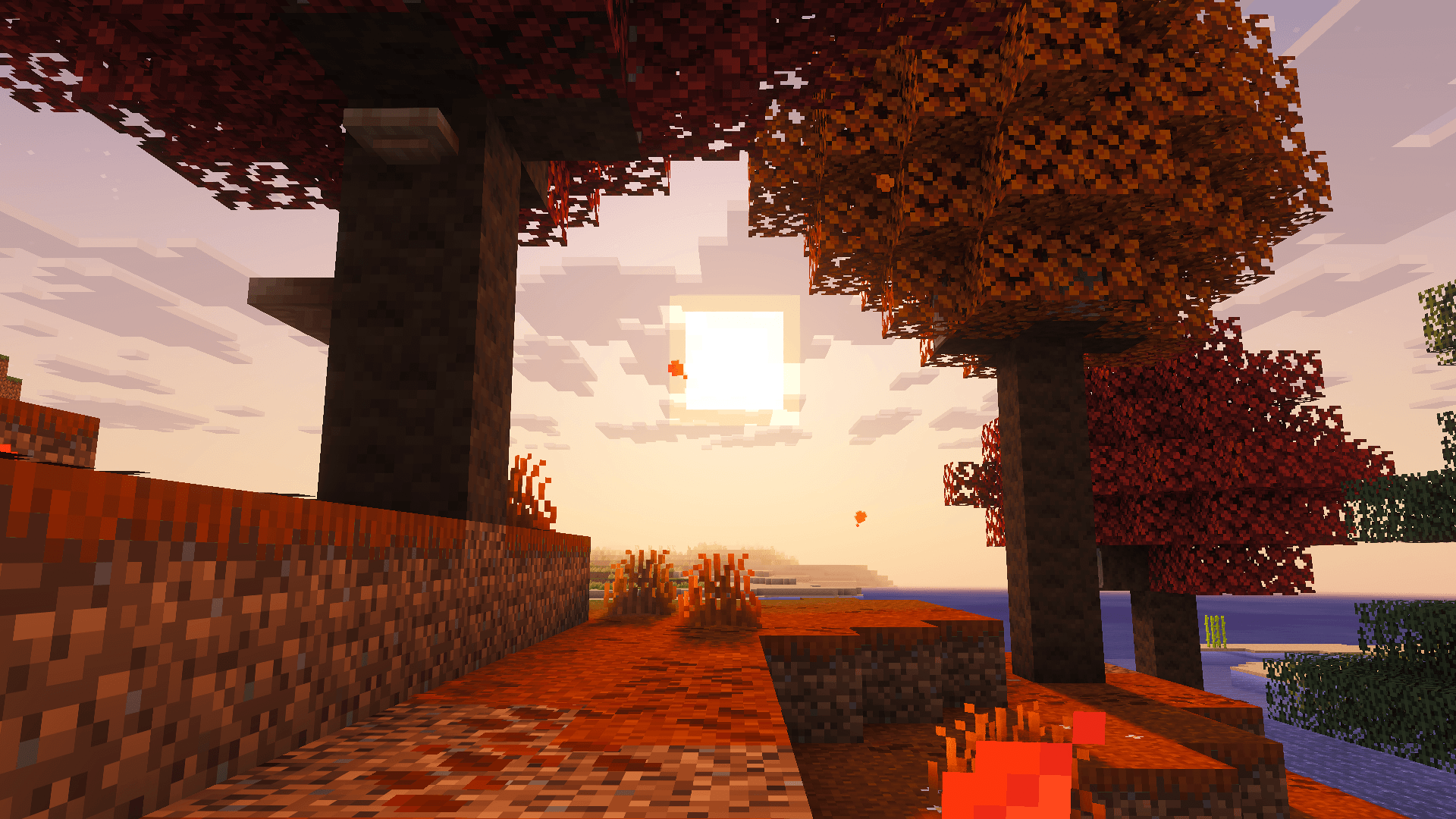
Better MC [FABRIC] - BMC2
by SHXRKIE
Version 1.20 | A Proper Vanilla+ Modpack | Don't play Vanilla play this!
 Server-ready

Vanilla Perfected
by demonjoeTV
A compilation of Vanilla Plus mods & packs to perfect the Minecraft experience without drifting too far from the feel of the base game!
Ready for your Blooming in Confinement server?
8 GB of RAM from €16.00 per month. 35% off your first month with MADO35.