

Modrinth · Forge
build helper server hosting
Your own build helper server on AMD Ryzen 9 without a thread limit. The server is ready usually under 60 seconds; then install the pack with one click in the modpack browser.
Adds utility items like dimensional keys, night vision goggles, and a custom superflat dimension for enhanced survival and creative gameplay. And a magic dimension and dungeon for the how want a littel bit of adventure and magic
- Downloads
- 4.7K
- Followers
- 0
- Loader
- Forge
- Minecraft
- 1.20.1
- Updated
- –
Setup
Your build helper server in four steps
For errors, check startup logs, Java version, loader and dependencies first. Increase RAM when there is evidence of memory pressure. Keep a copy of the working installation before updates.
- 01
Configure
8 GB of RAM is preselected and build helper is noted in the configurator. You choose the term and add-ons.
- 02
Pay
By credit card or PayPal. Your server is ready usually under 60 seconds.
- 03
Install the pack
Open the modpack browser in the panel, choose Modrinth, verify the project ID and install your chosen pack release. Back up an existing world first.
- 04
Connect
Every player installs the same pack release in a compatible launcher and connects using the server address from the panel.
Modrinth project ID: ckhVDZJM
The panel
Install the pack, find errors.
Real screenshots from the Mado panel. Both come with every Minecraft server.
Modpack browser
Modrinth and CurseForge, right in the panel.
Search the pack, choose a release, install. You do not have to upload the loader or server files by hand.

AI crash analysis
When a mod crashes, the analyzer reads the log.
Large modpacks often fail on a single mod, Java version or missing dependency. The analyzer names a likely cause and suggests a fix.

Releases
Published pack releases
The server and players need the same pack release. Pick it in the modpack browser to match your group’s clients.
build helper · ModrinthOriginal description by the project author
🛠️ Build Helper - Utility Modpack
Take your building skills to the next level — whether you're in Creative or Survival mode!
This lightweight modpack is designed for builders and technical players who want to streamline their building experience with powerful utilities, without cluttering the game with decorative blocks.
✅ Features:
Precision building with tools like WorldEdit and Create for automation and structure design.
Performance boosts with mods like ImmediatelyFast and LazyDFU, keeping your game smooth even with complex builds.
Useful overlays and information with Jade and Embeddium for better interaction with the world.
Enhanced parkour and movement with ParCool — perfect for testing and designing maps.
Full mod compatibility with Oculus for shaders and Kotlin for Forge support.
Survival QoL tools like Utility: The Magic of Comfort, enhancing gameplay while staying lightweight.
✨ Shader Support:
This modpack comes ready for shader support via Oculus, and is fully compatible with Complementary Shaders (Unbound) — giving you beautiful lighting, shadows, and atmosphere to make your builds even more immersive.
🔧 Ideal For:
Creative world builders
Redstone & automation enthusiasts
Map makers
Players who want utility over aesthetics
🧩 No decorative blocks added — just tools, optimizations, and building enhancements.
✨ Need help or want the latest news? Join our Discord community for support, updates, and fun!
Sponsor: Thanks to NordVPN for the support! Protect your connection while playing with NordVPN. Fast, secure, and unlimited browsing. Check it out here
Similar packs
More server-ready modpacks
 Server-ready

Cobblemon Official Modpack [Fabric]
by CobbledStudios
The official modpack of the Cobblemon mod, for Fabric!
 Server-ready

COBBLEVERSE - Pokemon Adventure [Cobblemon]
by LUMYVERSE
Start a true Pokémon adventure in Minecraft: Cobblemon 1.8.4 | ALL 1025 Pokémon! | Mega Evolutions | Gyms & Badges | Starter Kit | Unique Structures | Custom Music | Shaders | Optimized | So much more! [1.21.1]
 Server-ready

BattleArmory TACZ
by JZ_zhenmeng
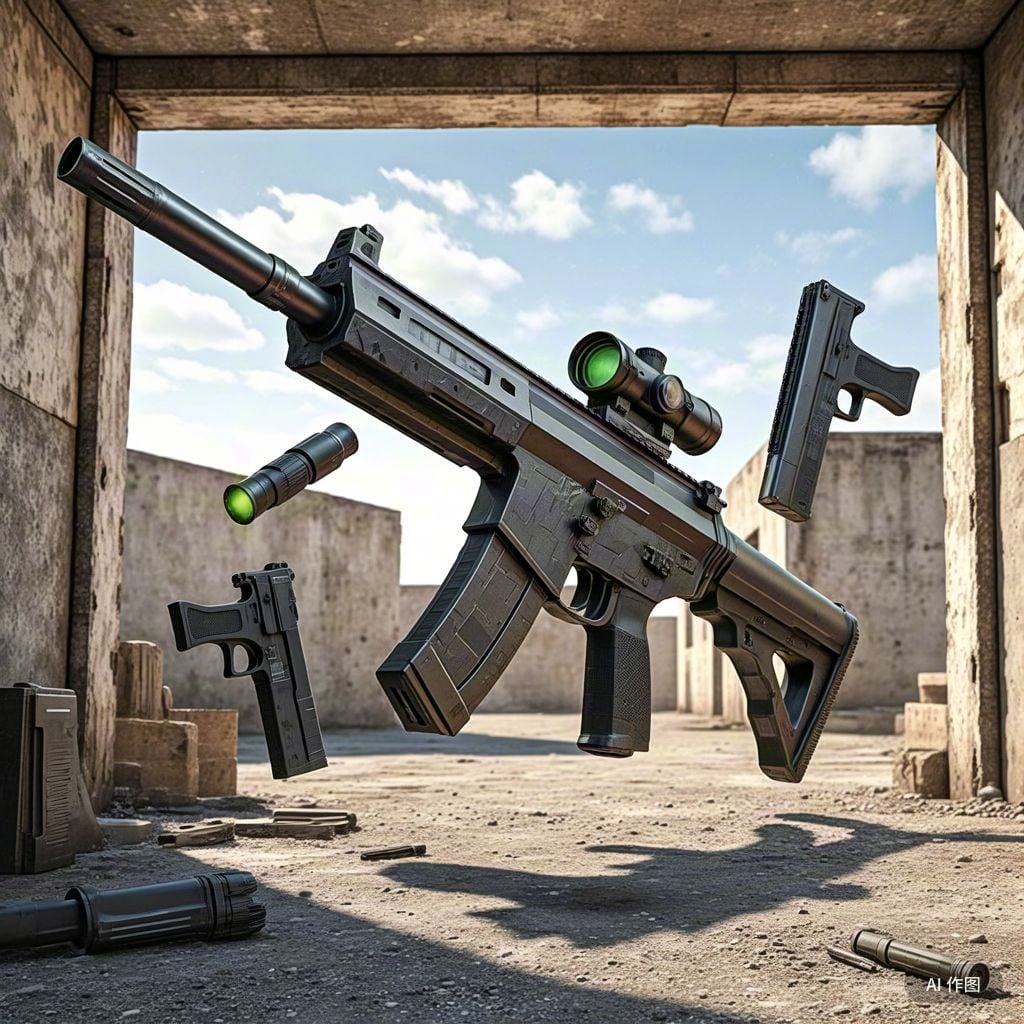
厌倦了每次开局都是一样的钻石剑和弓?BattleArmory 让你每场重生都像开盲盒——400+ 现代枪械随机配发,从使命召唤的经典步枪到赛博朋克科幻杀器,配上 CS 经典地图和战术投掷物,开局就是 80 帧+丝滑刚枪。** 这不是模组体验卡,这是完全免费的 1.20.1 战术枪战整合包,下载启动,直接开战。
 Server-ready

Better MC [FABRIC] - BMC2
by SHXRKIE
Version 1.20 | A Proper Vanilla+ Modpack | Don't play Vanilla play this!
Ready for your build helper server?
8 GB of RAM from €16.00 per month. 35% off your first month with MADO35.