
Cobblemon Islands Server Modpack
Every Pokemon model, Megas, Z-Moves, raids, gyms, dens, and expeditions on one Cobblemon server. Install and the server is already in your multiplayer list.
About this Modpack
Join the server in 3 steps
- Install this pack with the Modrinth App or your launcher.
- Press Play.
- Open Multiplayer. The server is already in your list.
The address is play.cobblemonislands.com if you ever need it. Java Edition,
Minecraft 1.21.1.
What's on the island
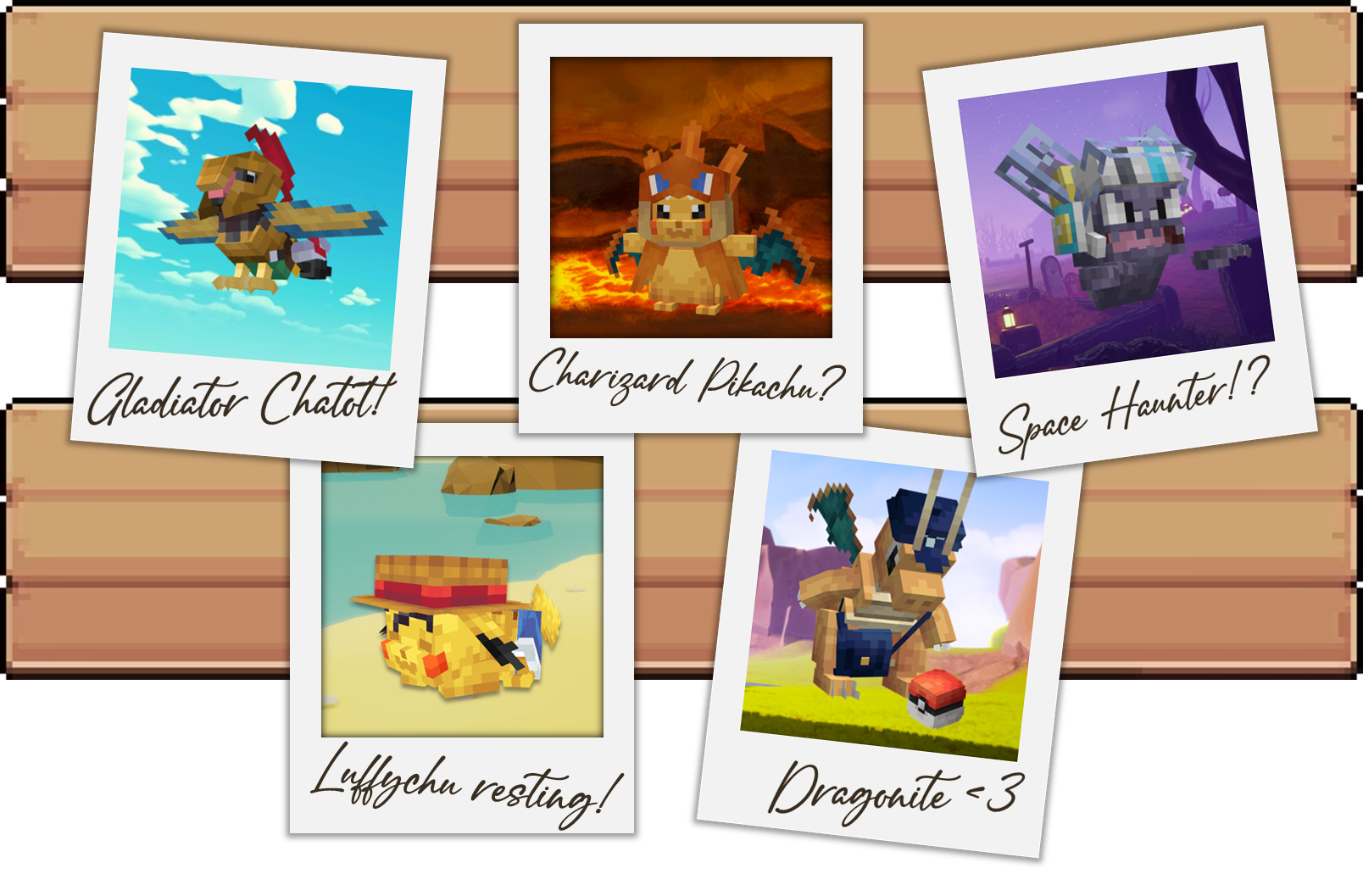
- Every Pokemon has a model, including Megas, Z-Moves, and Terastallization.
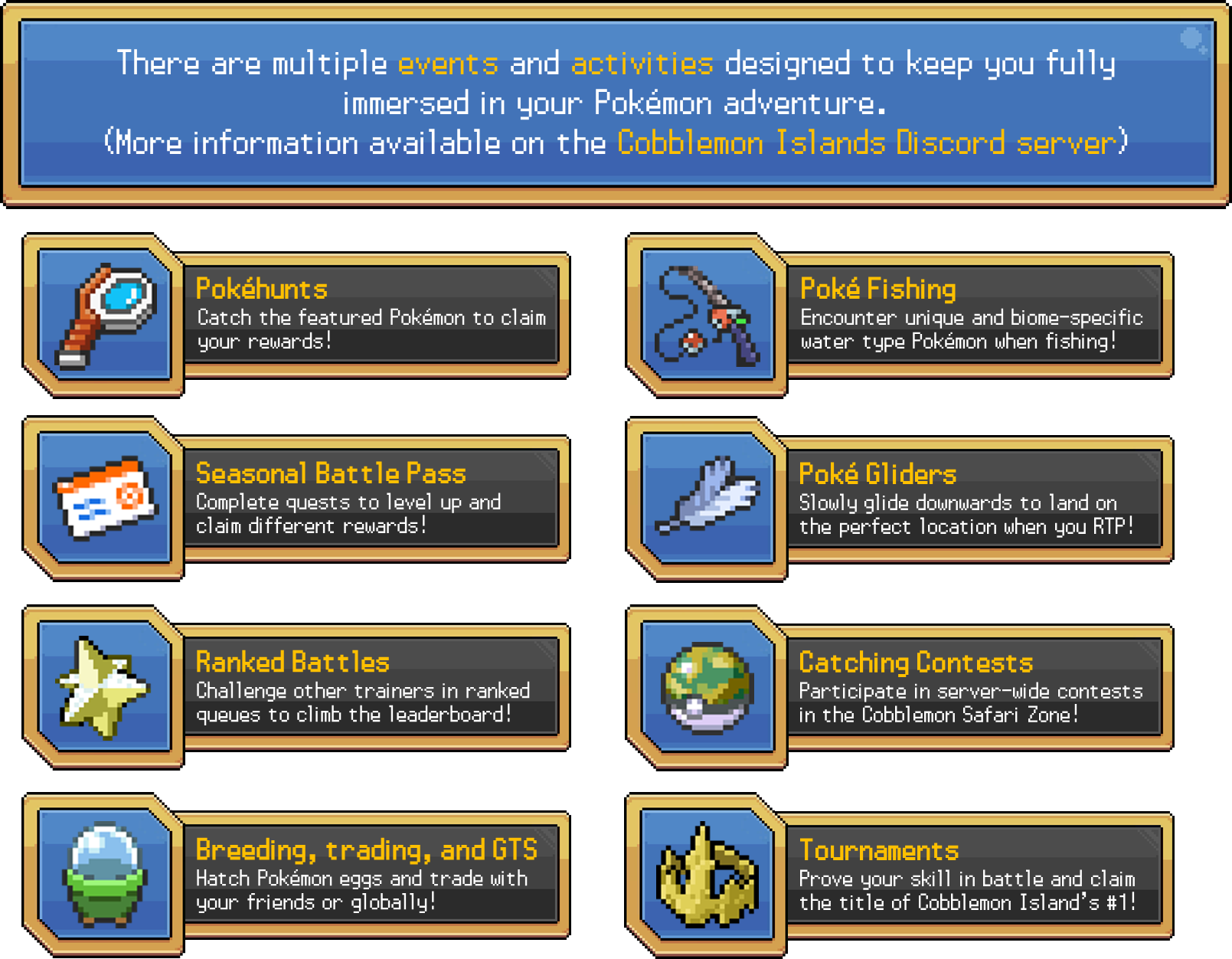
- Raids where the whole server fights one boss together.
- Player-run gyms and numbered ranked seasons with exclusive skin rewards.
- Mass outbreaks, Dens that drop rare crystal skins, and Bingo dailies.
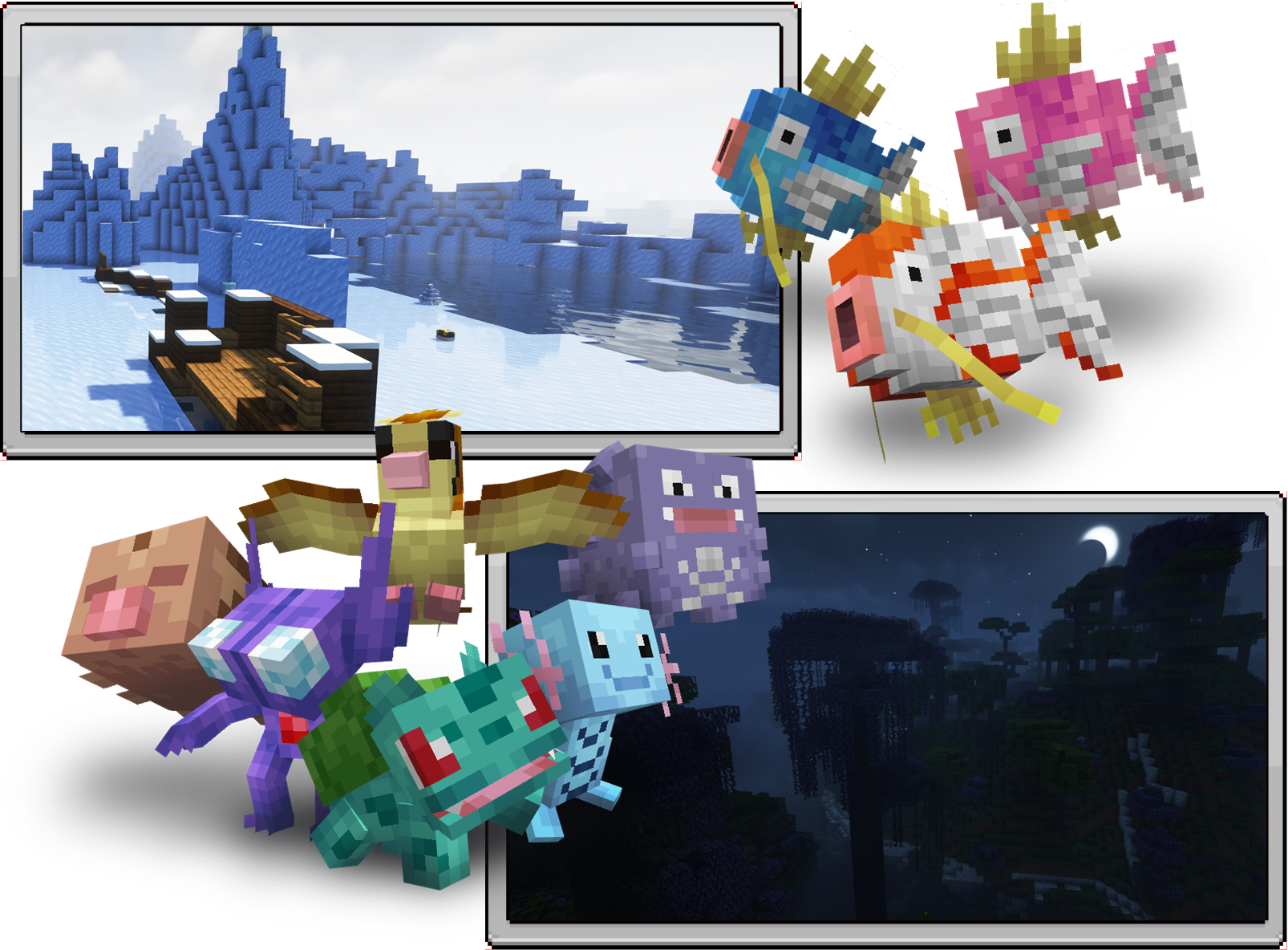
- Expeditions: ride the train to other islands, each with its own biome and Pokemon.
- A seasonal battle pass: complete quests to level it up and claim rewards.
- Tournaments, catching contests, fishing, breeding with GTS trading, Safari, and a
player economy.
What's in the pack
Cobblemon 1.7.3 plus around 80 hand-picked mods: JourneyMap for the world map, Plasmo
Voice for proximity voice chat, EMI for recipes, and a full performance stack with
Sodium, Lithium, and Iris shader support. Everything comes preconfigured. Install
and play.
Versions and requirements
Current release: Minecraft 1.21.1 on Fabric, Cobblemon 1.7.3. Allocate 4 GB of RAM in
your launcher settings. Older Forge 1.20.1 builds are legacy and cannot join the
current server.
What's next
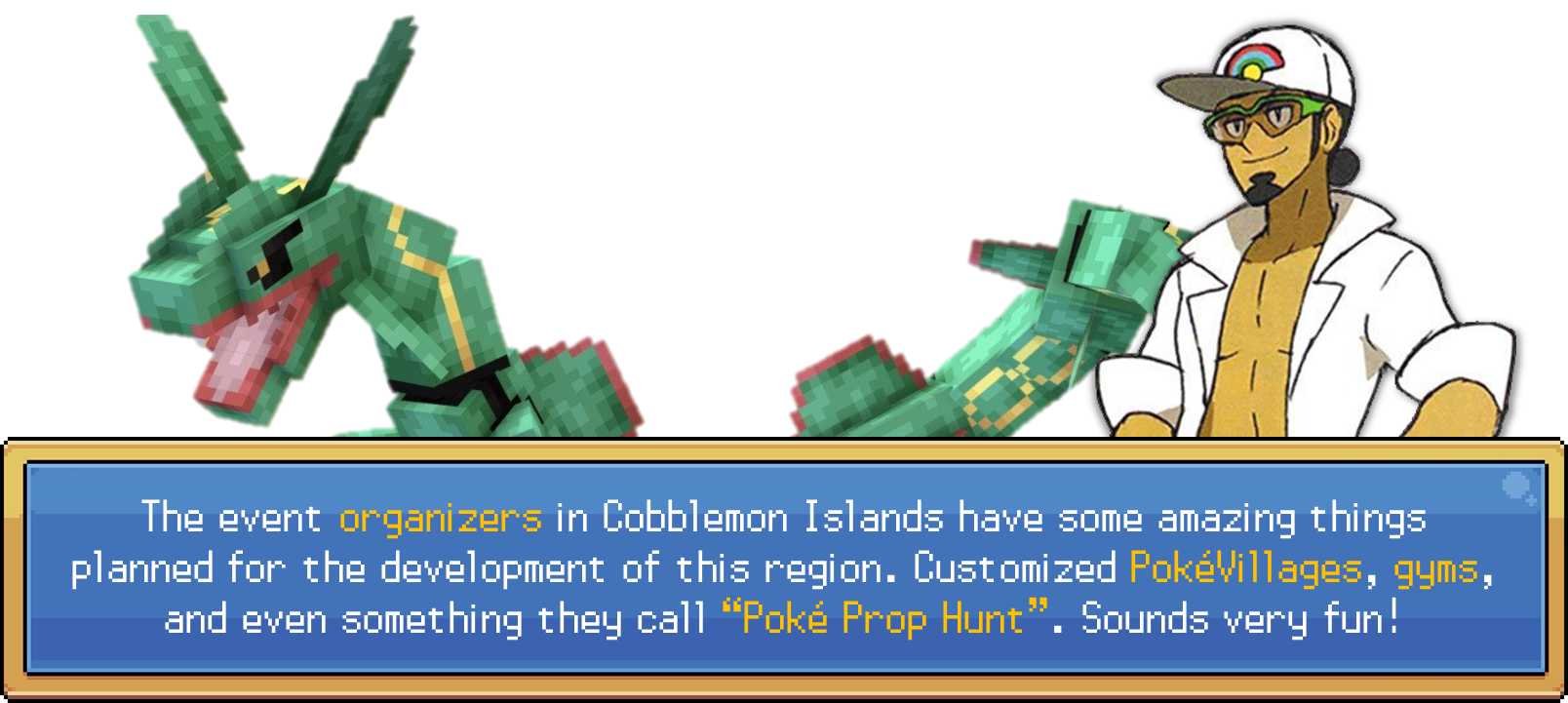
New content ships regularly. Customized PokeVillages, gyms, and Poke Prop Hunt are on
the way. The roadmap is public: https://connect.cobblemonislands.com/roadmap
Links and support
Found a bug with the pack? Report it in the Discord support channel.
Follow this pack on Modrinth to get notified when we update.
Available Versions
How to Set Up a Cobblemon Islands Server Modpack Server
Order Server
Choose at least 6 GB RAM (8 GB recommended for Cobblemon Islands Server Modpack). Based on player count: per 5 players.
Install Modpack in Dashboard
Open the modpack browser in the dashboard, search for "Cobblemon Islands Server Modpack" and click "Install". The forge loader and Minecraft 1.21.1 are configured automatically.
Start Server & Play
Start the server – all mods are loaded automatically. Share the server IP with friends and play together!
Frequently Asked Questions
Cobblemon Islands Server Modpack server crashes or won't start – what to do?
Most common causes: insufficient RAM or wrong forge loader. Check latest.log for "OutOfMemoryError" → increase RAM to at least 8 GB. For "Mixin" or "ClassNotFoundException" errors: modpack version and loader don't match. With Mado Hosting, loader and Minecraft version are auto-configured on modpack install – preventing most startup issues.
How much RAM does a Cobblemon Islands Server Modpack server really need?
Minimum 6 GB, recommended 8 GB for stable performance. per 5 players. Important: Minecraft modpacks need more RAM than vanilla – plan extra per additional player. With Mado Hosting, you can scale RAM up live at any time without data loss (from €7.800000000000001/month).
Can I add custom mods to Cobblemon Islands Server Modpack without conflicts?
Yes, but check compatibility: only use mods for the same loader (forge) and same Minecraft version (1.21.1). Common issues: ID conflicts with recipe mods and incompatible coremod versions. The Mado dashboard mod browser only shows compatible mods and warns about known conflicts.
Cobblemon Islands Server Modpack server lagging – performance tips
1) Increase RAM to 8 GB+. 2) Reduce server view-distance to 8 (server.properties). 3) Pre-generate chunks with the "Chunky" plugin. 4) Use /spark profiler to check which mods consume the most tick time. With Mado Hosting, all servers run on NVMe SSDs with dedicated CPU cores – eliminating hardware as a bottleneck.
Similar Modpacks
![Cobblemon Official Modpack [Fabric]](https://cdn.modrinth.com/data/5FFgwNNP/e7f9ee2e9d361623847853fe2ddce42f519ee64f.png)
![COBBLEVERSE - Pokemon Adventure [Cobblemon]](https://cdn.modrinth.com/data/Jkb29YJU/581ecf54530972afb18a04660afd820f2f24f6c7.png)
![Better MC [FABRIC] - BMC2](https://cdn.modrinth.com/data/shFhR8Vx/a19c2bcb51d38f32f138d3607e91cb2b7b8e387f_96.webp)


![Better MC [FORGE] - BMC4](https://cdn.modrinth.com/data/4BV47HRn/7f5ef7cc61b2593609aabef3ed07a866a4f11b73_96.webp)
Rent Cobblemon Islands Server Modpack Server
Start your own server with automatic modpack installation.
Details
- License
- GNU Lesser General Public License v3.0 or later
- Server-side
- Optional
- Client-side
- Required
Supported Versions
Start your Cobblemon Islands Server Modpack Server now
From €7.80/month; 8 GB RAM is recommended for best performance.
Configure Server →