
Modrinth · Forge, NeoForge
Create Attack 7 server hosting
Your own Create Attack 7 server on AMD Ryzen 9 without a thread limit. The server is ready usually under 60 seconds; then install the pack with one click in the modpack browser.
Celebrating 5 years of Create Attack! Dive into our biggest, most polished season yet—packed with massive industrial automation, beautiful exploration, and a fully custom quest system.
- Downloads
- 396
- Followers
- 0
- Loader
- Forge, NeoForge
- Minecraft
- 1.20.1 – 1.21.1
- Updated
- –
Screenshots
What Create Attack 7 looks like


Images: Create Attack 7 on Modrinth, published by the project team.
Setup
Your Create Attack 7 server in four steps
For errors, check startup logs, Java version, loader and dependencies first. Increase RAM when there is evidence of memory pressure. Keep a copy of the working installation before updates.
- 01
Configure
8 GB of RAM is preselected and Create Attack 7 is noted in the configurator. You choose the term and add-ons.
- 02
Pay
By credit card or PayPal. Your server is ready usually under 60 seconds.
- 03
Install the pack
Open the modpack browser in the panel, choose Modrinth, verify the project ID and install your chosen pack release. Back up an existing world first.
- 04
Connect
Every player installs the same pack release in a compatible launcher and connects using the server address from the panel.
Modrinth project ID: evRak9Zo
The panel
Install the pack, find errors.
Real screenshots from the Mado panel. Both come with every Minecraft server.
Modpack browser
Modrinth and CurseForge, right in the panel.
Search the pack, choose a release, install. You do not have to upload the loader or server files by hand.

AI crash analysis
When a mod crashes, the analyzer reads the log.
Large modpacks often fail on a single mod, Java version or missing dependency. The analyzer names a likely cause and suggests a fix.

Releases
Published pack releases
The server and players need the same pack release. Pick it in the modpack browser to match your group’s clients.
Create Attack 7 · ModrinthOriginal description by the project author




Welcome to Create Attack 7, presented by Herr Doctor! The legendary community project returns for its seventh season with a revolutionary step forward: completely rebuilt from the ground up on modern NeoForge 1.21.1.
💡 The Concept: We left legacy versions behind to deliver the ultimate Create experience. Powered by next-gen rendering, cutting-edge Create addons—including fully simulated airships via Create Aeronautics—and deep world-generation overhauls, CA7 sets a new standard for modern modded Minecraft.

✨ Highlights
- Take to the Skies: Build and pilot actual flying airships and floating fortresses via Create Aeronautics.
- Deep Industry & Logistics: Oil refining (TFMG), diesel power, train networks (Steam 'n' Rails), and heavy artillery (Create Big Cannons).
- Cozy Homesteading: Take a break from factories—brew wine, bake bread, and build cozy bases with the full [Let's Do] suite, Farmer's Delight, and Quark.
- Redesigned World: Organic biomes (Terralith, BloomingNature), overhauled villages (CTOV), and redesigned dungeons (YUNG's suite).

🌐 Built For Multiplayer
- 🎙️ Proximity Voice Chat: Realistic in-game directional voice chat with Sound Physics Remastered.
- 🛡️ Chunk Claiming & Teams: Protect your base and form teams using FTB Chunks & Teams.
- 📜 Guided Quests: Custom FTB Quests system to guide beginners and pros through tech trees.

💻 System Requirements
Minecraft 1.21.1 on NeoForge with physics-heavy mods (Create Aeronautics + WorldGen) demands a modern Java runtime and sufficient memory allocation.
🖥️ Client (Player) Settings
| Component | Minimum Requirements | Recommended (Shaders / Large Industrial Complexes) |
|---|---|---|
| Allocated RAM | 8 GB (Required for NeoForge 1.21.1 + Create physics) | 8 – 10 GB (Optimal for smooth rendering & shaders) |
| System RAM | 16 GB | 16 GB or higher |
| Processor | Intel Core i5-10400 / AMD Ryzen 5 3600 | Intel Core i7-12700K / AMD Ryzen 7 5700X3D or better |
| Graphics Card | NVIDIA GTX 1060 (6GB) / AMD RX 580 | NVIDIA RTX 3060 / AMD RX 6700 XT or better |
| Java Version | Java 21 (64-Bit) (Required for Minecraft 1.21+) | Java 21 (64-Bit) |
| Storage | 4 GB free space (SSD required) | NVMe SSD |
⚠️ Critical Java 21 Hint: Minecraft 1.21.1 on NeoForge requires Java 21. Modern launchers (Modrinth App, Prism Launcher) will set this automatically, but ensure your launcher is allocating between 8 GB and 10 GB of RAM. Avoid allocating more than 12 GB to prevent Java Garbage Collection stutters.
🗄️ Server Requirements (Multiplayer Hosting)
Physics-simulated contraptions, flying structures, and dense biomes require a robust server CPU:
- Small Group (2–4 Players): 8 GB allocated RAM, high single-core performance CPU (e.g., Ryzen 5000/7000 series or Intel 12th+ Gen).
- Large Group (5+ Players & Airships): 10 – 12 GB allocated RAM, dedicated high-tier hosting.
- World Pre-Generation: Use spark to monitor server health and pre-generate chunks to avoid terrain generation lag during fast flight with airships!
Similar packs
More server-ready modpacks
 Server-ready

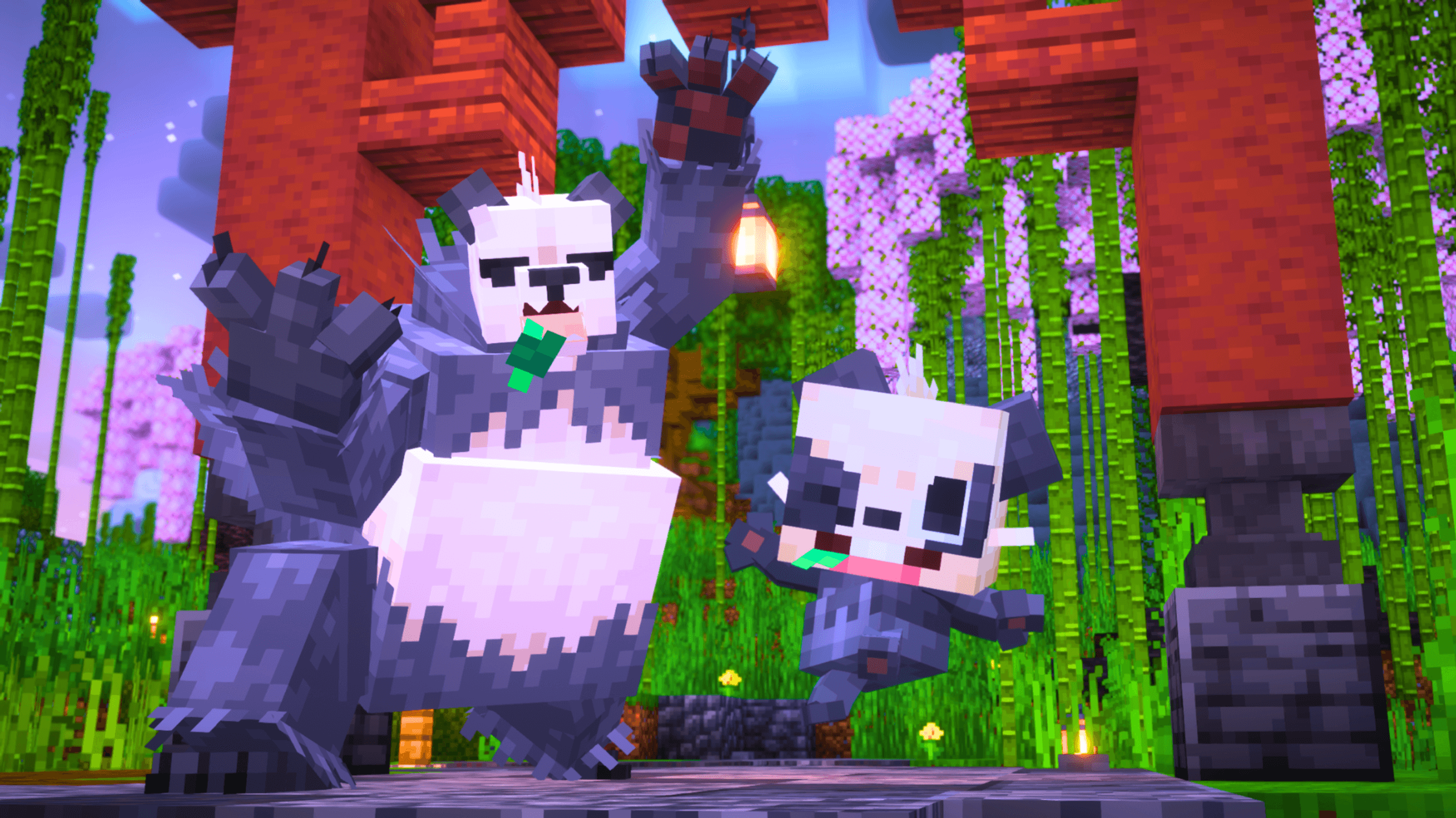
Zombie Invade 100 Days
by FlameFire
僵尸入侵 100 天(高版本惊变重制)—— Same as Forge Labs 100 Days Zombie Apocalypse in new Minecraft
 Server-ready

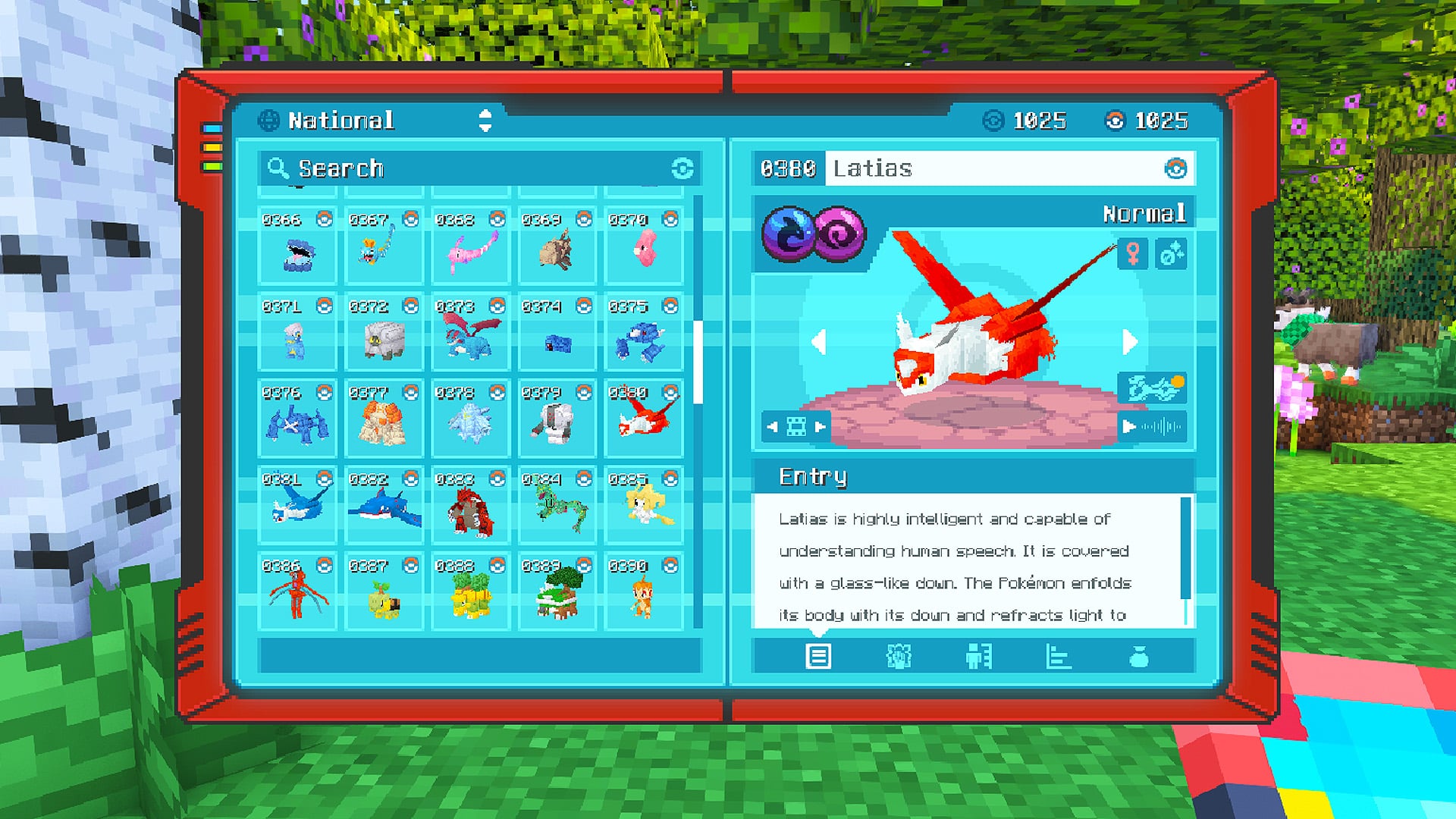
Cobblemon Official Modpack [Fabric]
by CobbledStudios
The official modpack of the Cobblemon mod, for Fabric!
 Server-ready

COBBLEVERSE - Pokemon Adventure [Cobblemon]
by LUMYVERSE
Start a true Pokémon adventure in Minecraft: Cobblemon 1.8.4 | ALL 1025 Pokémon! | Mega Evolutions | Gyms & Badges | Starter Kit | Unique Structures | Custom Music | Shaders | Optimized | So much more! [1.21.1]
 Server-ready

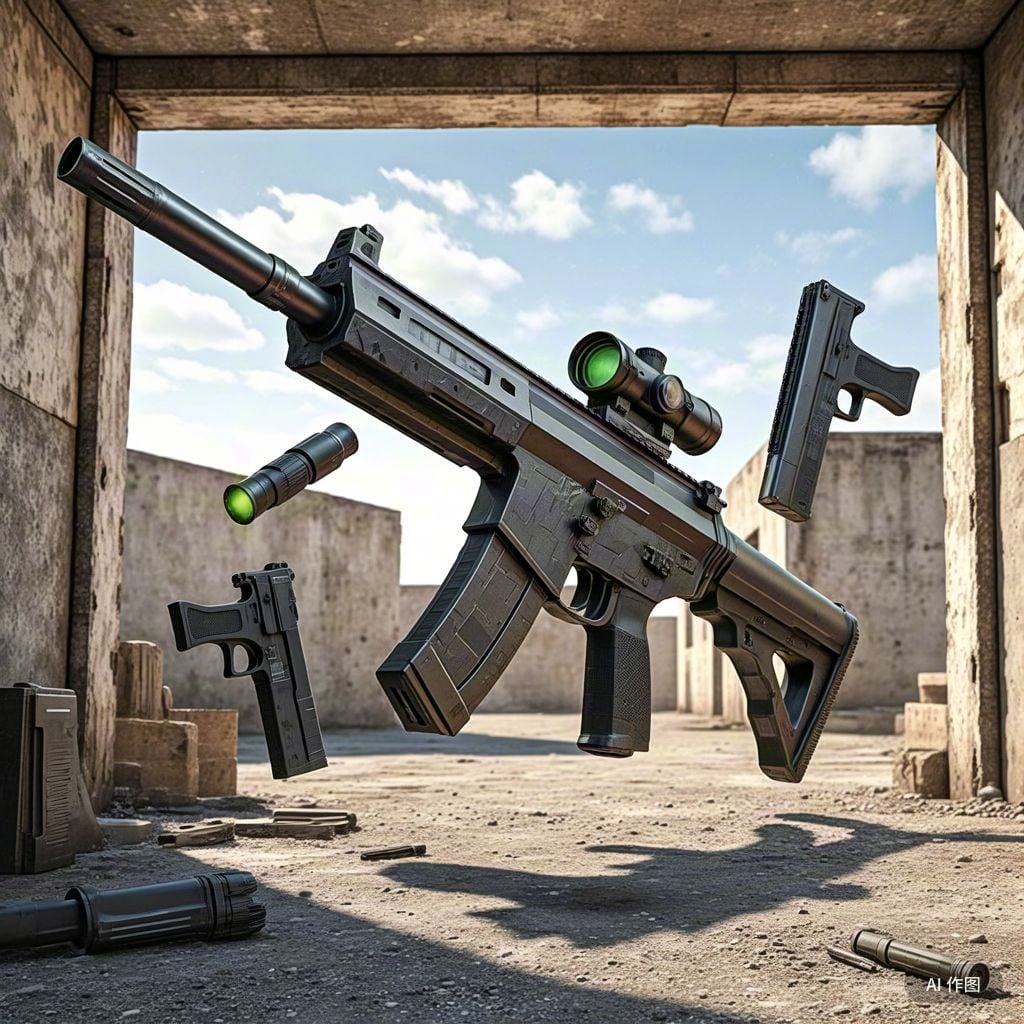
BattleArmory TACZ
by JZ_zhenmeng
厌倦了每次开局都是一样的钻石剑和弓?BattleArmory 让你每场重生都像开盲盒——400+ 现代枪械随机配发,从使命召唤的经典步枪到赛博朋克科幻杀器,配上 CS 经典地图和战术投掷物,开局就是 80 帧+丝滑刚枪。** 这不是模组体验卡,这是完全免费的 1.20.1 战术枪战整合包,下载启动,直接开战。
Ready for your Create Attack 7 server?
8 GB of RAM from €16.00 per month. 35% off your first month with MADO35.