

Modrinth · Fabric
Create Extended server hosting
Your own Create Extended server on AMD Ryzen 9 without a thread limit. The server is ready usually under 60 seconds; then install the pack with one click in the modpack browser.
Create Extended expands the possibilities of the popular Create mod, offering new mechanics and enhanced gameplay experiences.
- Downloads
- 5.1K
- Followers
- 0
- Loader
- Fabric
- Minecraft
- 1.19.2 – 1.20.1
- Updated
- –
Screenshots
What Create Extended looks like


Images: Create Extended on Modrinth, published by the project team.
Setup
Your Create Extended server in four steps
For errors, check startup logs, Java version, loader and dependencies first. Increase RAM when there is evidence of memory pressure. Keep a copy of the working installation before updates.
- 01
Configure
8 GB of RAM is preselected and Create Extended is noted in the configurator. You choose the term and add-ons.
- 02
Pay
By credit card or PayPal. Your server is ready usually under 60 seconds.
- 03
Install the pack
Open the modpack browser in the panel, choose Modrinth, verify the project ID and install your chosen pack release. Back up an existing world first.
- 04
Connect
Every player installs the same pack release in a compatible launcher and connects using the server address from the panel.
Modrinth project ID: JecgZ0Zh
The panel
Install the pack, find errors.
Real screenshots from the Mado panel. Both come with every Minecraft server.
Modpack browser
Modrinth and CurseForge, right in the panel.
Search the pack, choose a release, install. You do not have to upload the loader or server files by hand.

AI crash analysis
When a mod crashes, the analyzer reads the log.
Large modpacks often fail on a single mod, Java version or missing dependency. The analyzer names a likely cause and suggests a fix.

Releases
Published pack releases
The server and players need the same pack release. Pick it in the modpack browser to match your group’s clients.
Create Extended · ModrinthOriginal description by the project author

Official Create Extended Modpack
What is Create Extended?
Create Extended is a Minecraft modpack that takes the innovative Create mod to new heights by incorporating an extensive array of optimization and Create addons. This meticulously curated modpack is designed to elevate your gameplay experience, offering an enriched sandbox for creativity and engineering prowess.
With a multitude of optimization mods, Create Extended ensures that your gameplay remains smooth and lag-free, even as you delve into complex contraptions and massive automated systems. It optimizes resource management, enhances performance, and guarantees a seamless experience as you push the boundaries of your creations.
Moreover, Create Extended introduces a wealth of Create addons, each contributing unique components, tools, and mechanics to the game. Whether you're looking to streamline your automation projects, add new aesthetically pleasing building blocks, or introduce advanced machinery, this modpack has you covered.
Venture into the world of Create Extended and explore a limitless realm of possibilities. Engineer intricate machines, construct elaborate contraptions, and transform your Minecraft world into a hub of innovation and efficiency. Unleash your creativity and technological prowess with Create Extended – where the only limit is your imagination.
Mods
Create Mods (0)
Visual Mods (0)
Performance Mods (0)
Other Mods (0)
Library Mods (0)
Discord • Github • Issues
Similar packs
More server-ready modpacks
 Server-ready

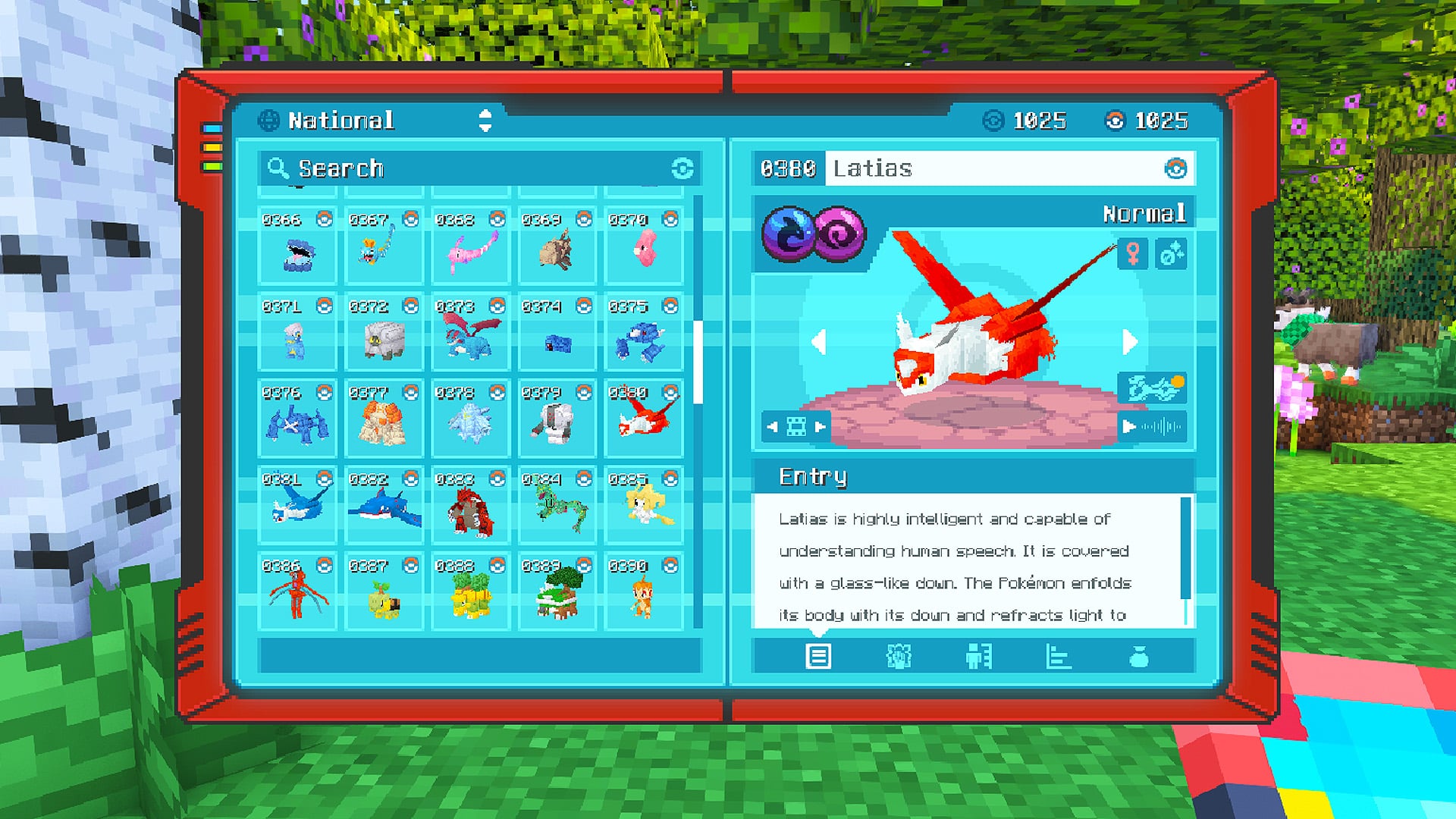
Cobblemon Official Modpack [Fabric]
by CobbledStudios
The official modpack of the Cobblemon mod, for Fabric!
 Server-ready

COBBLEVERSE - Pokemon Adventure [Cobblemon]
by LUMYVERSE
Start a true Pokémon adventure in Minecraft: Cobblemon 1.8.4 | ALL 1025 Pokémon! | Mega Evolutions | Gyms & Badges | Starter Kit | Unique Structures | Custom Music | Shaders | Optimized | So much more! [1.21.1]
 Server-ready

Better MC [FABRIC] - BMC2
by SHXRKIE
Version 1.20 | A Proper Vanilla+ Modpack | Don't play Vanilla play this!
 Server-ready

Vanilla Perfected
by demonjoeTV
A compilation of Vanilla Plus mods & packs to perfect the Minecraft experience without drifting too far from the feel of the base game!
Ready for your Create Extended server?
8 GB of RAM from €16.00 per month. 35% off your first month with MADO35.