
Modrinth · Fabric, Quilt
DogCraft server hosting
Your own DogCraft server on AMD Ryzen 9 without a thread limit. The server is ready usually under 60 seconds; then install the pack with one click in the modpack browser.
Fabric modpack focused on adventure, multiplayer and creativity, compiled by GamerDog. Play with friends!
- Downloads
- 6.0K
- Followers
- 0
- Loader
- Fabric, Quilt
- Minecraft
- 1.19.2 – 1.20.1
- Updated
- –
Screenshots
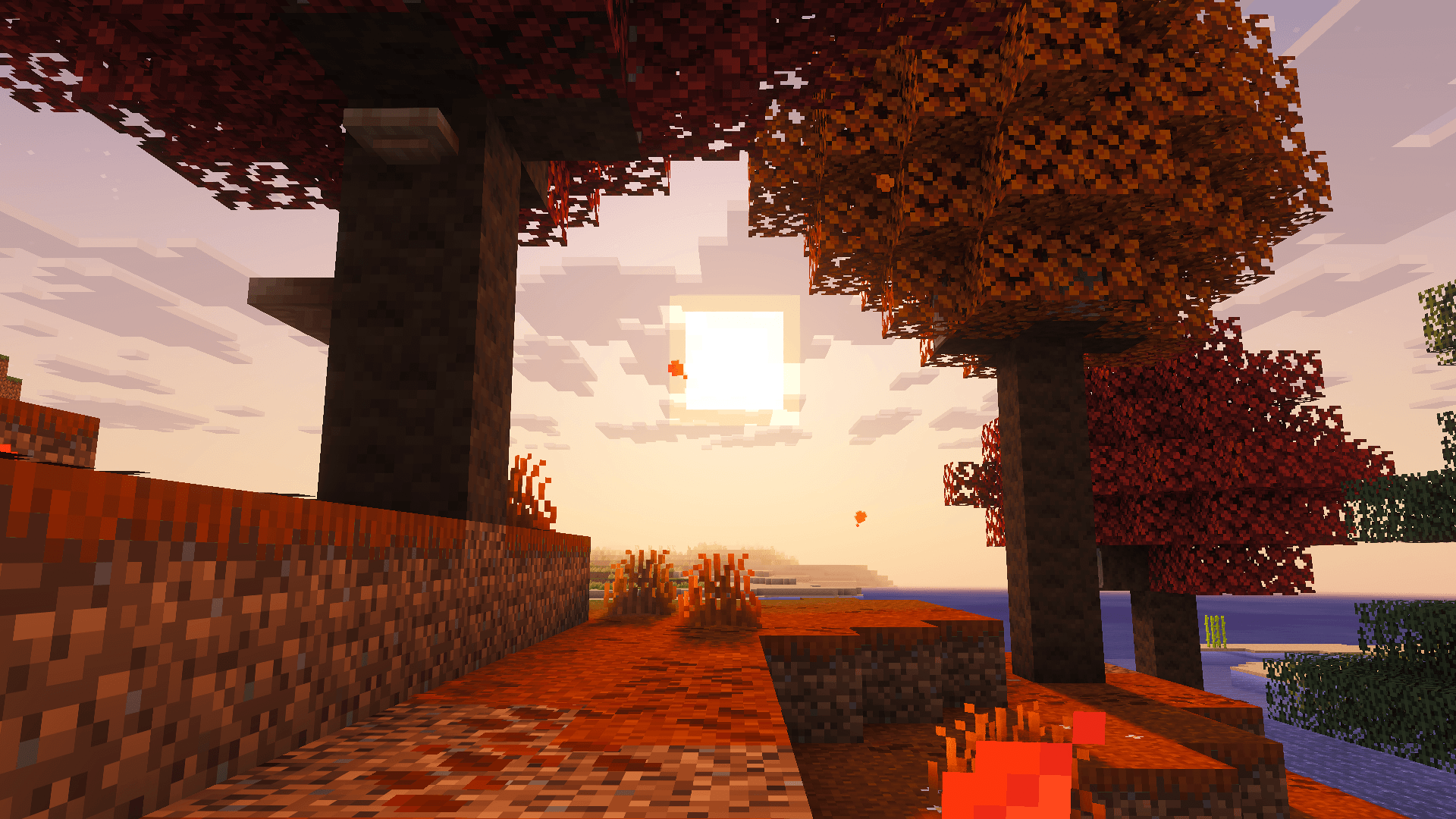
What DogCraft looks like


Images: DogCraft on Modrinth, published by the project team.
Setup
Your DogCraft server in four steps
For errors, check startup logs, Java version, loader and dependencies first. Increase RAM when there is evidence of memory pressure. Keep a copy of the working installation before updates.
- 01
Configure
8 GB of RAM is preselected and DogCraft is noted in the configurator. You choose the term and add-ons.
- 02
Pay
By credit card or PayPal. Your server is ready usually under 60 seconds.
- 03
Install the pack
Open the modpack browser in the panel, choose Modrinth, verify the project ID and install your chosen pack release. Back up an existing world first.
- 04
Connect
Every player installs the same pack release in a compatible launcher and connects using the server address from the panel.
Modrinth project ID: 8CWNeizA
The panel
Install the pack, find errors.
Real screenshots from the Mado panel. Both come with every Minecraft server.
Modpack browser
Modrinth and CurseForge, right in the panel.
Search the pack, choose a release, install. You do not have to upload the loader or server files by hand.

AI crash analysis
When a mod crashes, the analyzer reads the log.
Large modpacks often fail on a single mod, Java version or missing dependency. The analyzer names a likely cause and suggests a fix.

Releases
Published pack releases
The server and players need the same pack release. Pick it in the modpack browser to match your group’s clients.
DogCraft · ModrinthOriginal description by the project author



0.8.0 and prior
NOTE: A release specifically optimized for the Steam Deck is planned for release soon.
I recommend allocating a maximum of 6GB of RAM for the modpack. If you run into any stuttering I would recommend increasing it or tweaking your graphics settings.
Feedback? Make sure to join the Discord so I can know! It's pretty much just me testing the modpack so any and all feedback is welcome.
What
DogCraft is a compilation of carefully picked and considered mods with a heavy multiplayer friendly focus to make the game significantly more enjoyable for a plethora of play styles. Whether you're focused on adventure, building, engineering, cooking, potion making, animal taming, fighting, wizardry, or maybe even just goofing and gaffing, the modpack should have plenty for you.
Why
I originally started making modpacks for me and my buddies starting about a year and a half ago and realized it was way more fun than I thought it would be. I figured I'd found plenty of the amazing mods and found at least a few I'd never seen any other pack play around with before and needed to share the fun with everyone else.
Credit
This modpack uses the Adrenaline modpack by Devin as a base with a number of modifications to the original config. Extra special thank you to minet6759_ and Orcinus and for their express permission of the use of the mods Vanilla Degus and Hedgehogs respectively. A special thanks to auxves as well for the Disco mod that made it very easy to generate the dogs discs mod that adds special music to the game. Lastly, thank you to tiptox for making the banner.
Mods Included
- 3D Skin Layers
- Ad Astra
- Additional Additions
- Advanced Compass
- Advanced Tooltips
- Advancement Plaques
- Advancement Frames
- Advancements Debug
- AdventureZ
- AmbientSounds
- Amecs
- AppleSkin
- Architect's Palette
- Armor Sound Tweak
- Artifacts
- Auth Me
- Axolotl Item Fix
- Bad Wither No Cookie Reloaded
- BadStdOut
- Bartering Station
- Bedspreads
- Better Biome Blend
- Better Combat
- Better End
- Better Mount HUD
- Better Nether
- Better Ping Display
- Better Statistics Screen
- Better Third Person
- Better Villages (PROVIDED AS DATAPACK)
- BetterF3
- Blur
- BoatHUD
- Bosses of Mass Destruction
- The Bumblezone
- Caffeinated
- Capybara
- Caracal Mob
- Charm
- Chat Heads
- Chat Patches
- Chat Sounds
- ChatLagRemover
- Chipped
- Chunks Fade In
- Clumps
- Combat Roll
- Companion
- Concurrent Chunk Management Engine
- Condensed Creative
- ConnectedTexturesMod
- Connectible Chains
- Consistency+
- Continuity
- Cosmetica
- CraftPresence
- Create
- Create Chunkloading
- Create Crafts & Additions
- Create Deco
- Create Slice & Dice
- CreateFabric&REIBugFix
- Creatures from The Snow
- Creeper Firework
- Creeper Overhaul
- Creeper Overhaul Firework
- Critters and Companions
- Custom Stars
- Debugify
- Decorative Blocks
- Deeper and Darker
- Disco
- Dog's Discs (generated by Disco)
- Drip Sounds
- Drippy Loading Screen
- Dynamic Crosshair
- Dynamic Crosshair Compat
- Dynamic FPS
- Easy Magic
- Ecologics
- Effective
- Emojiful
- Emotecraft
- Enchantment Descriptions
- Enhanced Block Entities
- EntityCulling
- Equipment Compare
- Every Compat
- Expanded Delight
- Extra Alchemy
- Extractinator
- Fabric Waystones
- Falling Leaves
- FallingTree
- Fancy Menu
- Farmer's Delight
- Farmer's Knives
- Fastload
- FerriteCore
- Fish of Thieves
- FPS Reducer
- Friends & Foes
- Friends & Foes - Flowery Mooblooms
- Go Fish
- Goblin Traders
- Goodall
- Haunted Harvest
- Hedgehogs
- Here be no Dragons!
- I Know What I'm Doing
- Illuminations
- ImmediatelyFast
- Immersive Weathering
- Impaled
- Indium
- Inmis
- Inmis Addon
- Interactic
- Inventory Profiles Next
- InvMove
- Iris Shaders
- Iron Chests: Restocked
- Item Model Fix
- Jade
- Jade Addons
- KleeSlabs
- Krypton
- LambDynamicLights
- Language Reload
- LazyDFU
- Lithium
- Memory Leak Fix
- Merchant Markers
- MidnightControls
- MidnightControls Extra
- MixinTrace
- Mod Menu
- More Axolotl Variants
- More Culling
- More Geodes
- More Villagers
- Mouse Tweaks
- Moyai
- Naturalist
- Nature's Compass
- Nears
- Nether Depths Upgrade
- Nether Portal Fix
- Night Lights
- No Chat Reports
- No Fade
- Not Enough Animations
- Oh The Biomes You'll Go
- Open Parties and Claims
- Paginated Advancements
- Paintings++
- Paladins & Priests
- Paradise Lost
- Paxi
- Pehkui
- Pick Up Notifier
- Pick Your Poison
- Polymorph
- Presence Footsteps
- Purpeille
- Rat's Mischief
- Repurposed Structures
- Respawnable Pets
- Rotten Creatures
- Rotten Flesh to Leather
- Roughly Enough Items
- Roughly Enough Professions
- Roughly Enough Resources
- Saddle
- Screencopy
- Simple Voice Chat
- Smooth Boot
- Snowy Spirit
- Sodium
- Soul Fire'd
- Sound Physics Remastered
- Starlight
- Stoneholm
- Supplementaries
- It Takes a Pillage
- TimeOutOut
- Tips
- Toast Manager
- ToolStats
- ToroHealth Damage Indicators
- Towns & Towers
- TrashSlot
- Traveler's Titles
- Trinkets
- Vanilla Degus
- Visual Workbench
- VoidZ
- Way2Way
- Wizards
- Wolf Armor Compat
- Wolves With Armor
- W.O.O.F.
- WorldEdit
- WorldEditCUI
- Xaero's Minimap
- Xaero's World Map
- YOSBR
- You've Goat to be Kidding Me
- YUNG's Better Desert Temples
- YUNG's Better Dungeons
- YUNG's Better Mineshafts
- YUNG's Better Nether Fortresses
- YUNG's Better Ocean Monuments
- YUNG's Better Strongholds
- YUNG's Better Witch Huts
- YUNG's Extras
- Zoomify
Similar packs
More server-ready modpacks
 Server-ready

Cobblemon Official Modpack [Fabric]
by CobbledStudios
The official modpack of the Cobblemon mod, for Fabric!
 Server-ready

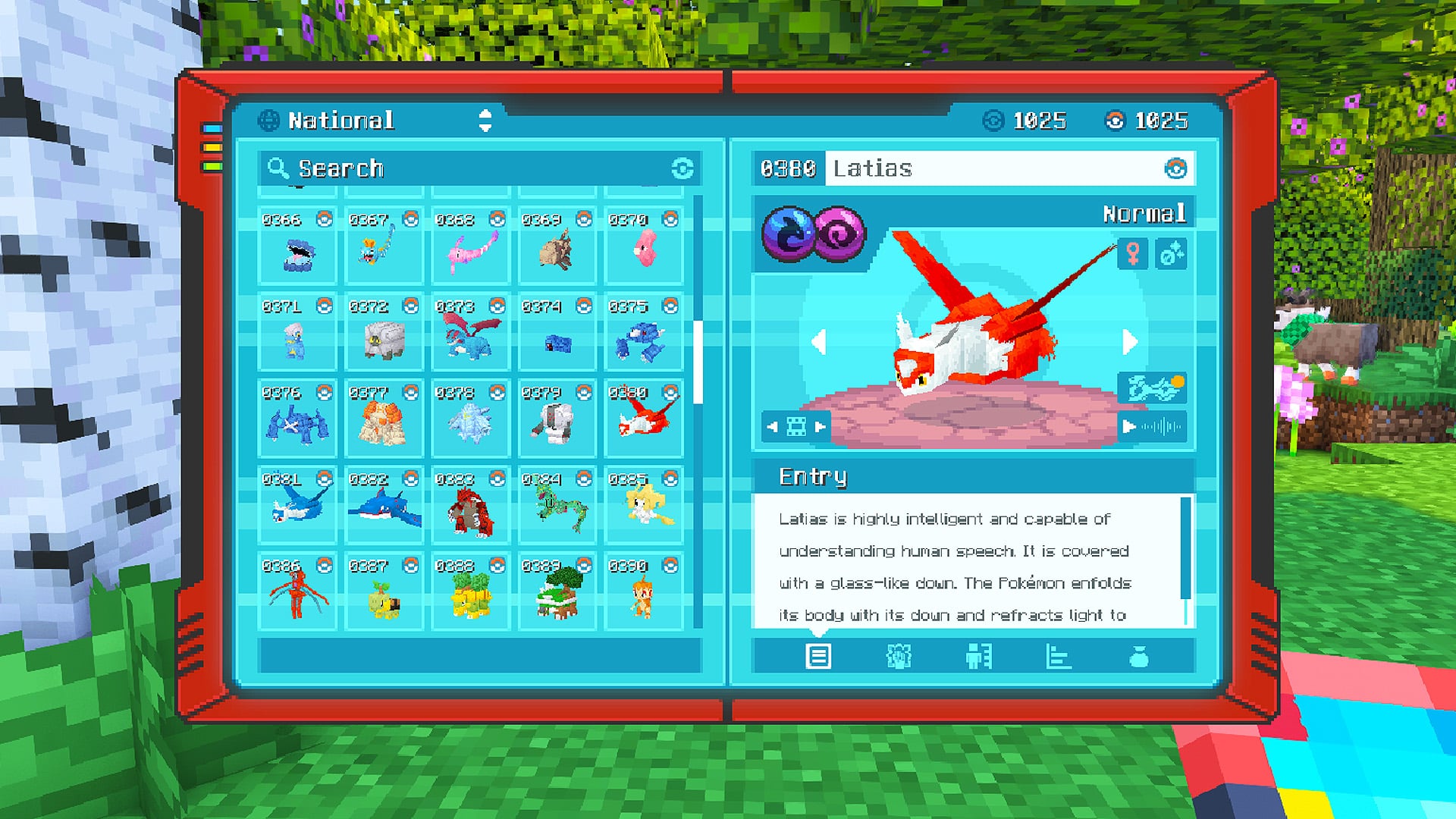
COBBLEVERSE - Pokemon Adventure [Cobblemon]
by LUMYVERSE
Start a true Pokémon adventure in Minecraft: Cobblemon 1.8.4 | ALL 1025 Pokémon! | Mega Evolutions | Gyms & Badges | Starter Kit | Unique Structures | Custom Music | Shaders | Optimized | So much more! [1.21.1]
 Server-ready

Better MC [FABRIC] - BMC2
by SHXRKIE
Version 1.20 | A Proper Vanilla+ Modpack | Don't play Vanilla play this!
 Server-ready

Vanilla Perfected
by demonjoeTV
A compilation of Vanilla Plus mods & packs to perfect the Minecraft experience without drifting too far from the feel of the base game!
Ready for your DogCraft server?
8 GB of RAM from €16.00 per month. 35% off your first month with MADO35.