
Dystopia Network Official
Dystopia Network Official Cobblemon Modpack
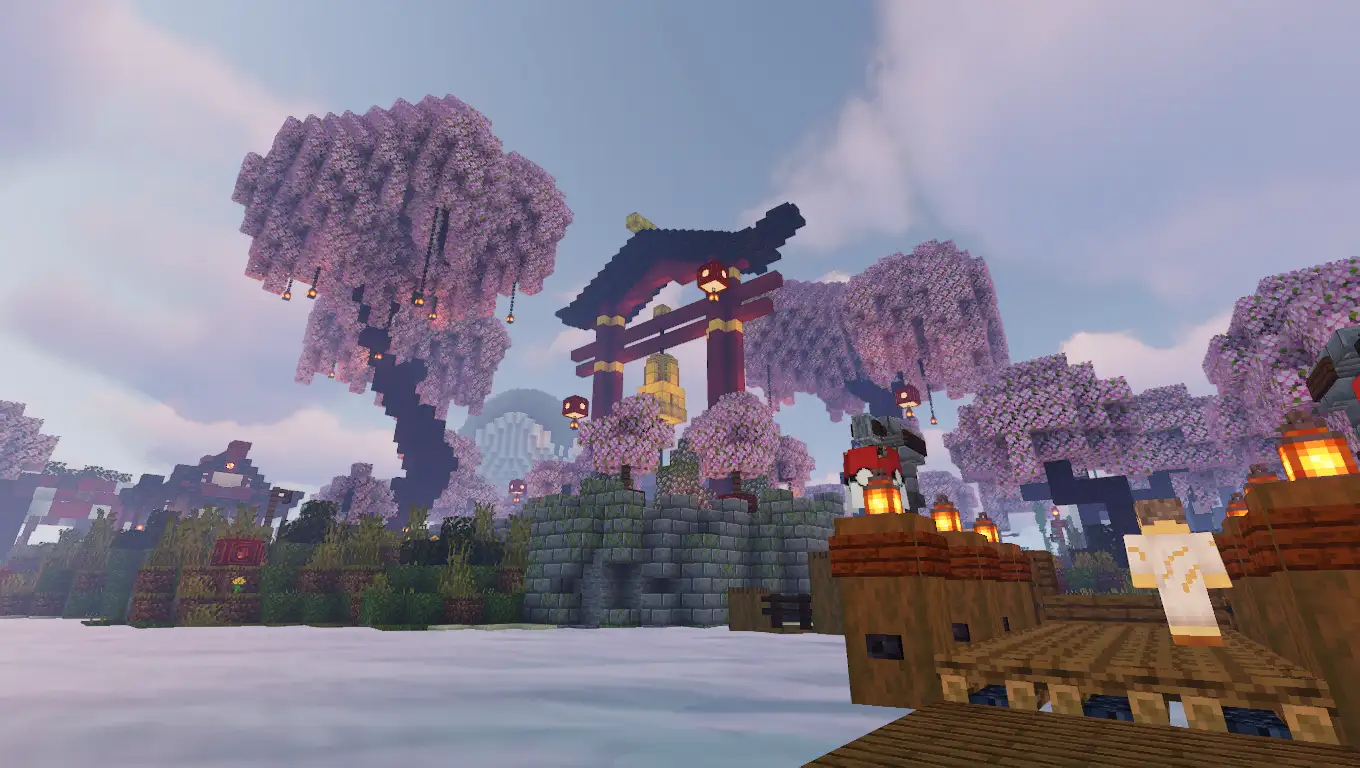
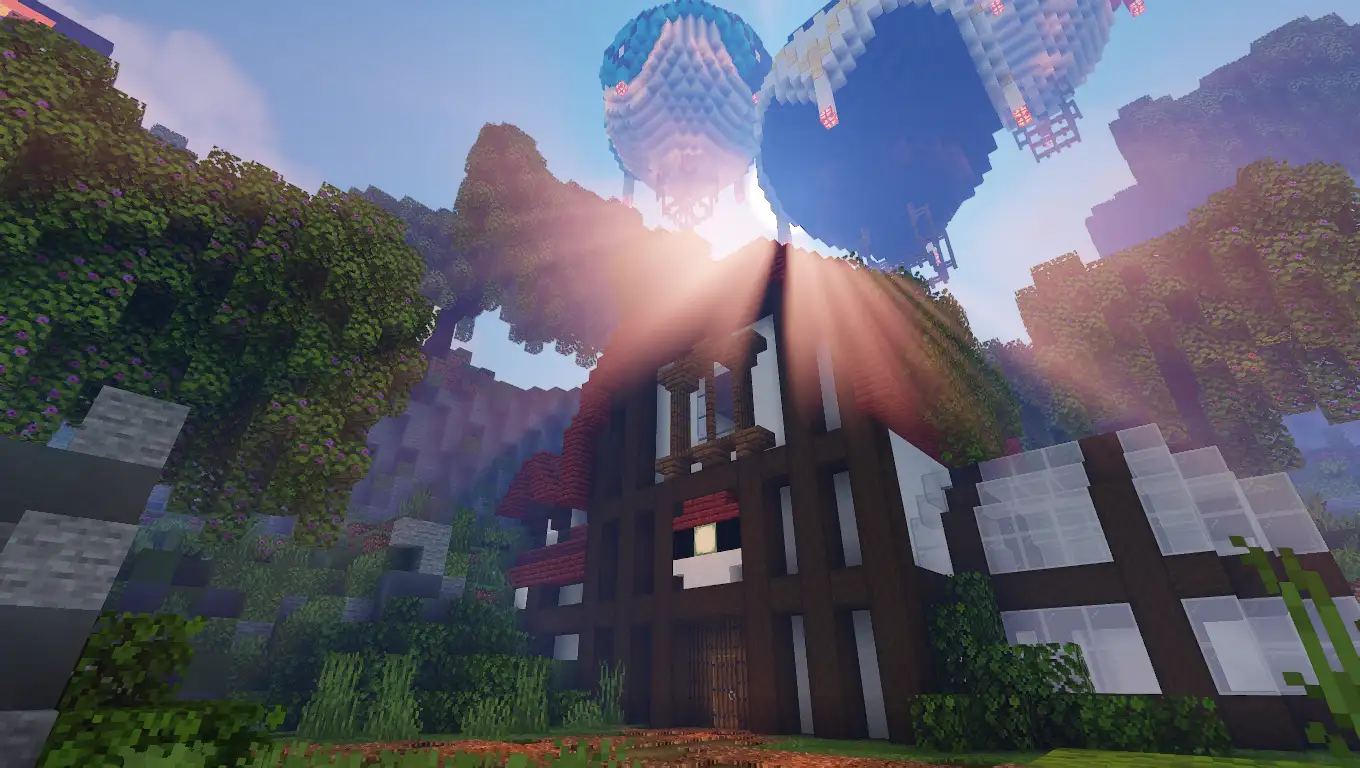
Screenshots
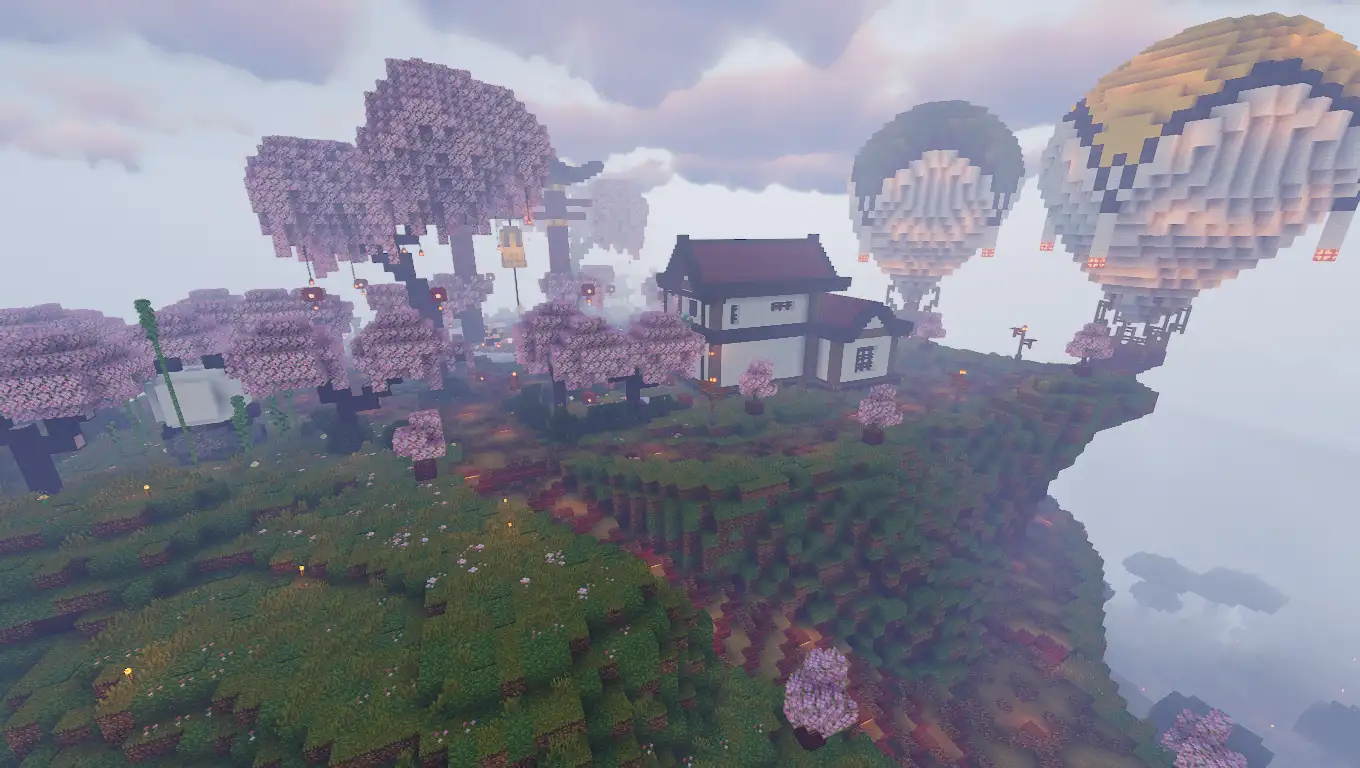
About this Modpack
EN - DYSTOPIA NETWORK Official Modpack
This is the modpack you need to play on the Dystopia Network. It is based on Fabric and includes the recommended mods and settings to ensure you have the best experience within our community.
Some of the most notable mods are:
- Cobblemon
- MegaShowdown
- RCTMod
- CobbleNav
- Cobbreeding
- SimpleTMs
- And many more Cobblemon sidemods! In addition...
- Xaero's Minimap
- Bobby + Iris
- Waystones
- Nature Compass
- Sophisticated Backpacks
- And, of course, plenty of mods to improve performance and enhance the visuals and sound.
Join our Cobblemon 1.7 server and enjoy a fully customized survival experience!
Explore, catch Pokémon, battle against NPC trainers and other players, and rise to the top by becoming the Champion through official tournaments. Discover exclusive content, unique events, and custom items that will make your adventure unforgettable.
ES - DYSTOPIA NETWORK Modpack Oficial
Este es el Modpack necesario en para jugar en Dystopia Network. Está basado en Fabric e incluye los Mods y Configuraciones recomendadas para tener la mejor experiencia dentro de nuestra Comunidad.
Algunos de los Mods más relevantes son:
- Cobblemon
- MegaShowdown
- RCTMod
- CobbleNav
- Cobbreeding
- SimpleTMs
- !Y muchos más Sidemods de Cobblemon! Además...
- Xaero's Minimap
- Bobby + Iris
- Waystones
- Nature Compass
- Sophisticated Backpacks
- Y, por supuesto, un montón de Mods para mejorar el rendimiento y el aspecto visual y sonoro.
¡Únete a nuestro servidor Cobblemon 1.7 y vive una experiencia survival completamente personalizada!
Explora, captura Pokémon, combate contra entrenadores NPC y jugadores, y alcanza la cima convirtiéndote en el Campeón mediante torneos oficiales. Descubre contenido exclusivo, eventos únicos e ítems personalizados que harán de tu aventura algo inolvidable.
Web: https://dystopia.network/

Discord: https://discord.gg/wwgHUep9uV
Available Versions
How to Set Up a Dystopia Network Official Server
Order Server
Choose at least 6 GB RAM (8 GB recommended for Dystopia Network Official). Based on player count: per 5 players.
Install Modpack in Dashboard
Open the modpack browser in the dashboard, search for "Dystopia Network Official" and click "Install". The fabric loader and Minecraft 1.21.1 are configured automatically.
Start Server & Play
Start the server – all mods are loaded automatically. Share the server IP with friends and play together!
Frequently Asked Questions
Dystopia Network Official server crashes or won't start – what to do?
Most common causes: insufficient RAM or wrong fabric loader. Check latest.log for "OutOfMemoryError" → increase RAM to at least 8 GB. For "Mixin" or "ClassNotFoundException" errors: modpack version and loader don't match. With Mado Hosting, loader and Minecraft version are auto-configured on modpack install – preventing most startup issues.
How much RAM does a Dystopia Network Official server really need?
Minimum 6 GB, recommended 8 GB for stable performance. per 5 players. Important: Minecraft modpacks need more RAM than vanilla – plan extra per additional player. With Mado Hosting, you can scale RAM up live at any time without data loss (from €7.800000000000001/month).
Can I add custom mods to Dystopia Network Official without conflicts?
Yes, but check compatibility: only use mods for the same loader (fabric) and same Minecraft version (1.21.1). Common issues: ID conflicts with recipe mods and incompatible coremod versions. The Mado dashboard mod browser only shows compatible mods and warns about known conflicts.
Dystopia Network Official server lagging – performance tips
1) Increase RAM to 8 GB+. 2) Reduce server view-distance to 8 (server.properties). 3) Pre-generate chunks with the "Chunky" plugin. 4) Use /spark profiler to check which mods consume the most tick time. With Mado Hosting, all servers run on NVMe SSDs with dedicated CPU cores – eliminating hardware as a bottleneck.
Similar Modpacks
![Cobblemon Official Modpack [Fabric]](https://cdn.modrinth.com/data/5FFgwNNP/e7f9ee2e9d361623847853fe2ddce42f519ee64f.png)
![COBBLEVERSE - Pokemon Adventure [Cobblemon]](https://cdn.modrinth.com/data/Jkb29YJU/581ecf54530972afb18a04660afd820f2f24f6c7.png)
![Better MC [FABRIC] - BMC2](https://cdn.modrinth.com/data/shFhR8Vx/a19c2bcb51d38f32f138d3607e91cb2b7b8e387f_96.webp)


![Better MC [FORGE] - BMC4](https://cdn.modrinth.com/data/4BV47HRn/7f5ef7cc61b2593609aabef3ed07a866a4f11b73_96.webp)
Rent Dystopia Network Official Server
Start your own server with automatic modpack installation.
Details
- License
- LicenseRef-All-Rights-Reserved
- Server-side
- Required
- Client-side
- Required
Supported Versions
Start your Dystopia Network Official Server now
From €7.80/month; 8 GB RAM is recommended for best performance.
Configure Server →