
Modrinth · Forge
Factory Revival server hosting
Your own Factory Revival server on AMD Ryzen 9 without a thread limit. The server is ready usually under 60 seconds; then install the pack with one click in the modpack browser.
like playing Buildcraft and Industrialcraft again.
- Downloads
- 3.7K
- Followers
- 0
- Loader
- Forge
- Minecraft
- 1.18.2
- Updated
- –
Screenshots
What Factory Revival looks like
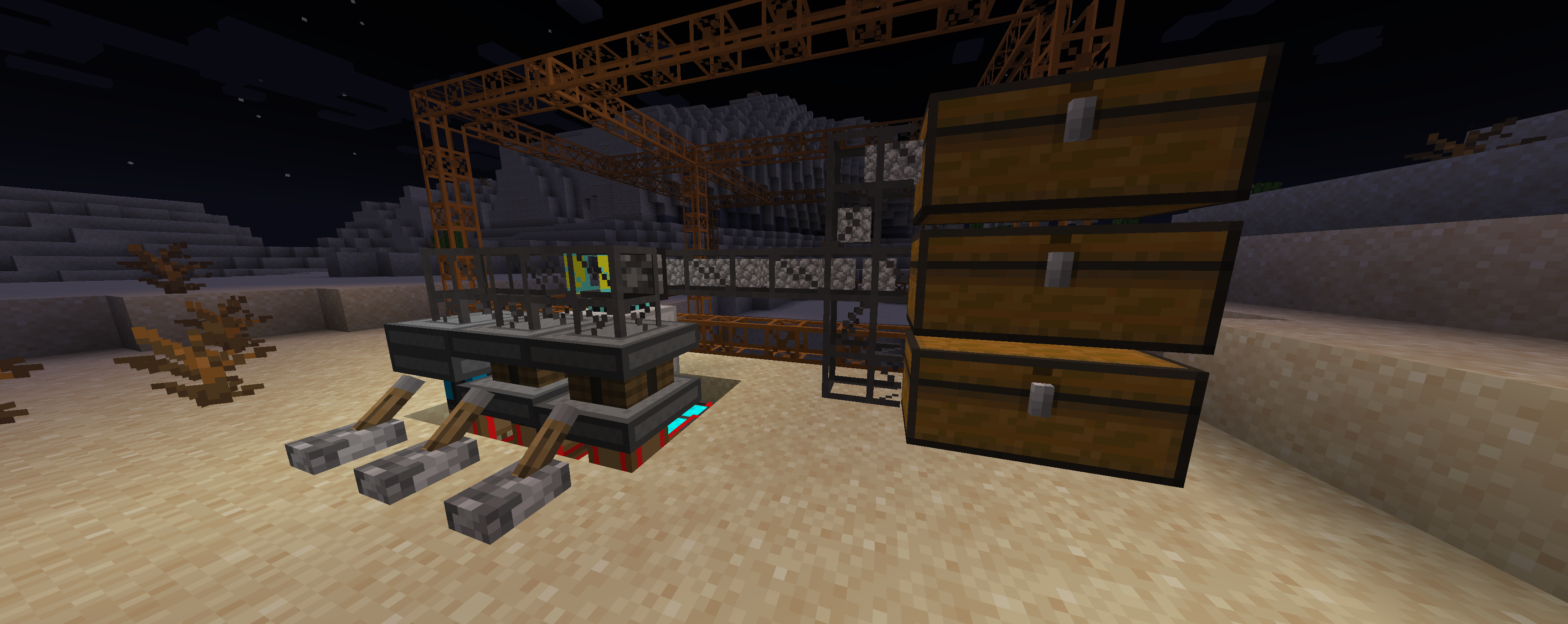
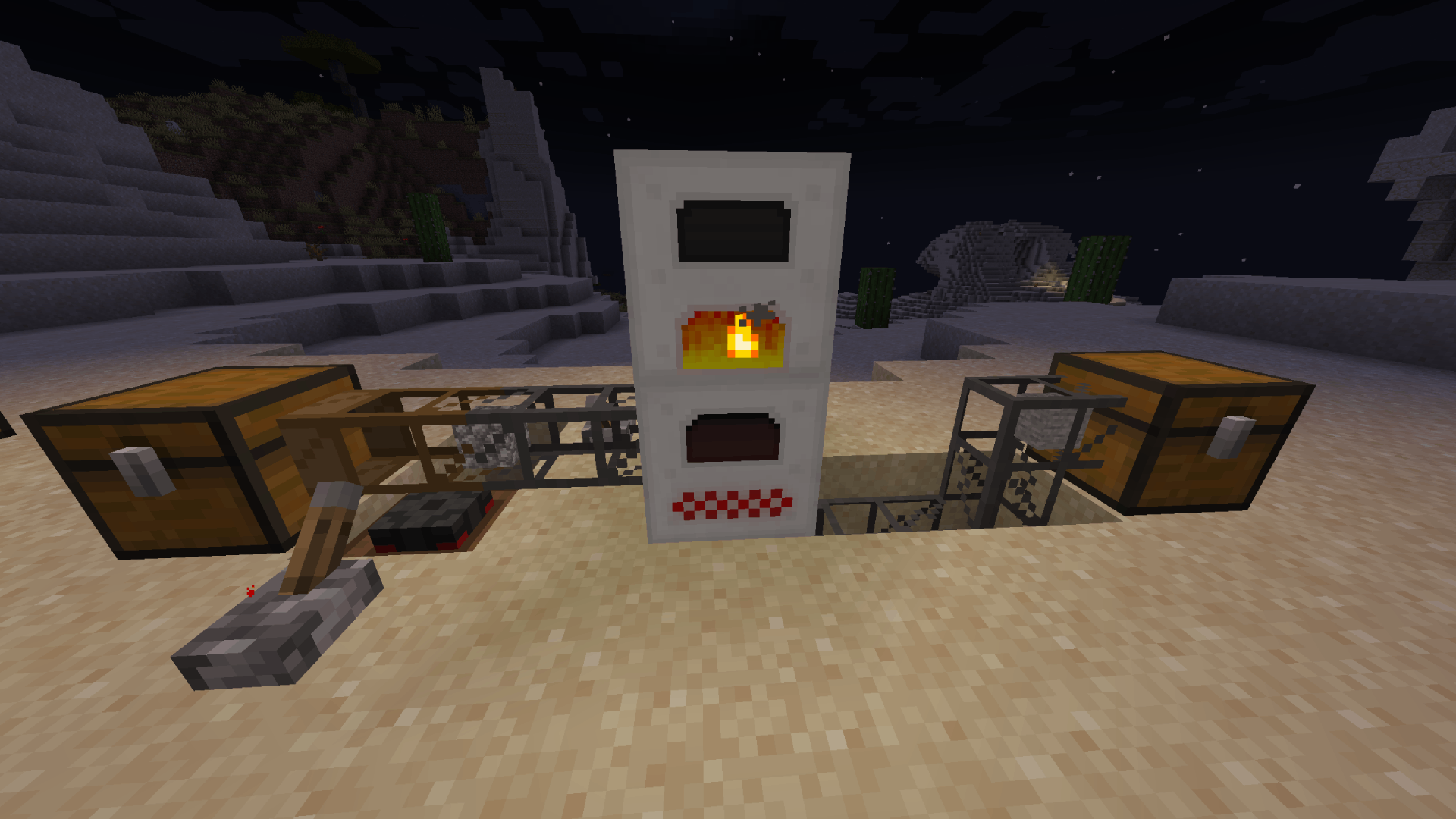
Images: Factory Revival on Modrinth, published by the project team.
Setup
Your Factory Revival server in four steps
For errors, check startup logs, Java version, loader and dependencies first. Increase RAM when there is evidence of memory pressure. Keep a copy of the working installation before updates.
- 01
Configure
8 GB of RAM is preselected and Factory Revival is noted in the configurator. You choose the term and add-ons.
- 02
Pay
By credit card or PayPal. Your server is ready usually under 60 seconds.
- 03
Install the pack
Open the modpack browser in the panel, choose Modrinth, verify the project ID and install your chosen pack release. Back up an existing world first.
- 04
Connect
Every player installs the same pack release in a compatible launcher and connects using the server address from the panel.
Modrinth project ID: 74265yBH
The panel
Install the pack, find errors.
Real screenshots from the Mado panel. Both come with every Minecraft server.
Modpack browser
Modrinth and CurseForge, right in the panel.
Search the pack, choose a release, install. You do not have to upload the loader or server files by hand.

AI crash analysis
When a mod crashes, the analyzer reads the log.
Large modpacks often fail on a single mod, Java version or missing dependency. The analyzer names a likely cause and suggests a fix.

Releases
Published pack releases
The server and players need the same pack release. Pick it in the modpack browser to match your group’s clients.
Factory Revival · ModrinthOriginal description by the project author
Take a journey back to the early days of Minecraft factory modpacks with a modern twist! Factory Revival combines the essence of classic industrial gameplay with updated mods for Minecraft 1.18. Experience the return of *Buildcraft—*the iconic mod for automation and resource transportation—now revamped for a new generation. Instead of the classic IndustrialCraft 2, this pack features Industrial Reborn, a modern alternative that captures the core mechanics of IC2, providing advanced machines, energy systems, and automation tools.
Whether you’re a longtime fan of early industrial modpacks or new to the genre, Factory Revival offers the perfect mix of nostalgia and innovation. Set up automated production lines, harness power from renewable and non-renewable sources, and build your ultimate factory empire.
Details
The modpack is using an expermental build of BuildCraft 7.99.24.9-1.18.2
and Industrial Reborn as an analog for IndustrialCraft 2
Similar packs
More server-ready modpacks
 Server-ready

Prominence™ II: Hasturian Era
by ElocinDev
Lore-rich RPG modpack built on custom content. Level up and get stronger with the Talent Tree, forge and upgrade your own artifact weapon, and fight powerful bosses to stop the Void’s invasion.
 Server-ready

Create+
by Sshmoob
A simple, optimized, Vanilla+ pack, with the special exception of Create (and its addons). Now with Create: Aeronautics!
 Server-ready

Homestead
by Tokimi
Welcome to Homestead, a hand-crafted world brimming with quests to embark on, vibrant landscapes and endless building possibilities. Settle in, explore, and create the cozy life you've always dreamed of!
 Server-ready

BlockFront: Guns, War & More
by BlockFront
Featuring guns, explosives, vehicles, and more, BlockFront is an action-packed Minecraft mod that lets players immerse themselves in realistic World War II combat.
Ready for your Factory Revival server?
8 GB of RAM from €16.00 per month. 35% off your first month with MADO35.