
Homestead
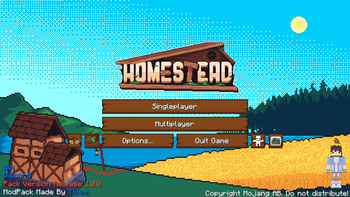
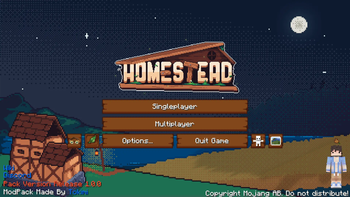
Welcome to Homestead, a hand-crafted world brimming with quests to embark on, vibrant landscapes and endless building possibilities. Settle in, explore, and create the cozy life you've always dreamed of!
Screenshots
About this Modpack
!
The Official Homestead Modpack


!
!
🌎 A Rich, Handcrafted World:
- Custom World Generation with lush forests, sprawling fields, rugged mountains, and serene rivers thanks to mods like Tectonic and Geophilic
- Hand-placed Structures and procedural ruins blending into the landscape with the help of mods like Repurposed Structures and all of the mods by YUNG
- Biome Diversity using enhanced terrain mods without losing the cozy, Vanilla+ feeling like Nature's Spirit and Oh The Biomes We've Gone
📖 Guided Yet Free Gameplay:
- Extensive Questbook that rewards exploration, creativity, and survival mastery
- Chapters Organized Around Themes (homesteading, wild exploration, deep mining, magical secrets)
- No Forced Path — explore at your own pace, in your own way
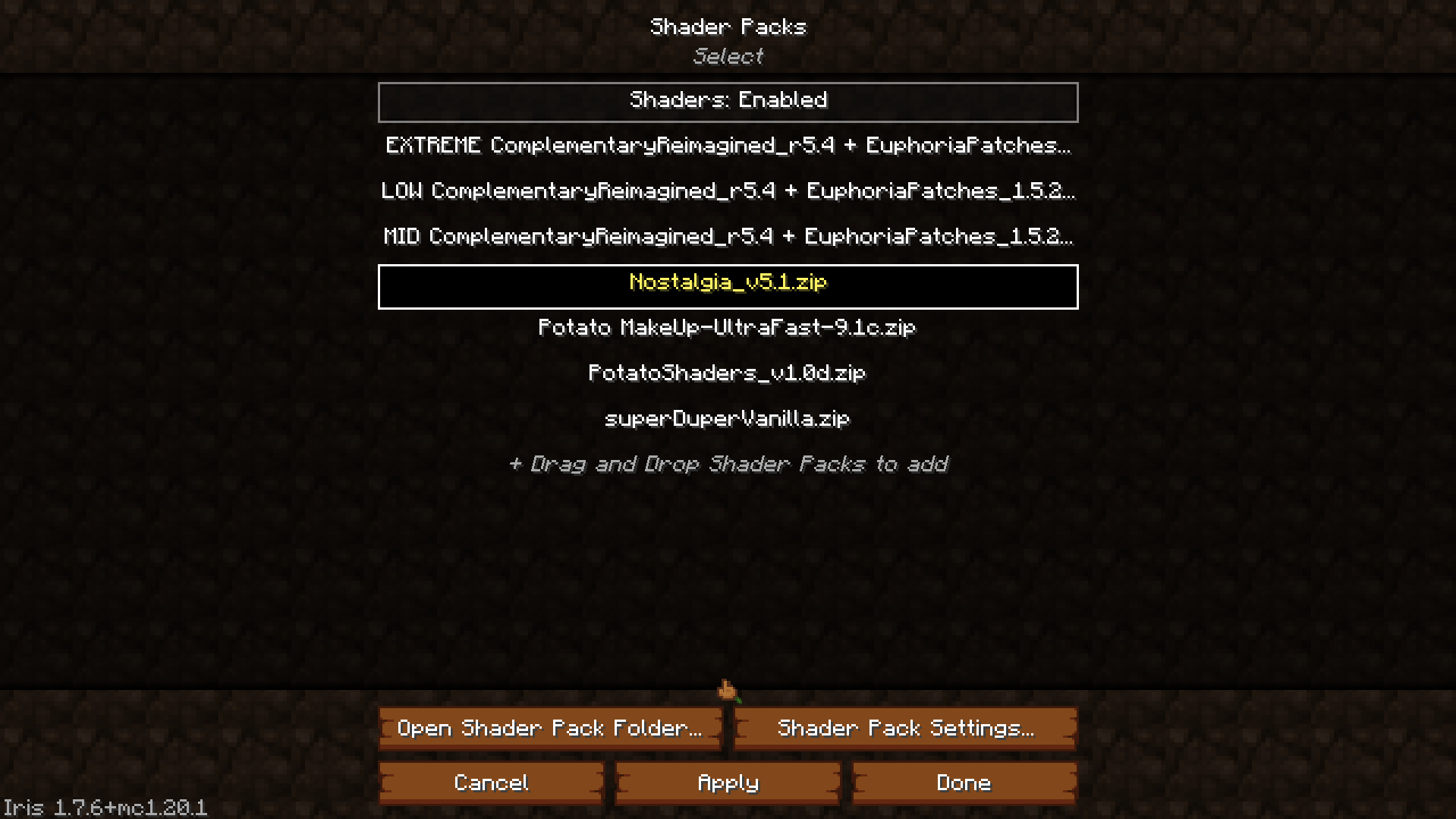
🎨 Built-in Shaders for the Ultimate Cinematic Experience:
Homestead comes bundled with beautiful shaders already installed — no extra downloads needed!
- Complimentary Reimagined — with 3 presets: Low, Mid, and Extreme
- Nostalgia Shader — for a soft, dreamy atmosphere
- MakeUp - UltraFast — lightweight and highly customizable
- Potato Shaders — perfect for lower-end PCs
- Super Duper Vanilla — beautiful lighting with a classic Minecraft look
🛠️ Expanded Survival Experience:
- New Tools and Armors made from custom gems like Ruby, Topaz, Peridot, Sapphire, Jade, Aquamarine, and Ametrine thanks to the Mythic Upgrades mod
- Custom Crafting Recipes and rebalanced Vanilla progression for a slower, rewarding survival
- More Realistic Farming with crops, trees, and livestock enhancements with mods like Farmer's Delight and the Let's Do Mods
🐾 New Wildlife and Creatures:
- Custom Mobs like Mushlings and Fernlings — friendly companions you can tame and adventure with from our Custom Homestead Mod
- Unique Mounts and Rideable Creatures integrated naturally into the world
- Mob Variants and Mini-Bosses lurking in caves, forests, and hidden groves
🧭 Exploration and Adventure:
- Ancient Structures, ruins, shrines, and secrets scattered across the land
- Treasure Hunts and Rare Artifacts like the Golden Leaf that grant special powers
- Mystical Biomes housing rare creatures, magical plants, and powerful relics
🏡 Cozy Building and Homesteading:
- Hundreds of Building Blocks including wood types, stones, shingles, beams, and cozy decor thanks to mods like Chipped and Twigs
- Furniture, Lighting, and Decorative Mods to build your perfect cottage, castle, or cabin thank to mods like Cluttered and Beautify: Refabricated
- Advanced Storage Solutions (chests, crates, backpacks, and more!) thanks to mods like Sophisticated Backpacks and Iron Chests: Restocked
⚙️ Mechanical and Magical Enhancements:
- Vanilla-style Automation with Create mod enhancements tailored to Homestead
- Optional Tech that's balanced to fit the rustic atmosphere (no high-tech clutter) such as Tom's Simple Storage and Wireless Redstone
🧡 A Labor of Love:
- Over 4 months of development, hand-tuning every system to create a warm, inviting survival experience
- Perfect for solo adventurers, small friend groups, or community servers alike
Check out the wiki for more information and to track issues or bugs that you may find!



💞 Special Thank You's
Thank you to everyone who beta tested the pack, finding all the bugs and issues that we could.
- Meleon (Secondary Dev)
- Xodk
- Army
- Lyn
- Alexelle
- Nylon
- Gonzo
- Cobra
- Mama Native
- Snowylasvegas
- Wistericle
- Yuki
- Navinor
- Salad (Backend Dev)
Thank you to the mod developers who helped us with coding our very own mod and bringing to life our crazy ideas.
- Javivi (Developer)
- Raboy (Animator)
- Flash (Model/Texture)
- Bret06 (Developer)
- Artmanoil (Custom GUI/TexturePack Guy)
- Gigoe (Main Menu/Loading Screen Artist)
And thank you to Slugv for making the best logo and icon for this beautiful modpack. This could not have come to life more without you.
Available Versions
How to Set Up a Homestead Server
Order Server
Choose at least 6 GB RAM (8 GB recommended for Homestead). Based on player count: per 5 players.
Install Modpack in Dashboard
Open the modpack browser in the dashboard, search for "Homestead" and click "Install". The fabric loader and Minecraft 1.20.1 are configured automatically.
Start Server & Play
Start the server – all mods are loaded automatically. Share the server IP with friends and play together!
Frequently Asked Questions
Homestead server crashes or won't start – what to do?
Most common causes: insufficient RAM or wrong fabric loader. Check latest.log for "OutOfMemoryError" → increase RAM to at least 8 GB. For "Mixin" or "ClassNotFoundException" errors: modpack version and loader don't match. With Mado Hosting, loader and Minecraft version are auto-configured on modpack install – preventing most startup issues.
How much RAM does a Homestead server really need?
Minimum 6 GB, recommended 8 GB for stable performance. per 5 players. Important: Minecraft modpacks need more RAM than vanilla – plan extra per additional player. With Mado Hosting, you can scale RAM up live at any time without data loss (from €7.800000000000001/month).
Can I add custom mods to Homestead without conflicts?
Yes, but check compatibility: only use mods for the same loader (fabric) and same Minecraft version (1.20.1). Common issues: ID conflicts with recipe mods and incompatible coremod versions. The Mado dashboard mod browser only shows compatible mods and warns about known conflicts.
Homestead server lagging – performance tips
1) Increase RAM to 8 GB+. 2) Reduce server view-distance to 8 (server.properties). 3) Pre-generate chunks with the "Chunky" plugin. 4) Use /spark profiler to check which mods consume the most tick time. With Mado Hosting, all servers run on NVMe SSDs with dedicated CPU cores – eliminating hardware as a bottleneck.
Similar Modpacks
![Cobblemon Official Modpack [Fabric]](https://cdn.modrinth.com/data/5FFgwNNP/e7f9ee2e9d361623847853fe2ddce42f519ee64f.png)
![COBBLEVERSE - Pokemon Adventure [Cobblemon]](https://cdn.modrinth.com/data/Jkb29YJU/581ecf54530972afb18a04660afd820f2f24f6c7.png)
![Better MC [FABRIC] - BMC2](https://cdn.modrinth.com/data/shFhR8Vx/a19c2bcb51d38f32f138d3607e91cb2b7b8e387f_96.webp)


![Better MC [FORGE] - BMC4](https://cdn.modrinth.com/data/4BV47HRn/7f5ef7cc61b2593609aabef3ed07a866a4f11b73_96.webp)
Rent Homestead Server
Start your own server with automatic modpack installation.
Details
- License
- LicenseRef-All-Rights-Reserved
- Server-side
- Required
- Client-side
- Required
Supported Versions
Start your Homestead Server now
From €7.80/month; 8 GB RAM is recommended for best performance.
Configure Server →