

Modrinth · Forge
Gearworks server hosting
Your own Gearworks server on AMD Ryzen 9 without a thread limit. The server is ready usually under 60 seconds; then install the pack with one click in the modpack browser.
Gearworks helps you experience Create Mod at its fullest.
- Downloads
- 578
- Followers
- 0
- Loader
- Forge
- Minecraft
- 1.20.1
- Updated
- –


Setup
Your Gearworks server in four steps
For errors, check startup logs, Java version, loader and dependencies first. Increase RAM when there is evidence of memory pressure. Keep a copy of the working installation before updates.
- 01
Configure
8 GB of RAM is preselected and Gearworks is noted in the configurator. You choose the term and add-ons.
- 02
Pay
By credit card or PayPal. Your server is ready usually under 60 seconds.
- 03
Install the pack
Open the modpack browser in the panel, choose Modrinth, verify the project ID and install your chosen pack release. Back up an existing world first.
- 04
Connect
Every player installs the same pack release in a compatible launcher and connects using the server address from the panel.
Modrinth project ID: 89eC6edq
The panel
Install the pack, find errors.
Real screenshots from the Mado panel. Both come with every Minecraft server.
Modpack browser
Modrinth and CurseForge, right in the panel.
Search the pack, choose a release, install. You do not have to upload the loader or server files by hand.

AI crash analysis
When a mod crashes, the analyzer reads the log.
Large modpacks often fail on a single mod, Java version or missing dependency. The analyzer names a likely cause and suggests a fix.

Releases
Published pack releases
The server and players need the same pack release. Pick it in the modpack browser to match your group’s clients.
Gearworks · ModrinthOriginal description by the project author
This project is no longer being updated. Check out the New modpack!
GearWorks seamlessly combines the power of technology and magic, giving you the freedom to choose your path to strength and advancement.
Included Mods:
Create,
Create Garnished,
Simple Voice Chat,
Create Slice and Dice,
Create Structures,
Create Enchantment Industry,!
Create Goggles,
Create Ore Excavation,
Create Jetpack,
Create Steam 'n' Rails,
Create Crafts and Additions,
Create Extended Cogwheels,
Create Interiors,
Create Misc and Things,
and other mods added every update!
Multiplayer and Singleplayer Options;
This version is designed for optimal use on our dedicated Discord server, where you can join a vibrant community of players. Engage in collaborative projects and explore the modpack together. If you prefer a more solitary experience, you can enjoy GearWorks in Singleplayer mode.
Thanks for supporting Gearworks.
Similar packs
More server-ready modpacks
 Server-ready

Zombie Invade 100 Days
by FlameFire
僵尸入侵 100 天(高版本惊变重制)—— Same as Forge Labs 100 Days Zombie Apocalypse in new Minecraft
 Server-ready

Cobblemon Official Modpack [Fabric]
by CobbledStudios
The official modpack of the Cobblemon mod, for Fabric!
 Server-ready

COBBLEVERSE - Pokemon Adventure [Cobblemon]
by LUMYVERSE
Start a true Pokémon adventure in Minecraft: Cobblemon 1.8.4 | ALL 1025 Pokémon! | Mega Evolutions | Gyms & Badges | Starter Kit | Unique Structures | Custom Music | Shaders | Optimized | So much more! [1.21.1]
 Server-ready

BattleArmory TACZ
by JZ_zhenmeng
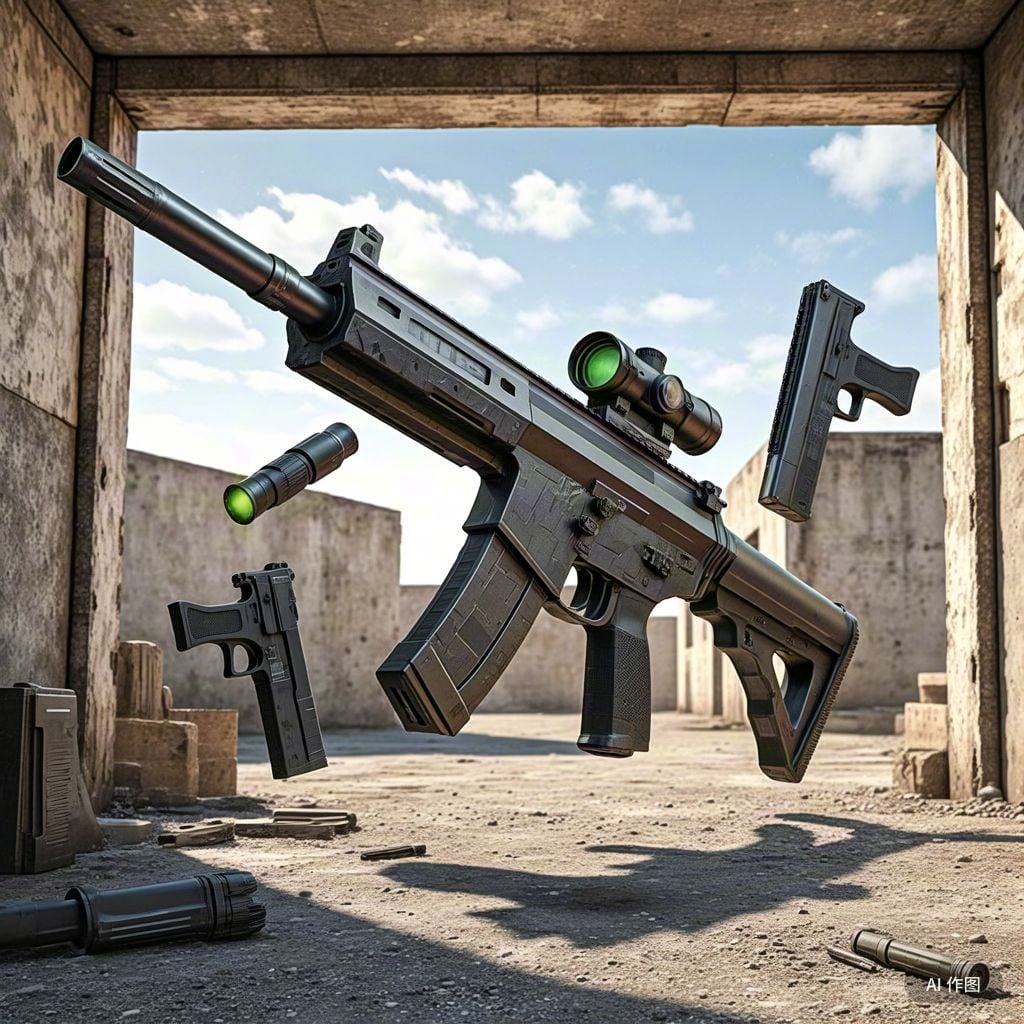
厌倦了每次开局都是一样的钻石剑和弓?BattleArmory 让你每场重生都像开盲盒——400+ 现代枪械随机配发,从使命召唤的经典步枪到赛博朋克科幻杀器,配上 CS 经典地图和战术投掷物,开局就是 80 帧+丝滑刚枪。** 这不是模组体验卡,这是完全免费的 1.20.1 战术枪战整合包,下载启动,直接开战。
Ready for your Gearworks server?
8 GB of RAM from €16.00 per month. 35% off your first month with MADO35.