
Modrinth · Fabric
MedieCraft - Server - Cross-Platform server hosting
Your own MedieCraft - Server - Cross-Platform server on AMD Ryzen 9 without a thread limit. The server is ready usually under 60 seconds; then install the pack with one click in the modpack browser.
Cross-Platform server-side mods for MedieCraft, a Medieval and Roguelike Minecraft experience
- Downloads
- 408
- Followers
- 0
- Loader
- Fabric
- Minecraft
- 1.21
- Updated
- –
Screenshots
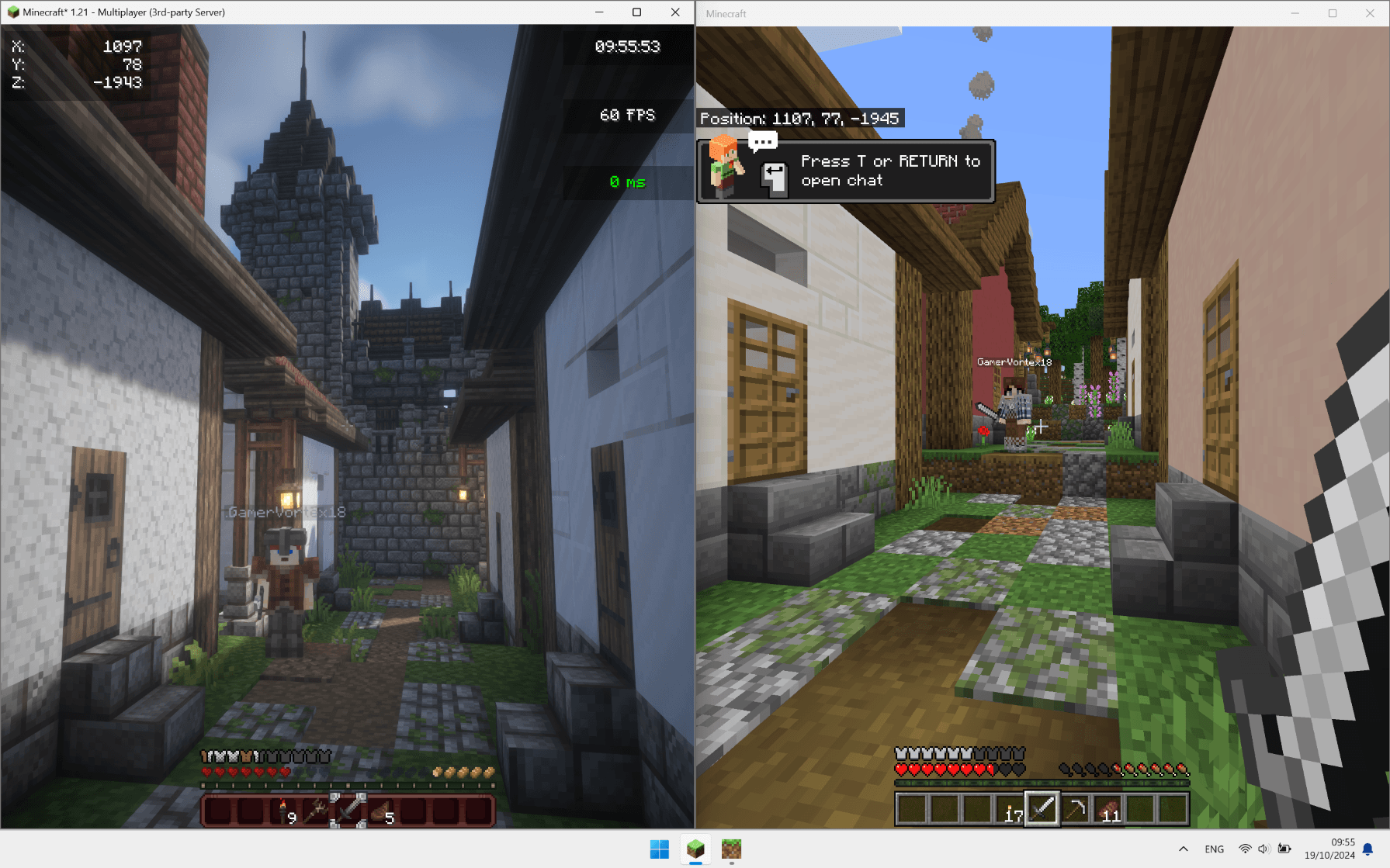
What MedieCraft - Server - Cross-Platform looks like
Images: MedieCraft - Server - Cross-Platform on Modrinth, published by the project team.
Setup
Your MedieCraft - Server - Cross-Platform server in four steps
For errors, check startup logs, Java version, loader and dependencies first. Increase RAM when there is evidence of memory pressure. Keep a copy of the working installation before updates.
- 01
Configure
8 GB of RAM is preselected and MedieCraft - Server - Cross-Platform is noted in the configurator. You choose the term and add-ons.
- 02
Pay
By credit card or PayPal. Your server is ready usually under 60 seconds.
- 03
Install the pack
Open the modpack browser in the panel, choose Modrinth, verify the project ID and install your chosen pack release. Back up an existing world first.
- 04
Connect
Every player installs the same pack release in a compatible launcher and connects using the server address from the panel.
Modrinth project ID: ZY4bo9LA
The panel
Install the pack, find errors.
Real screenshots from the Mado panel. Both come with every Minecraft server.
Modpack browser
Modrinth and CurseForge, right in the panel.
Search the pack, choose a release, install. You do not have to upload the loader or server files by hand.

AI crash analysis
When a mod crashes, the analyzer reads the log.
Large modpacks often fail on a single mod, Java version or missing dependency. The analyzer names a likely cause and suggests a fix.

Releases
Published pack releases
The server and players need the same pack release. Pick it in the modpack browser to match your group’s clients.
MedieCraft - Server - Cross-Platform · ModrinthOriginal description by the project author
This modpack has been created with the aim of rediscovering the game through an ultra-immersive, challenging world full of new things to discover throughout your adventure.
Roam the world, traverse biomes and worlds, fight monsters on the prowl, and explore structures and dungeons to make your armor and weapons. Forget boring mining sessions and prepare yourself for an unforgettable experience with your friends.
This modpack is very challenging by setting game difficulty to normal or hard. If you want to explore the world and chill, easy difficulty is recommended. Good luck if you want to play in hardcore. ;) (This version is a bit easier compared to the standard MedieCraft modpack)
See original modpack.
- 🐓 New mobs and mob variants (not in Cross-Platform Version of MedieCraft)
- 🍅 More plants (not in Cross-Platform Version of MedieCraft)
- 🏛 Enhanced structures and new ones
- 🛖 Themed villages and structures
- ⛰️ Beautiful landscapes with new and larger biomes using Terralith and Tectonic
- ⚔️ Dungeons, mobs, structures to build your stuff using battles instead of mining
- 🎑 Ultra immersive environment sounds and songs (limited in Cross-Platform Version of MedieCraft)
- 🪓 Realistic trees
- 🗡 New tools and weapons (not in Cross-Platform Version of MedieCraft)
- 🔦 Dynamic Lights
- 🎙 Proximity chat (with voice effects depending on the environment) (not in Cross-Platform Version of MedieCraft)
- 👹 More monsters (not in Cross-Platform Version of MedieCraft)
- 🌋 Better Nether (not in Cross-Platform Version of MedieCraft)
- 👁 Better End (not in Cross-Platform Version of MedieCraft)
- ⚡️ Hyper fast and ultra optimized
- 🔥 Very challenging
Compatibility
❌ MedieCraft
❌ MedieCraft - Lite
❌ MedieCraft - Server
✅ MedieCraft - Cross-Platform
✅ MedieCraft - Lite - Cross-Platform
✅ MedieCraft - Server - Cross-Platform
✅ MC Bedrock Clients
✅ MC Java Clients (using Fabric, ViaVersion, ViaFabric, CreativeCore and GeckoLib)
Key notes
- Cross-Platform server side modpack. Bedrock and vanilla Java players can join, even players using MedieCraft and MedieCraft - Lite can join the server.
- See instructions to get your server up and running in minutes !
- The mod list is available by clicking on 'versions' and then on the version number you chose to install.
- If you want to save and quit the server, just type
stopin the console. - If you can't break anything or if want you or your friends to be able to do commands and cheats, you can type
op [player_name]directly in the server console.
System Requirements
Minimal System Requirements
4GB allocated to the server
4 Cores / 4-8 Threads CPU (AMD Ryzen 3 3100, Intel Core i5 7400)
8Gb RAM
1,5GB SSD storage
Recommended System Requirements
6GB allocated to the server
6 Cores / 12 Threads CPU (AMD Ryzen 5 5600, Intel Core i5 12400F)
16GB RAM
1,5GB SSD storage
Instructions
- Download Fabric Server and chose the version of the loader according to the version of MedieCraft - Server and MedieCraft you want. (Example: if you are playing in 1.21, download both MedieCraft and MedieCraft - Server compatible for 1.21 AND Fabric Server for 1.21)
- Launch it using the command named
Launch Commandon Fabric Server Website. NB: change the number2in-Xmx2Gcommand and put how much RAM you want to allocate to the server (Example: if you want 6GB for your server, write-Xmx6G). - Close server console by typing
stop. - Accept EULA by replacing
falsetotruein the file :eula.txt. - On Modrinth, go to your library and click on this modpack. Click on
Folderto access the modpack's folder. - Copy the
modsfolder and paste it into the server folder (it should replace the emptymodsfolder previously created by Fabric) - Restart the server using the same command, a line mentionning that
Geyser is started. And then, close server console again by typingstop. - Enter
Floodgatefolder inconfigfolder, copy the filekey.pemand paste it into theGeyserMCfolder (also in theconfigfolder). - Restart the server using the same command and your server is up and running! (If you are running the server on your computer, you may have to forward your ports but it can be dangerous so be careful!).
NB: If you are having trouble with these instructions, you can watch this tutorial. It's not mandatory to follow his GeyserMC settings, you can use default ones to play!
Q&A
- Is this modpack compatible with both MedieCraft - Cross-Platform and MedieCraft - Lite - Cross-Platform ?
Absolutely, using this modpack you can join servers using both MedieCraft - Cross-Platform and MedieCraft - Lite - Cross-Platform.
- How much RAM should I allocate to this modpack profile ?
4GB minimum should be fine. But 6GB is recommended if there are a lot of players or if all players are using MedieCraft - Cross-Platform with Distant Horizons.
- Can I play this modpack in older versions of Minecraft ?
Yes, to be able to play in older versions, you have to unlink the modpack at the very bottom of the modpack options. Then change the version of Minecraft and update all mods by clicking on 'update mods'. Start the game and it should launch if all mods are compatible with the selected version of Minecraft.
- Is this modpack Cross-Platform ?
Yes, this mod pack is Cross-Platform for Java and Bedrock version. If you are running your game on console, you can follow this tutorial to join the server!
- Can I use this server modpack with a client running MedieCraft ?
No, you can only play with MedieCraft - Cross-Platform and MedieCraft - Lite - Cross-Platform modpacks only.
Credits
💙 Huge thanks to Maffhew with his Excalibur resource pack for giving me the idea of creating this resource pack. I honored him by putting his resource pack icon to my modpack ! The resource pack is in this modpack !
Similar packs
More server-ready modpacks
 Server-ready

Cobblemon Official Modpack [Fabric]
by CobbledStudios
The official modpack of the Cobblemon mod, for Fabric!
 Server-ready

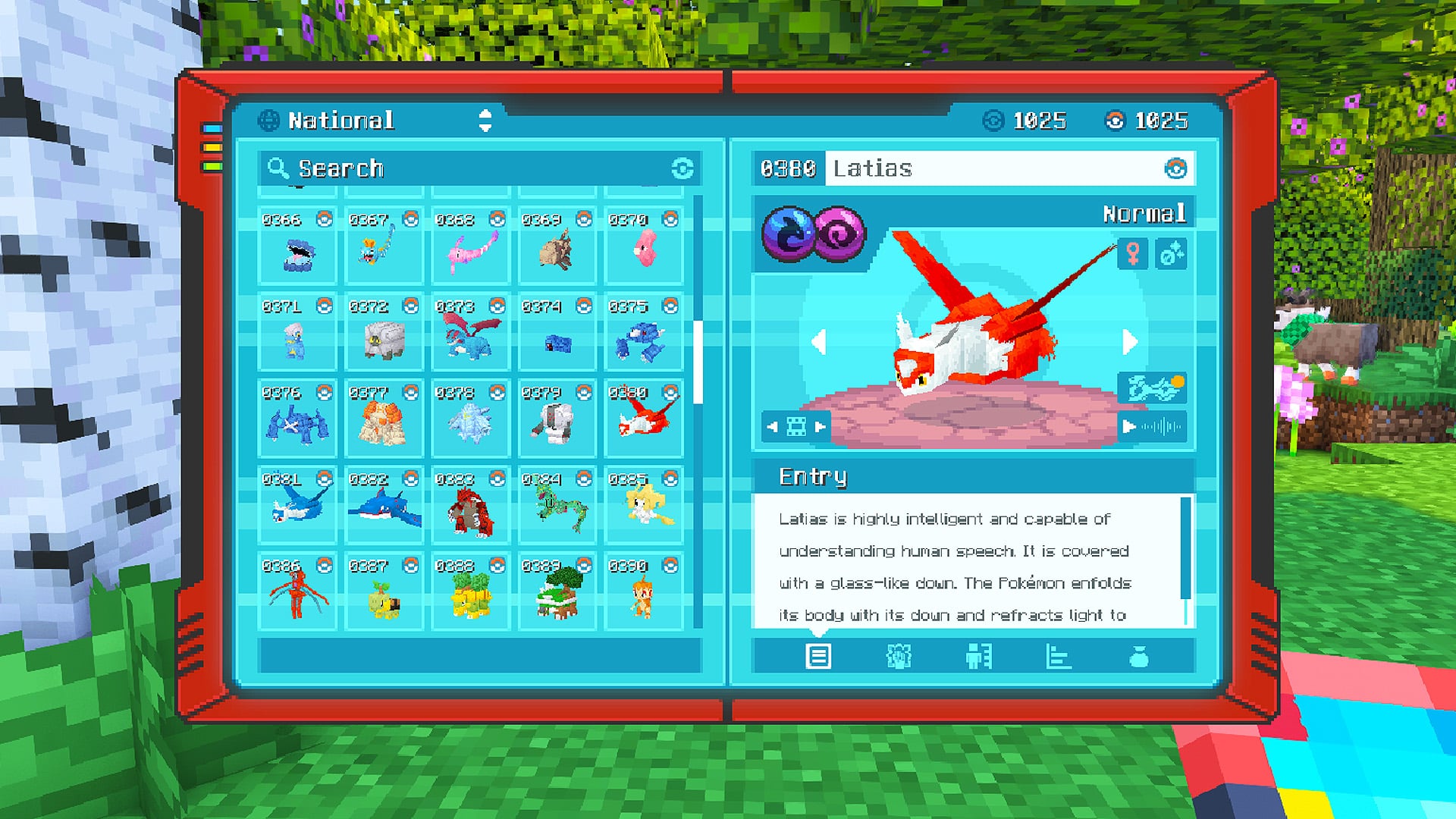
COBBLEVERSE - Pokemon Adventure [Cobblemon]
by LUMYVERSE
Start a true Pokémon adventure in Minecraft: Cobblemon 1.8.4 | ALL 1025 Pokémon! | Mega Evolutions | Gyms & Badges | Starter Kit | Unique Structures | Custom Music | Shaders | Optimized | So much more! [1.21.1]
 Server-ready

Better MC [FABRIC] - BMC2
by SHXRKIE
Version 1.20 | A Proper Vanilla+ Modpack | Don't play Vanilla play this!
 Server-ready

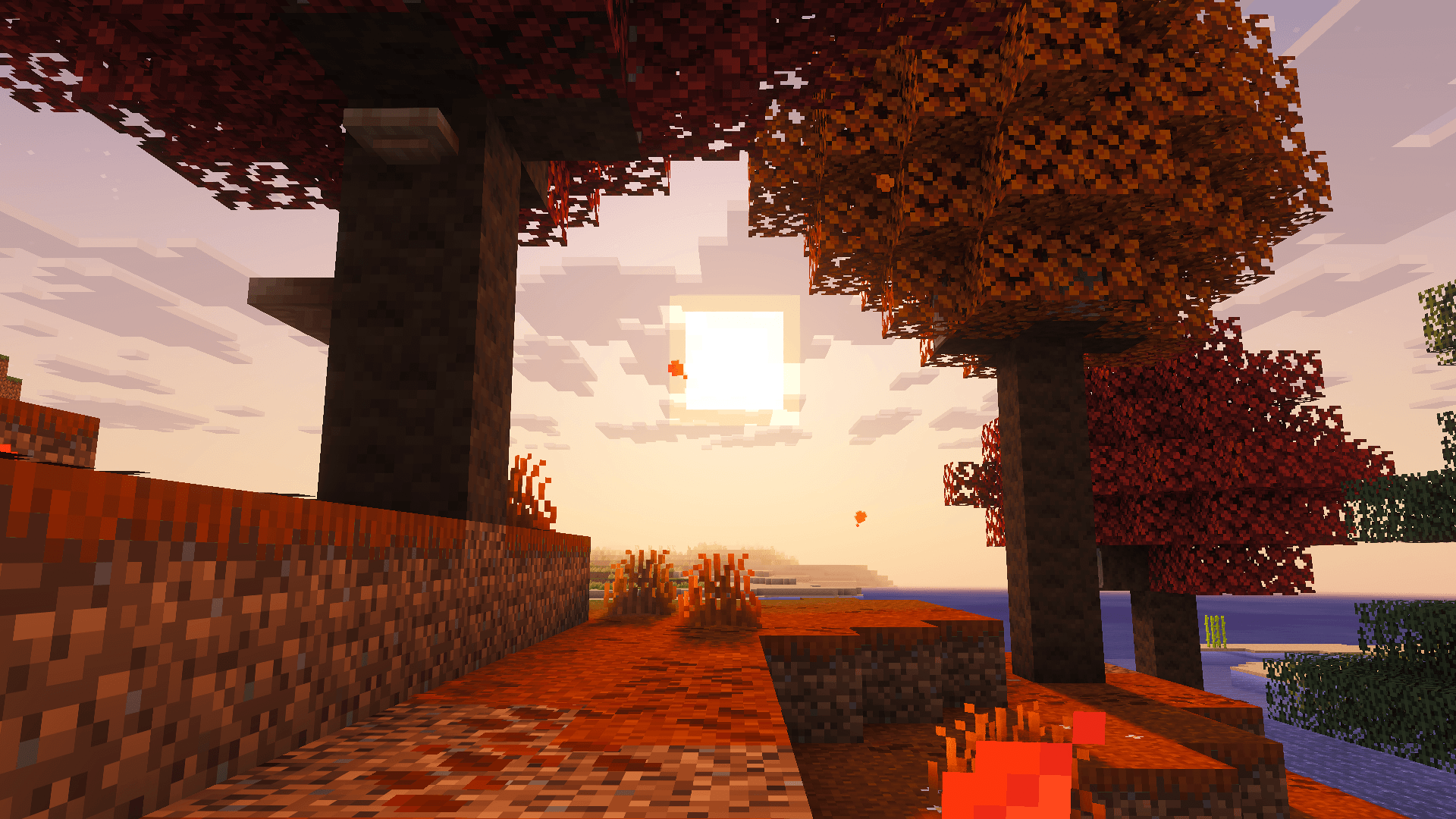
Vanilla Perfected
by demonjoeTV
A compilation of Vanilla Plus mods & packs to perfect the Minecraft experience without drifting too far from the feel of the base game!
Ready for your MedieCraft - Server - Cross-Platform server?
8 GB of RAM from €16.00 per month. 35% off your first month with MADO35.