Modrinth · Forge
Nightfall: Definitive Edition server hosting
Your own Nightfall: Definitive Edition server on AMD Ryzen 9 without a thread limit. The server is ready usually under 60 seconds; then install the pack with one click in the modpack browser.
A challenging and immersive overhaul of Minecraft survival
- Downloads
- 6.6K
- Followers
- 0
- Loader
- Forge
- Minecraft
- 1.18.2
- Updated
- –
Screenshots
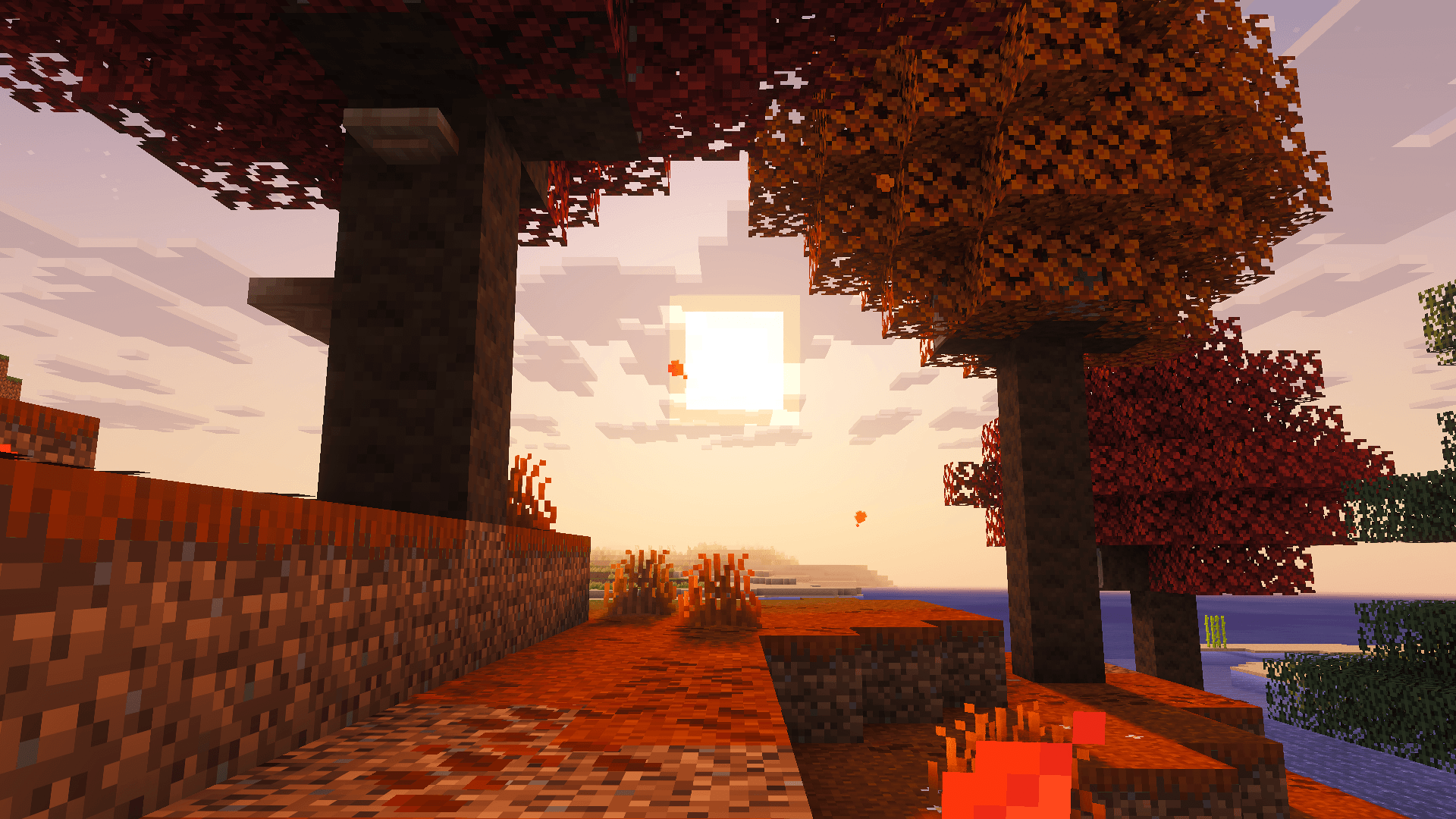
What Nightfall: Definitive Edition looks like
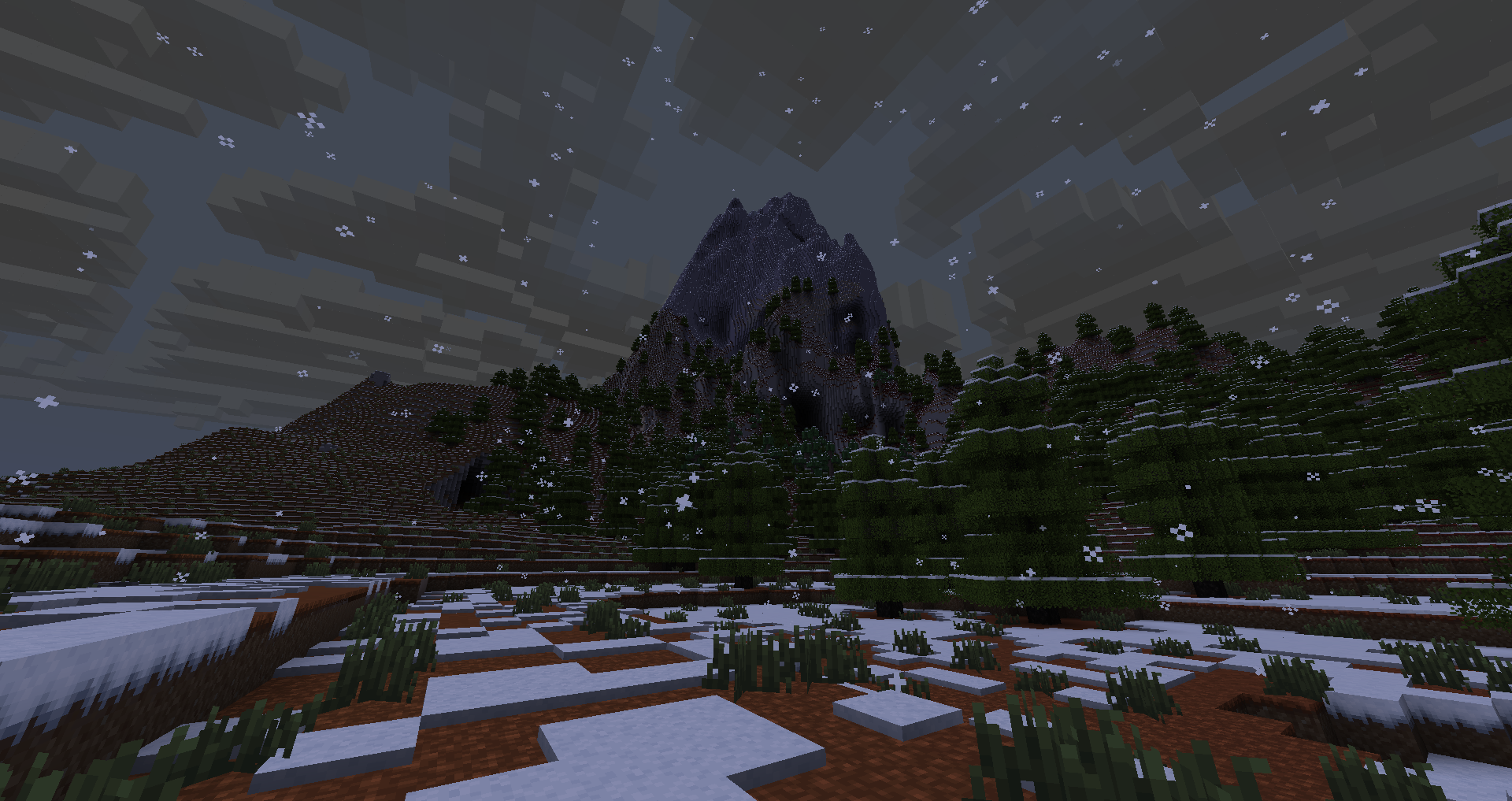
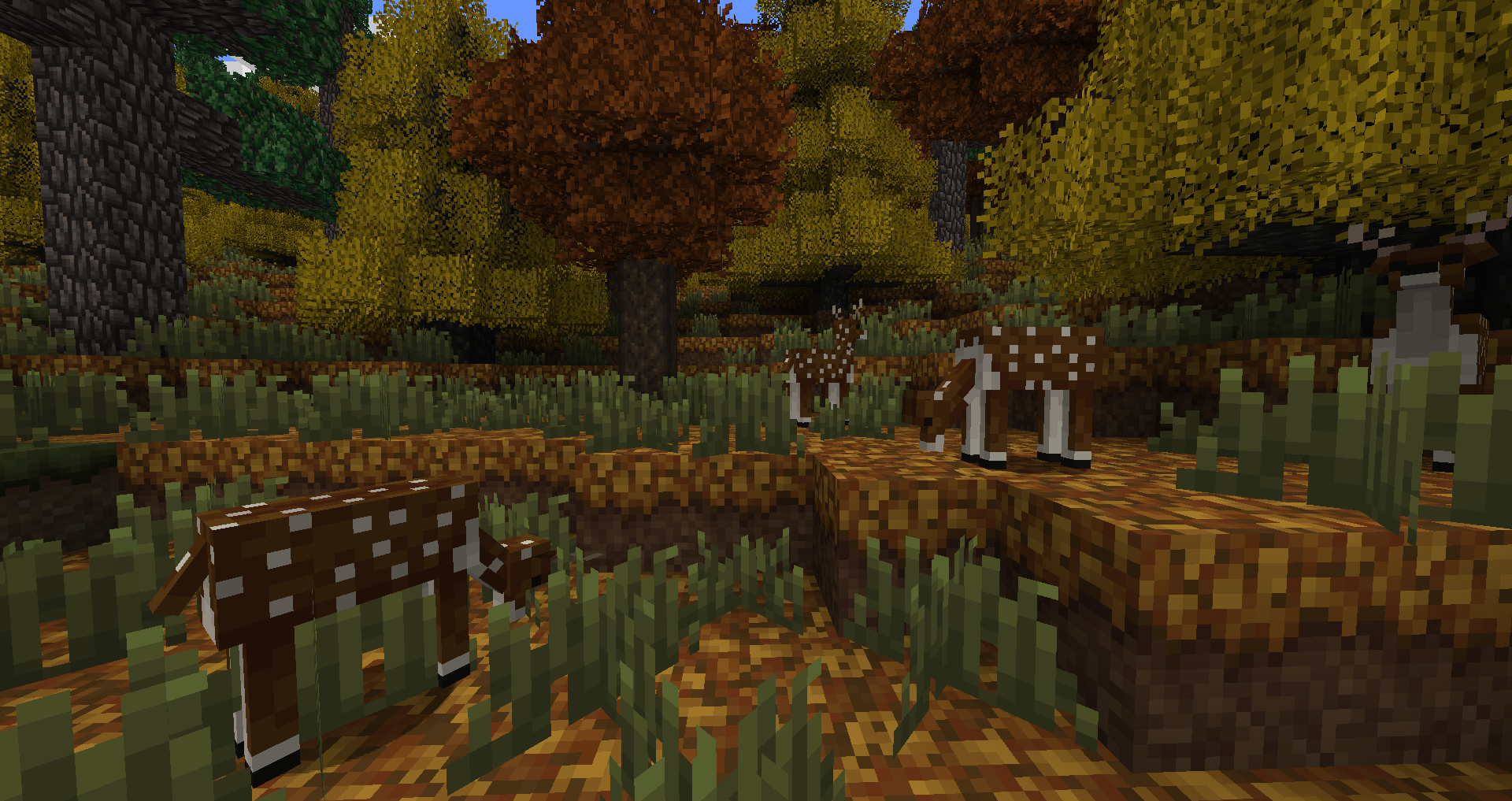
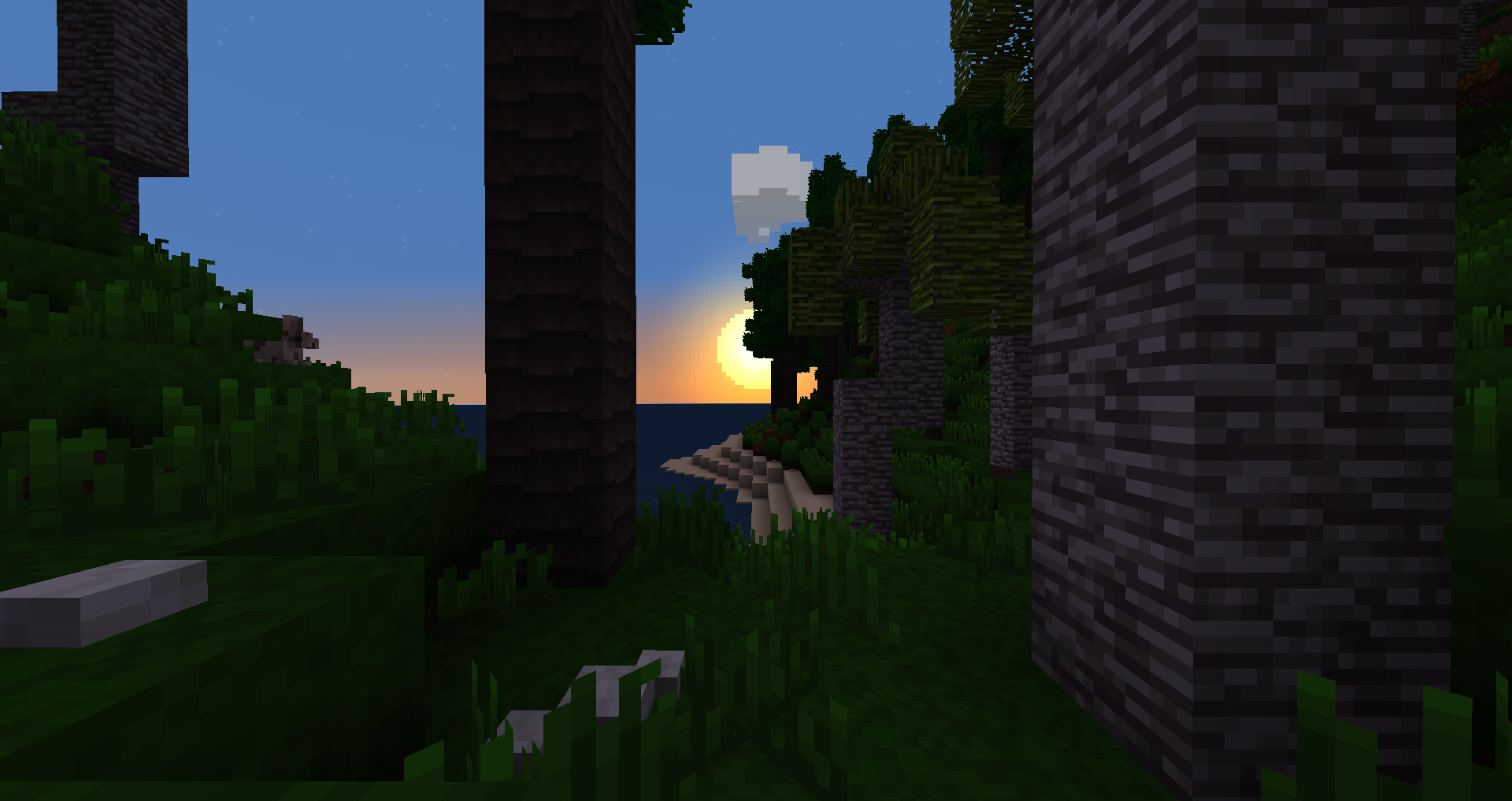
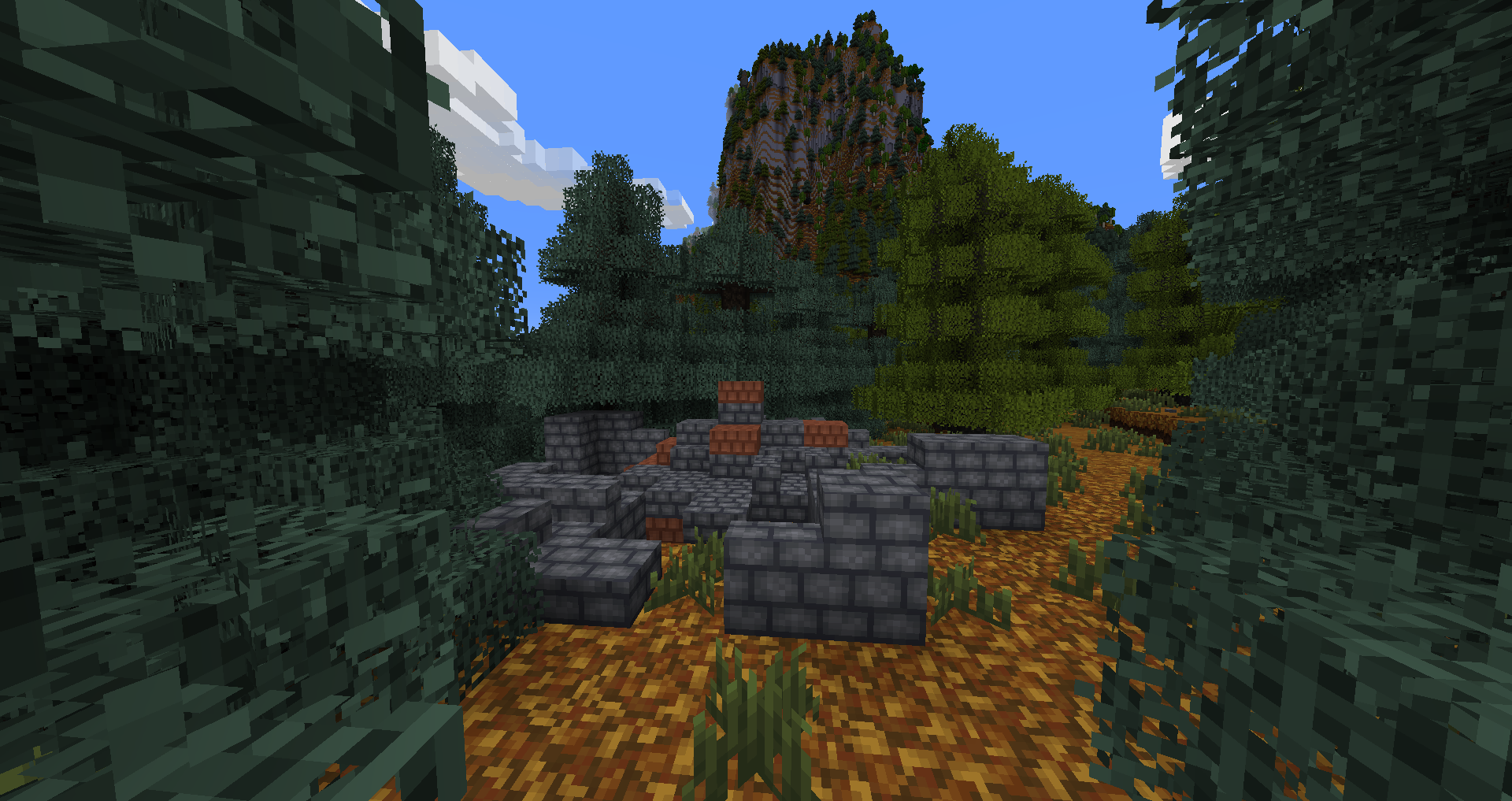
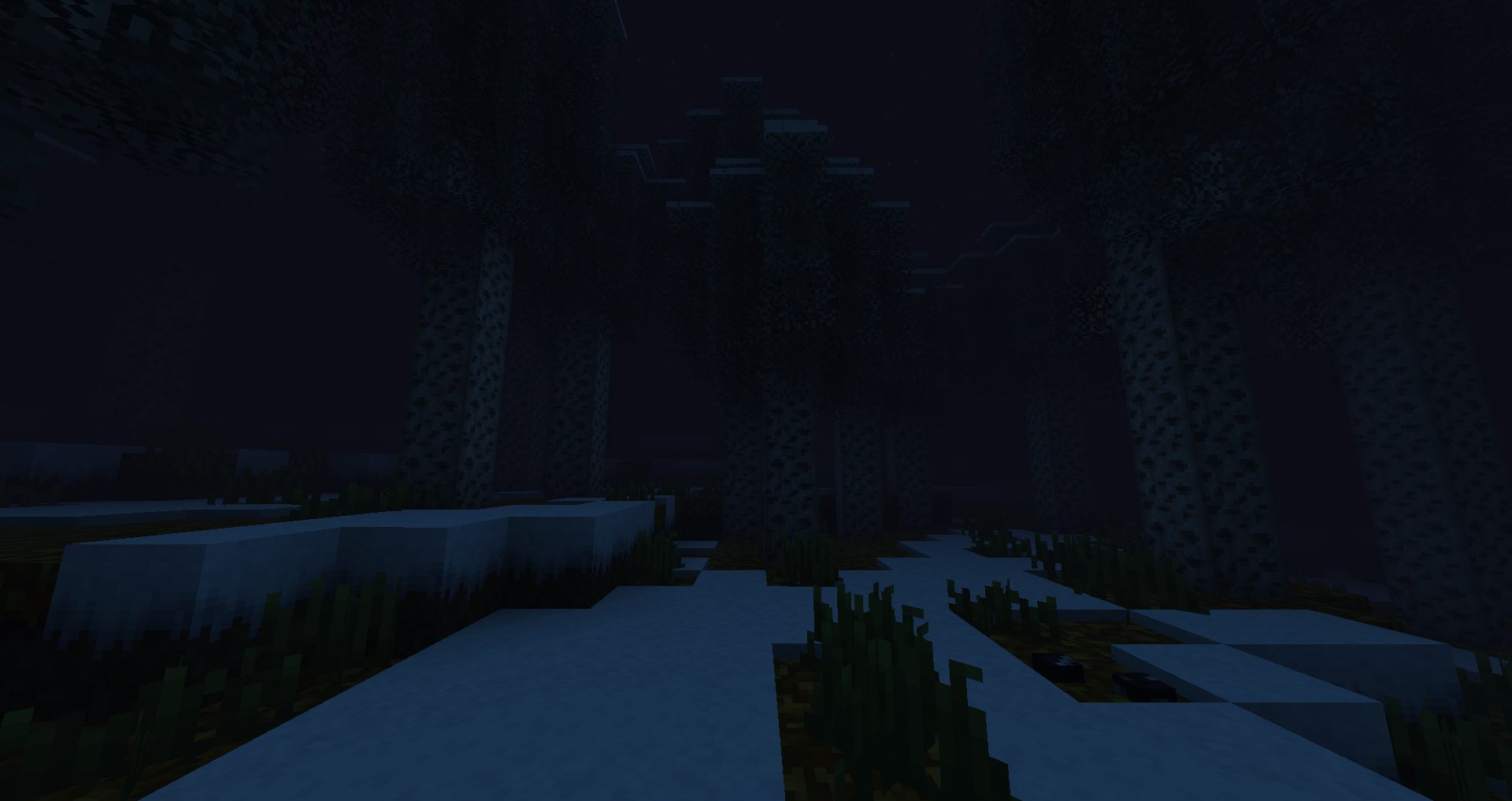
Images: Nightfall: Definitive Edition on Modrinth, published by the project team.
Setup
Your Nightfall: Definitive Edition server in four steps
For errors, check startup logs, Java version, loader and dependencies first. Increase RAM when there is evidence of memory pressure. Keep a copy of the working installation before updates.
- 01
Configure
8 GB of RAM is preselected and Nightfall: Definitive Edition is noted in the configurator. You choose the term and add-ons.
- 02
Pay
By credit card or PayPal. Your server is ready usually under 60 seconds.
- 03
Install the pack
Open the modpack browser in the panel, choose Modrinth, verify the project ID and install your chosen pack release. Back up an existing world first.
- 04
Connect
Every player installs the same pack release in a compatible launcher and connects using the server address from the panel.
Modrinth project ID: qCE59TaN
The panel
Install the pack, find errors.
Real screenshots from the Mado panel. Both come with every Minecraft server.
Modpack browser
Modrinth and CurseForge, right in the panel.
Search the pack, choose a release, install. You do not have to upload the loader or server files by hand.

AI crash analysis
When a mod crashes, the analyzer reads the log.
Large modpacks often fail on a single mod, Java version or missing dependency. The analyzer names a likely cause and suggests a fix.

Releases
Published pack releases
The server and players need the same pack release. Pick it in the modpack browser to match your group’s clients.
Nightfall: Definitive Edition · ModrinthOriginal description by the project author
Overview
Nightfall is a total overhaul that reimagines Minecraft survival to deliver a challenging, immersive, and mechanically deep experience within a novel dark fantasy universe.
Nightfall: Definitive Edition is the intended way to play Nightfall, including only performance and QoL mods to create the most optimal play experience possible.
Major Features
- Dark Fantasy Aesthetic – Enjoy an alternative art style eschewing the bright, soft aesthetic of vanilla in favor of darker, richer colors and stark contrast.
- Encyclopedia – Discover new mechanics, recipes, and fields of knowledge through solving puzzles presented by the encyclopedia.
- Enhanced Combat – Employ dashing, basic & alternate weapon attacks, stuns, and unique weapon techniques to overcome foes.
- Dangerous Nights – Fight to carve out a place for yourself in this harsh world and survive against the undead dangers of the night.
- Better Building – Utilize a single building material to easily place multiple block variants without the hassle of crafting and inventory management.
- Continental Worlds – Explore continents separated by a vast ocean. Scale mountains reaching nearly 400 blocks in height or descend into complex caves just as deep.
- Seasons – Experience the four seasons as time passes, affecting weather, animals, plants, and trees.
- Time Simulation – Return from a long adventure to find that the world has changed without your presence. Snow & ice forms and melts, plants grow, fuel burns, and so on.
Minor features include layered waterlogging, dynamic lighting, customizable attributes, smarter AI, revamped cave generation, staged tree growth, universal gravity, climbing, and more.
Installation
Install via the Modrinth App.
[Recommended] Navigate to Nightfall: Definitive Edition -> Settings and set custom memory to 8192 MB. Add the following to Java arguments:
Arguments
-XX:+UnlockExperimentalVMOptions -XX:+UnlockDiagnosticVMOptions -XX:+AlwaysPreTouch -XX:+DisableExplicitGC -XX:+UseNUMA -XX:NmethodSweepActivity=1 -XX:ReservedCodeCacheSize=400M -XX:NonNMethodCodeHeapSize=12M -XX:ProfiledCodeHeapSize=194M -XX:NonProfiledCodeHeapSize=194M -XX:-DontCompileHugeMethods -XX:MaxNodeLimit=240000 -XX:NodeLimitFudgeFactor=8000 -XX:+UseVectorCmov -XX:+PerfDisableSharedMem -XX:+UseFastUnorderedTimeStamps -XX:+UseCriticalJavaThreadPriority -XX:ThreadPriorityPolicy=1 -XX:AllocatePrefetchStyle=3 -XX:+UseG1GC -XX:MaxGCPauseMillis=37 -XX:+PerfDisableSharedMem -XX:G1HeapRegionSize=16M -XX:G1NewSizePercent=23 -XX:G1ReservePercent=20 -XX:SurvivorRatio=32 -XX:G1MixedGCCountTarget=3 -XX:G1HeapWastePercent=20 -XX:InitiatingHeapOccupancyPercent=10 -XX:G1RSetUpdatingPauseTimePercent=0 -XX:MaxTenuringThreshold=1 -XX:G1SATBBufferEnqueueingThresholdPercent=30 -XX:G1ConcMarkStepDurationMillis=5.0 -XX:G1ConcRSHotCardLimit=16 -XX:G1ConcRefinementServiceIntervalMillis=150 -XX:GCTimeRatio=99
Future Plans
Nightfall is currently in beta and, as of 1.18.1b, has ~40% of the content planned for the final release.
Upcoming Features
- New research puzzle system
- 2 new encyclopedia fields
- Sanity system
This list is not exhaustive and is intended to give a sense of direction for the near future. Smaller features not listed here may be added and larger features may be delayed.
FAQ
I'm trying to update to a new version, but I can't see it in the Modrinth app despite it being visible on the website. How can I get the new version in the app?
Answer
In the Modrinth app, navigate to Settings -> Resource management -> App cache then select "Purge cache" and restart the app.
Some textures appear unchanged. How do I fix this?
Answer
Make sure that “Mod Resources” is above “Default” in Resource Packs.
Will you update Nightfall to X version?
Answer
No.
Will you port Nightfall to X mod loader?
Answer
No.
Is X mod compatible with Nightfall?
Answer
If it’s a purely visual/audio mod, probably yes. If it's a performance mod, maybe. Otherwise, no unless it is explicitly made compatible by the mod developer or modpack author. Distant Horizons is compatible but has minor issues regarding clouds and fog on water.
Can I use shaders with Nightfall?
Answer
No unless it explicitly supports Nightfall.
Can I post Nightfall on another website?
Answer
You may repost the contents of this page to another website, excluding the mod files themselves. Downloads must be redirected to this page on Modrinth. Do NOT rehost the mod files.
Can I use Nightfall in a modpack?
Answer
Yes as long as you differentiate your modpack from the definitive version modpack. In other words, do not create a purely performance enhanced Nightfall modpack. I encourage you to use the definitive version as a base and build off that.
Can I develop an addon/compatibility mod or resource pack for Nightfall?
Answer
Yes. Note that Nightfall is in active development, so updates will be frequent and consistently introduce new features. If you choose to develop something, let me know what you’re making so I can help you avoid conflict with future updates. See the GitHub page for more technical info.
Can I translate Nightfall to X language?
Answer
Yes. Once completed, language files should ideally be submitted to the GitHub in the form of a pull request. See the contribution guidelines & notices here.
The roots of unique words are listed here to help clarify their meaning:
- Wyldery – Wyld (English) + -ery (English)
- Nixwacke – Nix (Latin) + Greywacke (English)
- Aurgrot – Aurora/Aura (English) + Grotto (English)
- Stygfel – Stygian (English) + Hornfels (English)
- Caedtar - Caedis (Latin) + Tar (English)
- Merbor - Mere (Old English) + Bor (Middle English)
Support
If you enjoy my mod, consider supporting me on Ko-fi. Nightfall is the result of over 10,000 hours of work done for free. I will continue developing Nightfall until its completion regardless of what happens, but any and all financial support is greatly appreciated as it allows me to dedicate more time to working on it.
Similar packs
More server-ready modpacks
 Server-ready

Cobblemon Official Modpack [Fabric]
by CobbledStudios
The official modpack of the Cobblemon mod, for Fabric!
 Server-ready

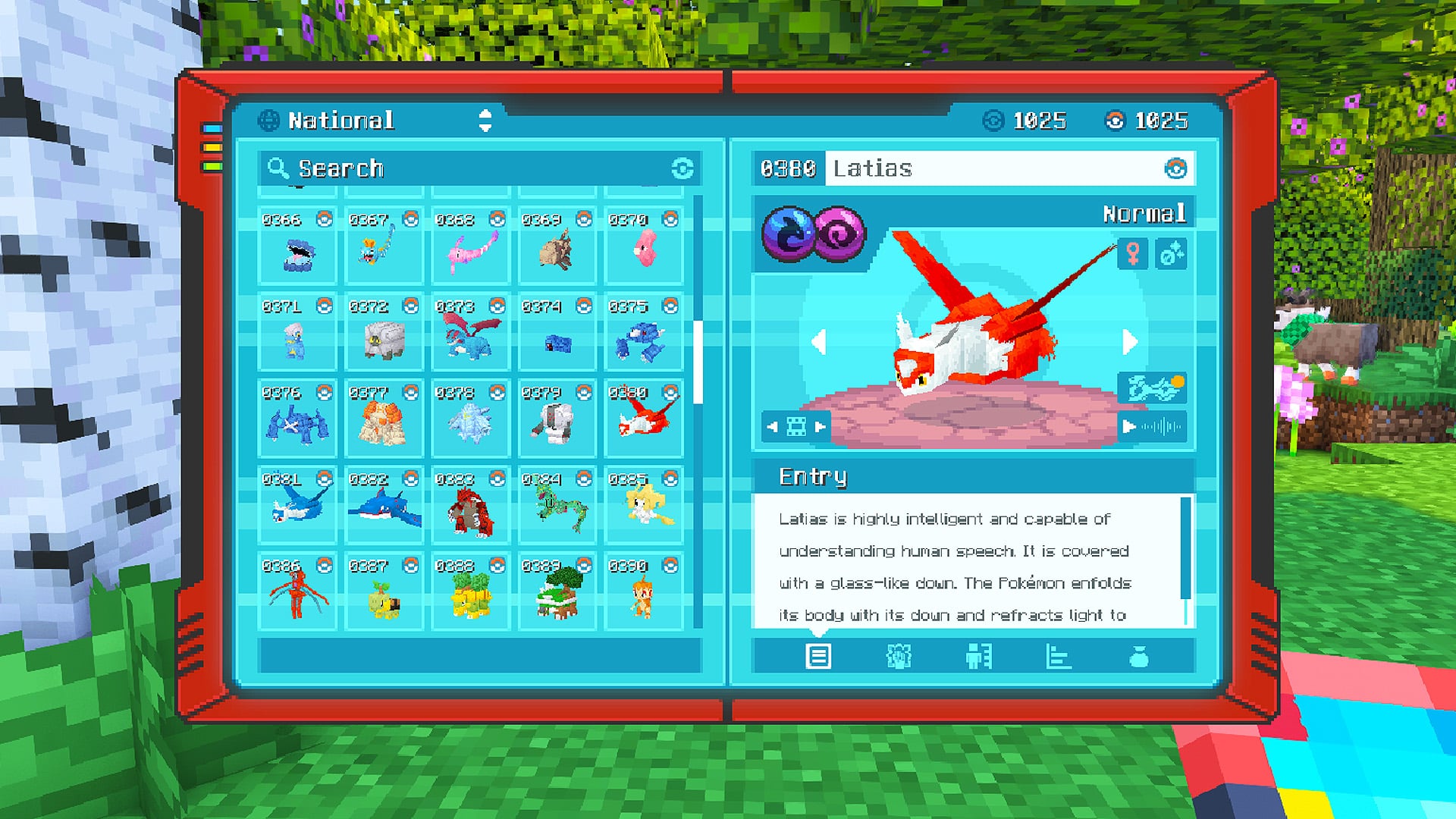
COBBLEVERSE - Pokemon Adventure [Cobblemon]
by LUMYVERSE
Start a true Pokémon adventure in Minecraft: Cobblemon 1.8.4 | ALL 1025 Pokémon! | Mega Evolutions | Gyms & Badges | Starter Kit | Unique Structures | Custom Music | Shaders | Optimized | So much more! [1.21.1]
 Server-ready

Better MC [FABRIC] - BMC2
by SHXRKIE
Version 1.20 | A Proper Vanilla+ Modpack | Don't play Vanilla play this!
 Server-ready

Vanilla Perfected
by demonjoeTV
A compilation of Vanilla Plus mods & packs to perfect the Minecraft experience without drifting too far from the feel of the base game!
Ready for your Nightfall: Definitive Edition server?
8 GB of RAM from €16.00 per month. 35% off your first month with MADO35.