
Prehistoric World
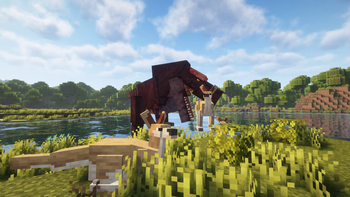
Live a real prehistoric experience surrounded by impressive and realistic dinosaurs!
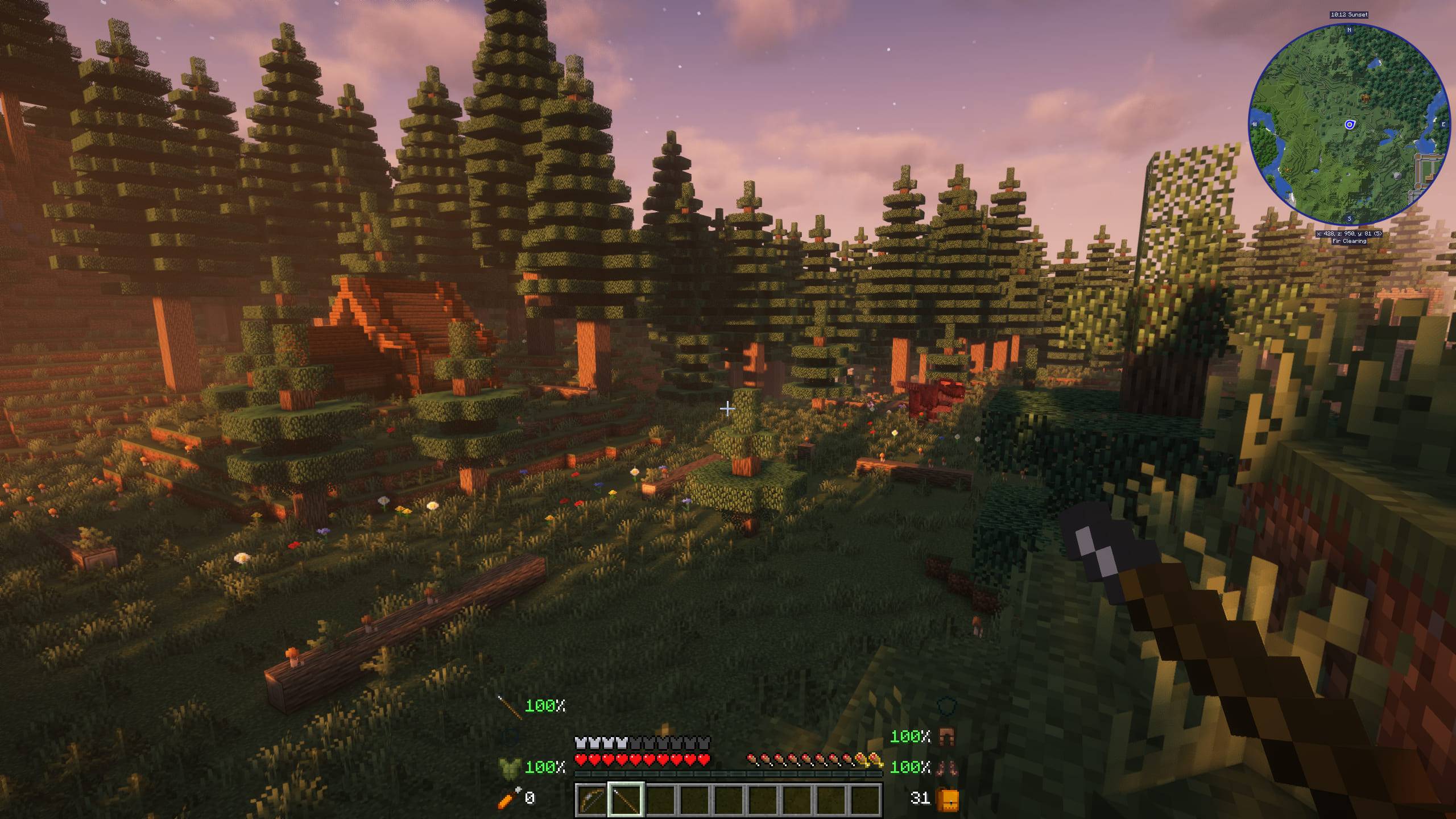
Screenshots
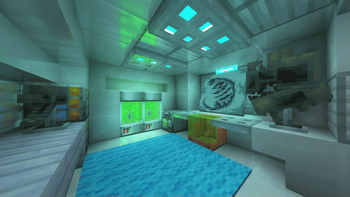
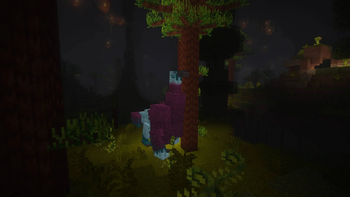
About this Modpack
Due to many requests, we have published most of our modpacks on Modrinth. But keep the following in mind:
- There are many content and optimization mods that can't be added to Modrinth (they don't allow it).
- The quests files have been added, but we cannot add FTB Quests to the modpack in Modrinth. You can add it yourself so you can play with them.
- We are also unable to upload serverpacks here.
If you want to play with the full experience, we strongly recommend that you download the CurseForge version.
Ready to build your Prehistoric Park?
You will start your adventure in a world where most of the dinosaurs are already extinct, although, there are still some alive in the world! Beware of the oceans, many dinosaurs have taken refuge there...
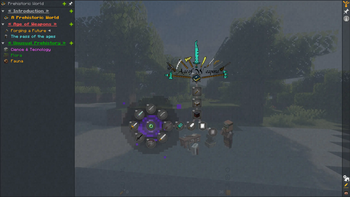
The goal of the modpack is for you to find fossils, extract the DNA, and use new machinery to bring the extinct dinosaurs back to life, as well as the prehistoric plants! In the quests section you will find a step-by-step guide.
Do you need a server to play with your friends?
!
Prehistoric World is a prehistoric modpack, in which the ultimate goal is to have your own dinosaur park, the decoration is up to you, although there are many ways to have it nicely decorated! Please, make the dinosaurs feel at ease, each one has a favorite habitat...
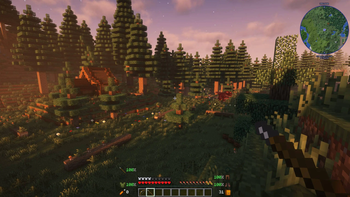
Besides that, you will live a unique experience, discovering a lot of new biomes, dangerous dungeons and enemies, or even animals! Of course, you will also find a lot of new items, and be careful, you won't be alone in the world.
🦖 This modpack adds impressive dinosaurs, fossils and other prehistoric related items! Mods like Unusual Prehistory that will make you enjoy your world like never before.
⚔️ Set your game in the past thanks to Age of Weapons, Medieval Deco, Medieval Music or Medieval Craft, among others.
🐲 Discover new enemies and fight against mythological beings, with the great Ice and Fire.
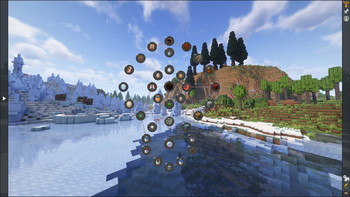
✔️ Perfectly optimized for any game, and compatible with any shader you want to add, thanks to Xenon, Oculus and other mods.
!
Minecraft keeps loading? You enter the world but your FPS is low?
Please make sure to increase the RAM in case you need it, most problems are due to this. If you use the curseforge app, it's as easy as clicking on profile options, uncheck the option to use default memory system and move the bar to the right (at least we recommend 6GB or 6144 MB).
Is there an error with your server?
Unfortunately, when setting up a server on your own, or hiring a hosting that I have not recommended, the modpack may not work.
Please note that for this modpack, we recommend a minimum of 7GB of RAM. If you are a large number of players, you should consider increasing the amount of RAM even more.
!
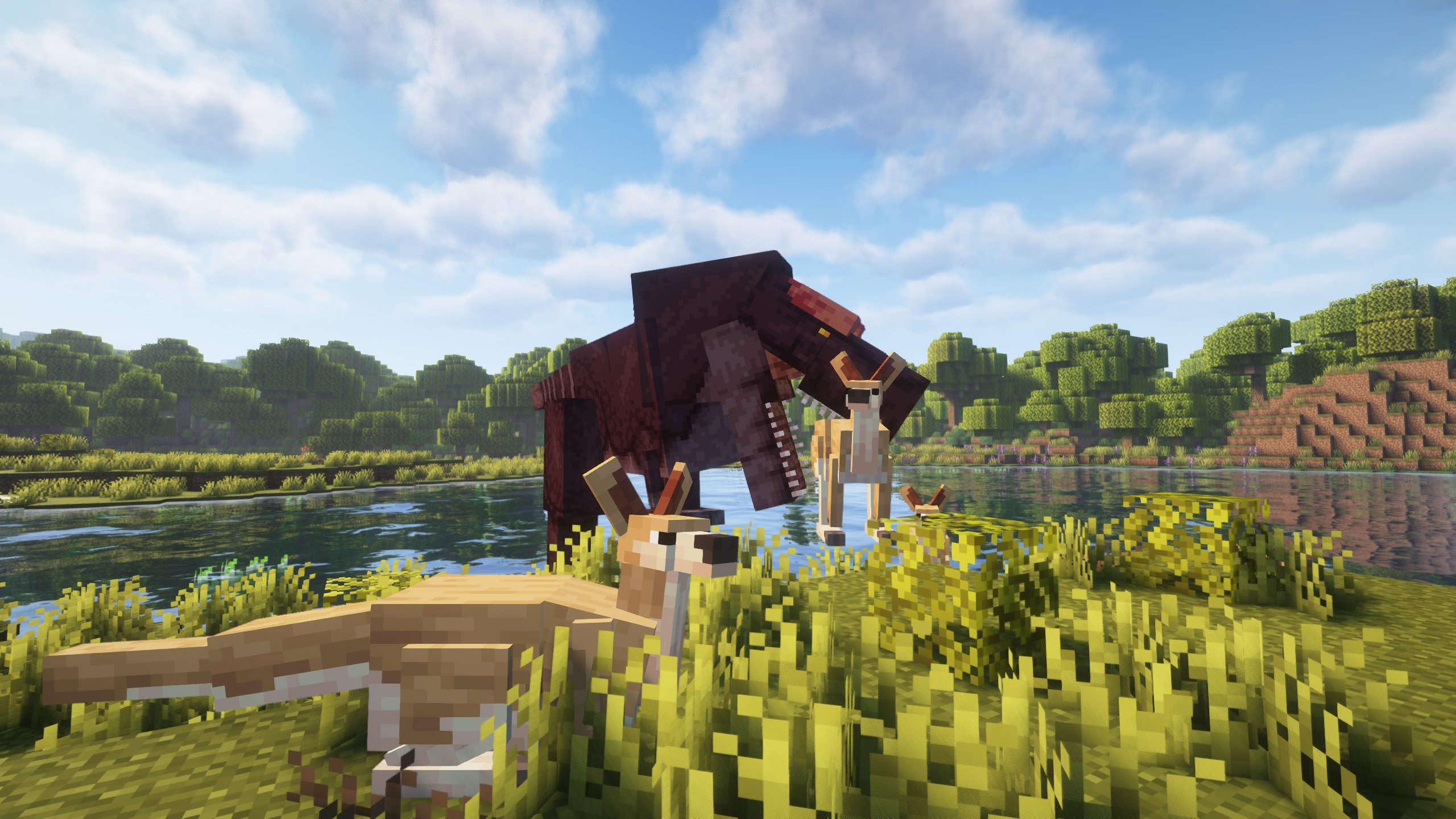
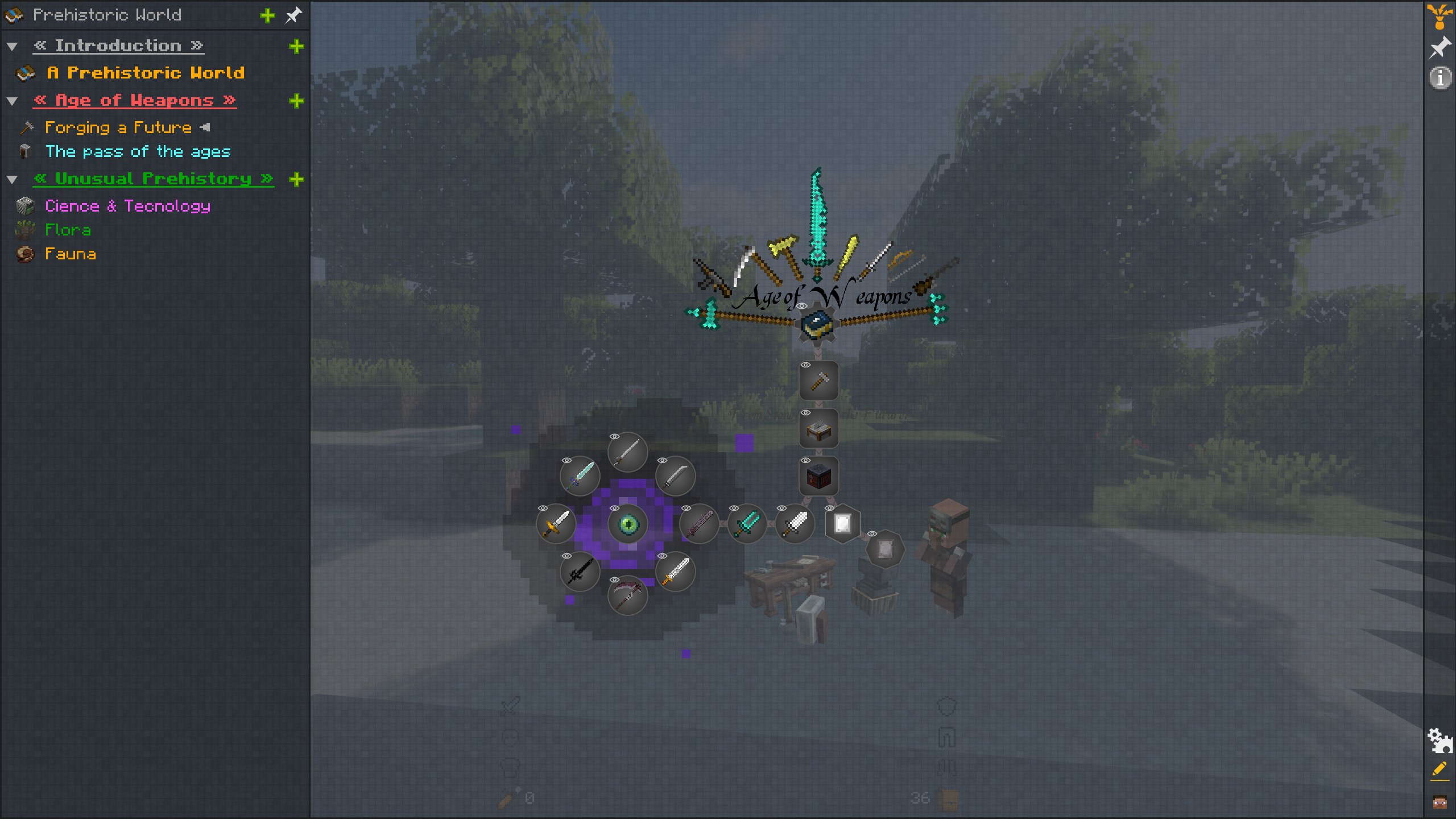
](https://discord.gg/X8VY5WMbe4)
.
Available Versions
How to Set Up a Prehistoric World Server
Order Server
Choose at least 6 GB RAM (8 GB recommended for Prehistoric World). Based on player count: per 5 players.
Install Modpack in Dashboard
Open the modpack browser in the dashboard, search for "Prehistoric World" and click "Install". The forge loader and Minecraft 1.20.1 are configured automatically.
Start Server & Play
Start the server – all mods are loaded automatically. Share the server IP with friends and play together!
Frequently Asked Questions
Prehistoric World server crashes or won't start – what to do?
Most common causes: insufficient RAM or wrong forge loader. Check latest.log for "OutOfMemoryError" → increase RAM to at least 8 GB. For "Mixin" or "ClassNotFoundException" errors: modpack version and loader don't match. With Mado Hosting, loader and Minecraft version are auto-configured on modpack install – preventing most startup issues.
How much RAM does a Prehistoric World server really need?
Minimum 6 GB, recommended 8 GB for stable performance. per 5 players. Important: Minecraft modpacks need more RAM than vanilla – plan extra per additional player. With Mado Hosting, you can scale RAM up live at any time without data loss (from €7.800000000000001/month).
Can I add custom mods to Prehistoric World without conflicts?
Yes, but check compatibility: only use mods for the same loader (forge) and same Minecraft version (1.20.1). Common issues: ID conflicts with recipe mods and incompatible coremod versions. The Mado dashboard mod browser only shows compatible mods and warns about known conflicts.
Prehistoric World server lagging – performance tips
1) Increase RAM to 8 GB+. 2) Reduce server view-distance to 8 (server.properties). 3) Pre-generate chunks with the "Chunky" plugin. 4) Use /spark profiler to check which mods consume the most tick time. With Mado Hosting, all servers run on NVMe SSDs with dedicated CPU cores – eliminating hardware as a bottleneck.
Similar Modpacks
![Cobblemon Official Modpack [Fabric]](https://cdn.modrinth.com/data/5FFgwNNP/e7f9ee2e9d361623847853fe2ddce42f519ee64f.png)
![COBBLEVERSE - Pokemon Adventure [Cobblemon]](https://cdn.modrinth.com/data/Jkb29YJU/581ecf54530972afb18a04660afd820f2f24f6c7.png)
![Better MC [FABRIC] - BMC2](https://cdn.modrinth.com/data/shFhR8Vx/a19c2bcb51d38f32f138d3607e91cb2b7b8e387f_96.webp)


![Better MC [FORGE] - BMC4](https://cdn.modrinth.com/data/4BV47HRn/7f5ef7cc61b2593609aabef3ed07a866a4f11b73_96.webp)
Rent Prehistoric World Server
Start your own server with automatic modpack installation.
Supported Versions
Start your Prehistoric World Server now
From €7.80/month; 8 GB RAM is recommended for best performance.
Configure Server →