
Modrinth · NeoForge
Project 4J server hosting
Your own Project 4J server on AMD Ryzen 9 without a thread limit. The server is ready usually under 60 seconds; then install the pack with one click in the modpack browser.
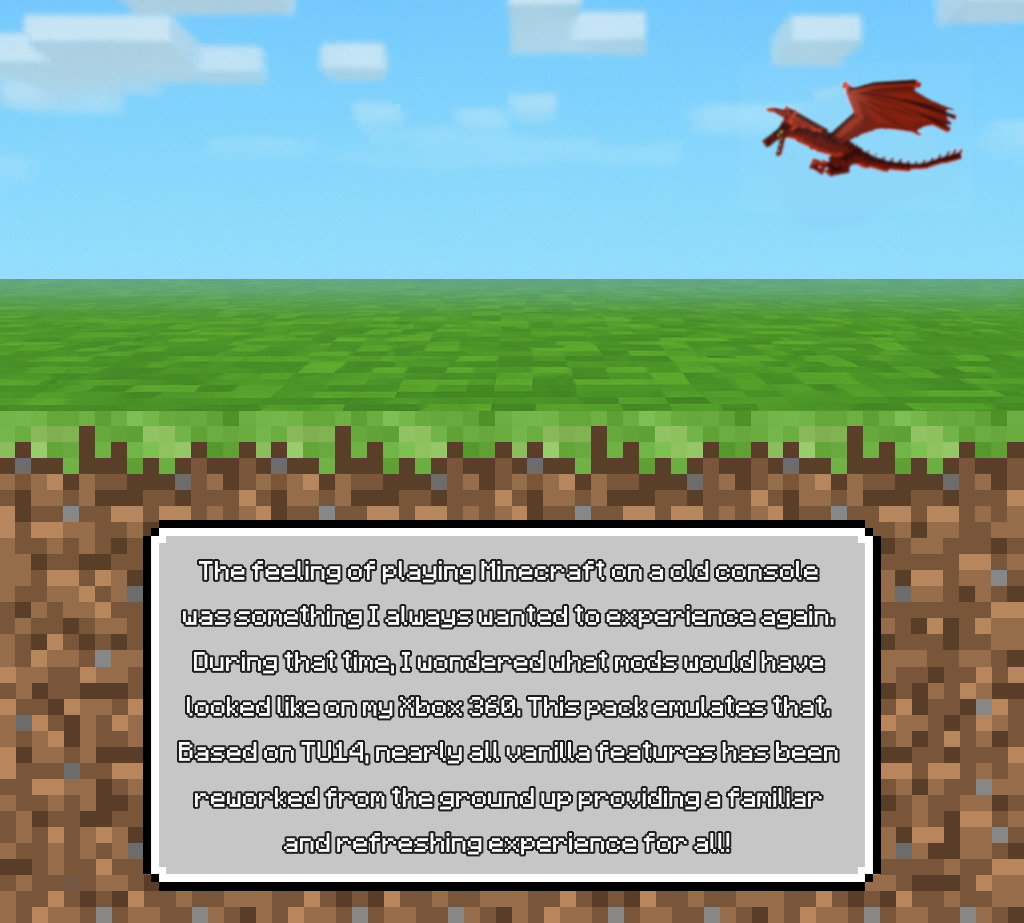
Experience Console Edition with modern mods!
- Downloads
- 9.4K
- Followers
- 0
- Loader
- NeoForge
- Minecraft
- 1.21.1 – 1.21.11
- Updated
- –
Screenshots
What Project 4J looks like
 Custom 3D Player Skins!
 Dragon corpse on beautiful plains!
 Early Release - Bamboo Jungle
 Battle Towers!
 Bigger Caves!
Images: Project 4J on Modrinth, published by the project team.
Setup
Your Project 4J server in four steps
For errors, check startup logs, Java version, loader and dependencies first. Increase RAM when there is evidence of memory pressure. Keep a copy of the working installation before updates.
- 01
Configure
8 GB of RAM is preselected and Project 4J is noted in the configurator. You choose the term and add-ons.
- 02
Pay
By credit card or PayPal. Your server is ready usually under 60 seconds.
- 03
Install the pack
Open the modpack browser in the panel, choose Modrinth, verify the project ID and install your chosen pack release. Back up an existing world first.
- 04
Connect
Every player installs the same pack release in a compatible launcher and connects using the server address from the panel.
Modrinth project ID: nPYYchNt
The panel
Install the pack, find errors.
Real screenshots from the Mado panel. Both come with every Minecraft server.
Modpack browser
Modrinth and CurseForge, right in the panel.
Search the pack, choose a release, install. You do not have to upload the loader or server files by hand.

AI crash analysis
When a mod crashes, the analyzer reads the log.
Large modpacks often fail on a single mod, Java version or missing dependency. The analyzer names a likely cause and suggests a fix.

Releases
Published pack releases
The server and players need the same pack release. Pick it in the modpack browser to match your group’s clients.
Project 4J · ModrinthOriginal description by the project author
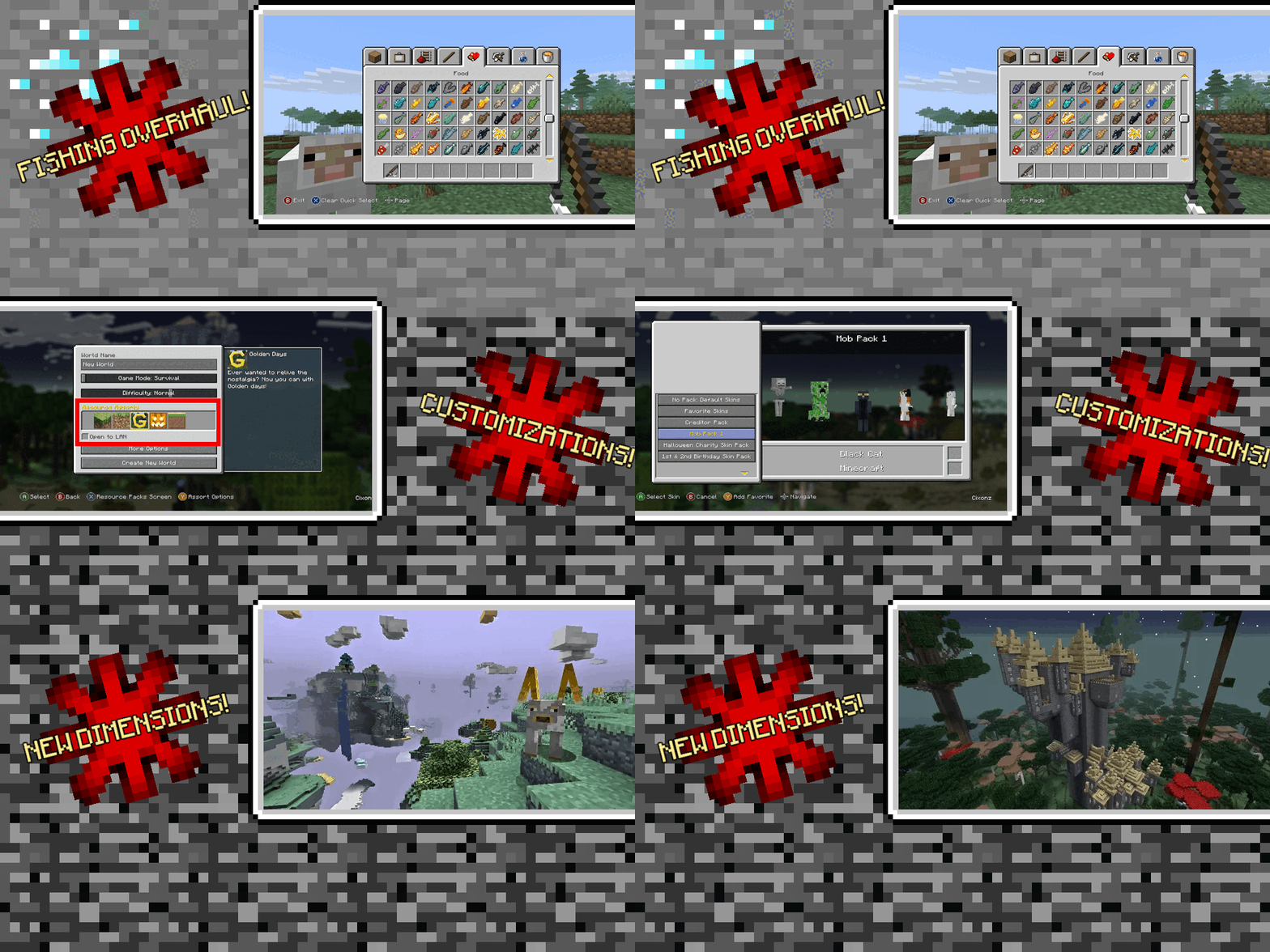

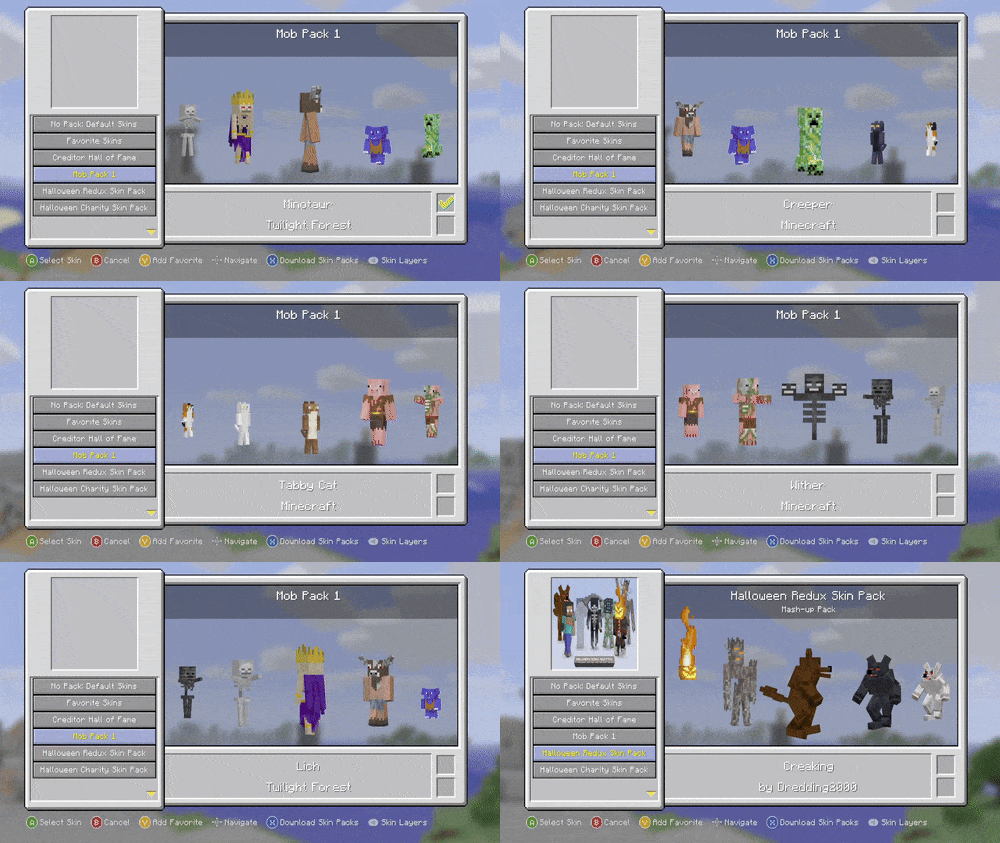
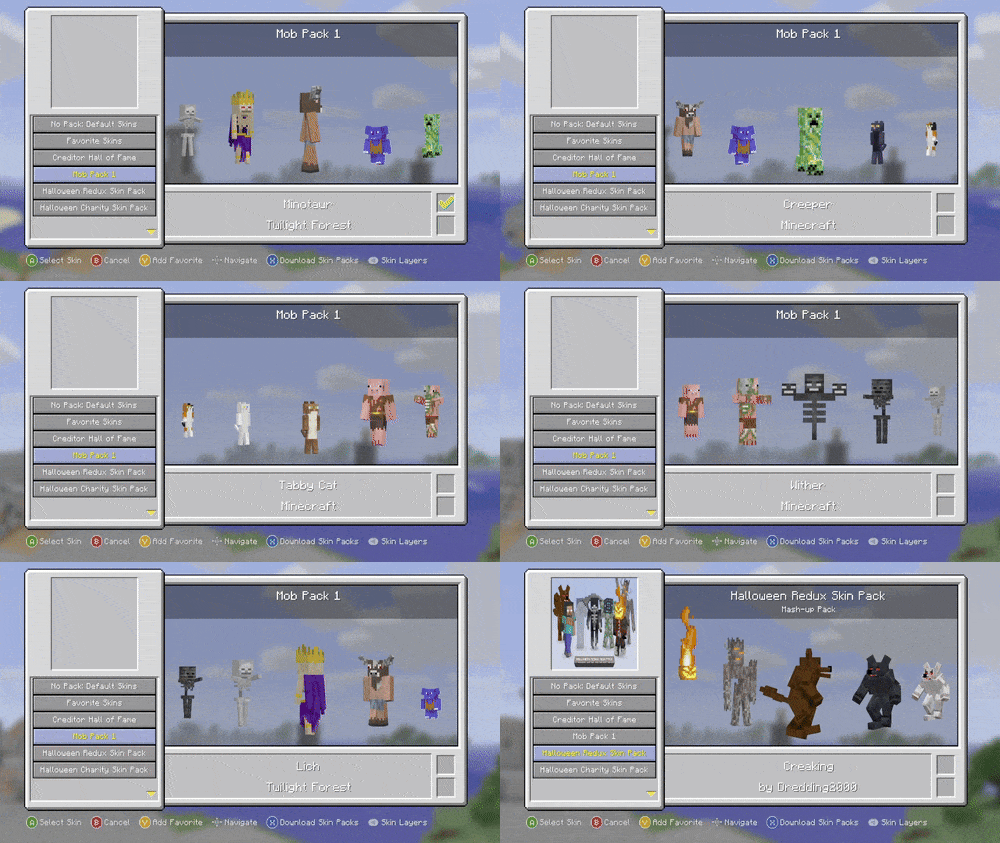
You remember Console Edition. The music. The terrain. The skin‑packs.
Now imagine that with custom mobs, new dimensions, and dungeon galore.
✨ Main Mods & Features
- 👤 3D Skin Pack Models – preloaded with plenty of awesome skins!
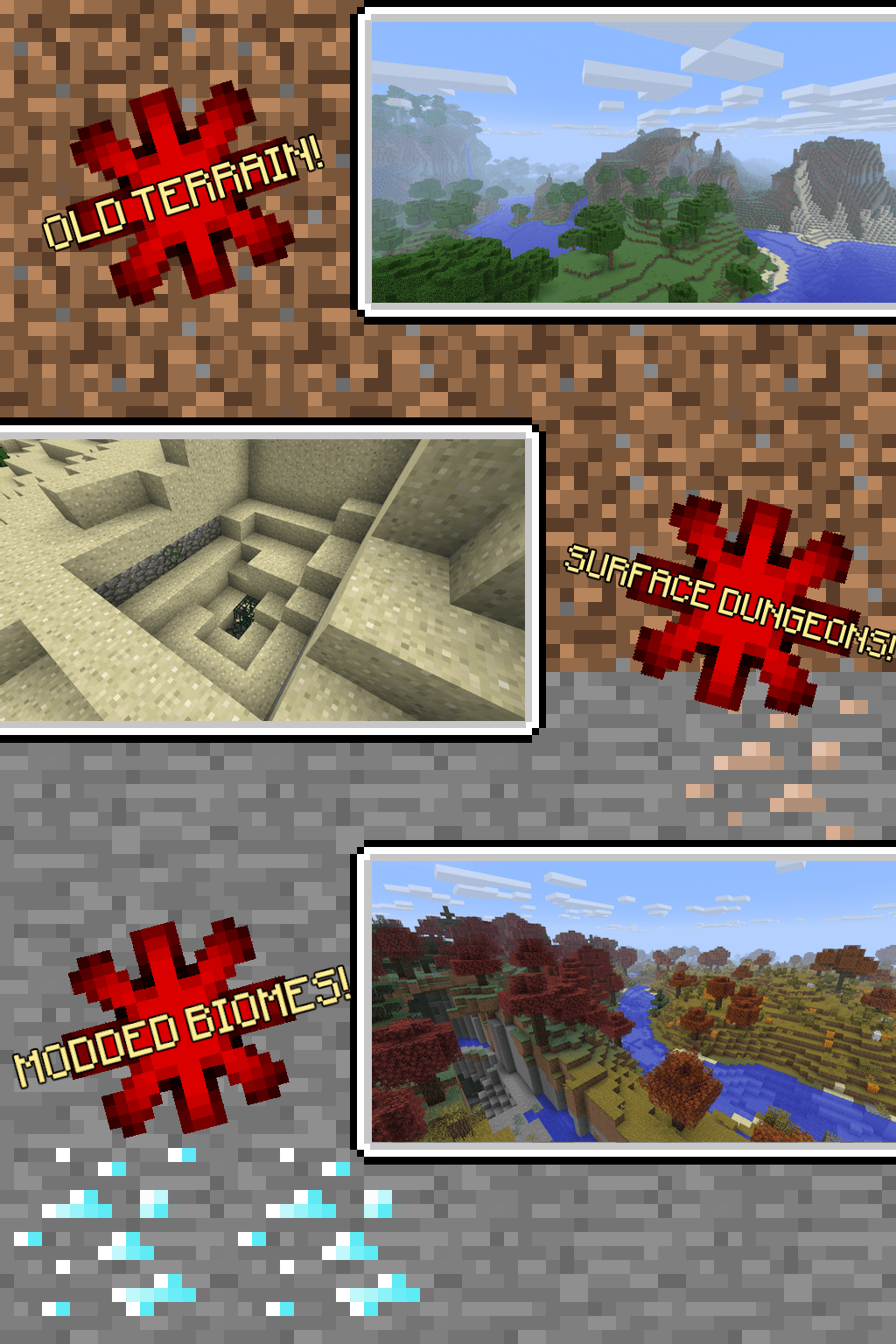
- 🗺️ Classic TU14 Terrain – (Beta-style 1.2.5 worldgen)
- 🎮 Controller Support – recommended to play with any controller!
- 🌌 BetterEnd Overhaul – explore new End biomes & islands
- 👹 Exclusive Custom Enemies
- 🌐 Free Multiplayer thanks to WorldHost!
- 🏰 Expanded Dungeons
- 🐲 Overworld Dragons – don't worry! only attack if provoked; high risk high reward!
❓ FAQ — Quick Answers
How do I unlock more End islands?
- Respawn and defeat the Ender Dragon again
- Every new kill = unlocks 1 new island.
How do I play Multiplayer for free?
Open your world.
Press Back (controller) or H (keyboard).
Use the button displayed at the bottom left. Go Online.
Once Online, invite friends the same way!
ONLY WORKS IF YOUR ROUTER HAS UPnP ENABLED
Where do I report bugs?
Need the wiki?
🖥️ Server Pack
Want to host your own server?
👉 Download Server version
🙏 Special Thanks
- GallonEmilien – Doped Horses mod
- Blackgear – Stay Still AI mod
- Jab125 – Limited Worlds mod
- omoso / bowen - Aided in optimizing!
- Purple_Zombie – Custom mob inspiration
- PoeticRainbow – Golden Days visual style
📦 Resource Pack & Mod Permissions
Golden Days RP
➤ All rights to PoeticRainbow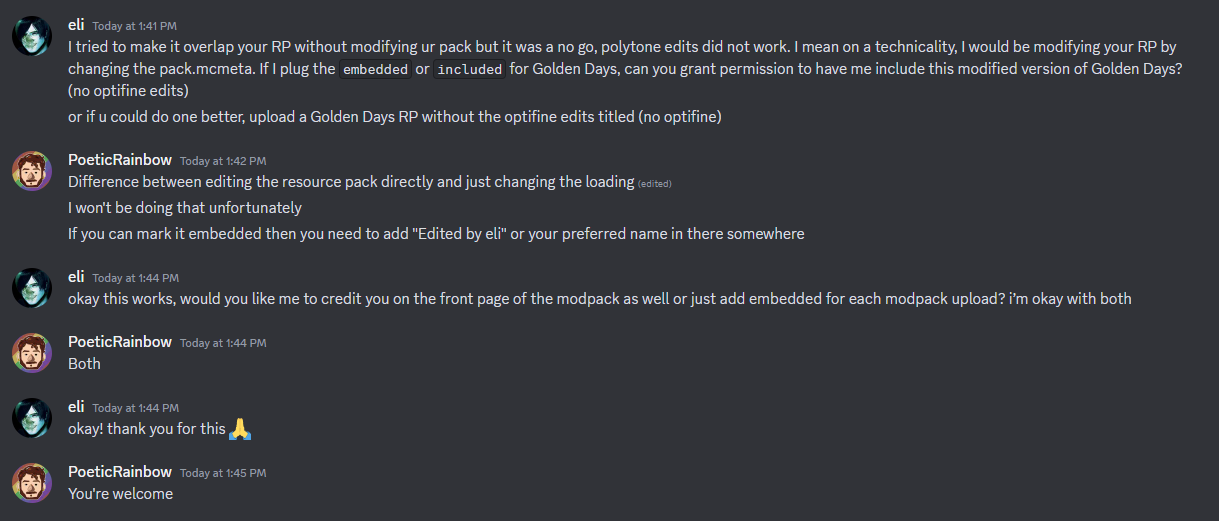
Programmer Art Continuation Project (PACP)
➤ Textures from mzov_jen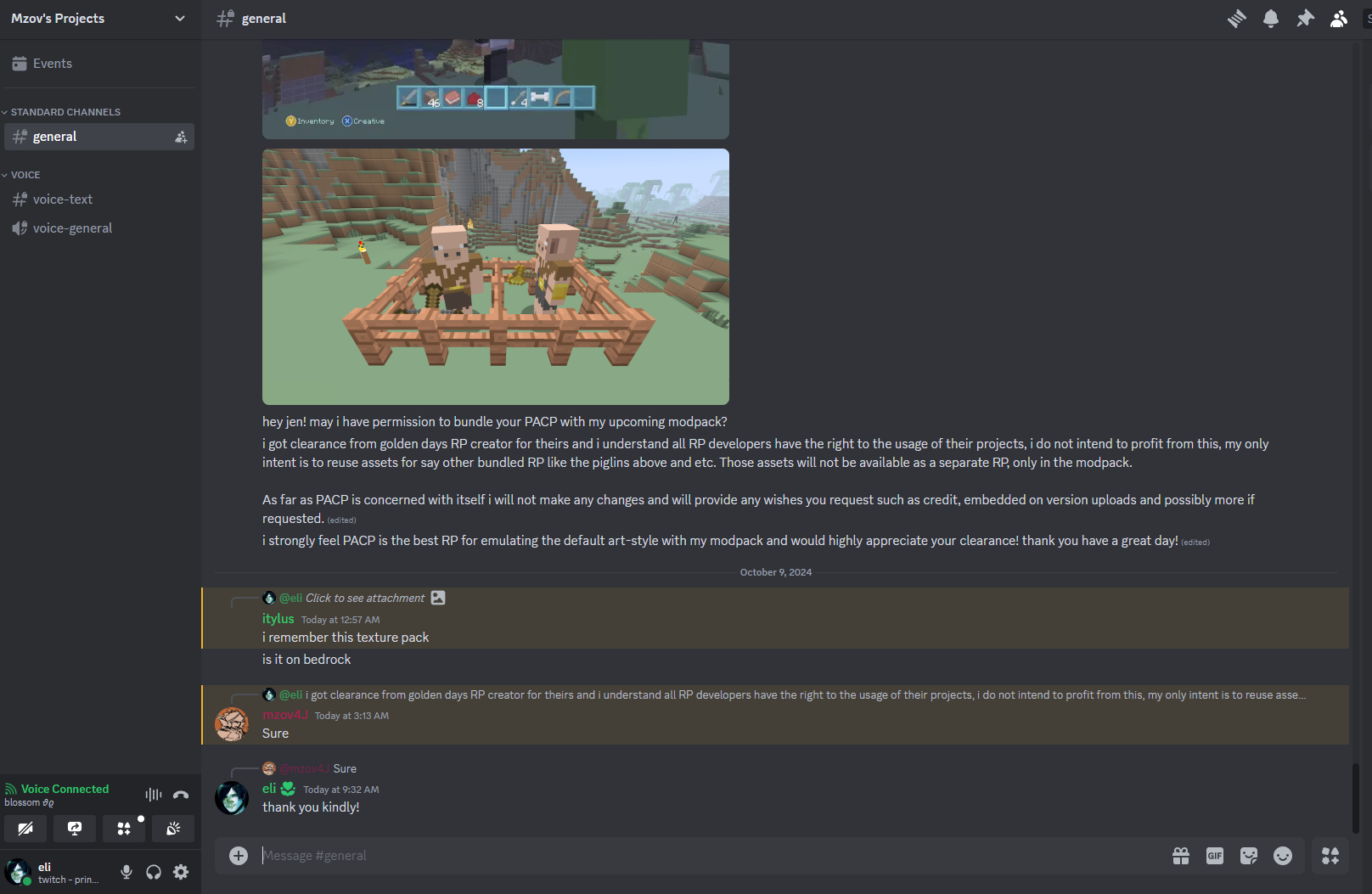
📁 JAR File Permissions
staystill-1.0.0.jar
➤ Approved by Blackgear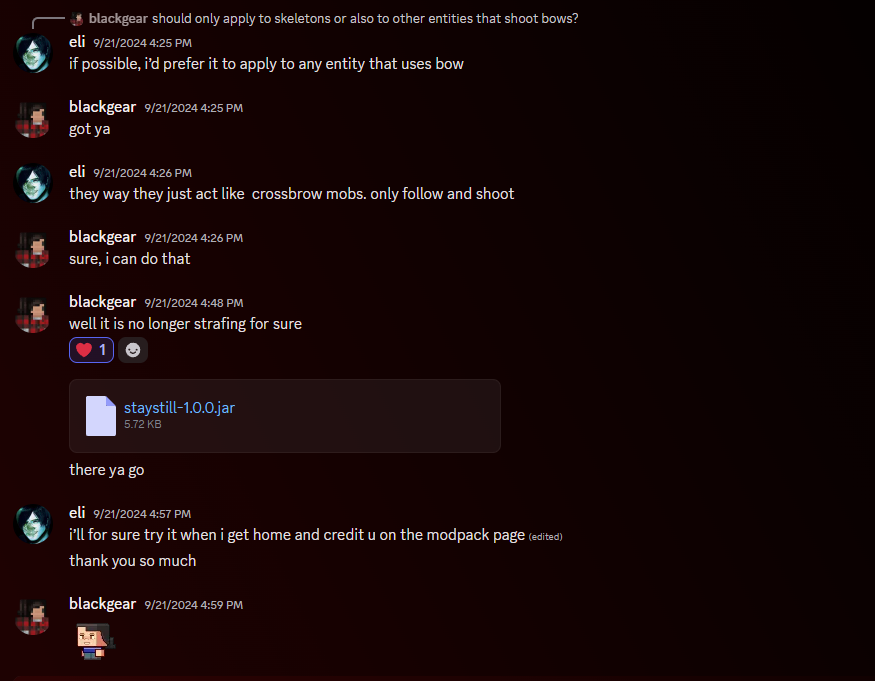
limited-worlds-0.0.5.jar
➤ Approved by Jab125
📜 Permission Gist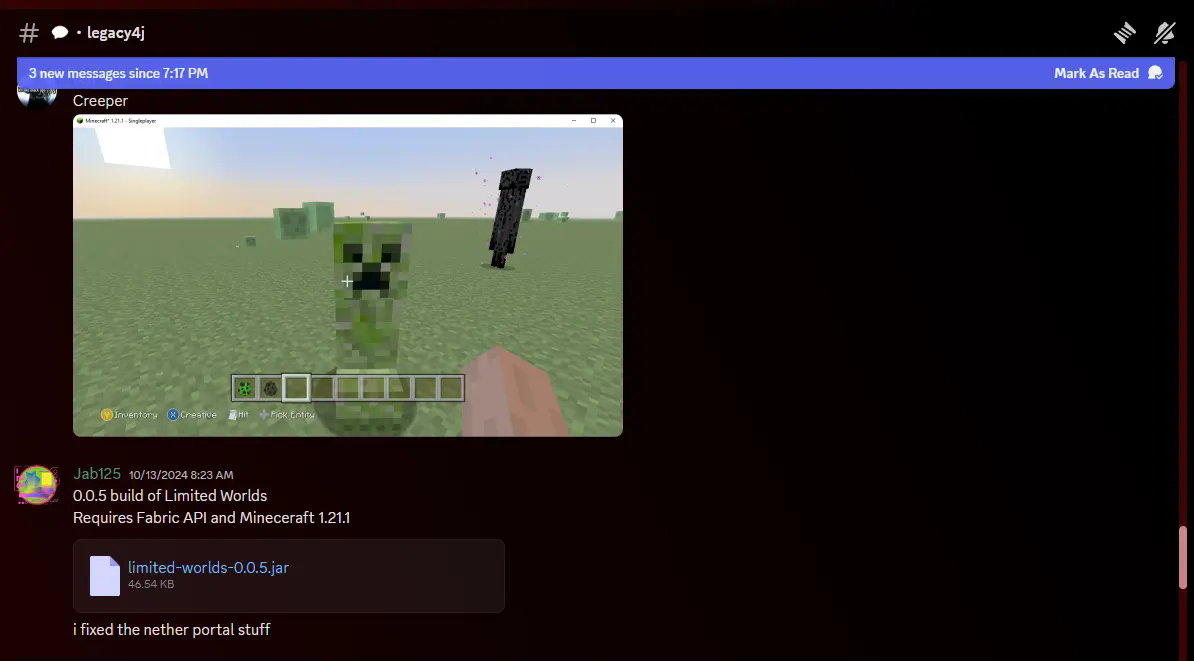
❤️ Support & Feedback
If you enjoy the pack, leave a ❤️ or share on Tiktok/Youtube.
This helps small creators like me get discovered! Thanks!
Similar packs
More server-ready modpacks
 Server-ready

Cobblemon Official Modpack [Fabric]
by CobbledStudios
The official modpack of the Cobblemon mod, for Fabric!
 Server-ready

COBBLEVERSE - Pokemon Adventure [Cobblemon]
by LUMYVERSE
Start a true Pokémon adventure in Minecraft: Cobblemon 1.8.4 | ALL 1025 Pokémon! | Mega Evolutions | Gyms & Badges | Starter Kit | Unique Structures | Custom Music | Shaders | Optimized | So much more! [1.21.1]
 Server-ready

Better MC [FABRIC] - BMC2
by SHXRKIE
Version 1.20 | A Proper Vanilla+ Modpack | Don't play Vanilla play this!
 Server-ready

Vanilla Perfected
by demonjoeTV
A compilation of Vanilla Plus mods & packs to perfect the Minecraft experience without drifting too far from the feel of the base game!
Ready for your Project 4J server?
8 GB of RAM from €16.00 per month. 35% off your first month with MADO35.