

Modrinth · Fabric
Starlight server hosting
Your own Starlight server on AMD Ryzen 9 without a thread limit. The server is ready usually under 60 seconds; then install the pack with one click in the modpack browser.
A simple modpack to optimize Minecraft and fix its pain points.
- Downloads
- 9.9K
- Followers
- 0
- Loader
- Fabric
- Minecraft
- 1.21 – 1.21.8
- Updated
- –
Screenshots
What Starlight looks like


Images: Starlight on Modrinth, published by the project team.
Setup
Your Starlight server in four steps
For errors, check startup logs, Java version, loader and dependencies first. Increase RAM when there is evidence of memory pressure. Keep a copy of the working installation before updates.
- 01
Configure
6 GB of RAM is preselected and Starlight is noted in the configurator. You choose the term and add-ons.
- 02
Pay
By credit card or PayPal. Your server is ready usually under 60 seconds.
- 03
Install the pack
Open the modpack browser in the panel, choose Modrinth, verify the project ID and install your chosen pack release. Back up an existing world first.
- 04
Connect
Every player installs the same pack release in a compatible launcher and connects using the server address from the panel.
Modrinth project ID: s0DpII8u
The panel
Install the pack, find errors.
Real screenshots from the Mado panel. Both come with every Minecraft server.
Modpack browser
Modrinth and CurseForge, right in the panel.
Search the pack, choose a release, install. You do not have to upload the loader or server files by hand.

AI crash analysis
When a mod crashes, the analyzer reads the log.
Large modpacks often fail on a single mod, Java version or missing dependency. The analyzer names a likely cause and suggests a fix.

Releases
Published pack releases
The server and players need the same pack release. Pick it in the modpack browser to match your group’s clients.
Starlight · ModrinthOriginal description by the project author

WIP Wiki Page • Support Me! • Updates on Starlight! • More Stuff!
Introduction to Starlight
Starlight is a new Minecraft modpack made to optimize and stabilize Minecraft along with fixing a few of its common pain points. Starlight is an unfinished product and is still being developed to be the best version of itself; please be patient and contact me if anything goes wrong.
Starlight was formerly called Night Client before being rebranded. And before the "Project Night Client" phase, during the earlier concept stages, it would've been named "Project Swift". Starlight was made to be a clean slate, not adding any useless bloat. Starlight is heavily inspired by Fabulously Optimized and Simply Optimized.
📦 Click to view STARLIGHT'S installed mods.
- Almanac by frikinjay
- Async Pack Scan by JFronny
- Auth Me by axieum
- BadOptimizations by thosea
- Cloth Config API by shedaniel
- Clumps by jaredlll08
- CrashExploitFixer by DrexHD
- Debugify by isxander
- Fabric API by modmuss50 & Player7457
- Fast IP Ping by fallen-breath
- FastQuit by contaria
- Krypton by astei
- LambDynamicLights by LambdAurora
- Language Reload by Jerozgen
- Let Me Despawn by frikinjay
- LibJF by JFronny
- Lithium by jellysquid3, 2No2Name, CaffeineMC
- ModernFix by Coredex
- Mod Menu by Prospector, modmuss50, gniftygnome, Terraformers
- More Chat History by JackFred
- More Culling by FX, 1Foxy2
- NoisiumForked by Coredex
- Noxesium by Aeltumn, Noxcrew
- Reese's Sodium Options by FlashyReese
- ScalableLux by ishland
- Smooth Scrolling by SmajloSlovakian
- Sodium by jellysquid3, douria, IMS, CaffeineMC
- Sodium Extra by FlashyReese
- Text Placeholder API by Patbox
- YetAnotherConfigLib by isxander
💌 Click to view STARLIGHT'S credits.
- Special thanks to Synterium for reducing Starlight's size, along with hardware testing and compatibility issues.
- Special thanks to Dexbot for reporting bugs during Starlight's private alpha test, and being a prominent playtester for Starlight's Beta Phase.
- Special thanks to Moses and Lilacti for playtesting and contributing to the project by suggesting what mods they use.
This modpack is also dedicated to Puffy and every person previously mentioned. If it weren't for them, Starlight would suck.
Similar packs
More server-ready modpacks
 Server-ready

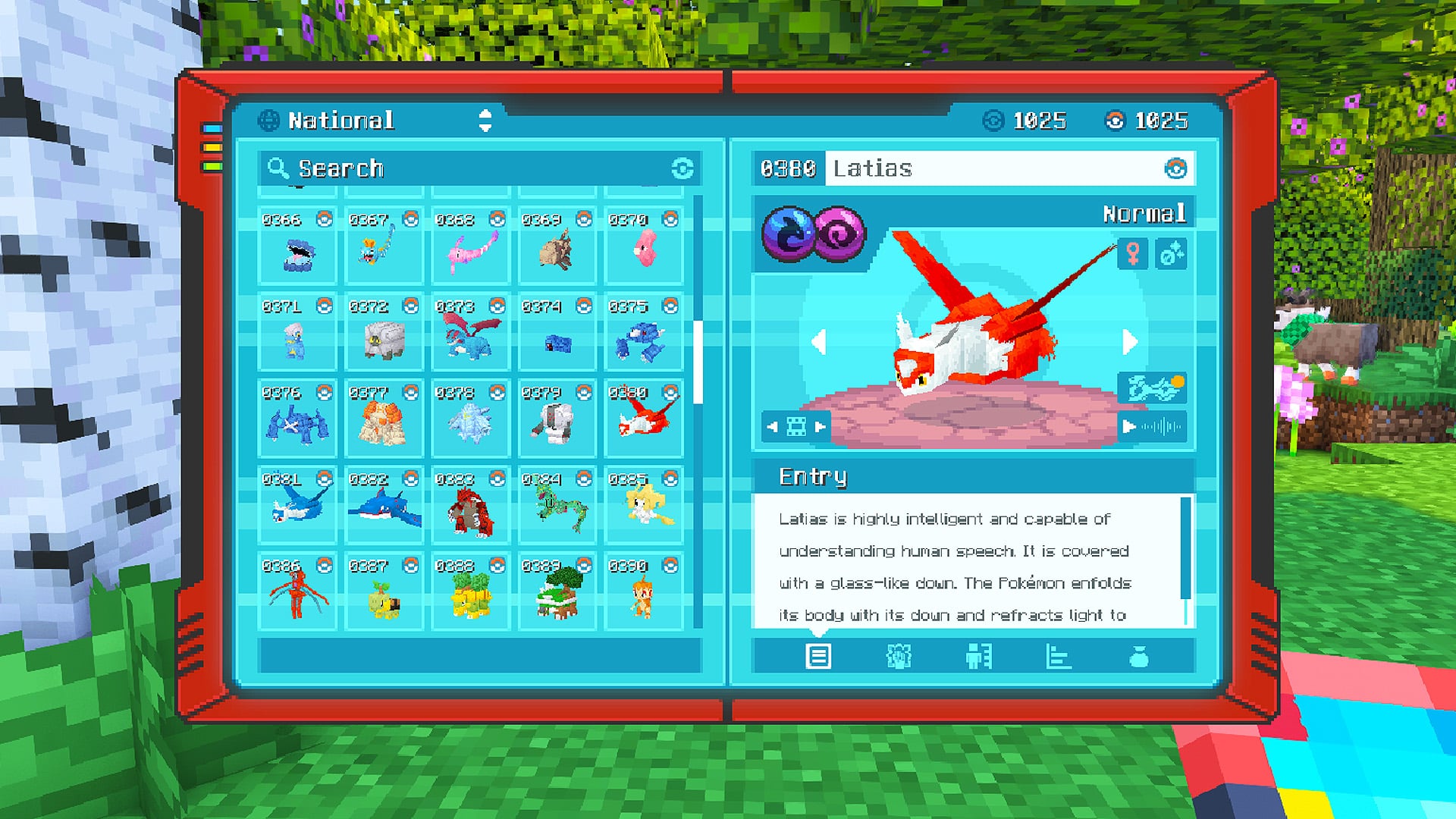
Cobblemon Official Modpack [Fabric]
by CobbledStudios
The official modpack of the Cobblemon mod, for Fabric!
 Server-ready

COBBLEVERSE - Pokemon Adventure [Cobblemon]
by LUMYVERSE
Start a true Pokémon adventure in Minecraft: Cobblemon 1.8.4 | ALL 1025 Pokémon! | Mega Evolutions | Gyms & Badges | Starter Kit | Unique Structures | Custom Music | Shaders | Optimized | So much more! [1.21.1]
 Server-ready

Better MC [FABRIC] - BMC2
by SHXRKIE
Version 1.20 | A Proper Vanilla+ Modpack | Don't play Vanilla play this!
 Server-ready

Vanilla Perfected
by demonjoeTV
A compilation of Vanilla Plus mods & packs to perfect the Minecraft experience without drifting too far from the feel of the base game!
Ready for your Starlight server?
6 GB of RAM from €12.00 per month. 35% off your first month with MADO35.