
SpeedrunPack
All verifiable mods on speedrun.com for modern versions of Minecraft.
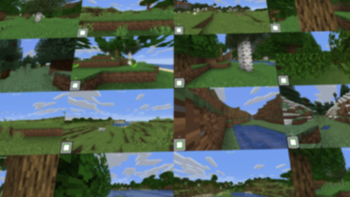
Screenshots
About this Modpack
SpeedrunPack
Contains all mods that are verifiable on speedrun.com for modern versions of Minecraft.
Includes:
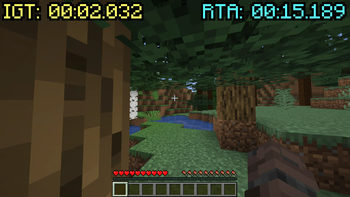
- SpeedrunIGT - A highly customizable timer mod with speedrun category support
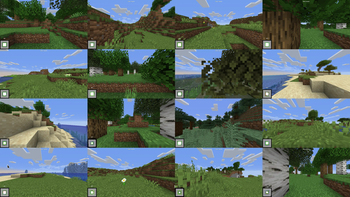
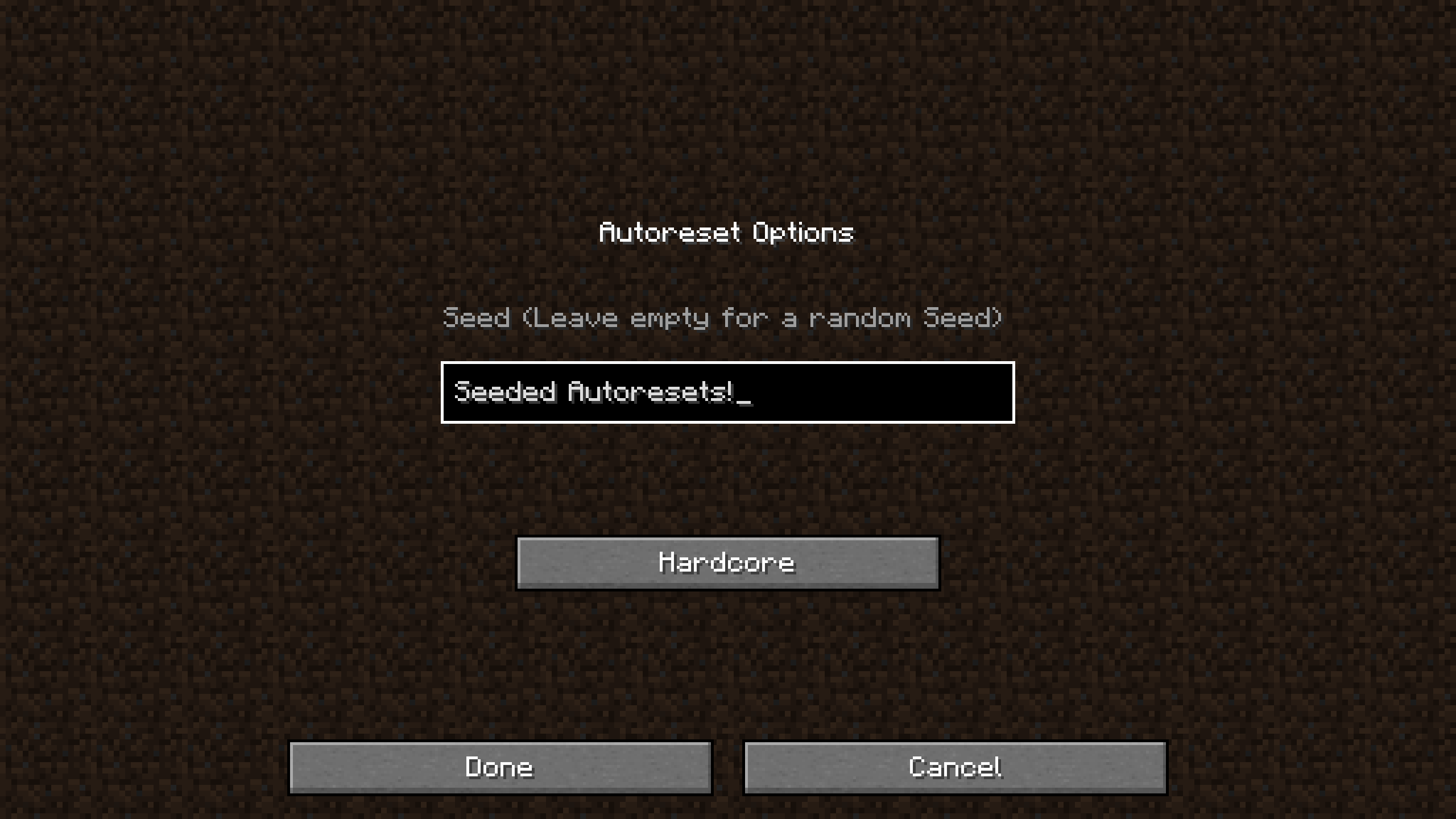
- SeedQueue - Generate many worlds at once with a built-in wall screen on a single instance
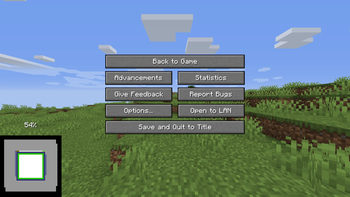
- WorldPreview - Preview worlds while they are still generating, allowing you to reset early
- Atum - Automatically creates a new world when you leave one, with a keybind to reset instantly
- MCSR Fairplay - Provides verification and anti-cheat functionality for MCSR
- Many many performance mods to increase FPS and make world generation faster
Installation
Java 17+ is required - Installation Guide
Mac: You can follow these instructions to install everything except the mods, since the modpack does that bit for you. (Excluding Mac Sodium)
Modrinth App
Browse -> Search for SpeedrunPack -> Click Install
Optionally, navigate to the Versions tab to select a version to install
To Install Java
View Instance -> Options
Override global java installations -> Auto detect -> Select Java 17 or greater
Prism Launcher & MultiMC
Add Instance -> Modrinth -> Search for SpeedrunPack -> Select OK
Optionally, select a version to install in the dropdown
To Install Java
Edit Instance -> Settings -> Java
Java Installation -> Auto-detect -> Select Java 17 or greater -> Skip Java Compatibility Checks
ATLauncher
Packs -> Modrinth -> Search for SpeedrunPack -> New Instance -> Install
Optionally, select a version to install in the dropdown
To Install Java
Instance -> Settings -> Java/Minecraft
Runtime Override -> Select Java 17 or greater
What Minecraft version should I choose?
Unsure? -> 1.16.1
Why?
You might think you should use the latest version of Minecraft, but there are many reasons that make 1.16.1 the most popular version for speedrunning. Not only is it the fastest version of the game, it also relies way less on RNG to complete a run than newer versions.
Because of this, 1.16.1 gets the most support when it comes to speedrunning specific mods, resources, and guides.
However, other versions of Minecraft are still popular to speedrun. 1.15.2 is popular due to being the last version before The Nether Update, which dramatically changed Minecraft speedruns. This means that the speedrun route for 1.15.2 and below is very different from newer versions of the game.
Of course, if you still want to speedrun the latest versions of the game, go ahead! Just know that it will be very different from what most people play: you will find piglin brutes in bastions; the rates at which you get ender pearls from piglins are much worse; the new world generation makes getting to the nether difficult; the F3 pie chart works differently; and much more.
My settings keep reverting to defaults!
This is due to the StandardSettings mod, which changes your settings to a preset default every time you load a new world.
To fix this, you can either disable the mod or set it up to revert to the settings you choose.
Steps
- In the options menu, click on the Mod Configs button (the book icon)
- Open the StandardSettings config
- To disable StandardSettings set 'Use StandardSettings' to 'OFF'
Otherwise, change the settings in this menu to the ones you would usually use. You can press 'CTRL+F' to search for a setting.
How to set up SeedQueue (MC 1.16.1/1.15.2 Only)
Generate many worlds at once on a single-instance using SeedQueue
Here's a video guide to setup SeedQueue. The guide is for MultiMC, but the steps should be similar in most other launchers.
You don't need to watch the separate set-up video mentioned as the modpack does that bit for you.
Other Resources
Toolscreen - Program for overlays, instant resizing, and more
Ninjabrain Bot - An accurate stronghold calculator legal for Minecraft speedrunning
Jingle - An all-inclusive Minecraft speedrunning application
OBS Studio - Free and open source software for video recording and live streaming
The MCSR Practice Map - All-in-one practice map
MiniPracticeKit - Practice splits on any instance
& more at MinecraftSpeedrunning.com
This is an unofficial source and may not always be up-to-date. The official source for legal mods can be found at mc.sr/mods.
Available Versions
How to Set Up a SpeedrunPack Server
Order Server
Choose at least 4 GB RAM (6 GB recommended for SpeedrunPack). Based on player count: per 8 players.
Install Modpack in Dashboard
Open the modpack browser in the dashboard, search for "SpeedrunPack" and click "Install". The fabric loader and Minecraft 26.2 are configured automatically.
Start Server & Play
Start the server – all mods are loaded automatically. Share the server IP with friends and play together!
Frequently Asked Questions
SpeedrunPack server crashes or won't start – what to do?
Most common causes: insufficient RAM or wrong fabric loader. Check latest.log for "OutOfMemoryError" → increase RAM to at least 6 GB. For "Mixin" or "ClassNotFoundException" errors: modpack version and loader don't match. With Mado Hosting, loader and Minecraft version are auto-configured on modpack install – preventing most startup issues.
How much RAM does a SpeedrunPack server really need?
Minimum 4 GB, recommended 6 GB for stable performance. per 8 players. Important: Minecraft modpacks need more RAM than vanilla – plan extra per additional player. With Mado Hosting, you can scale RAM up live at any time without data loss (from €5.2/month).
Can I add custom mods to SpeedrunPack without conflicts?
Yes, but check compatibility: only use mods for the same loader (fabric) and same Minecraft version (26.2). Common issues: ID conflicts with recipe mods and incompatible coremod versions. The Mado dashboard mod browser only shows compatible mods and warns about known conflicts.
SpeedrunPack server lagging – performance tips
1) Increase RAM to 6 GB+. 2) Reduce server view-distance to 8 (server.properties). 3) Pre-generate chunks with the "Chunky" plugin. 4) Use /spark profiler to check which mods consume the most tick time. With Mado Hosting, all servers run on NVMe SSDs with dedicated CPU cores – eliminating hardware as a bottleneck.
Similar Modpacks

![COBBLEVERSE - Pokemon Adventure [Cobblemon]](https://cdn.modrinth.com/data/Jkb29YJU/581ecf54530972afb18a04660afd820f2f24f6c7.png)




Rent SpeedrunPack Server
Start your own server with automatic modpack installation.
Supported Versions
Start your SpeedrunPack Server now
From €5.20/month; 6 GB RAM is recommended for best performance.
Configure Server →