
Stardew Village 3
Cozy farming like Stardew Valley or adventures like Terraria, this modpack got it all!
Screenshots
About this Modpack
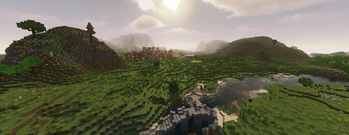
Step into a Stardew Valley-inspired world where you can grow crops , raise over 30 different Animals , make friends with villagers, and build your own town.
If you prefer adventure , explore Terraria-like lands filled with new enemies , unique biomes, and tough bosses, while collecting a special ingame currency .
Plant and harvest new crops as the seasons change, and manage your temperature to stay warm in winter.
Enjoy better graphics with improved water, screen effects, and particles.
Invite friends to join your world and chat with them using built-in voice chat. Experience realistic sounds in different environments.
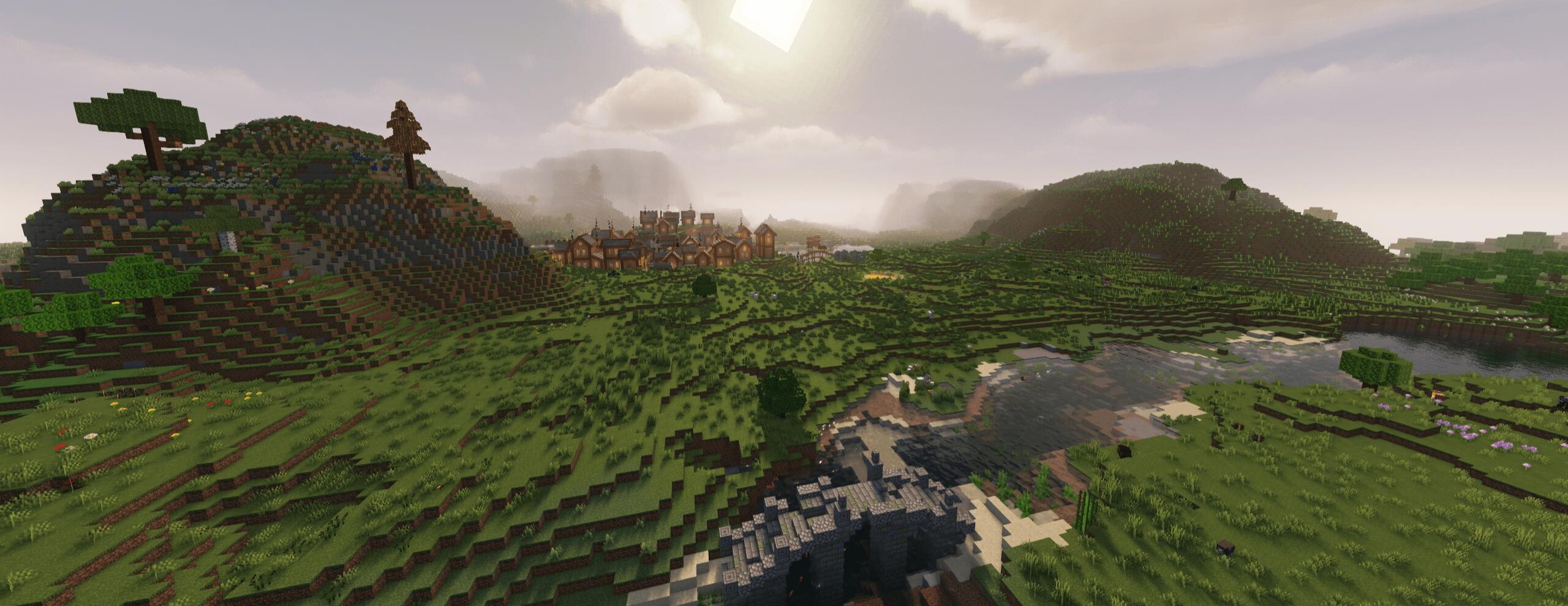
走进星露谷风格的世界,在这里您可以种植庄稼、饲养 30 多种不同的动物、与村民交朋友并建立自己的城镇。
如果您喜欢冒险,请探索充满新敌人、独特生物群落和强大 Boss 的类似 Terraria 的土地,同时收集特殊的游戏货币。
随着季节变化种植和收获新作物,并管理温度以在冬天保持温暖。
享受更好的图形,改进水、屏幕效果和粒子。邀请朋友加入您的世界并使用内置语音聊天与他们聊天。体验不同环境中逼真的声音。
Available Versions
How to Set Up a Stardew Village 3 Server
Order Server
Choose at least 6 GB RAM (8 GB recommended for Stardew Village 3). Based on player count: per 5 players.
Install Modpack in Dashboard
Open the modpack browser in the dashboard, search for "Stardew Village 3" and click "Install". The neoforge loader and Minecraft 1.21.1 are configured automatically.
Start Server & Play
Start the server – all mods are loaded automatically. Share the server IP with friends and play together!
Frequently Asked Questions
Stardew Village 3 server crashes or won't start – what to do?
Most common causes: insufficient RAM or wrong neoforge loader. Check latest.log for "OutOfMemoryError" → increase RAM to at least 8 GB. For "Mixin" or "ClassNotFoundException" errors: modpack version and loader don't match. With Mado Hosting, loader and Minecraft version are auto-configured on modpack install – preventing most startup issues.
How much RAM does a Stardew Village 3 server really need?
Minimum 6 GB, recommended 8 GB for stable performance. per 5 players. Important: Minecraft modpacks need more RAM than vanilla – plan extra per additional player. With Mado Hosting, you can scale RAM up live at any time without data loss (from €7.800000000000001/month).
Can I add custom mods to Stardew Village 3 without conflicts?
Yes, but check compatibility: only use mods for the same loader (neoforge) and same Minecraft version (1.21.1). Common issues: ID conflicts with recipe mods and incompatible coremod versions. The Mado dashboard mod browser only shows compatible mods and warns about known conflicts.
Stardew Village 3 server lagging – performance tips
1) Increase RAM to 8 GB+. 2) Reduce server view-distance to 8 (server.properties). 3) Pre-generate chunks with the "Chunky" plugin. 4) Use /spark profiler to check which mods consume the most tick time. With Mado Hosting, all servers run on NVMe SSDs with dedicated CPU cores – eliminating hardware as a bottleneck.
Similar Modpacks
![Cobblemon Official Modpack [Fabric]](https://cdn.modrinth.com/data/5FFgwNNP/e7f9ee2e9d361623847853fe2ddce42f519ee64f.png)
![COBBLEVERSE - Pokemon Adventure [Cobblemon]](https://cdn.modrinth.com/data/Jkb29YJU/581ecf54530972afb18a04660afd820f2f24f6c7.png)
![Better MC [FABRIC] - BMC2](https://cdn.modrinth.com/data/shFhR8Vx/a19c2bcb51d38f32f138d3607e91cb2b7b8e387f_96.webp)


![Better MC [FORGE] - BMC4](https://cdn.modrinth.com/data/4BV47HRn/7f5ef7cc61b2593609aabef3ed07a866a4f11b73_96.webp)
Rent Stardew Village 3 Server
Start your own server with automatic modpack installation.
Supported Versions
Start your Stardew Village 3 Server now
From €7.80/month; 8 GB RAM is recommended for best performance.
Configure Server →